AI Tools for Image, Video & Audio
Every SnapVivid creation tool in one place — image to video, text to video, face swap, AI headshot, image upscaler, plus music, voiceover and sound effects. Start free.
Studios
AI tools & models
Kling 3.0 AI Video Generator
Run Kuaishou’s Kling 3.0 — SnapVivid’s model-branded video lane. Animate a photo into rich motion, or generate a high-fidelity video clip straight from text. Select Kling 3.0 in the model menu, write your prompt, and preview fluid motion and realistic physics — online, no waitlist.
Open →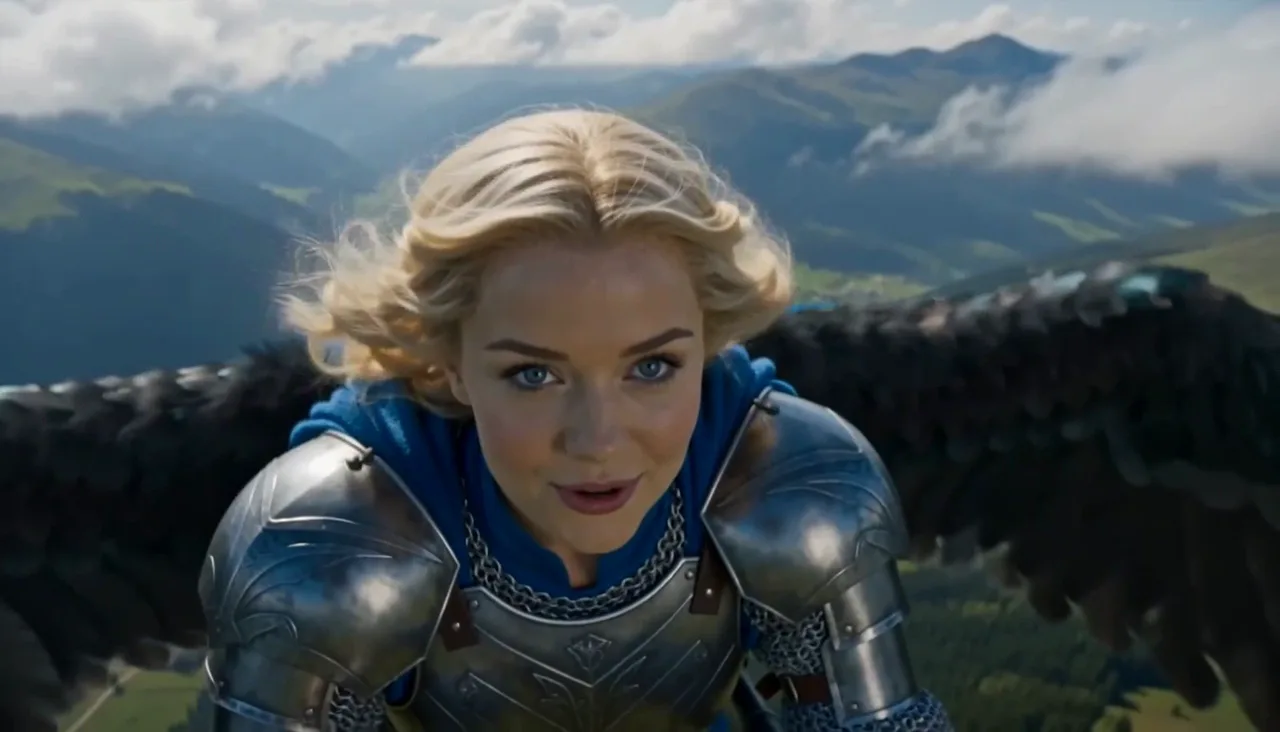
Wan 3.0 AI Video Generator
Run Alibaba’s Wan 3.0 — SnapVivid’s elite video model. Animate any image with state-of-the-art physics, natural physical movements, and steady camera pans. Pick Wan 3.0 by name in the model menu, generate, and download a clean, watermark-free result — no waitlist, no complex setup.
Open →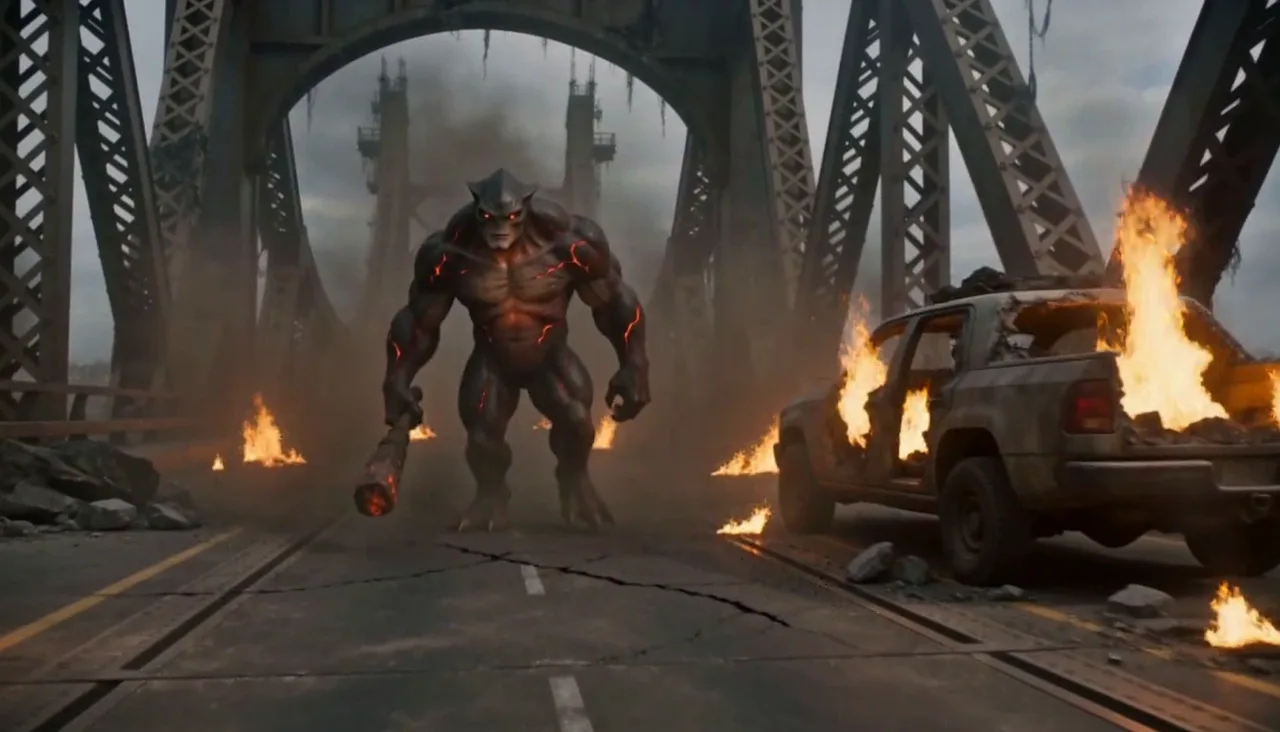
Nano Banana AI Image Generator
Run Google’s Nano Banana — SnapVivid’s built-in default image model. Generate an image from a text prompt, or upload a photo and edit it while the subject stays perfectly consistent, the thing it’s known for. Pick Nano Banana by name in the model menu, generate, and download a clean, watermark-free result — no scattered demos, no waitlist.
Open →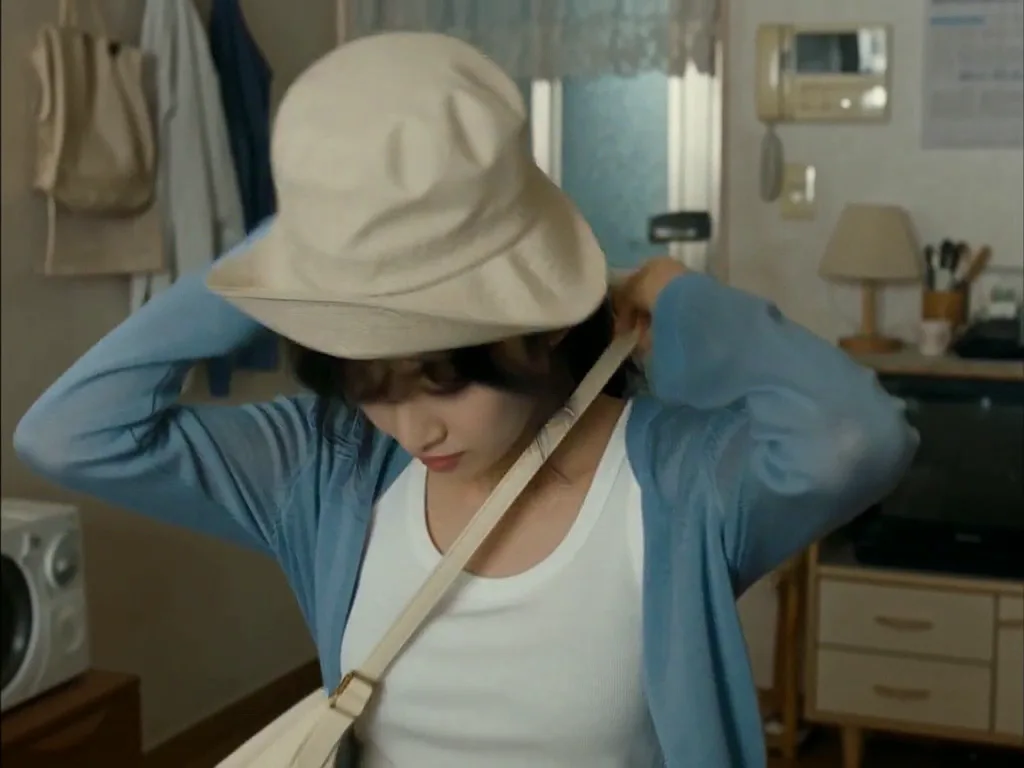
Edit Color of Eyes with AI
See yourself with a new eye color before you commit. Upload a portrait, choose blue, green, hazel, or brown eyes, and let SnapVivid edit only the irises while your face, expression, skin, and lighting stay true. It is a realistic eye color changer built on Google’s Nano Banana edit model — free to try, private to your session, and clean to download.
Open →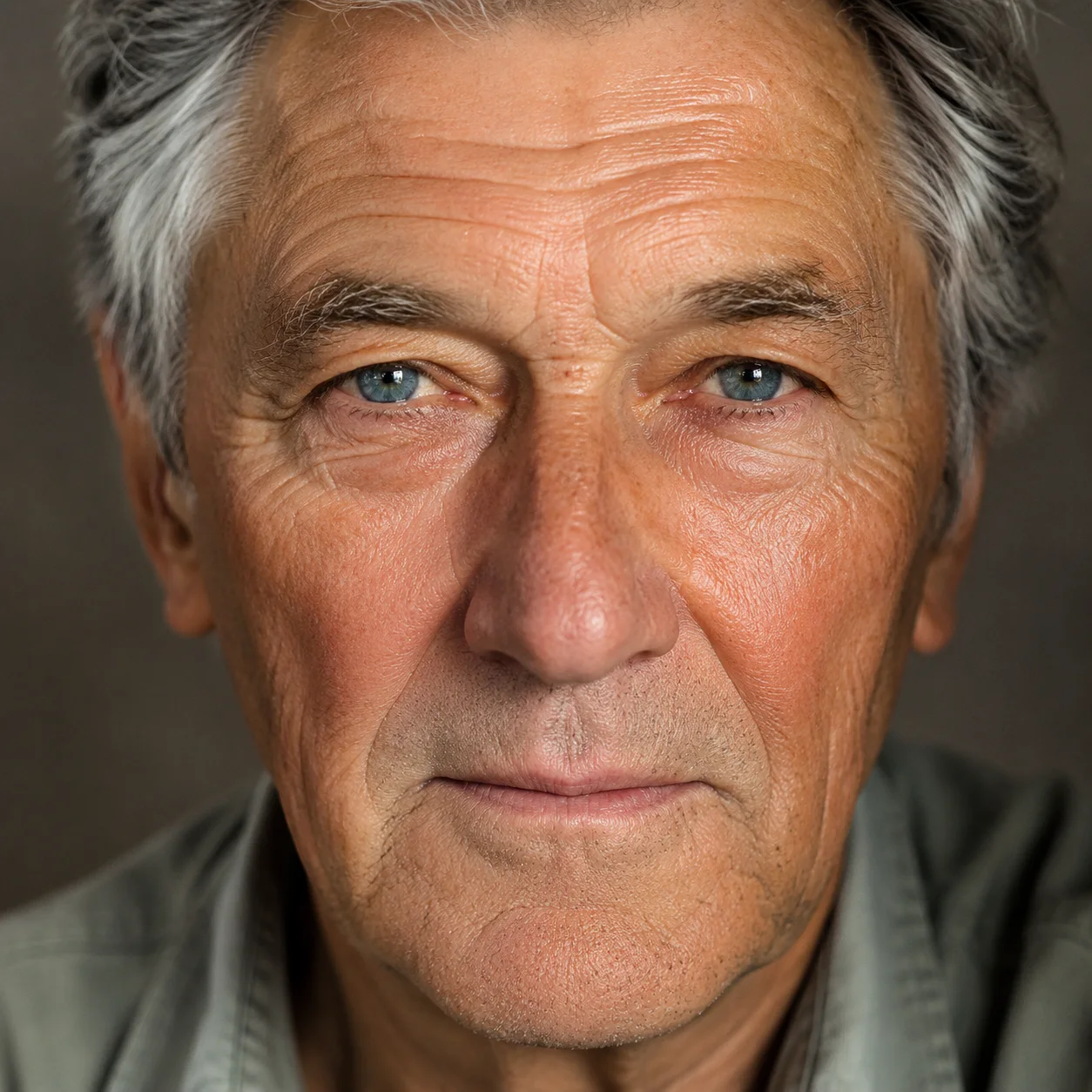
GPT Image 2.5 Generator
Run OpenAI’s GPT Image 2.5 — the newest GPT image model, wired into SnapVivid so you can actually use it beyond ChatGPT and the raw API. Generate a photorealistic image from a text prompt, or upload a reference photo and edit it while the person or product stays recognizable. Pick the Flare model by name, generate, and download a clean, watermark-free result — free, online, no waitlist — then turn the still into motion with one tap.
Open →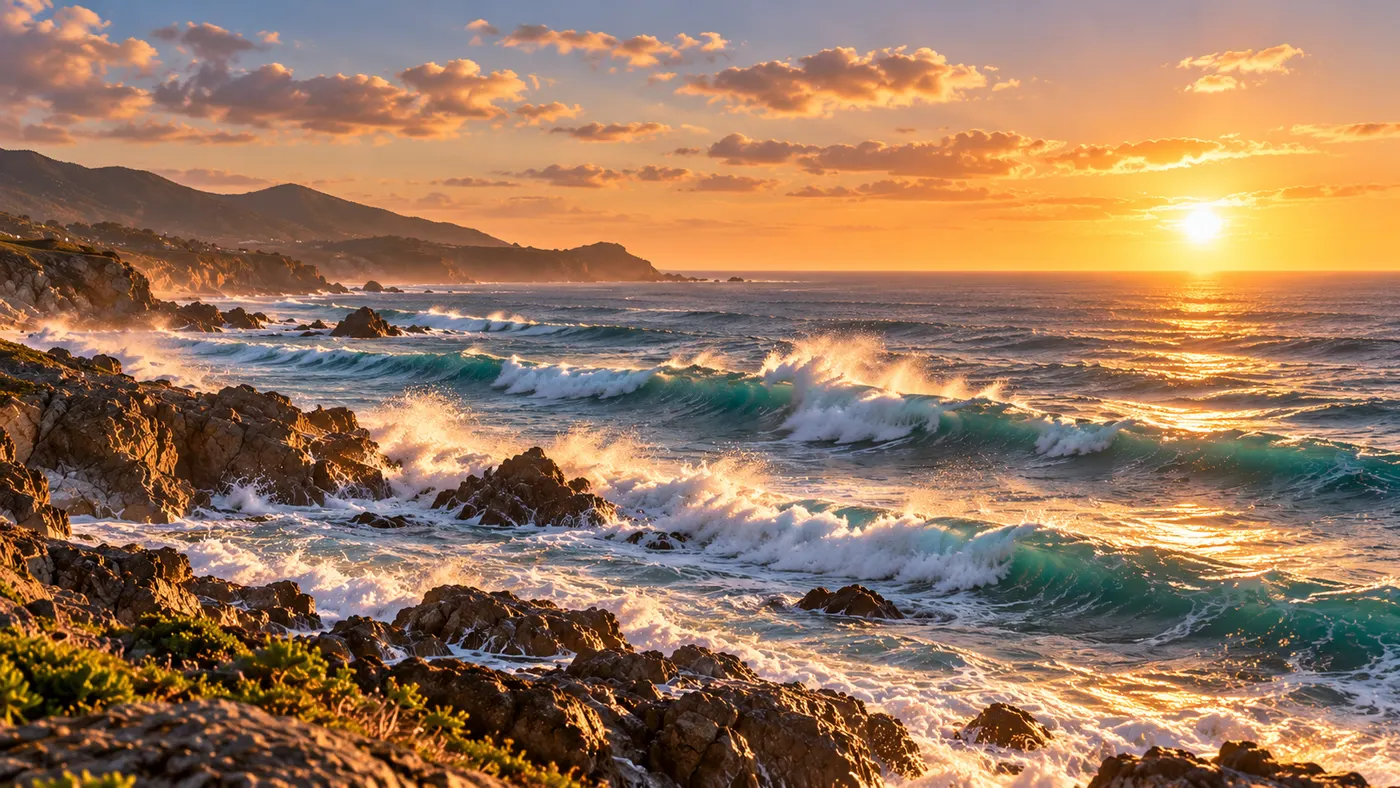
Seedance AI Video Generator
Make video with Seedance 2.0 — the ByteDance model that powers SnapVivid’s default video engine. Animate a photo into motion or generate a clip from a text prompt, choose a length and aspect ratio, and download a clean, watermark-free result. No region gates, no scattered access — the fastest path to a Seedance clip.
Open →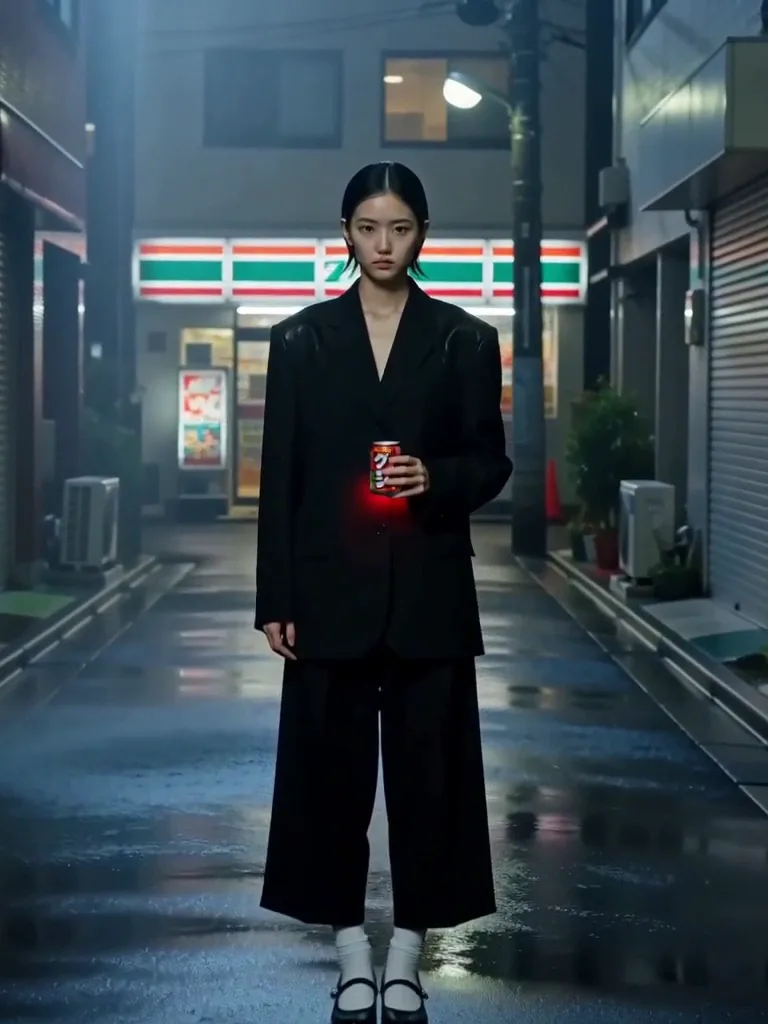
AI Photo Editor
Edit any photo just by describing the change. Upload a picture, tell SnapVivid’s AI what to do — swap the background, remove an object, fix the lighting, or restyle the whole shot — and get a clean, download-ready result. When you need a focused edit, the specific tools are one click away.
Open →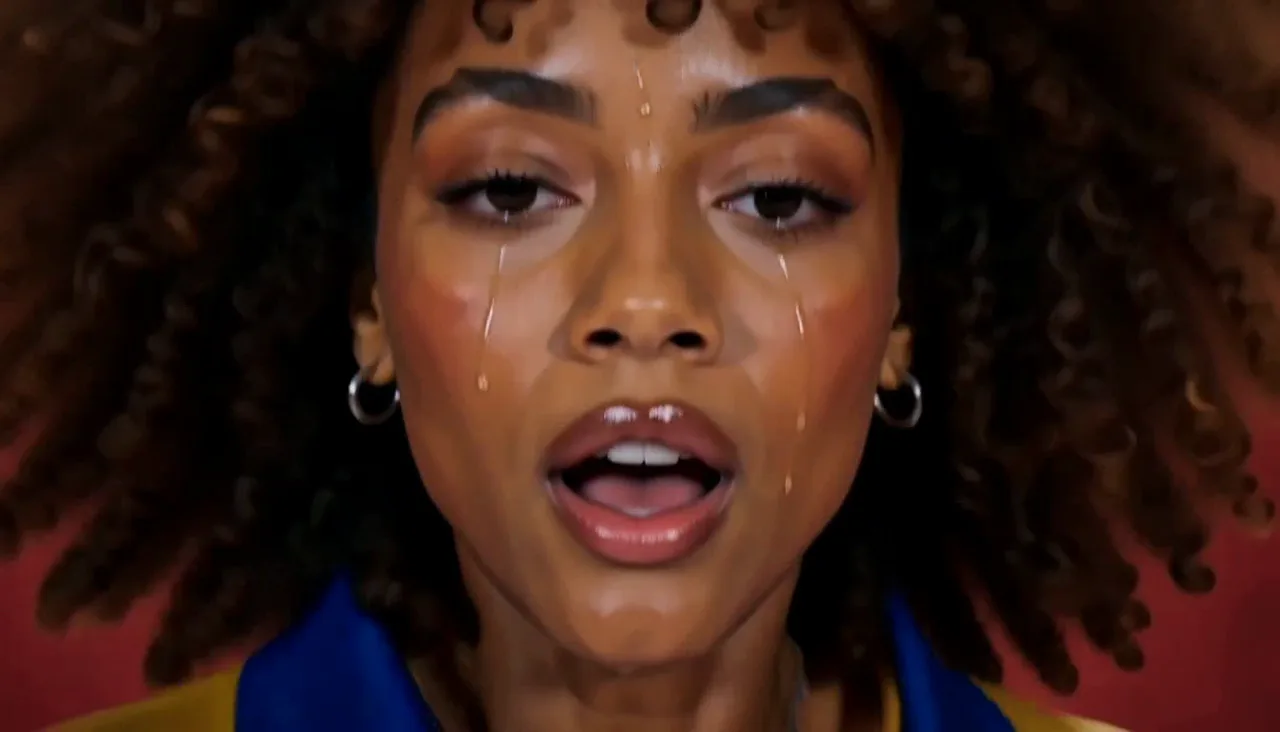
Frames to Video
Turn still frames into a moving clip — with real control over where the motion starts and ends. Drop in a first frame, add an optional last frame, and SnapVivid’s AI generates the in-between motion into a short, download-ready video. Not a slot-machine single-image animate: you direct both ends of the shot.
Open →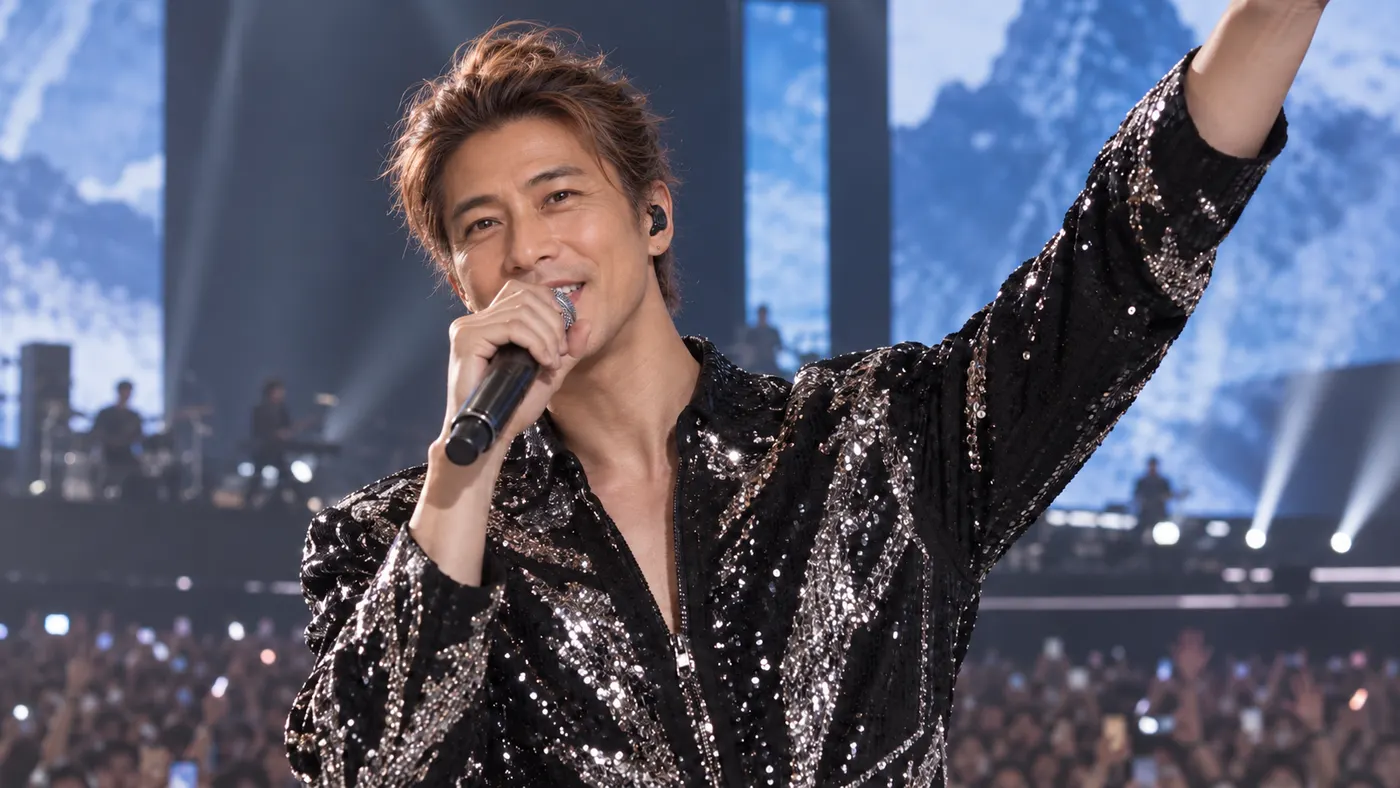
Face Swap
Swap a face into any photo in seconds. Upload a base picture and the face you want, and SnapVivid blends them naturally — matched skin tone, lighting, and angle, with realistic, download-ready results.
Open →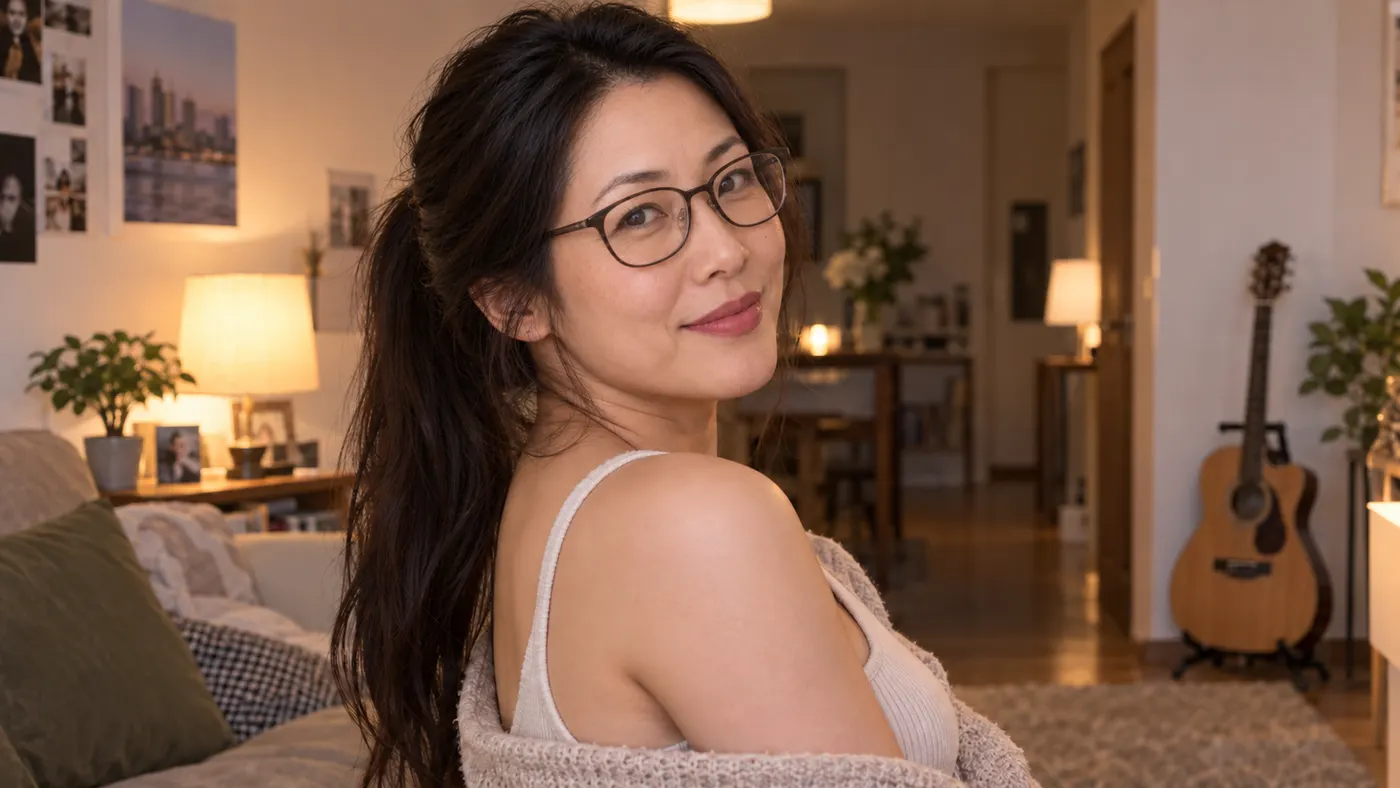
AI Video Face Swap
Turn a short clip into a video face swap with a steady, natural-looking result. Upload your video and the face to swap in, then let SnapVivid follow the motion, expressions, and lighting across the whole scene.
Open →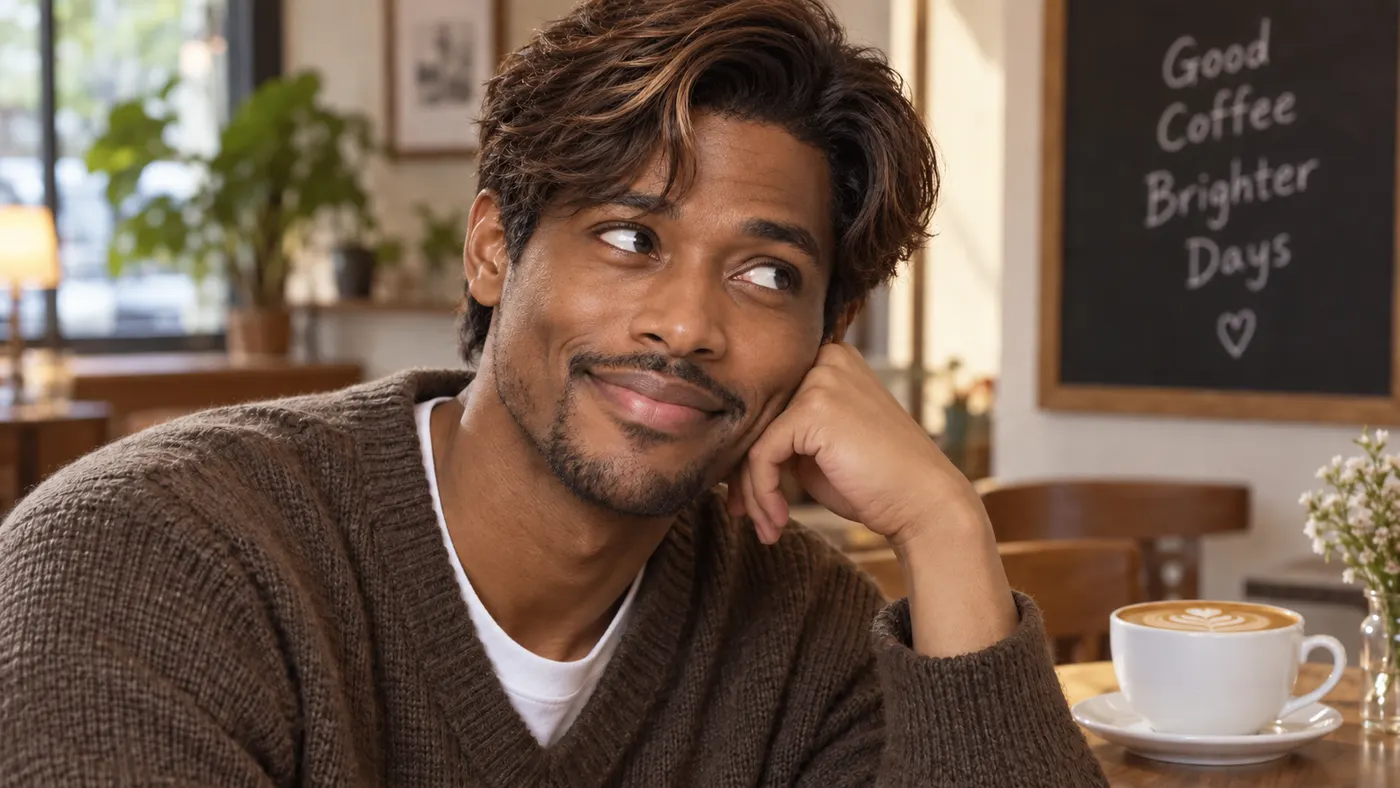
GIF Face Swap — Face Swap GIF Maker and GIF Face Swapper
Turn a reaction, dance, meme, or celebration loop into a personalized gif face swap. Upload the GIF first, add one clear face photo, and let SnapVivid follow the source motion, expressions, timing, and repeated movement. The result comes back as a share-ready GIF, so you can send it in a chat or post it without converting an MP4 yourself.
Open →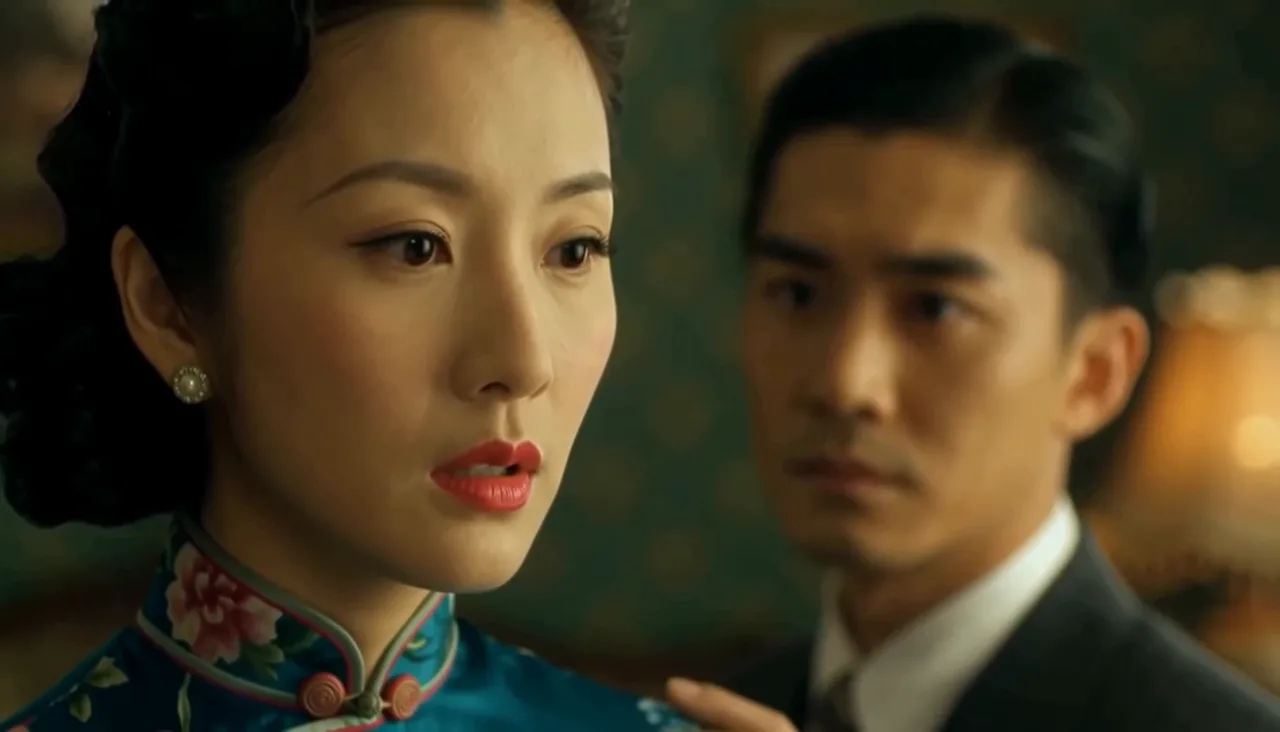
AI Headshot Generator
Turn an everyday selfie into a professional, studio-quality headshot. Upload one clear photo, choose a look — corporate, LinkedIn, creative, or outdoor — and SnapVivid generates a polished portrait ready for your profile.
Open →
AI Image Upscaler
Enlarge and sharpen any image without the blur. SnapVivid’s AI upscaler adds real detail as it scales your photo 2× or 4× — cleaning up noise and softness so small or low-res pictures become crisp and print-ready.
Open →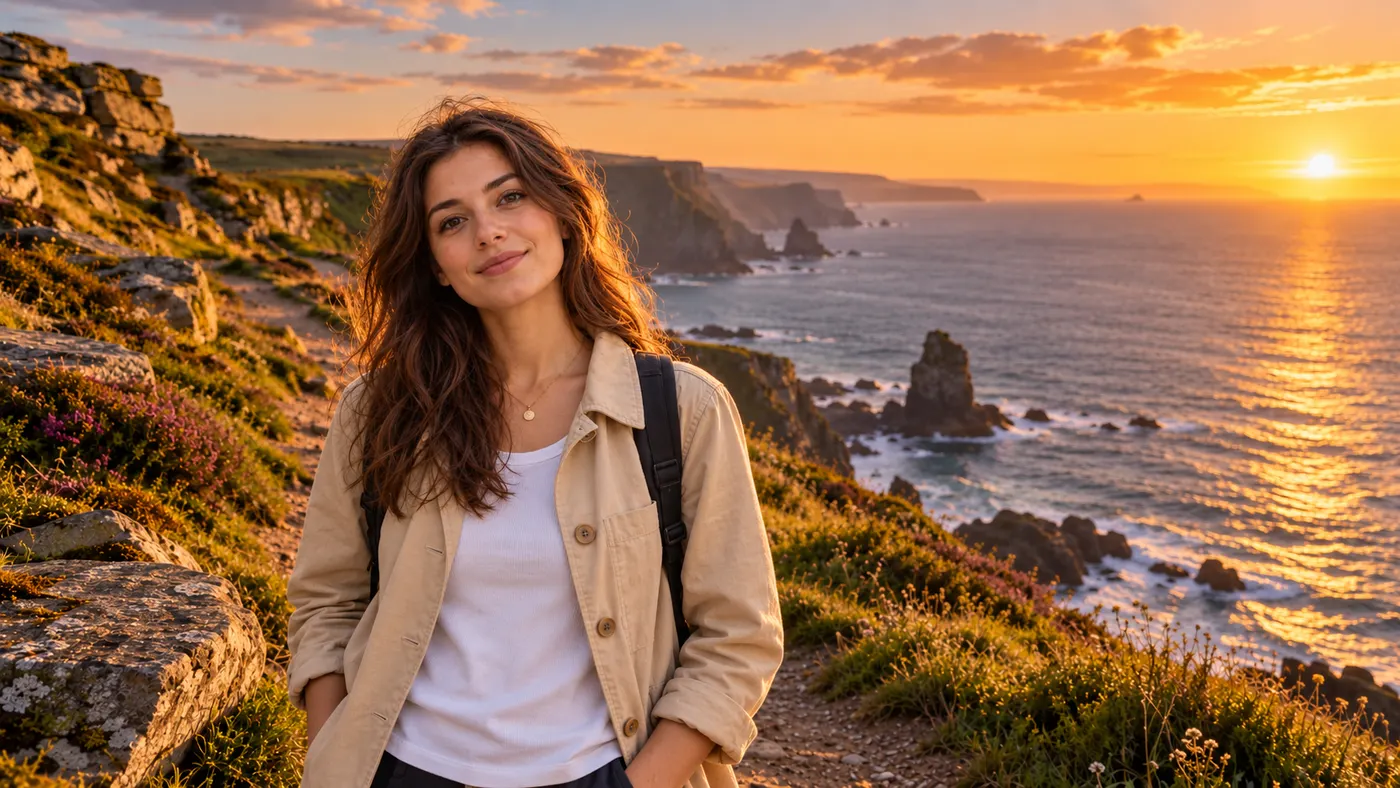
Combine Images
Combine images into one natural, believable photo — no Photoshop layers, no masking. Upload two pictures (or more), describe how to merge them, and SnapVivid blends the photos together with matched lighting, scale, and perspective.
Open →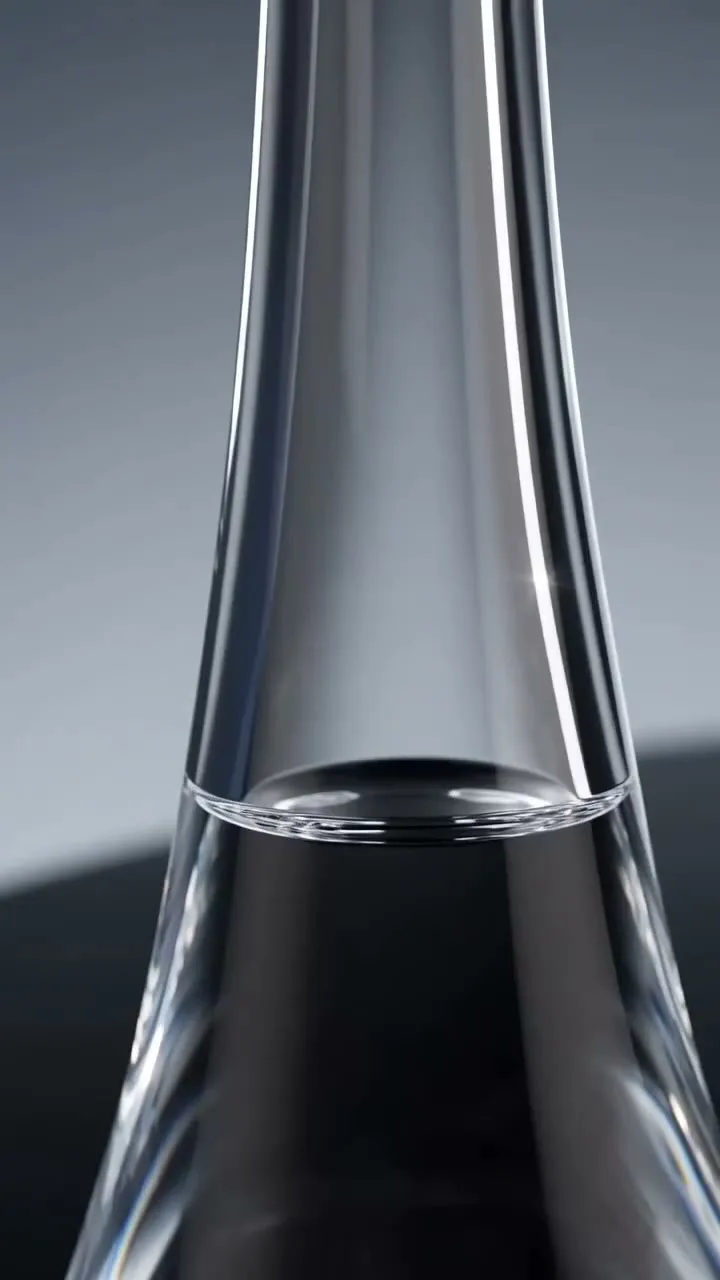
AI Watermark Remover — Remove Watermark from Image
A watermark remover that actually rebuilds the photo. Upload an image you own, and SnapVivid’s AI watermark remover deletes the watermark, logo, or text overlay and reconstructs the detail underneath — so the result reads as a clean original, not a blurred-over patch.
Open →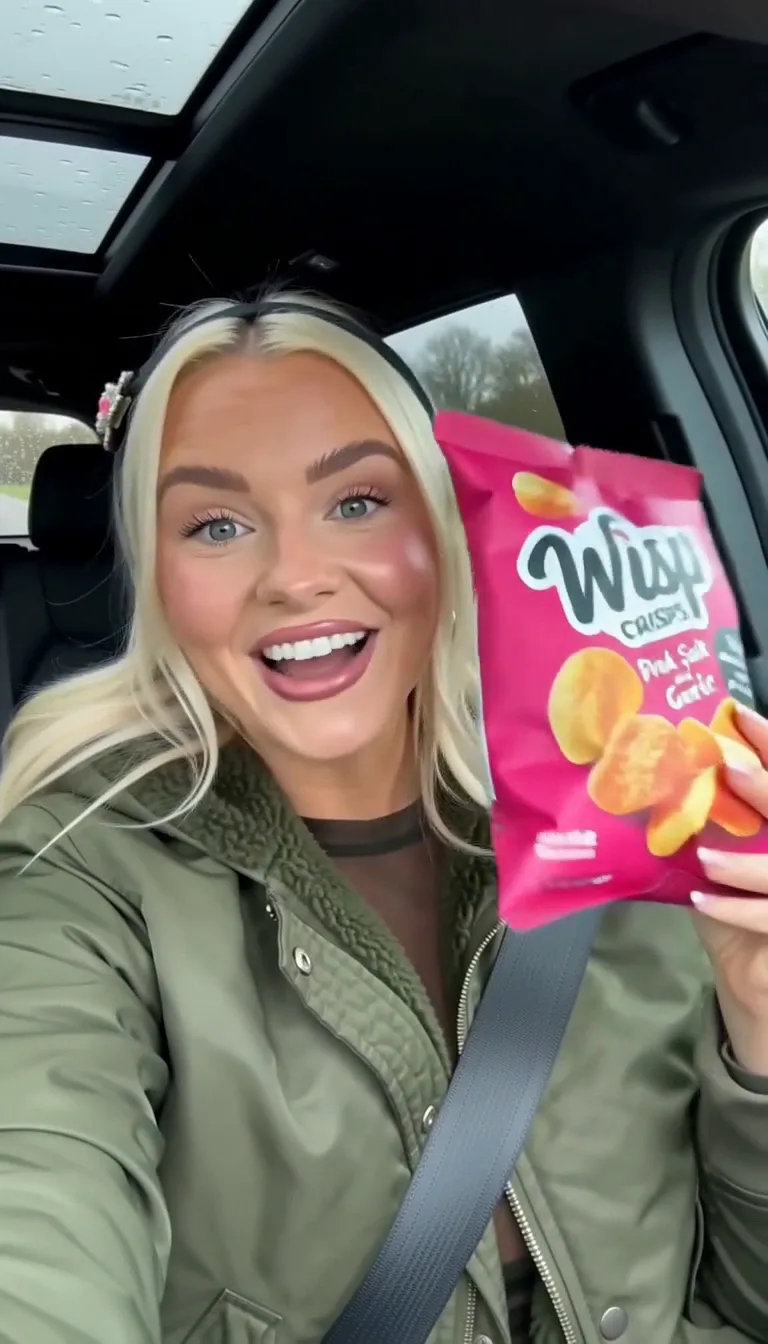
AI Photo Restoration
Bring an old, damaged, or faded photo back to life. Upload a scratched print, a yellowed snapshot, or a soft black-and-white photo, and SnapVivid’s AI repairs the damage, corrects the color, and recovers detail — while keeping every face true to the original person, not a stranger who resembles them.
Open →
Remove Shadow from Photo
Remove an unwanted shadow without flattening the whole photo. Upload your image and SnapVivid’s AI shadow remover rebuilds the shaded area with natural light and matching texture while keeping the subject, colors, and composition intact.
Open →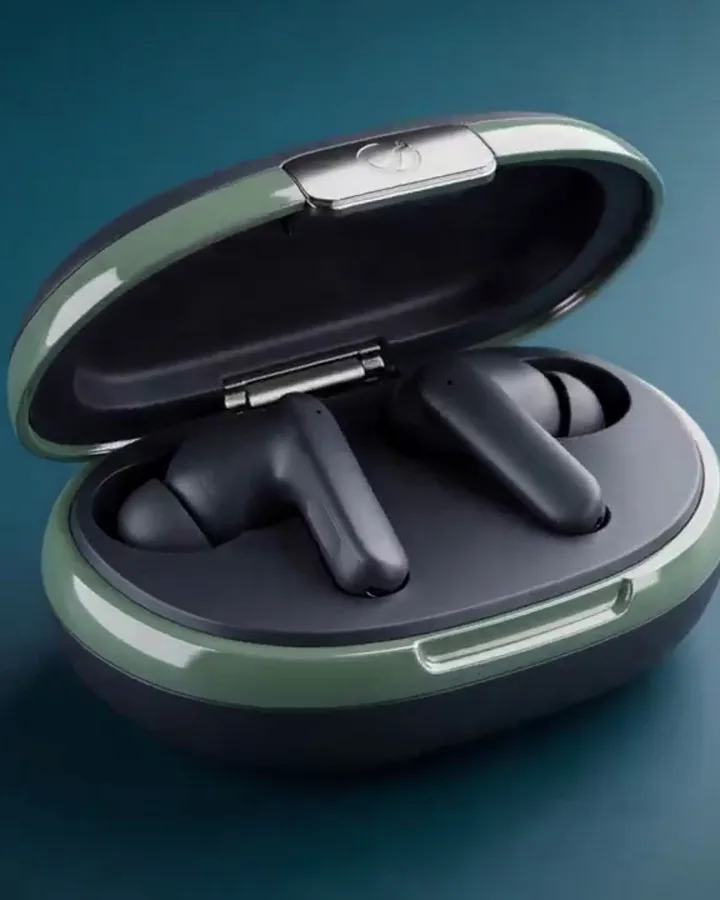
AI Buzz Cut Filter & Haircut Trial
Curious about a buzz cut, a short haircut filter, or even a bald filter? SnapVivid’s AI-powered hairstyle filter lets you try on a buzz cut, bangs filter, or haircut filter on your photo instantly. Your face stays perfectly the same — no weird overlays, no watermarks. Each edit uses credits, and the credit cost is shown before you generate.
Open →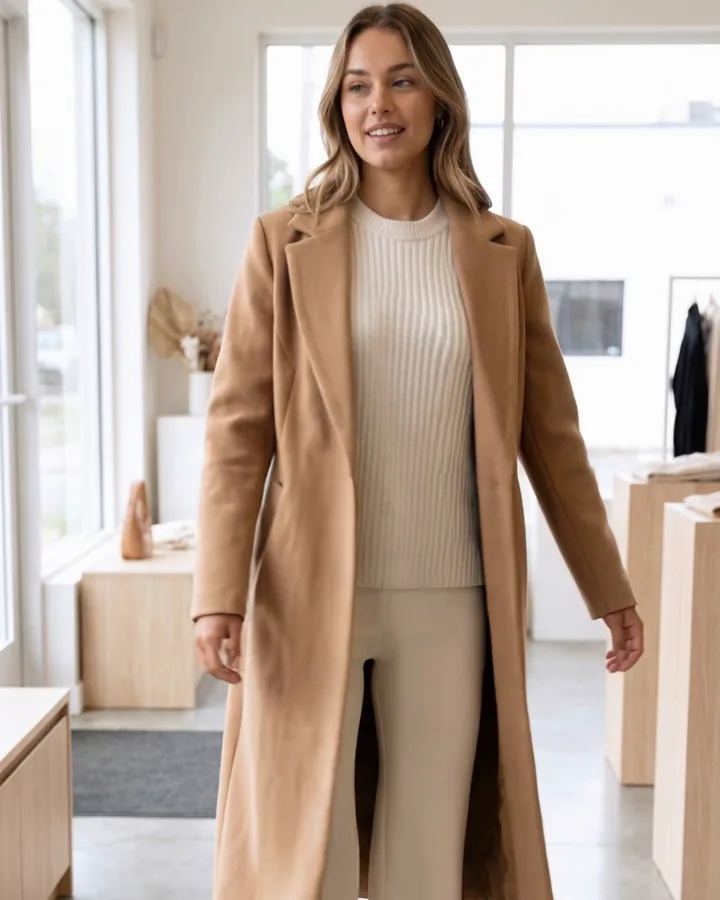
AI Video Promo Maker
Turn your product photos or text prompts into stunning promotional videos in seconds. Generate high-quality promo clips with cinematic camera moves and realistic motion — all online, no watermark to preview.
Open →Audio
AI Music Generator
Generate original background music and songs from a prompt.
Open →AI Voiceover
Turn a script into natural narration in a voice you pick.
Open →AI Sound Effects
Generate the exact ambience or effect a scene needs.
Open →AI Voice Cloning
Reuse one consistent voice across every clip.
Open →Video Dubbing
Transcribe a clip and re-voice it — audio track only.
Open →By use case
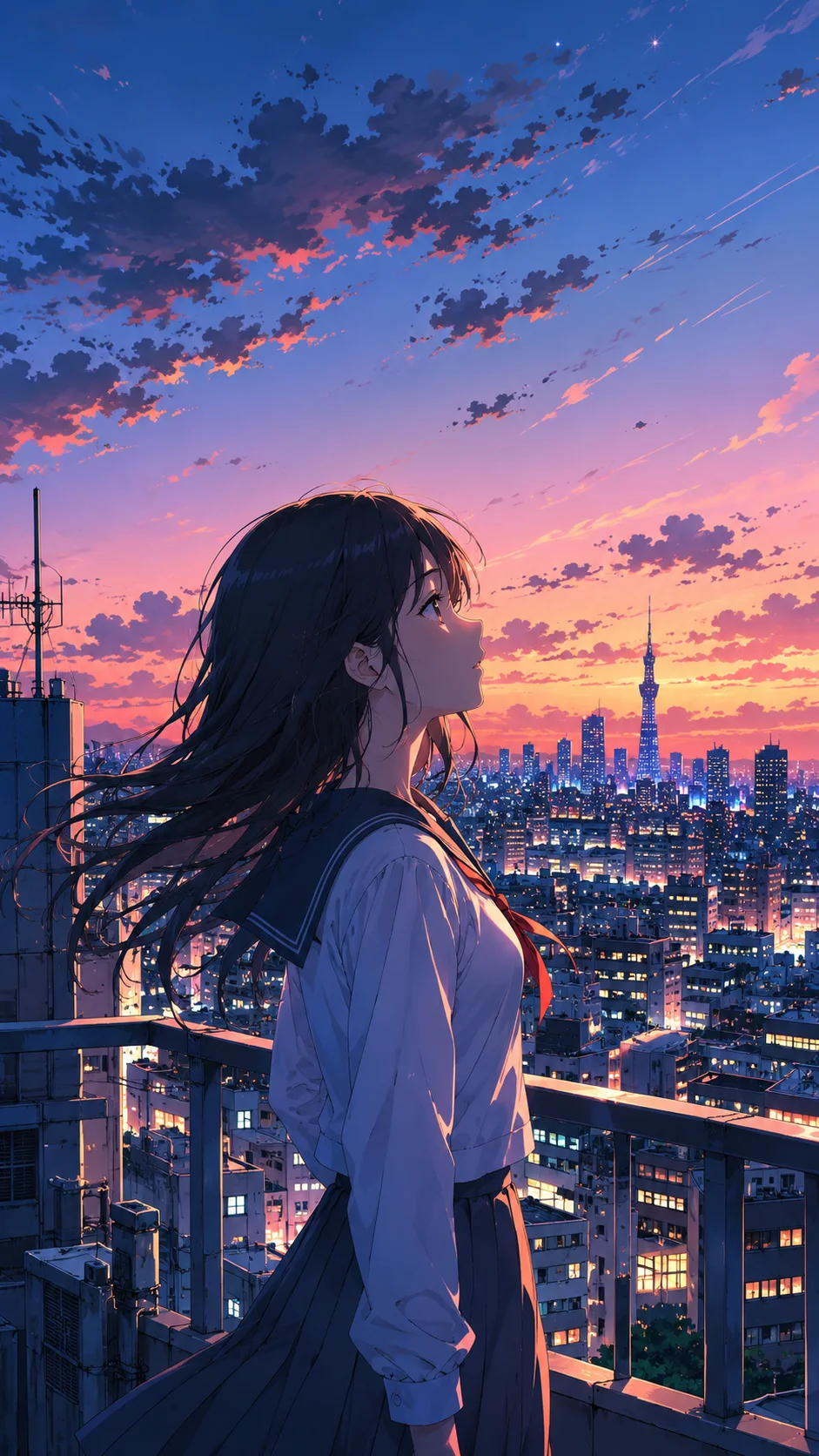
Anime Video Generator
Bring anime art — or any photo styled into anime — into motion.
Open →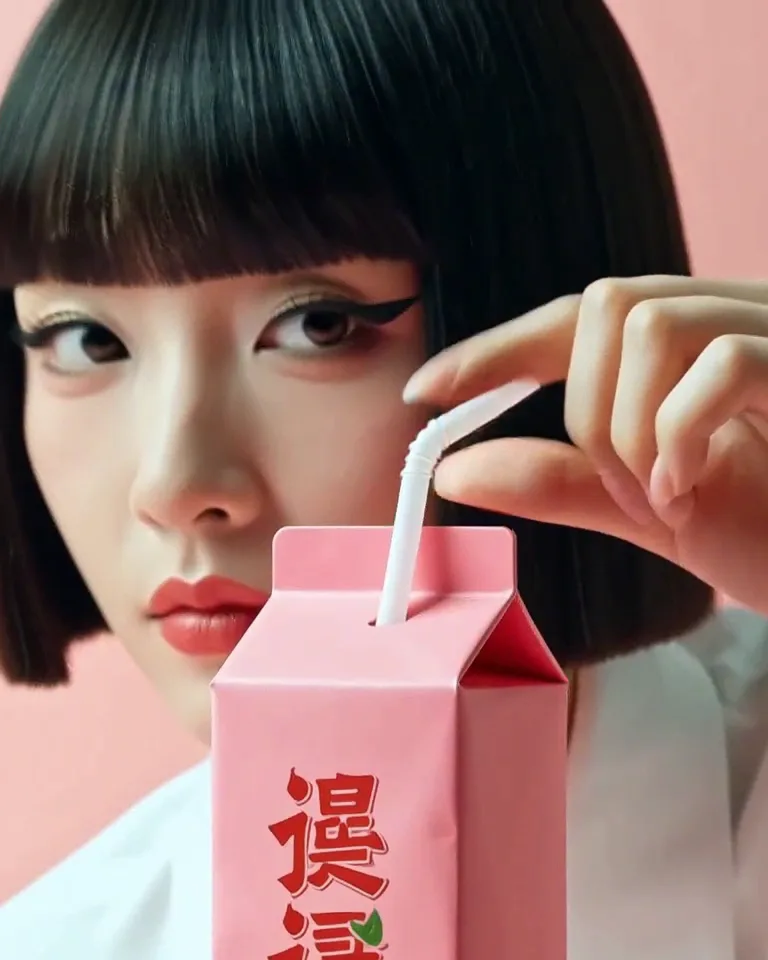
Portrait Video Generator
Make a portrait blink, breathe and come alive.
Open →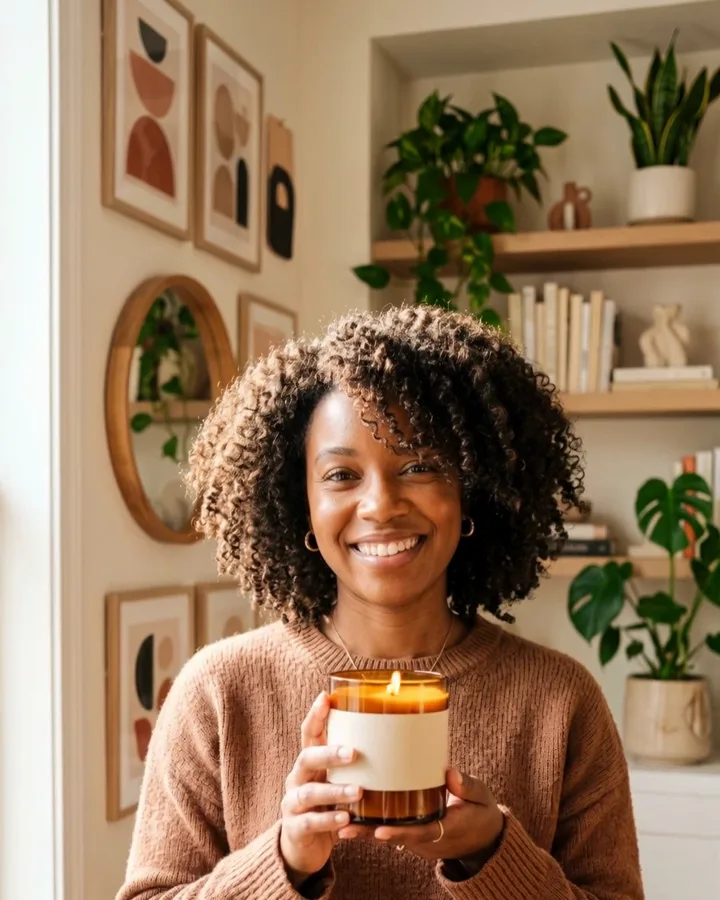
Product Video Generator
Turn a product photo into a cinematic spot.
Open →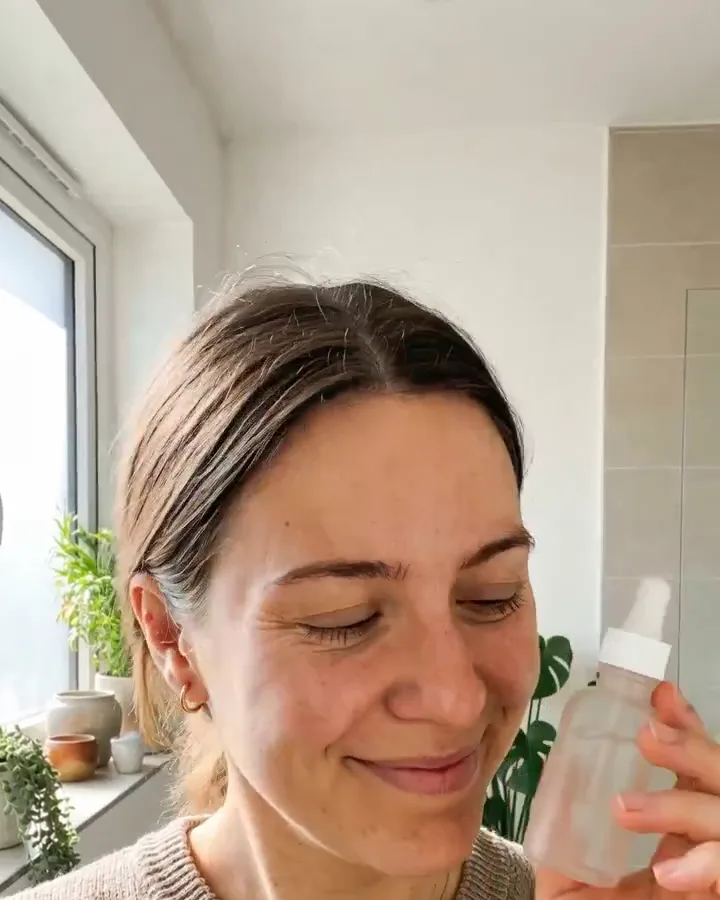
UGC Video Generator
Photo-real UGC-style clips from a photo or prompt.
Open →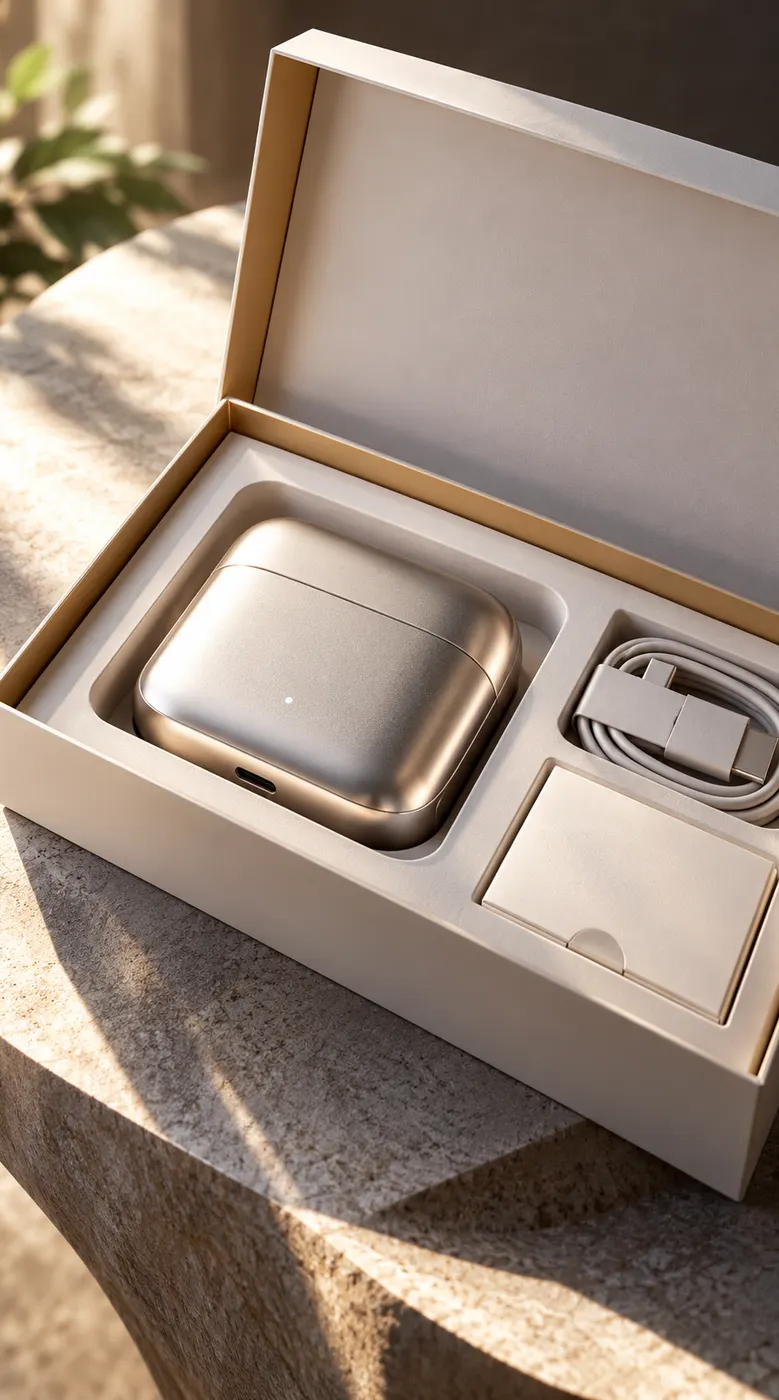
AI Ad Video Maker
Turn a product shot into a scroll-stopping ad.
Open →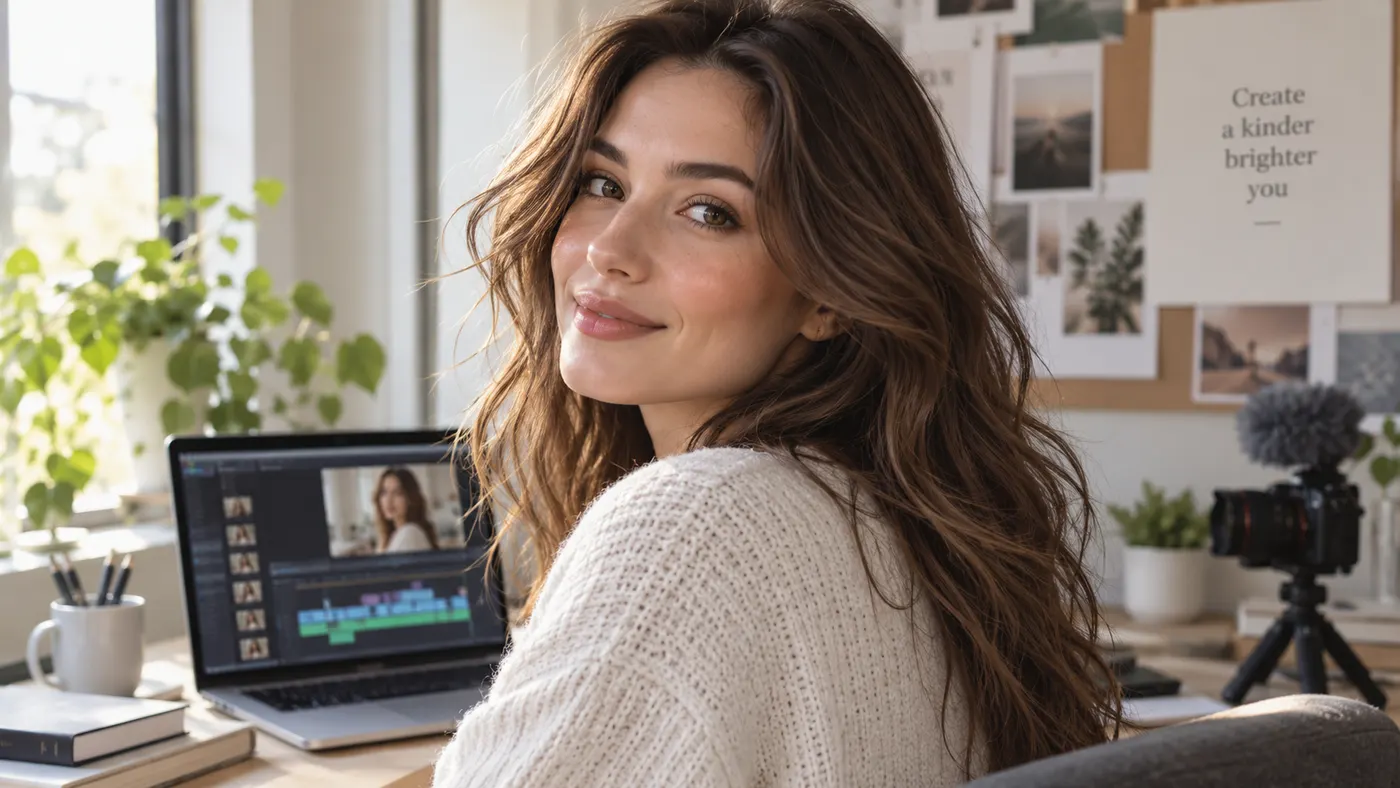
AI Video for Creators
One shoot, a month of posts — photos into content.
Open →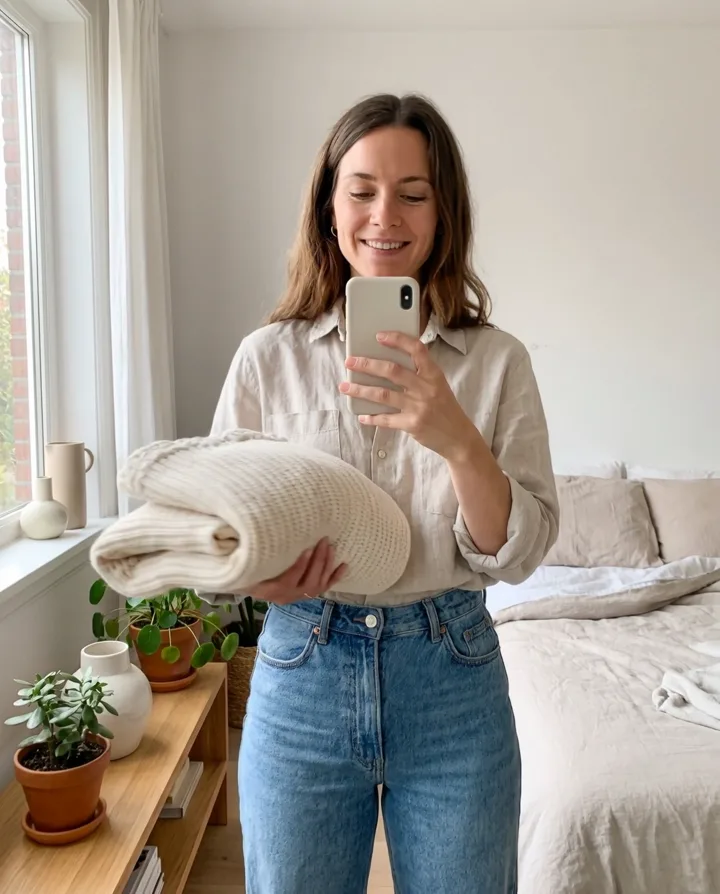
AI Video for Social Media
Reels, Shorts and TikToks from a still.
Open →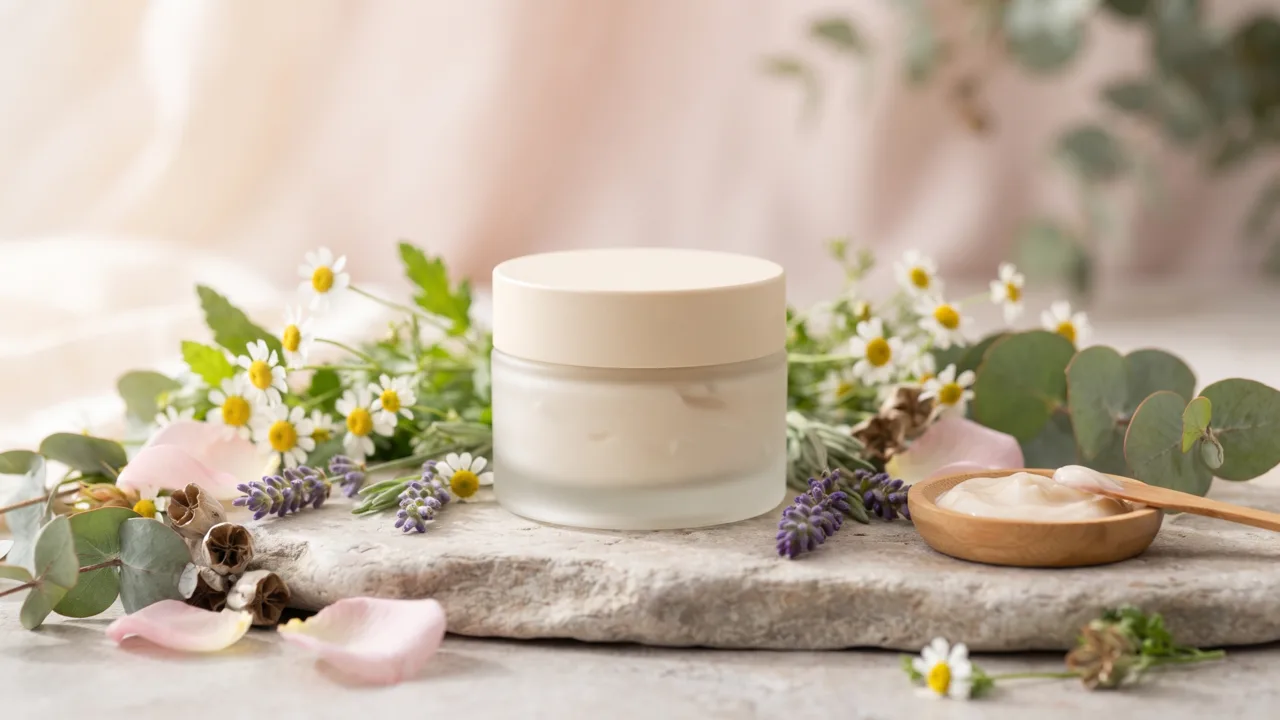
AI Video for E-commerce
Product photos into shoppable motion.
Open →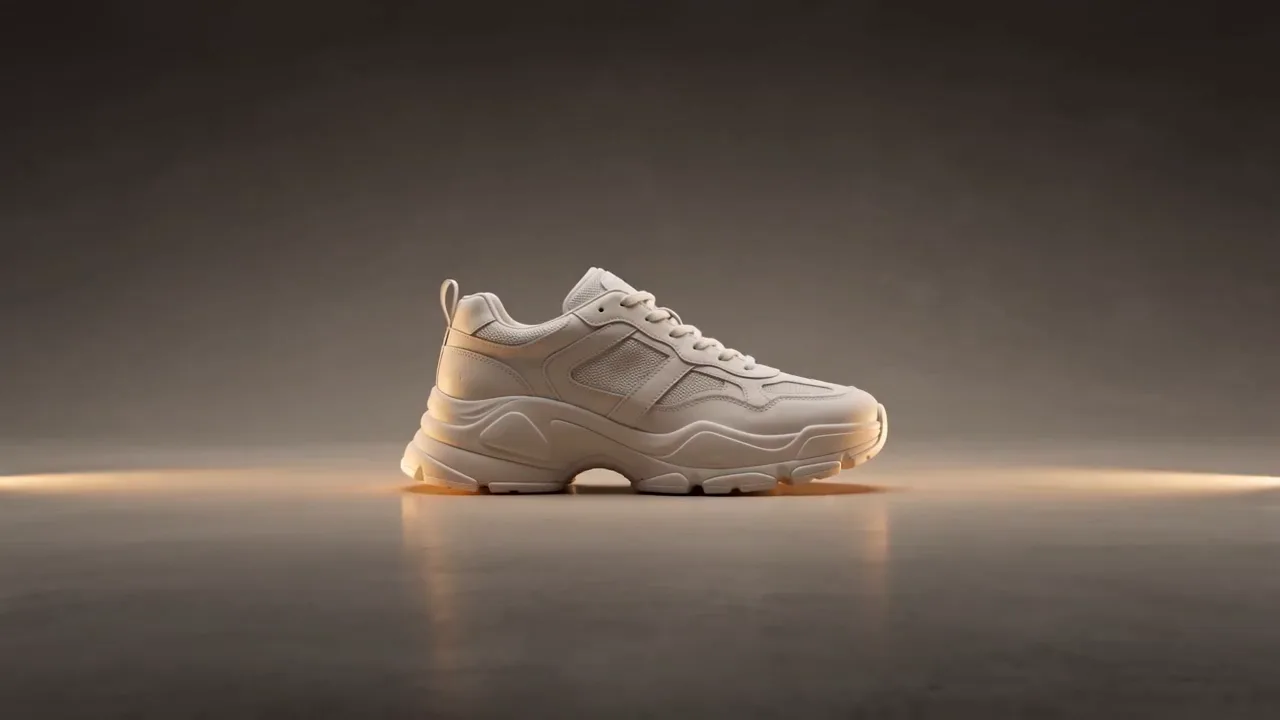
AI Video for Marketers
On-brand video at campaign scale.
Open →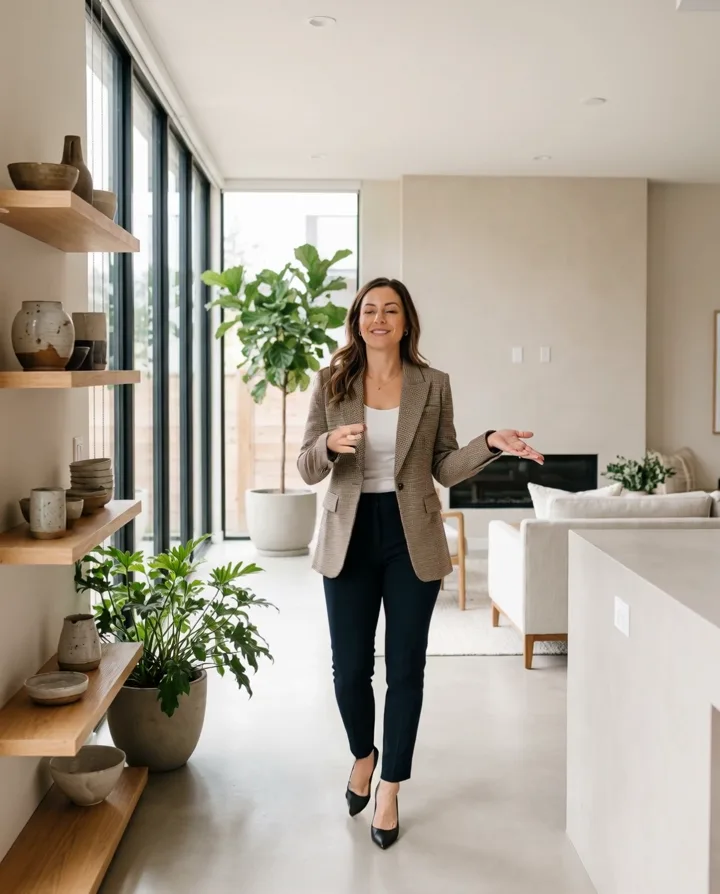
AI Video for Real Estate
Listing photos into walkthrough-style clips.
Open →
AI Cat Videos
Generate and animate cute cat video clips.
Open →Comparisons & guides
Best AI Image-to-Video Tools
Five image-to-video tools, honestly compared.
Open →
Higgsfield Alternative
Photo to vivid video, 1 lifetime image credit.
Open →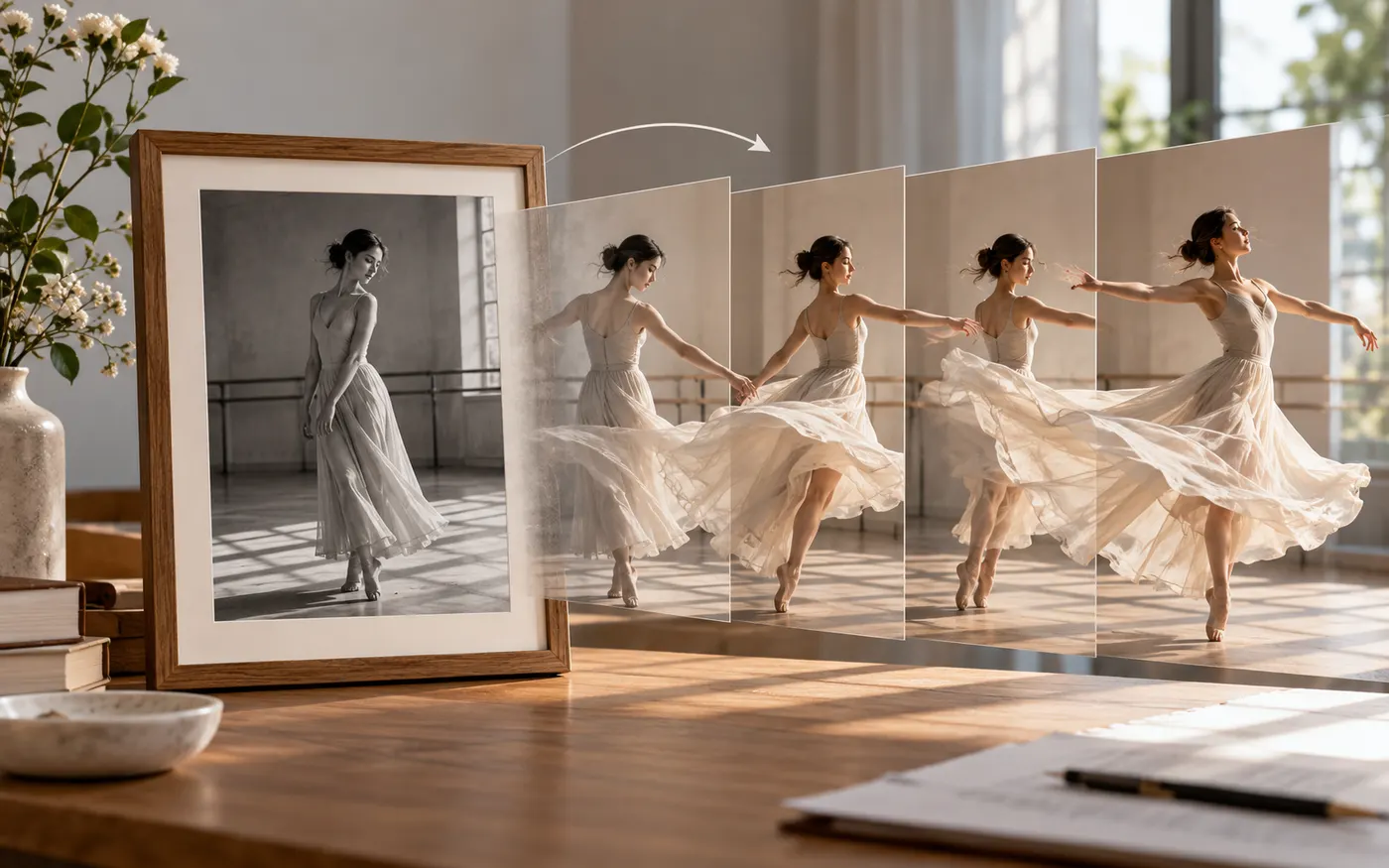
Deevid Alternative
A simpler image-to-video engine.
Open →
MagicHour Alternative
Turn any photo into natural motion.
Open →
Vivago Alternative
Image-to-video without the preset wall.
Open →