AI UGC Video Generator
Creator-style product footage from the photos you already have — vertical, handheld in feel, ready to cut into a UGC edit. Note up front: this tool generates the visuals, and clips render without an audio track. There is no AI spokesperson and no lip-sync — narration, effects and music are generated on SnapVivid’s separate audio tools and laid in by you.
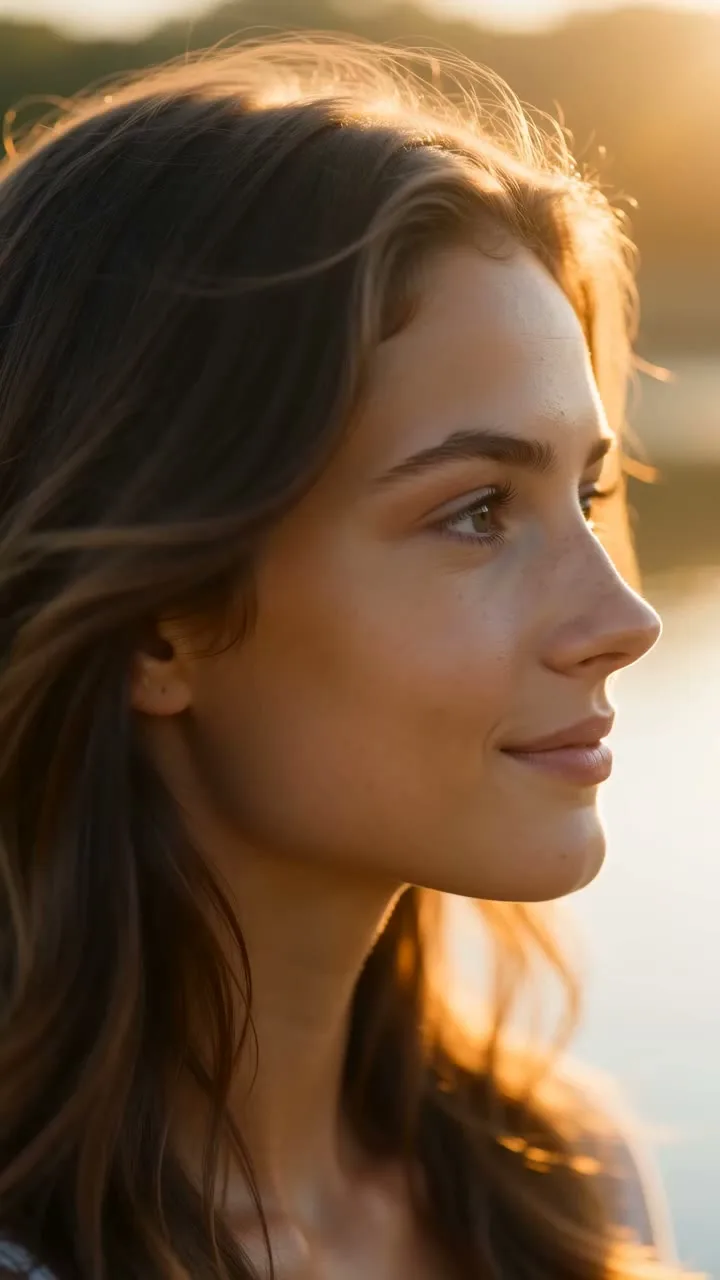
The B-roll half of UGC, without a creator brief
A UGC ad is usually two things: someone talking, and footage of the product in a real setting. SnapVivid generates the second half. Upload a product or lifestyle still and the image-to-video engine gives it the loose, close, handheld feel that reads as authentic — the shots you would normally wait two weeks and a creator fee to receive.
Generate UGC-style footageAuthentic-feeling, not studio-perfect
UGC works because it does not look like an ad. Prompt the video engine for a slight handheld sway, a natural-light bathroom counter, a close crop, and you get footage with the texture of a real phone clip instead of a rendered commercial.
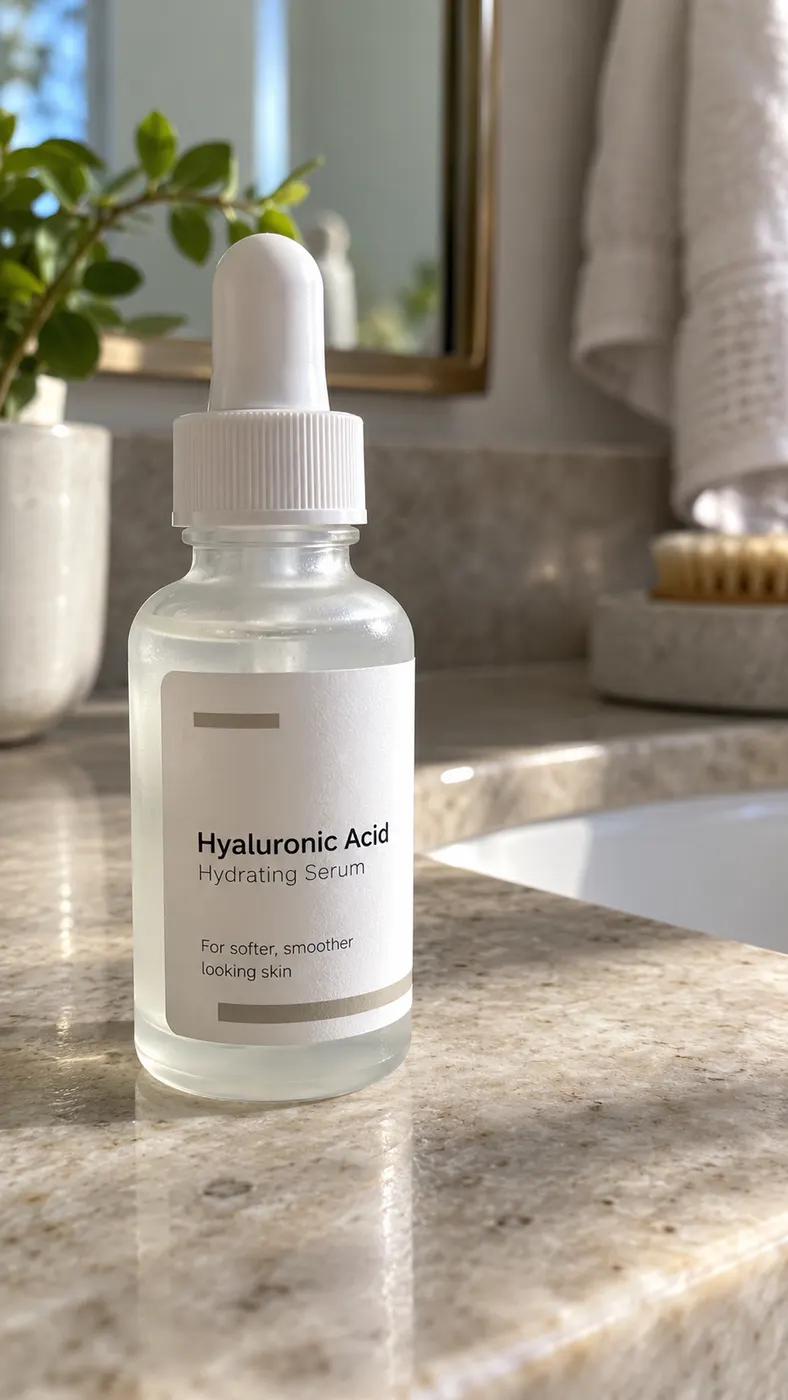
A shot library from one product photo
Re-run the same still with different settings and framings — kitchen counter, gym bag, car console, desk — to build a set of cutaways. A UGC edit needs five short shots more than it needs one long take, and this is how you get five.
What this tool does — and does not
Read the third card before you plan a campaign around it.
Creator-style B-roll
Turn product and lifestyle stills into short vertical clips with handheld-feeling motion and natural light — the cutaways a UGC edit runs on.
Many looks, one source
Re-prompt the same photo for different settings and framings to assemble a full shot list without briefing a creator.
No spokesperson, no lip-sync
SnapVivid does not generate a talking avatar or lip-sync a face, and clips render without an audio track. Voice, effects and music are generated on the separate audio tools and laid in by you — but a person speaking on camera still comes from a real person or another tool.
How to generate UGC-style clips
Three steps from a product photo to a set of cutaways.
1 · Start from a still
A product shot, or a lifestyle frame with the product in hand. You can also generate the scene first in the image studio.
2 · Prompt for the UGC feel
Ask for handheld sway, natural light, a close crop, a real-room background. Render at 9:16 or 4:5.
3 · Cut it together
Generate a few variations, then assemble them in whatever editor you use — with captions plus a voiceover and music you can generate here on the audio tools.
From a Prompt or a Photo to Finished Art
AI images, face swaps, headshots, and restyles — every tile is a real SnapVivid output. Hover to see it move, or click to open the tool.
Good to know
The honest boundary of a “UGC generator” that does not talk.
Can it make an AI person speak to camera?
No. SnapVivid has no talking avatar and no lip-sync — not as a beta, not behind a plan. It can generate the voice (the AI Voiceover tool reads a script aloud), but there is no face on camera saying the words and nothing is synced to a mouth. If what you need is a synthetic spokesperson, use something else for that part; what SnapVivid gives you is the product footage around it, plus the audio to lay under it.
Do the clips have audio?
Not baked in — every render comes back without an audio track, and you lay the sound in yourself in your editor. The sound itself you can make here: the AI Voiceover, Sound Effects and AI Music Generator tools each return a downloadable audio file.
How long is each clip?
Short — a few seconds per render, which is the length of a UGC cutaway. Build a longer ad by generating several clips and cutting between them rather than expecting a single continuous take.
Does the product stay accurate?
Motion is generated around your uploaded photo, so packaging and label stay recognizable. For a cleaner hero shot of the same product, use the product video generator instead — same engine, studio framing rather than handheld.
Build your UGC shot list from one photo
Upload a product still and generate creator-style cutaways. Start from the composer above.
Start creatingTools behind UGC creative
The surfaces this workflow runs on.
Who uses it
Audience pages and what is still on the way.