AI Watermark Remover — Remove Watermark from Image
A watermark remover that actually rebuilds the photo. Upload an image you own, and SnapVivid’s AI watermark remover deletes the watermark, logo, or text overlay and reconstructs the detail underneath — so the result reads as a clean original, not a blurred-over patch.
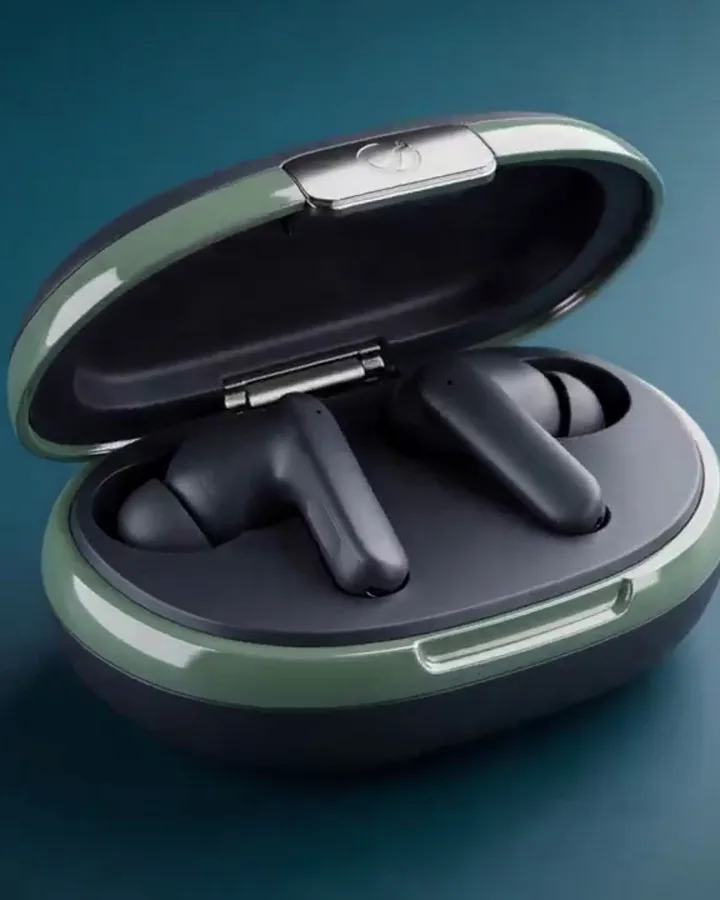
AI Watermark Remover — Remove Watermark from Image — real results, in minutes
Most “watermark remover” tools don’t actually remove anything — they blur the region, clone a nearby patch over it, or drop a solid block on top. The watermark disappears, but so does whatever was behind it, and the smear gives it away. SnapVivid takes a different approach: to remove a watermark from an image, its AI reads the entire photo and reconstructs the covered area, predicting the texture, edges, and color that belong there. The result is a clean original, not a fix you can spot at a glance.
Start for FreePrompt: An elegant glass perfume bottle slowly spinning on a reflective surface, soft light sweeping across it, delicate mist drifting, luxury product commercial.
Why creators use AI Watermark Remover — Remove Watermark from Image
Everything ai watermark remover — remove watermark from image gives you in one place.
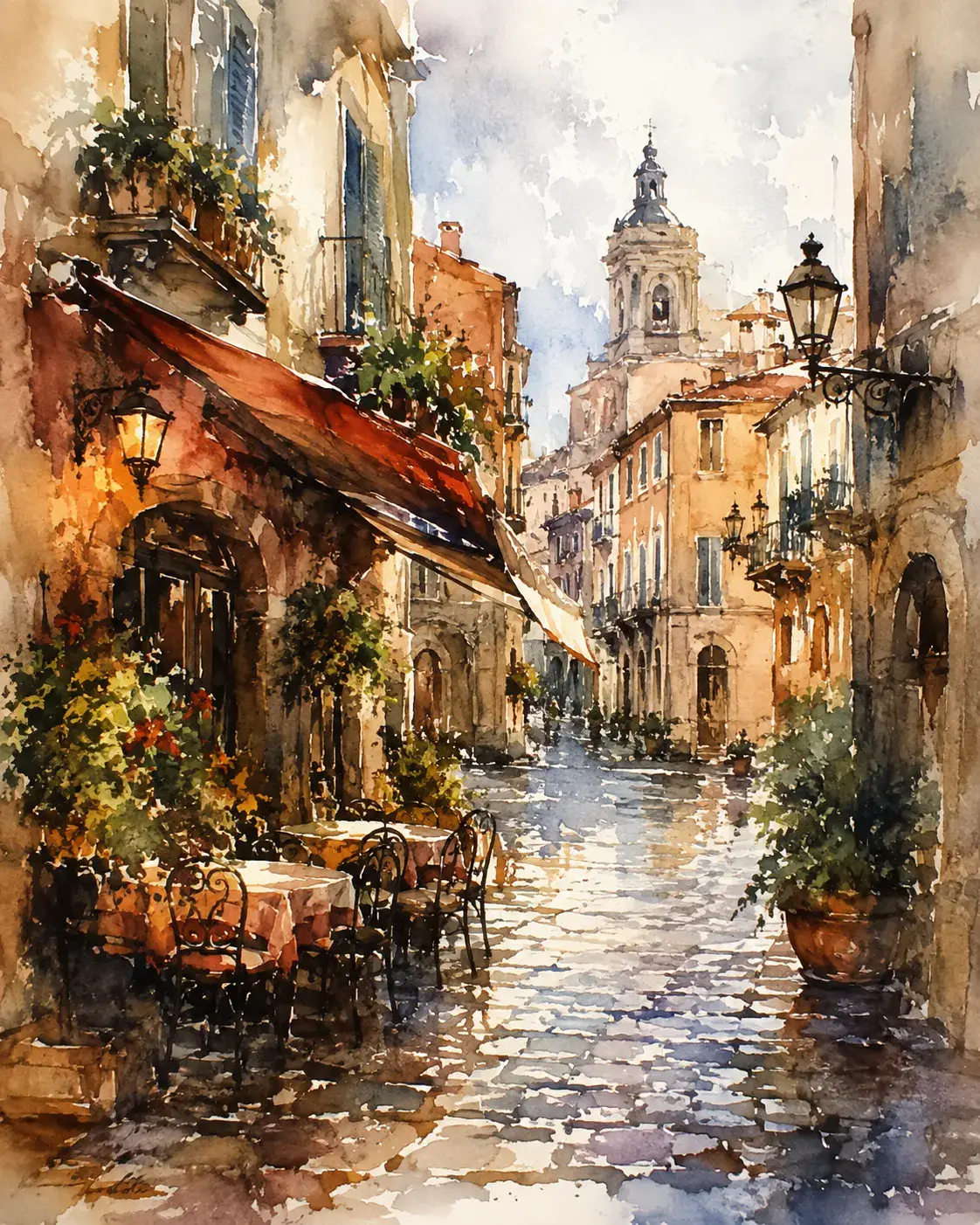
Rebuilds what was under the watermark
Basic tools blur or clone-stamp over a watermark and leave a smear where the pixels used to be. SnapVivid’s AI watermark remover reads the whole image and reconstructs the covered area — texture, edges, and color that match the surroundings — so when you remove a watermark from an image the fix is invisible, not an obvious patch.
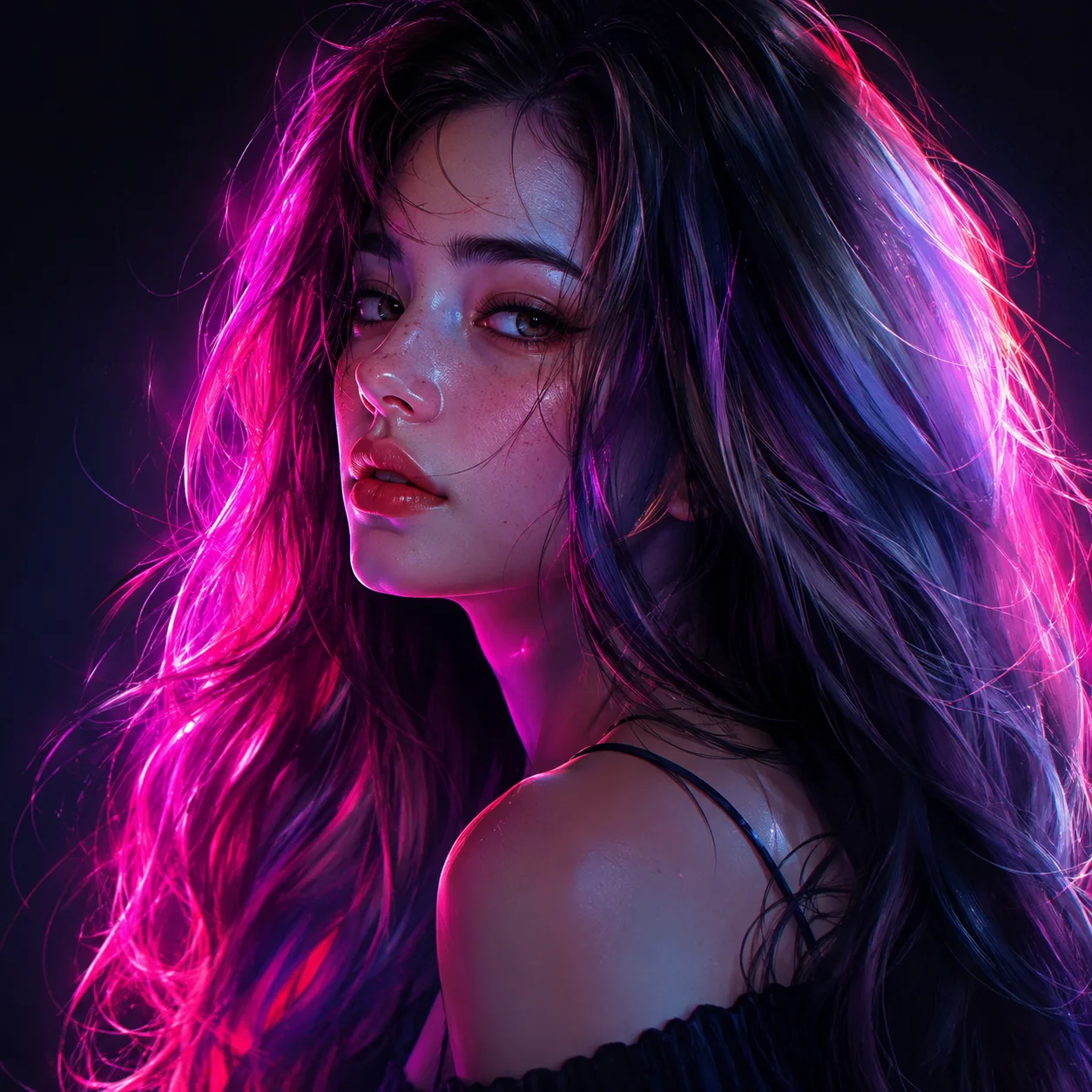
Full-image and semi-transparent overlays
Corner logos and timestamps are easy; a semi-transparent mark stretched across the entire photo is where most tools fail. This AI watermark remover recovers true color and detail beneath a full-frame overlay, and works just as well to delete a watermark from a photo, remove a logo from an image, or strip a repeating stock-photo mark.

Your image stays in your session
Removing a watermark often means handling a photo you paid for or shot yourself. Your upload is processed for your generation and stays private to your session — no public gallery, no re-watermarking, and the result downloads at full quality with nothing stamped back on.
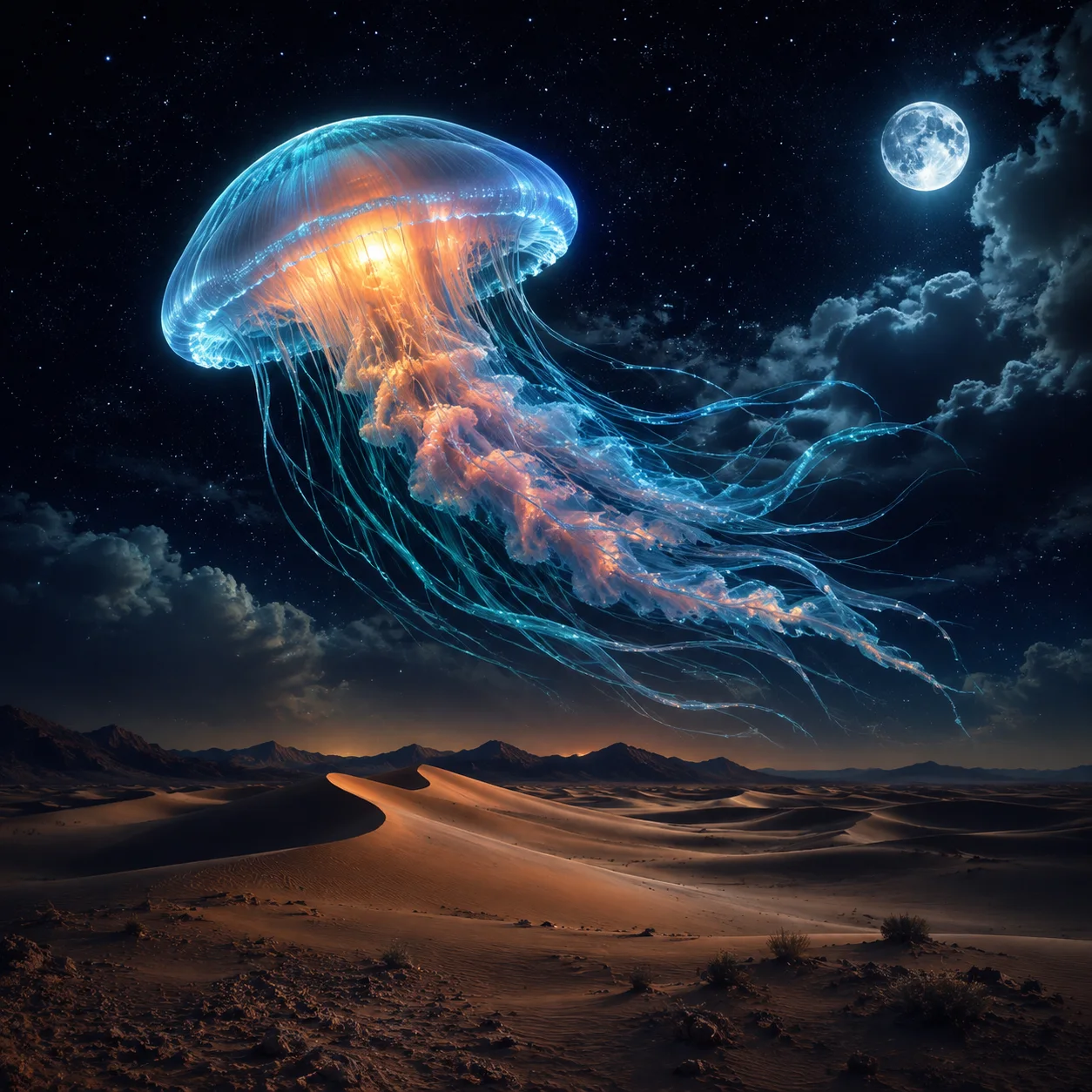
Remove one mark, keep the rest
Add a short note to say exactly what should go — the corner logo, the date stamp, the repeating overlay — and what must stay, like a street sign or text that belongs in the shot. The cleaned image keeps your original framing, so it drops straight back into wherever it was used.
How it works
Three steps from upload to a finished, download-ready result.
Upload an image you own
Drop in the photo with the watermark, logo, or text you want gone. Use it on images you own or have the right to edit — it stays private to your session.

Point out what to remove
Leave the preset as-is for a clean one-click pass, or add a short note — remove the corner logo, clear the overlay — then generate. The area behind it is reconstructed, not blurred.
Compare and download
Preview the before and after, run it again if a mark survives, and download the clean image at full quality — no watermark added back.
Made with SnapVivid
Real results — ai watermark remover — remove watermark from image across styles and subjects.
AI Watermark Remover — Remove Watermark from Image — free to start
1 lifetime image credit, no card required. Video runs on a paid plan from $29/month.
Start for FreeWhat you can do with it
The clean-ups people run on images they own or have the right to edit.
Clean up your own photos
Remove a watermark from an image you shot or a stock photo you licensed, so it’s ready to use without the sample stamp.
Delete logos and branding
Remove a logo from an image or an old brand mark from your own creative before reusing it in a new design.
Strip timestamps and dates
Delete the burned-in date or timestamp from a photo’s corner and restore the pixels behind it cleanly.
Recover full-frame overlays
Clear a semi-transparent watermark that covers the whole image and get back the true colors and detail underneath.
More about AI Watermark Remover — Remove Watermark from Image
That reconstruction is what makes the hard cases possible. A corner logo or a timestamp is straightforward, but a semi-transparent watermark stretched across the whole frame is where simple tools break down — there’s no clean neighbor to clone from. Because this AI watermark remover rebuilds detail rather than copying it, it can delete a watermark from a photo, remove a logo from an image, or lift a repeating stock-photo mark and still recover believable detail underneath. Every generation is free, so it’s cheap to run a second pass if a faint trace survives.
One thing we’re clear about: this is for content you own or have the right to edit — your own shots, stock images you licensed, or your own designs. Used that way, the watermark remover is one tool in SnapVivid’s wider studio. Once your image is clean, you can upscale it to print resolution, swap a face, generate a matching set with the image generator, or animate it into a short clip with image-to-video — all in one place, free to start with your 1 lifetime image credit.

Related tools
More SnapVivid tools that pair with ai watermark remover — remove watermark from image.
AI Image Upscaler
Enlarge and sharpen any image without the blur. SnapVivid’s AI upscaler adds real detail as it scales your photo 2× or 4× — cleaning up noise and softness so small or low-res pictures become crisp and print-ready.

AI Photo Restoration
Bring an old, damaged, or faded photo back to life. Upload a scratched print, a yellowed snapshot, or a soft black-and-white photo, and SnapVivid’s AI repairs the damage, corrects the color, and recovers detail — while keeping every face true to the original person, not a stranger who resembles them.
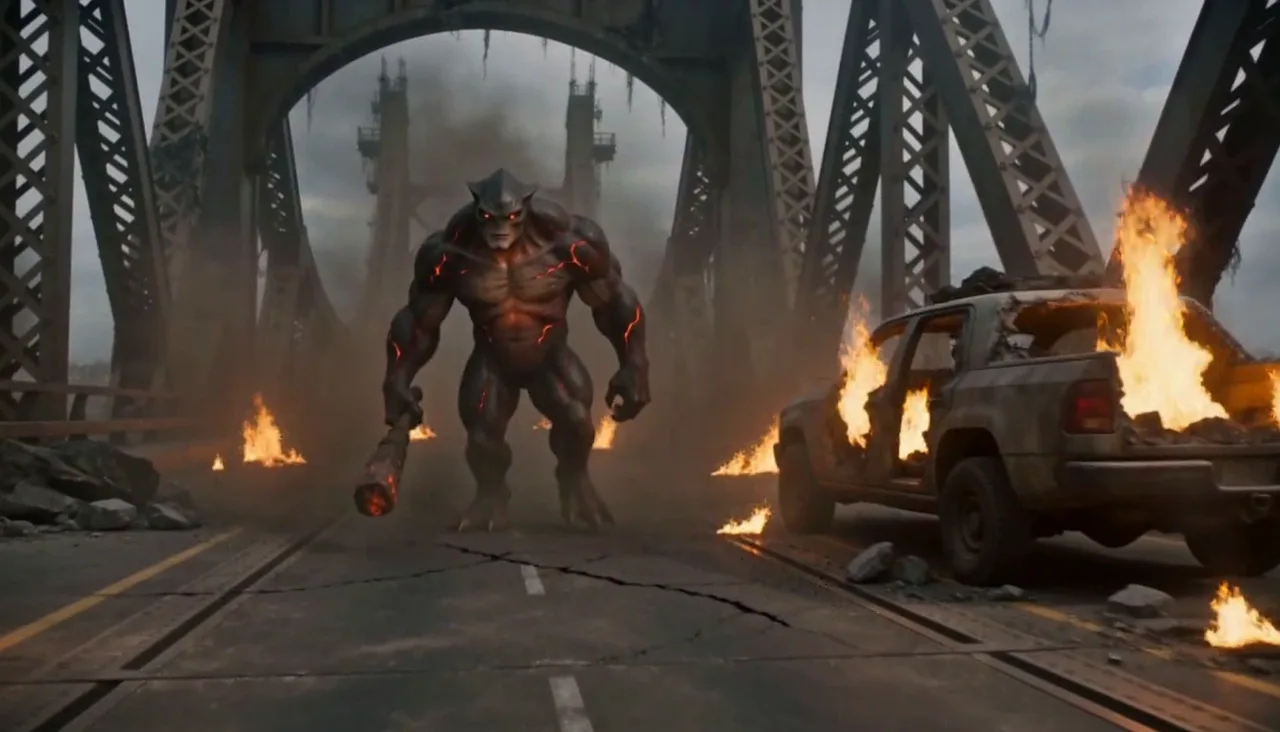
Combine Images
Combine images into one natural, believable photo — no Photoshop layers, no masking. Upload two pictures (or more), describe how to merge them, and SnapVivid blends the photos together with matched lighting, scale, and perspective.
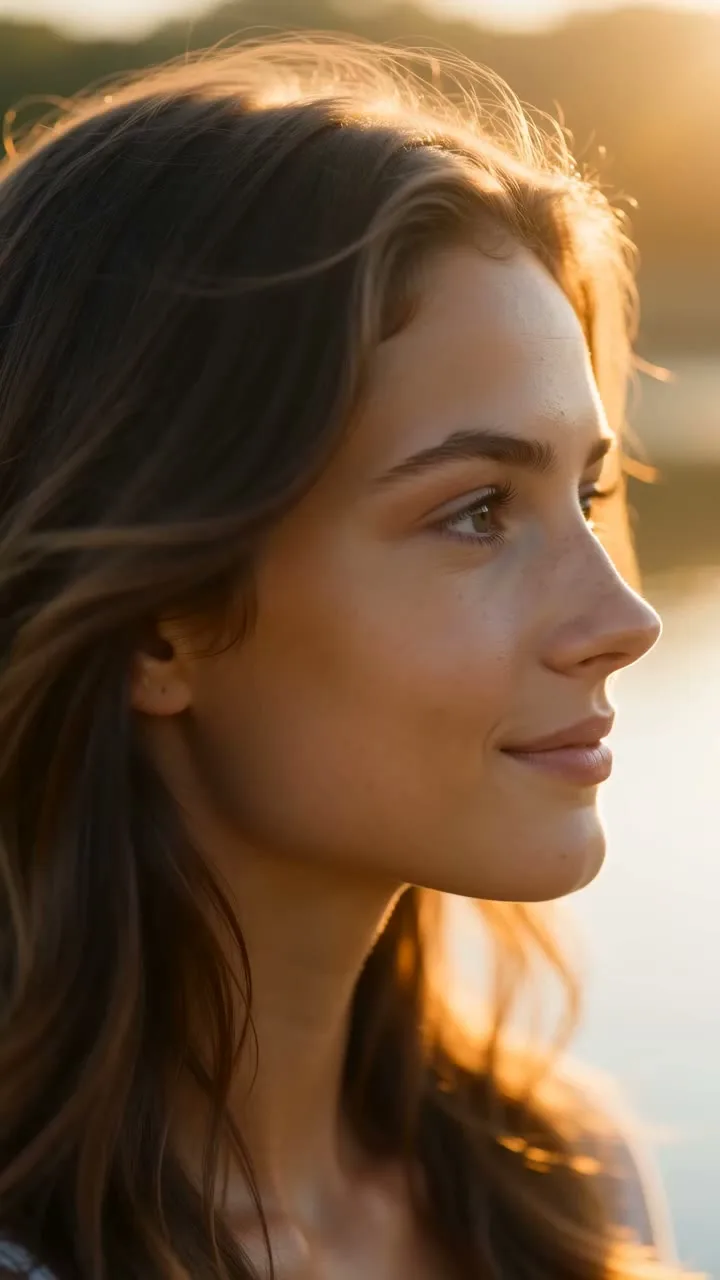
AI Image Generator
Generate and edit images in any style.
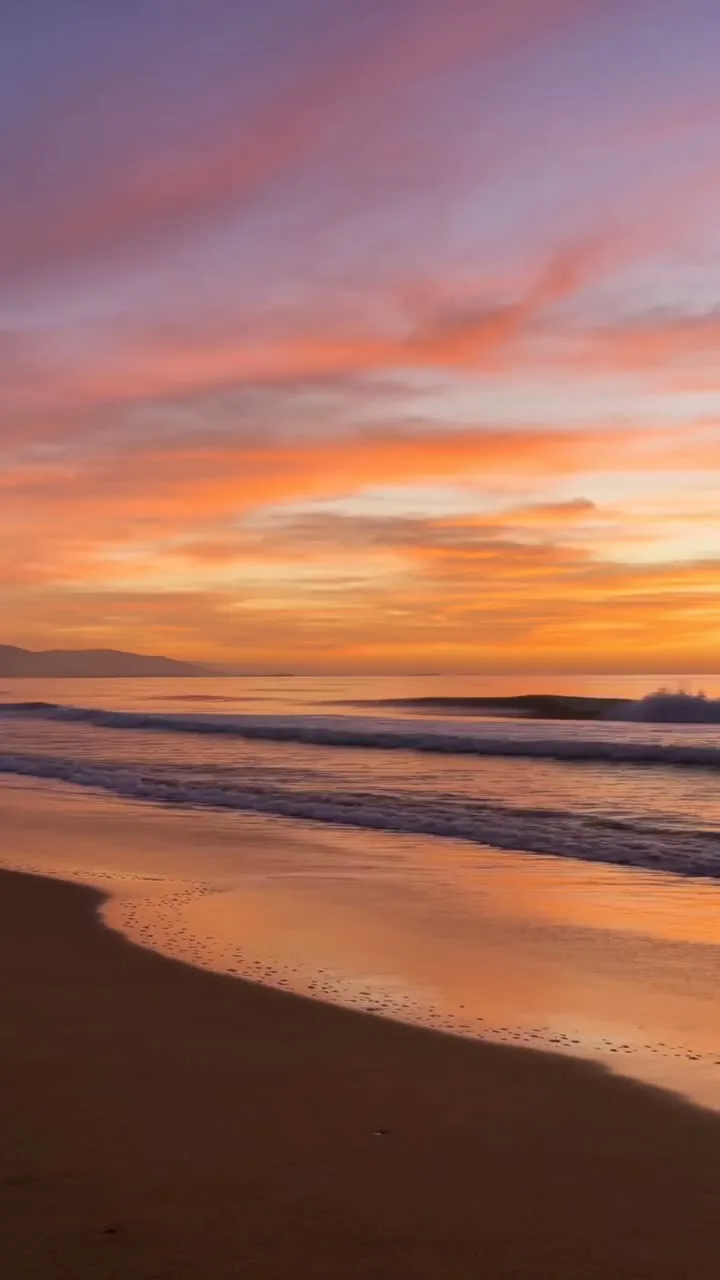
Image & Text to Video
Animate any photo or prompt into a cinematic clip.
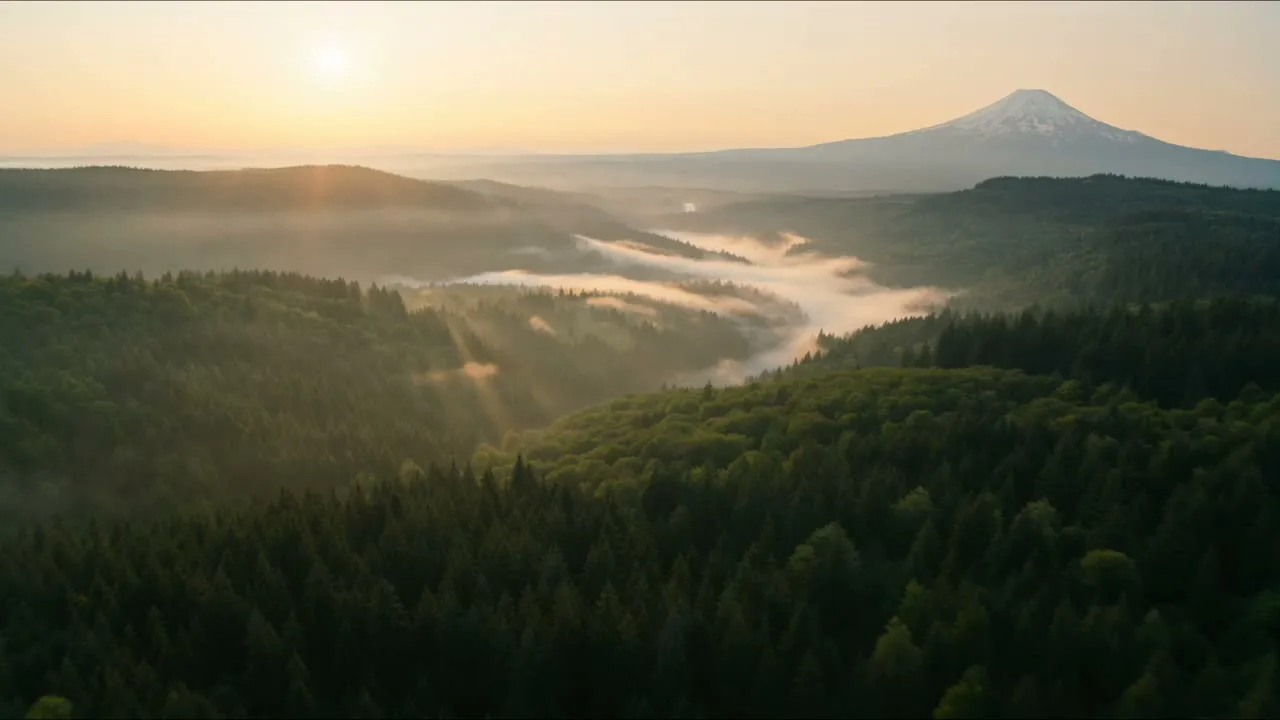
Frames to Video
Turn still frames into a moving clip — with real control over where the motion starts and ends. Drop in a first frame, add an optional last frame, and SnapVivid’s AI generates the in-between motion into a short, download-ready video. Not a slot-machine single-image animate: you direct both ends of the shot.
Remove Shadow from Photo
Remove an unwanted shadow without flattening the whole photo. Upload your image and SnapVivid’s AI shadow remover rebuilds the shaded area with natural light and matching texture while keeping the subject, colors, and composition intact.
AI Photo Editor
Edit any photo just by describing the change. Upload a picture, tell SnapVivid’s AI what to do — swap the background, remove an object, fix the lighting, or restyle the whole shot — and get a clean, download-ready result. When you need a focused edit, the specific tools are one click away.