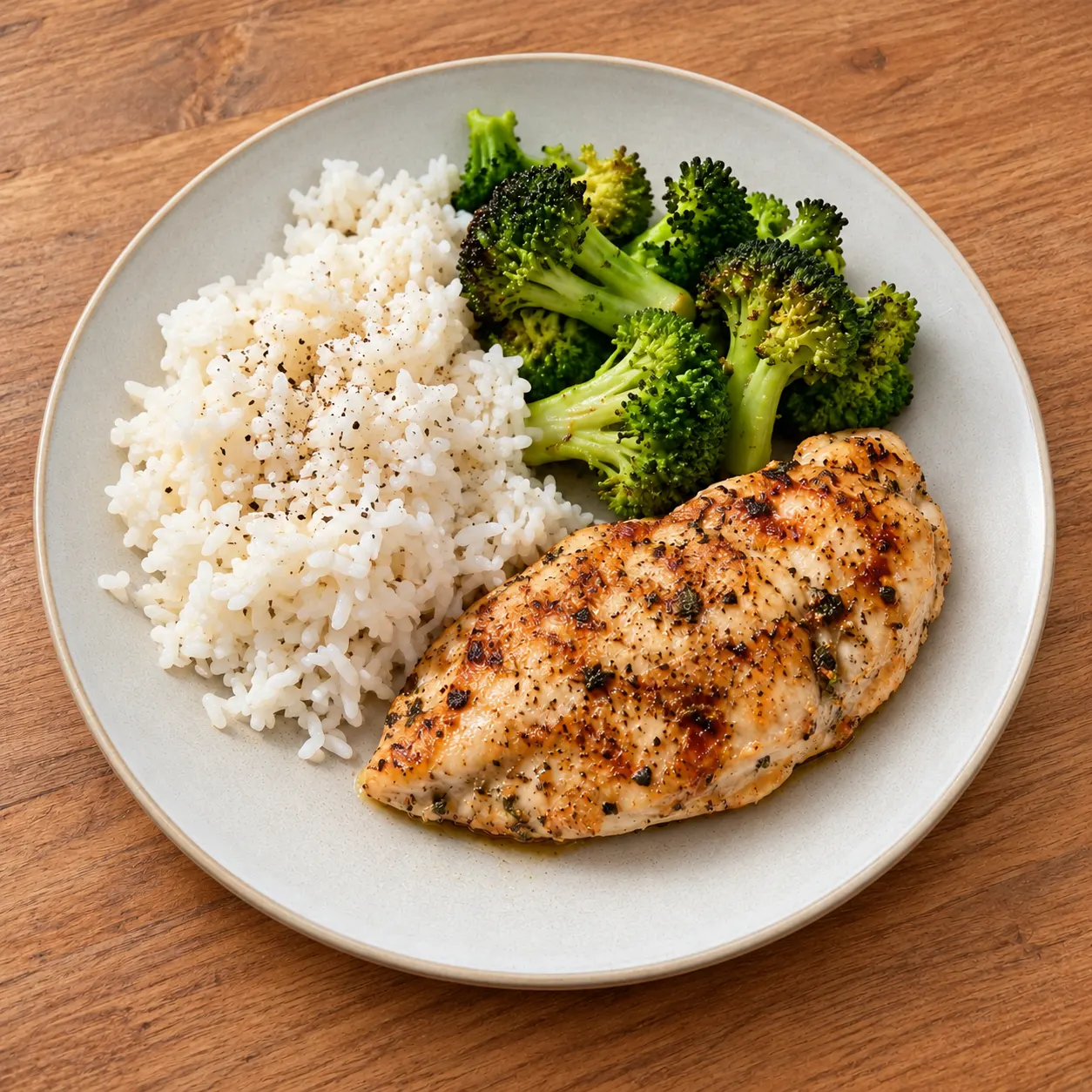
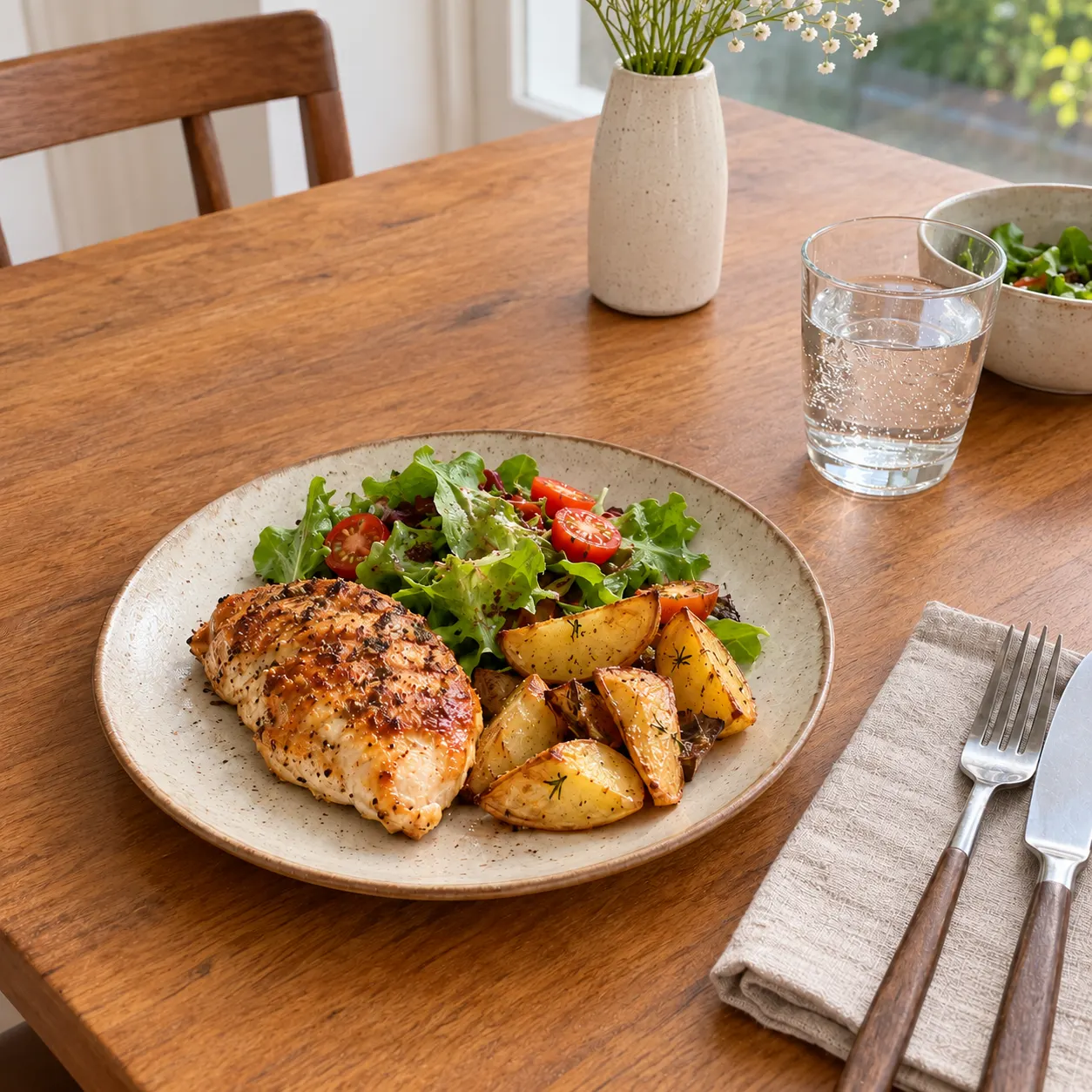
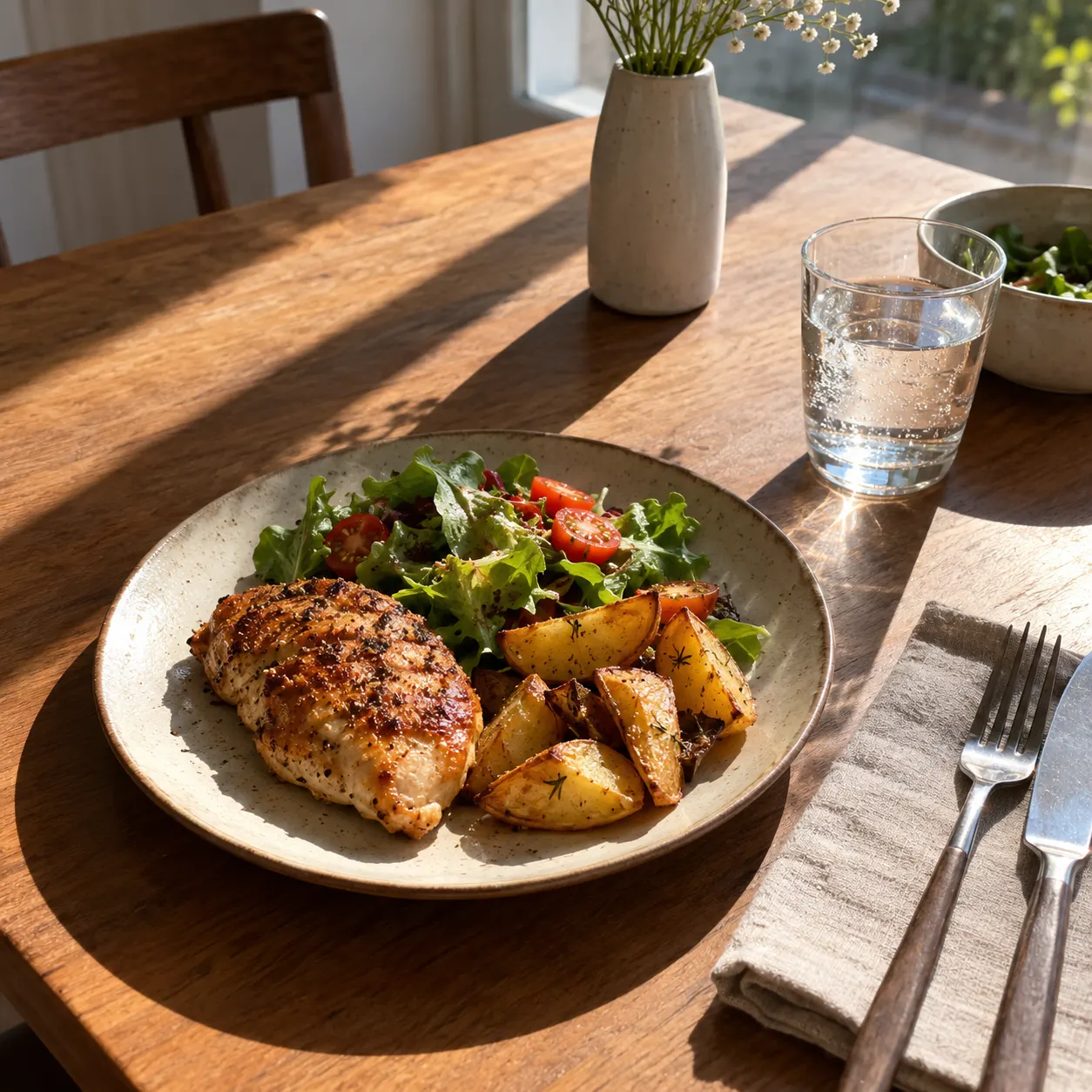
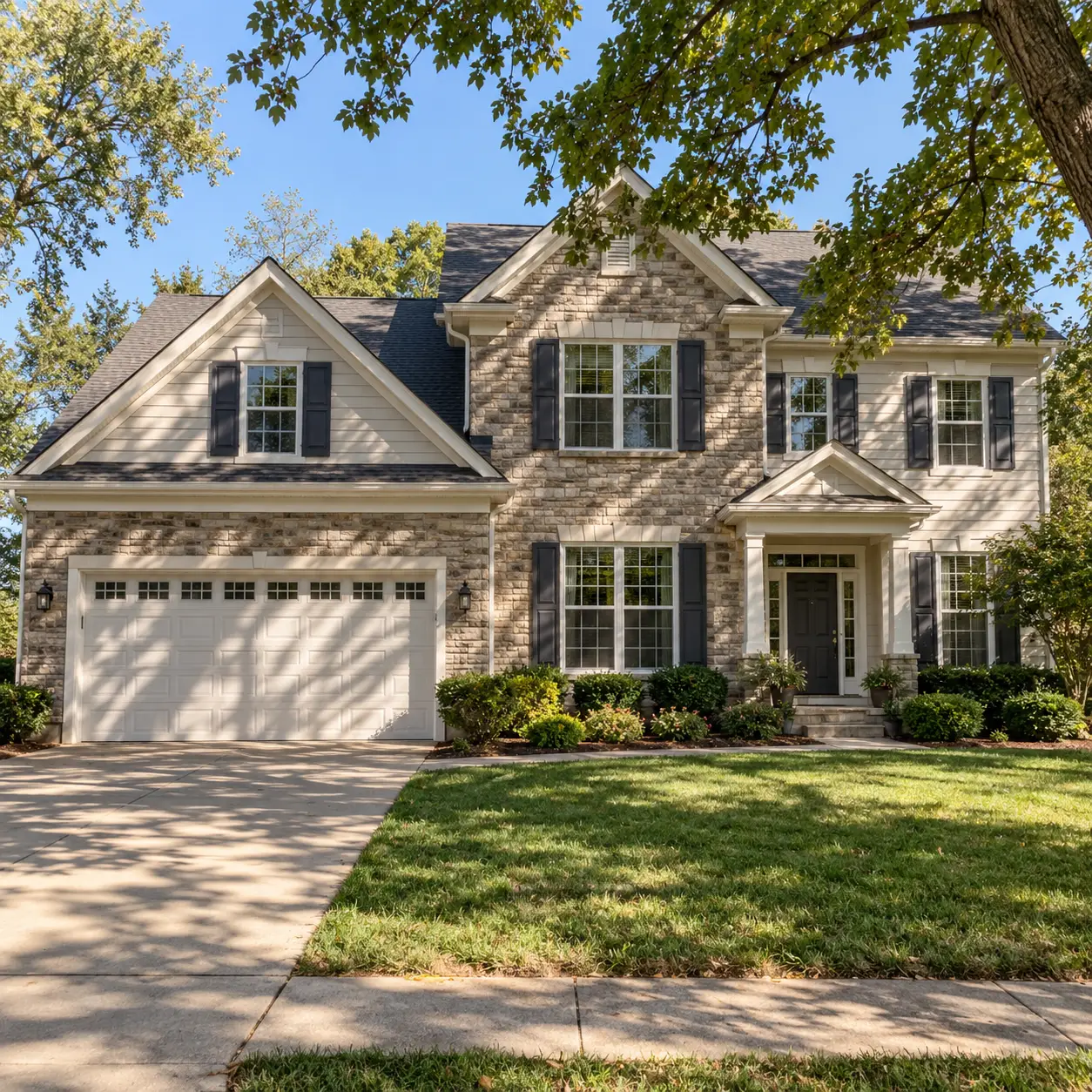
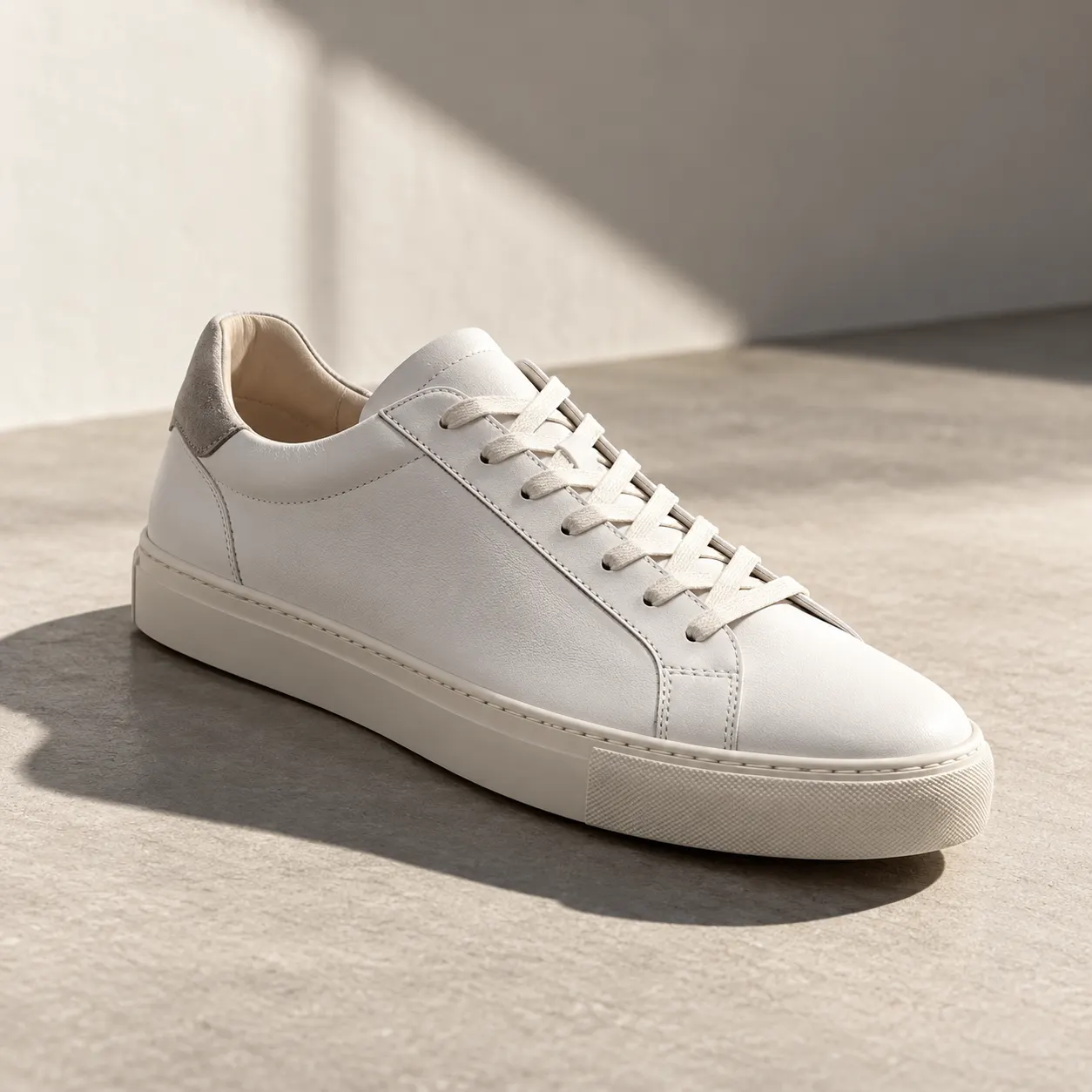
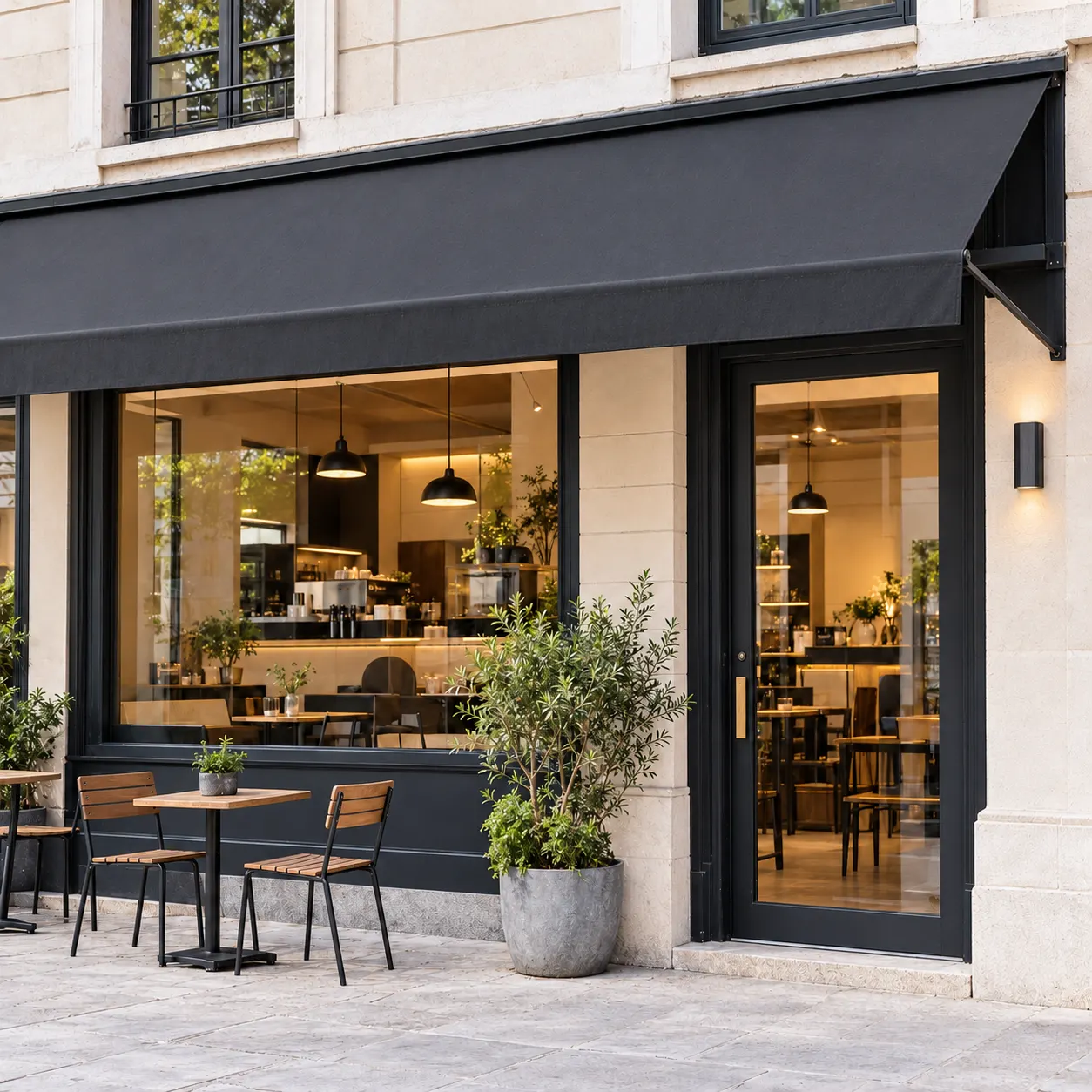
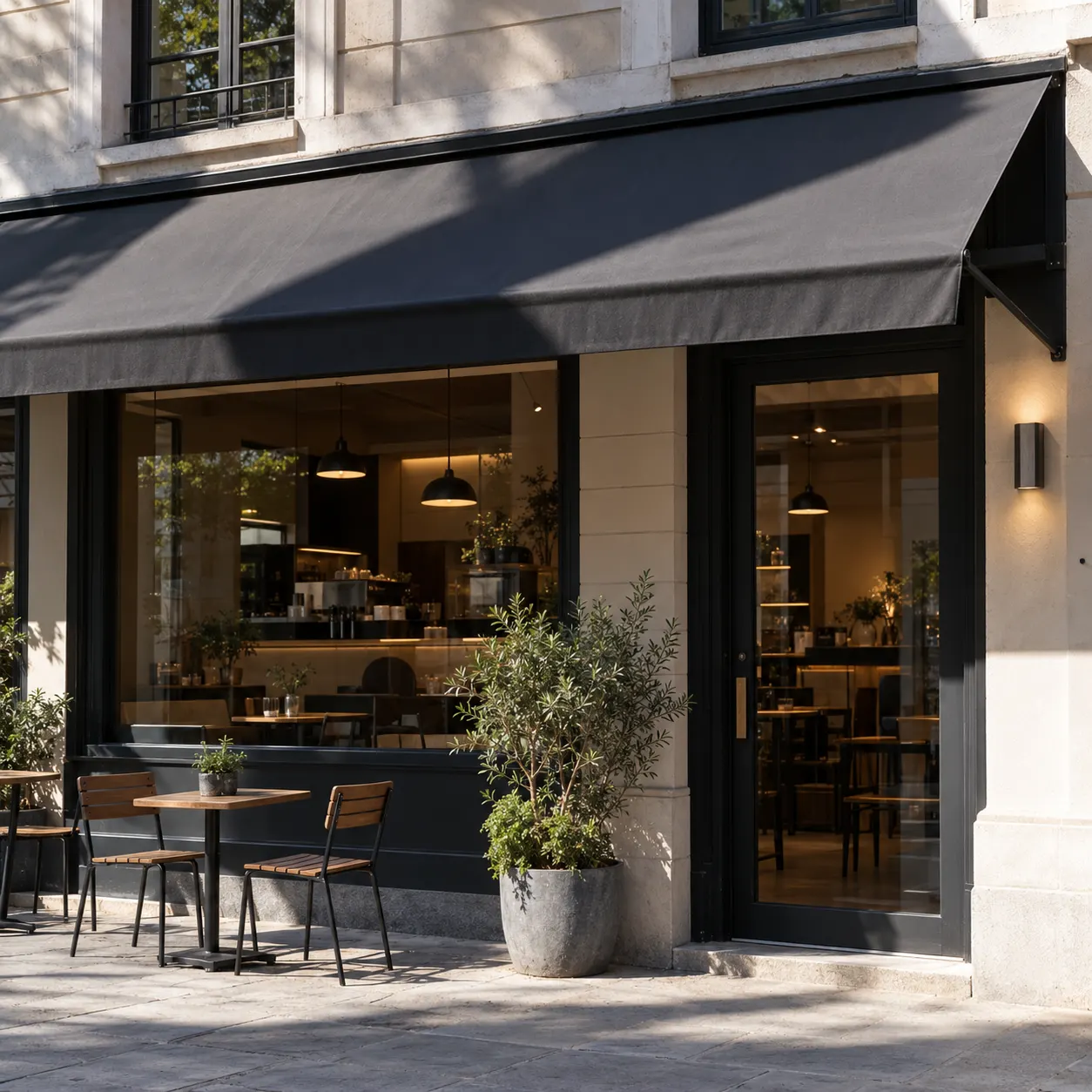
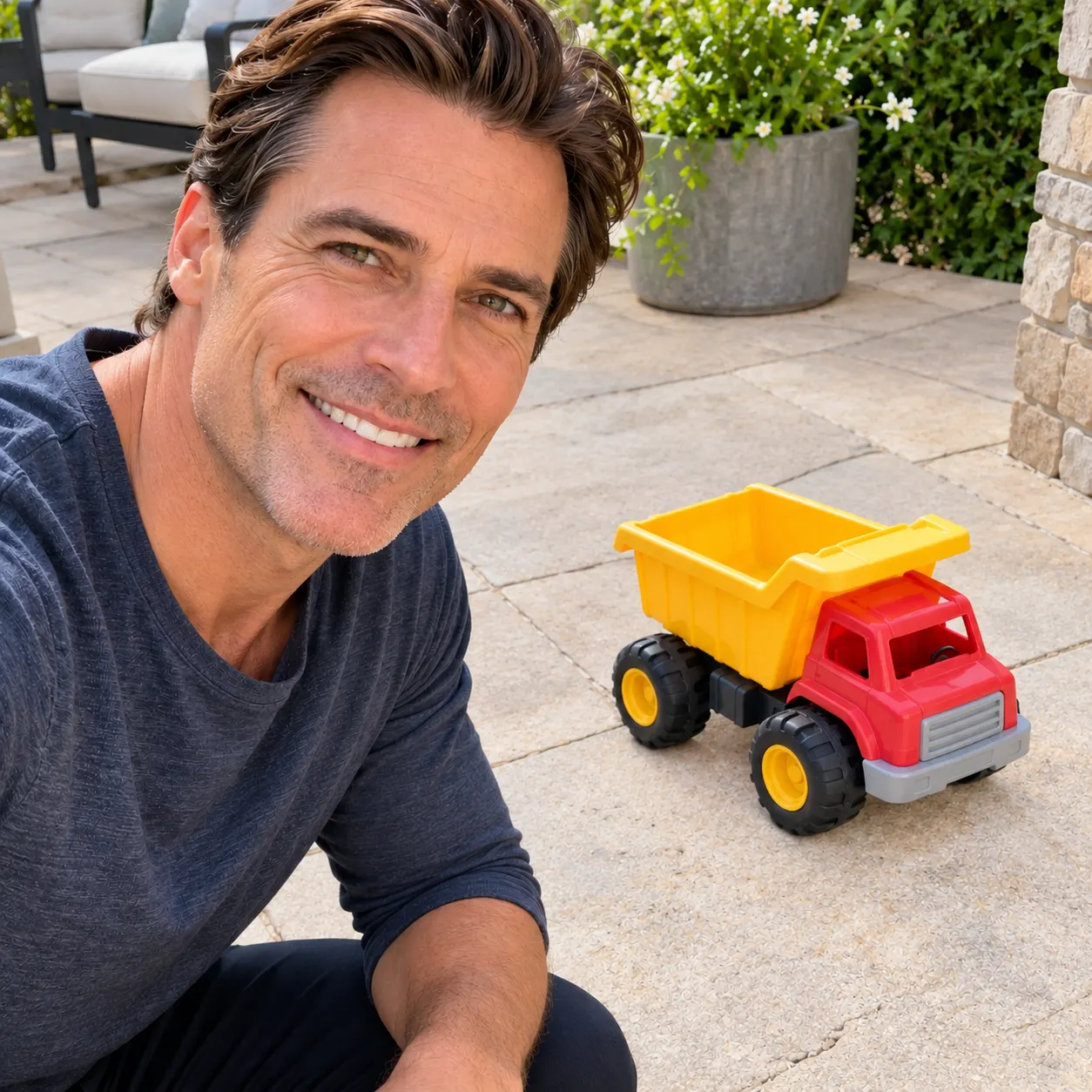
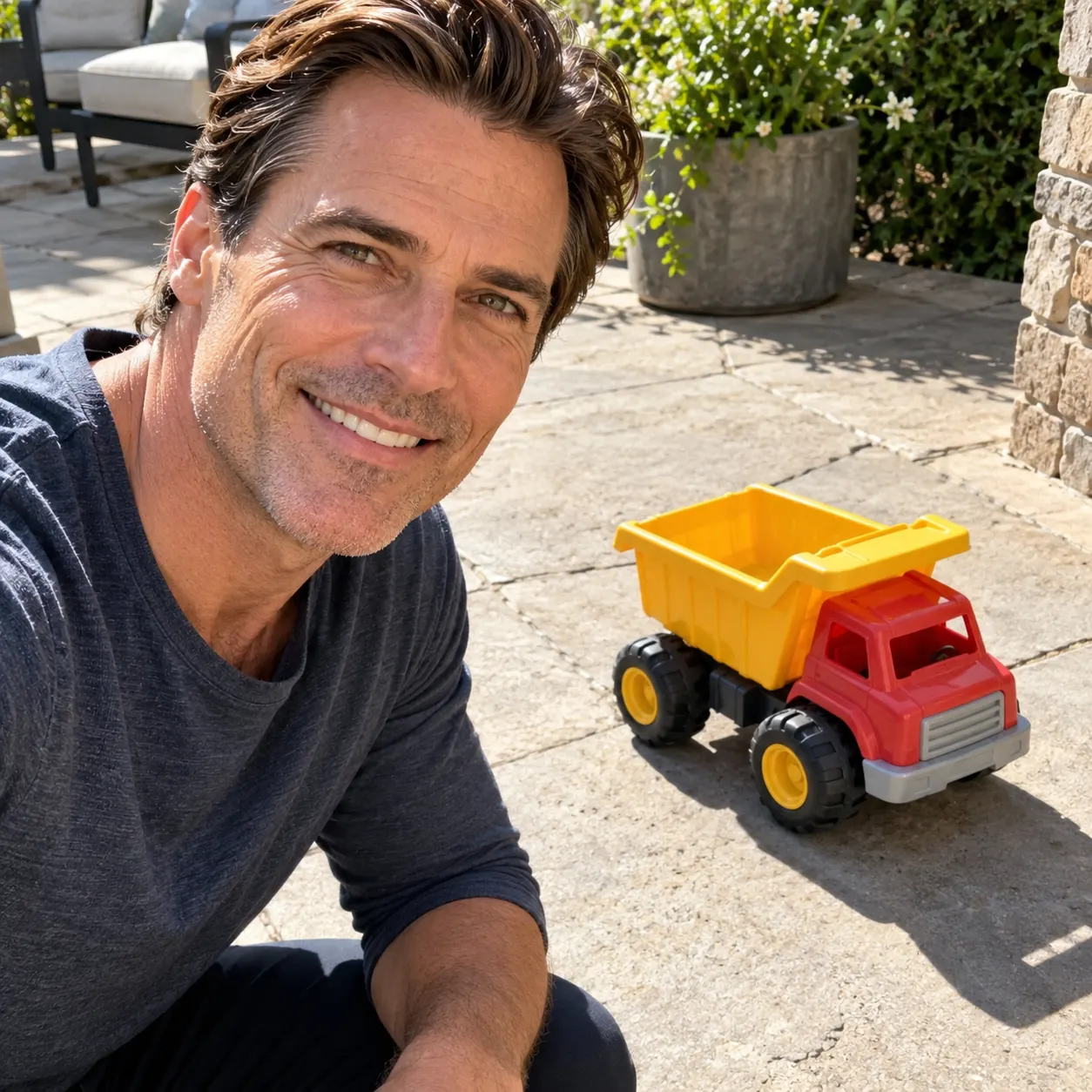
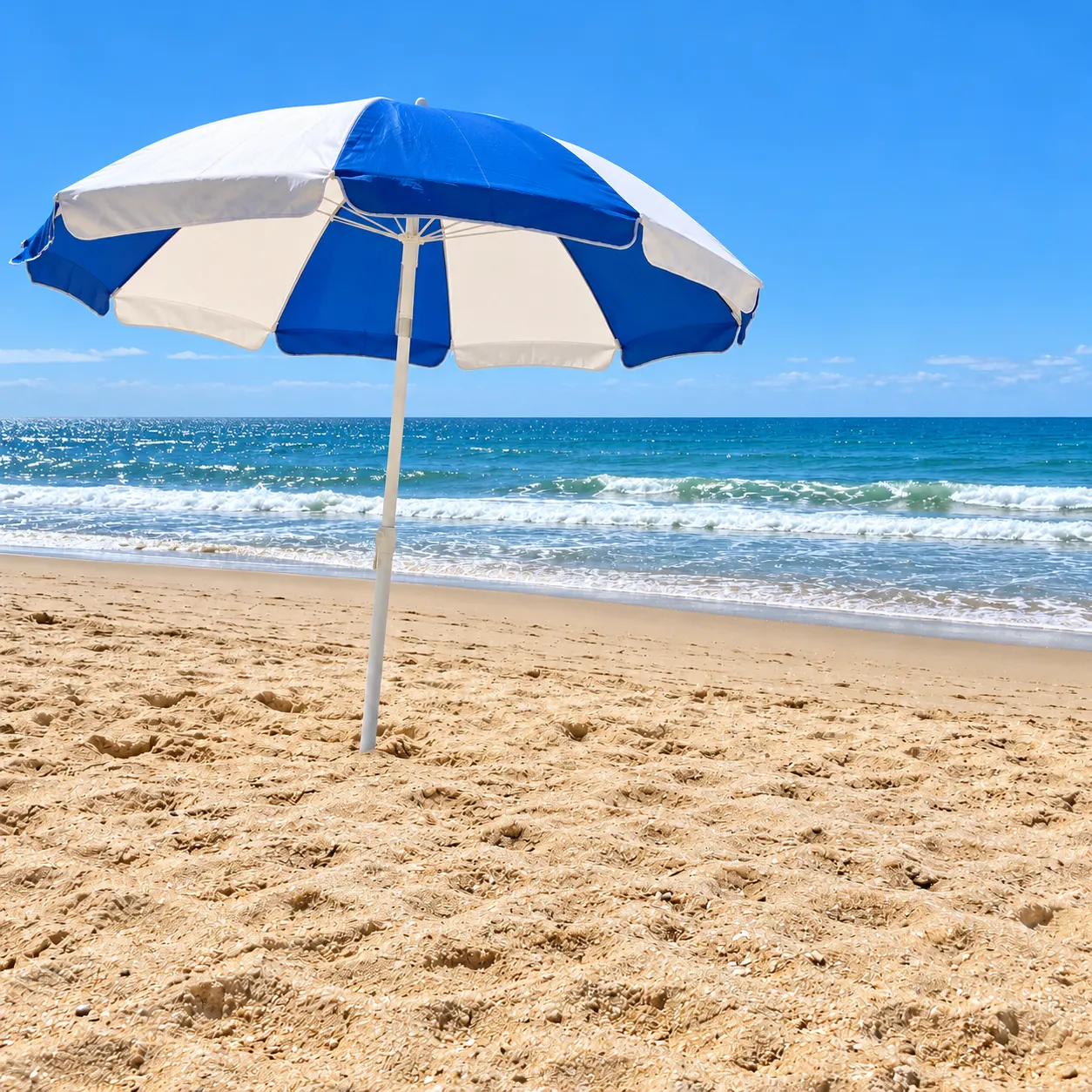
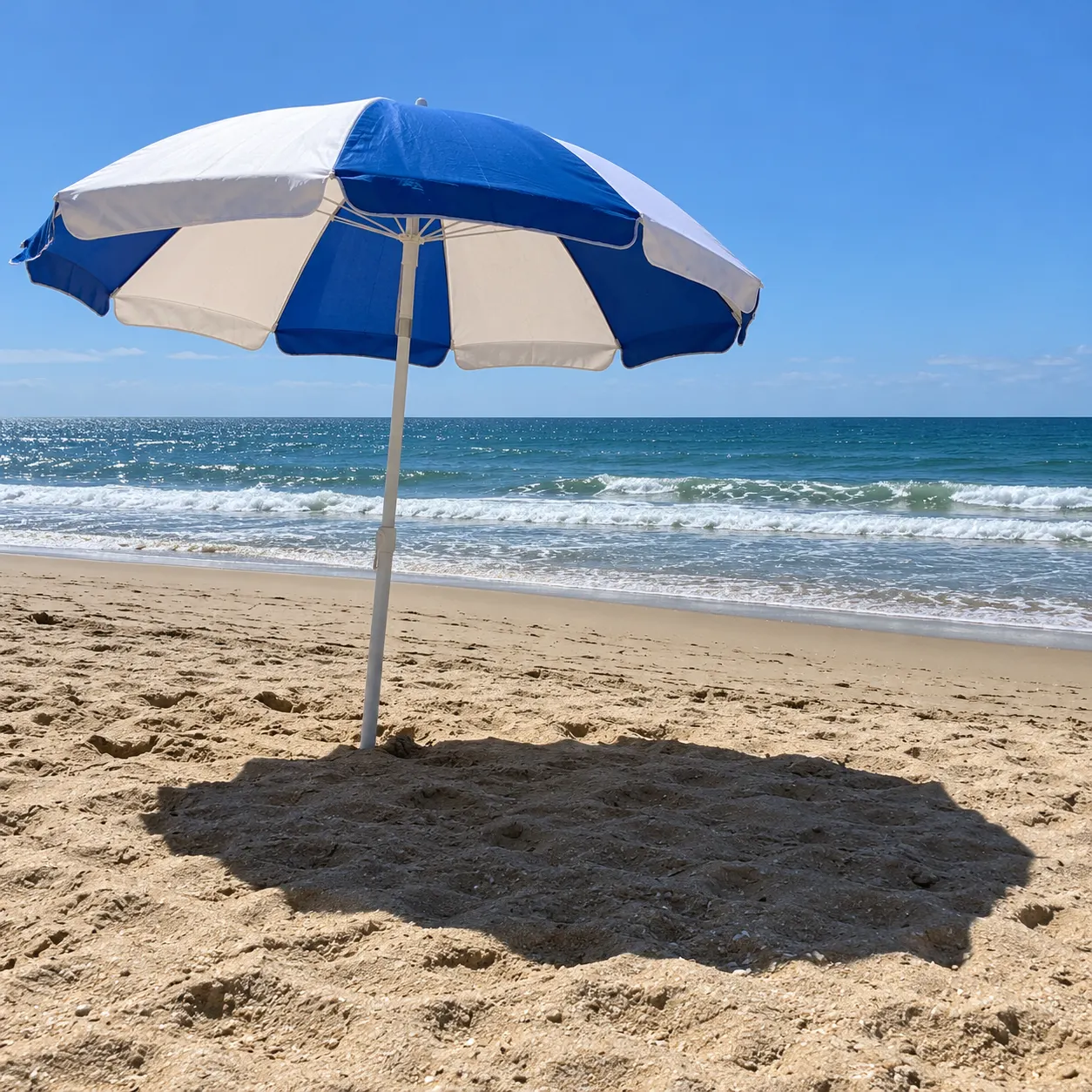
PromptRemove harsh cast shadows from the subject and surrounding surface, reconstructing the affected areas with natural, even lighting and a clean, realistic result. Removed the window-cast shadow from the table and meal.
Remove an unwanted shadow without flattening the whole photo. Upload your image and SnapVivid’s AI shadow remover rebuilds the shaded area with natural light and matching texture while keeping the subject, colors, and composition intact.
A shadow can ruin an otherwise usable photo in one stubborn shape: a person’s silhouette on a wall, a branch across a face, a phone shadow over a product, or a hard edge across the ground. The obvious fix — raise the exposure or paint over the dark pixels — usually damages the picture around it too. SnapVivid’s remove shadow from photo tool treats the problem as a targeted image edit: it identifies the unwanted shade, infers the texture and light that should be there, and rebuilds that area while leaving the rest of the frame steady.
Start for Free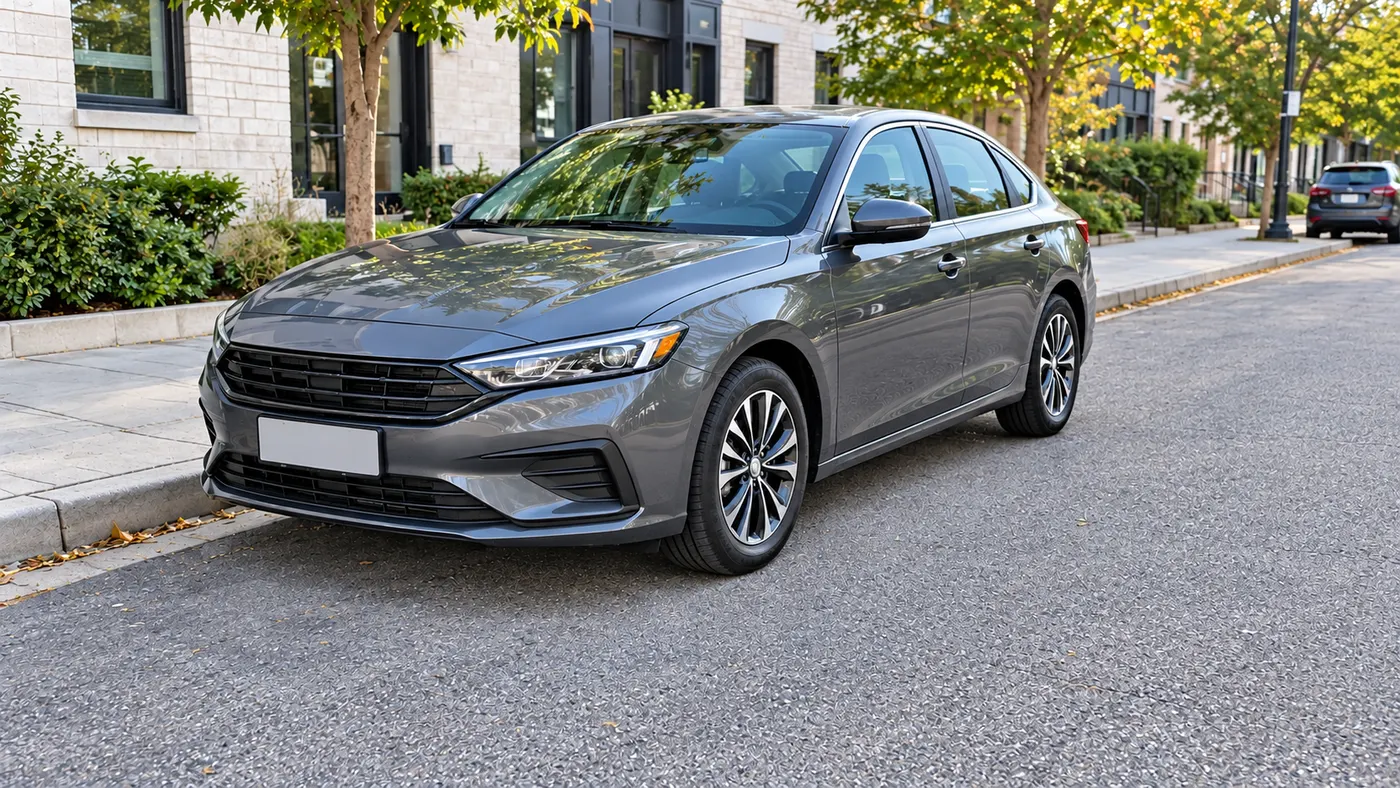
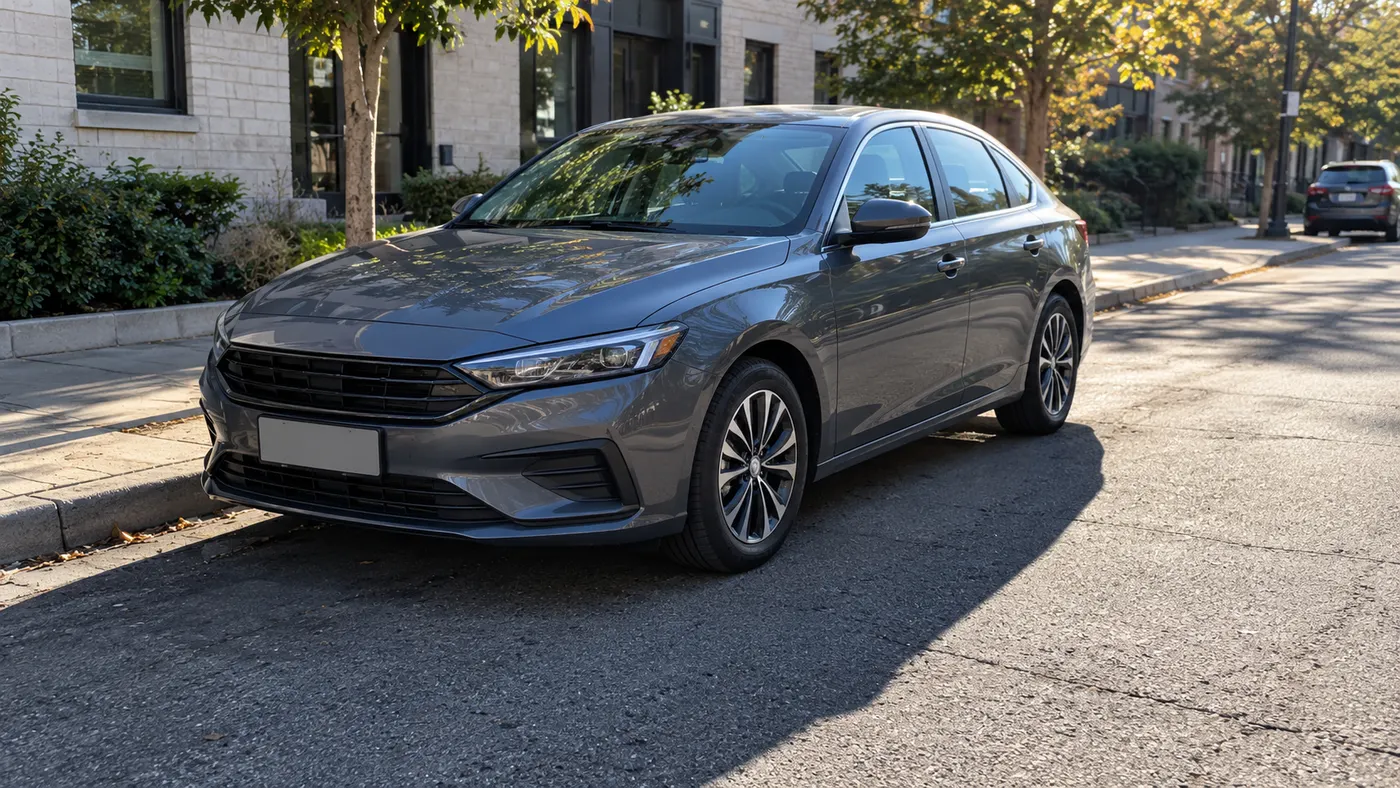
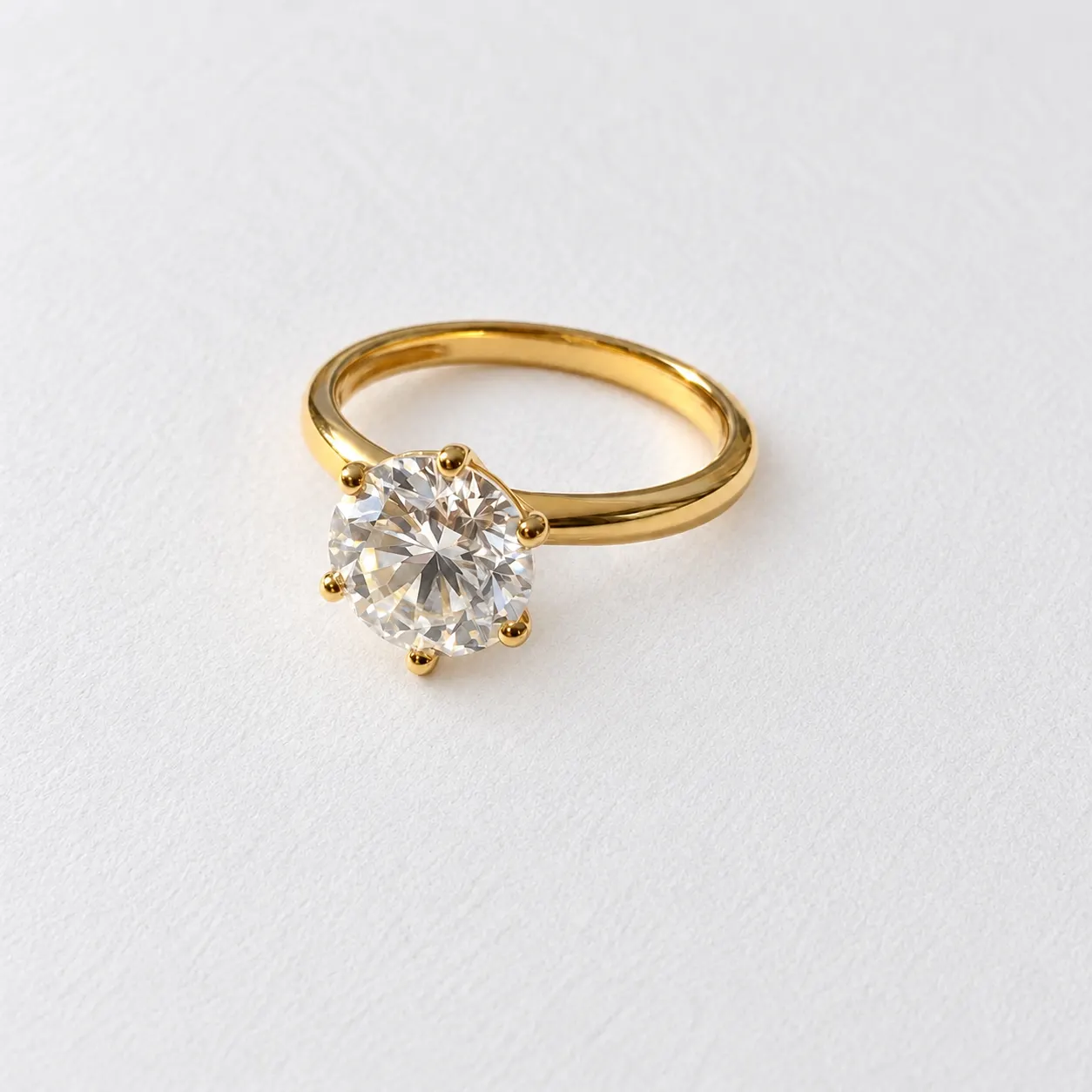
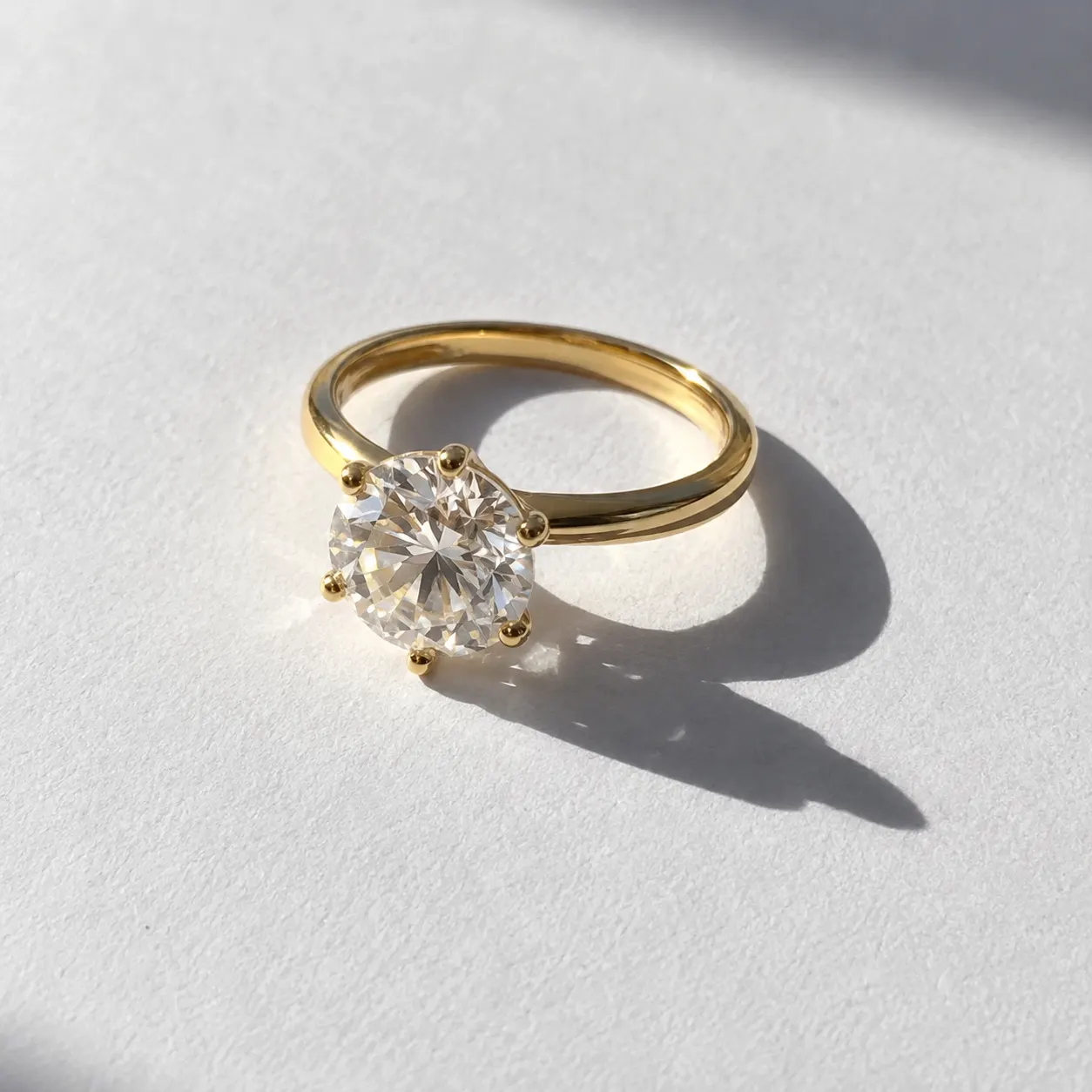
Prompt: Remove unwanted shadows from the first photo and produce a naturally lit, evenly exposed image with clean, realistic detail.
Everything remove shadow from photo gives you in one place.
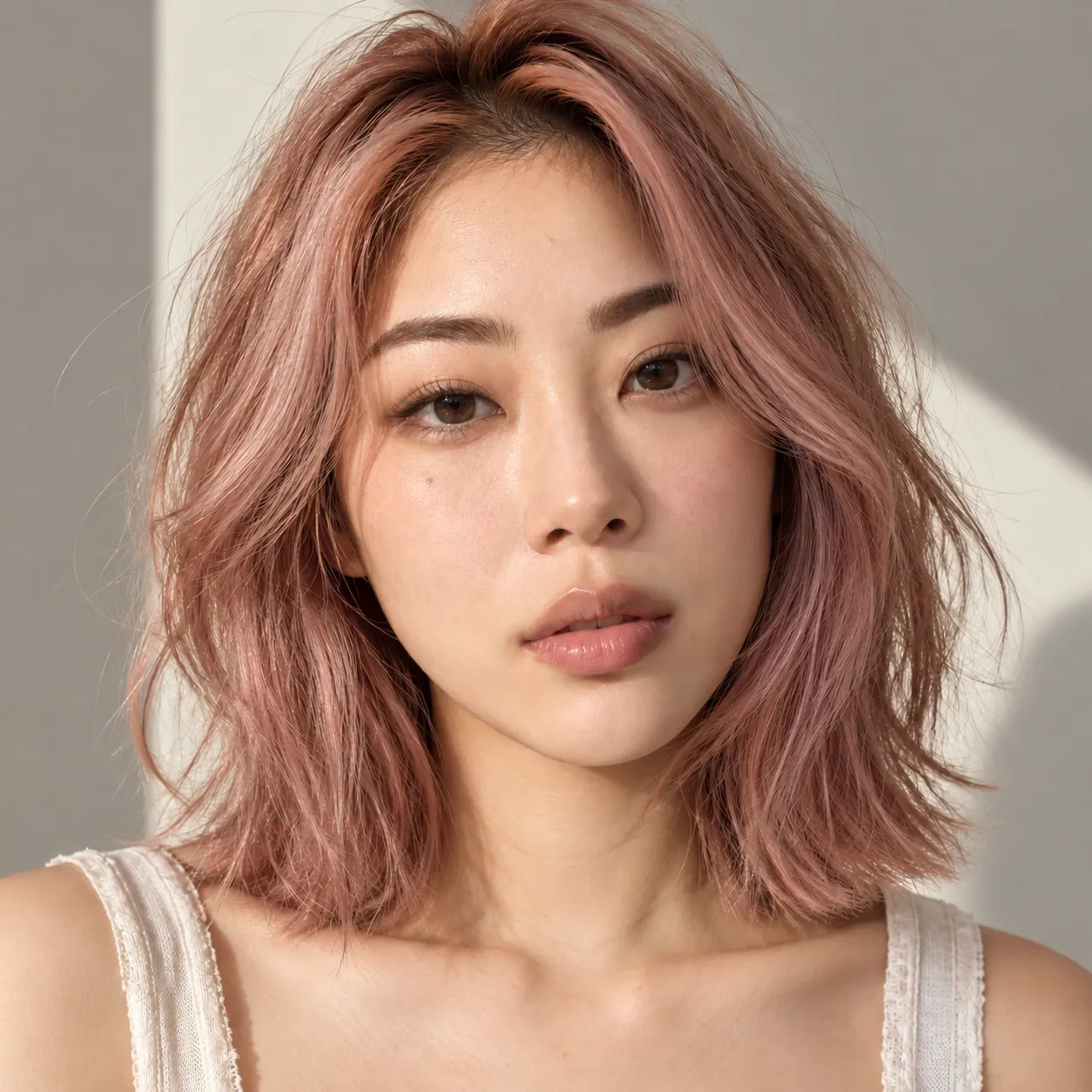
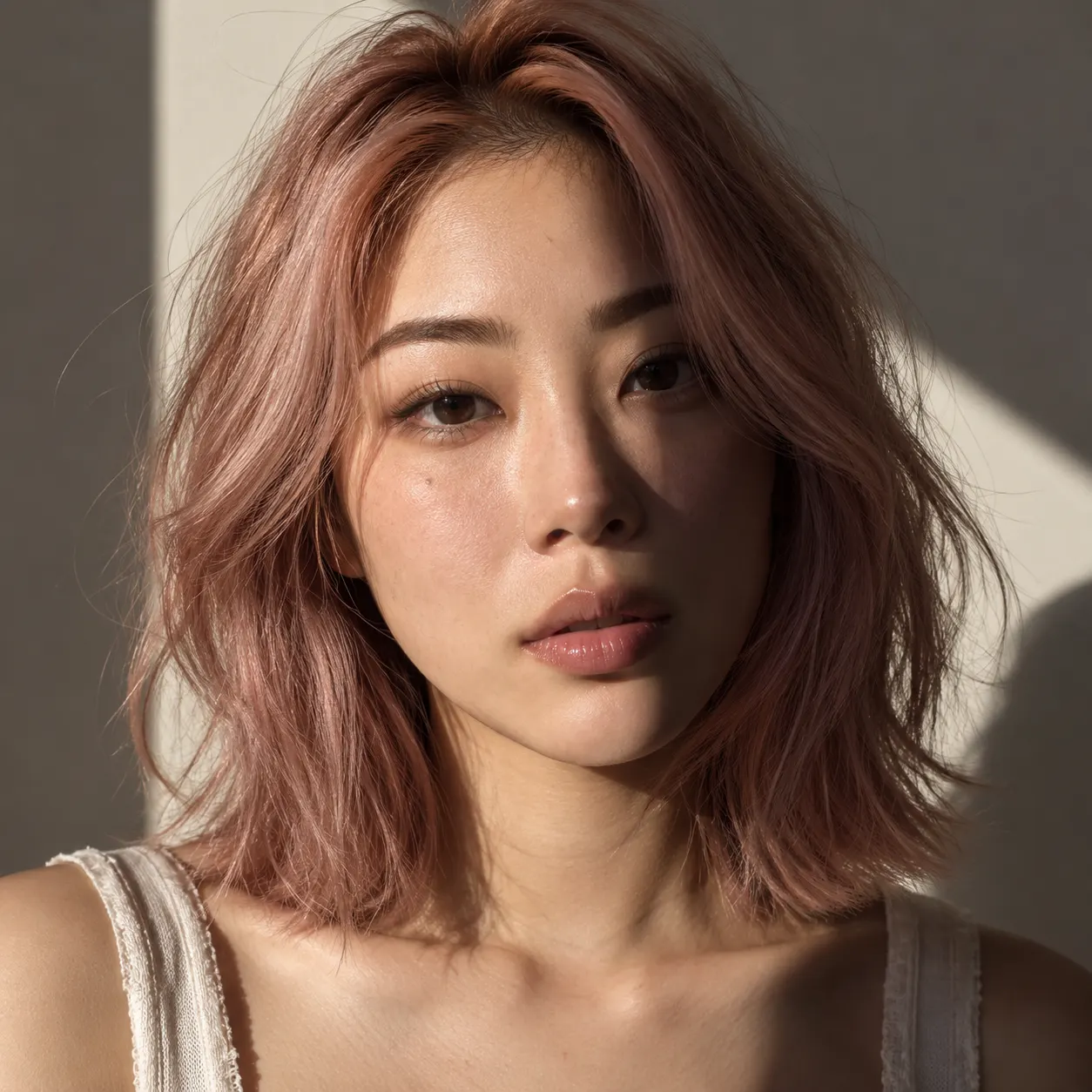
Brightening the whole image can wash out the subject and still leave the shadow behind. SnapVivid targets the unwanted shadow and reconstructs the area around it, so the original pose, colors, edges, and scene remain believable after the fix.


Shadows crossing hair, skin, patterned walls, pavement, or product surfaces are hard to retouch by hand. The AI reads the surrounding detail and restores natural light without leaving a bright blob, repeating pattern, or obvious painted-over patch.
Your upload stays private to your session while the edit runs, and failed generations never cost a credit. Preview the before and after, keep the version that looks right, and download without a watermark added back.
Not every shadow is a flaw — the one grounding a product on a table or a person on the pavement is what makes a photo look real. Name the shadow to remove and the ones to keep, and the edit lifts only the distracting shade while natural contact shadows stay where they are.
Three steps from upload to a finished, download-ready result.
Drop in the portrait, product photo, or outdoor shot you want to fix. For best results, use an image you own or have permission to edit.
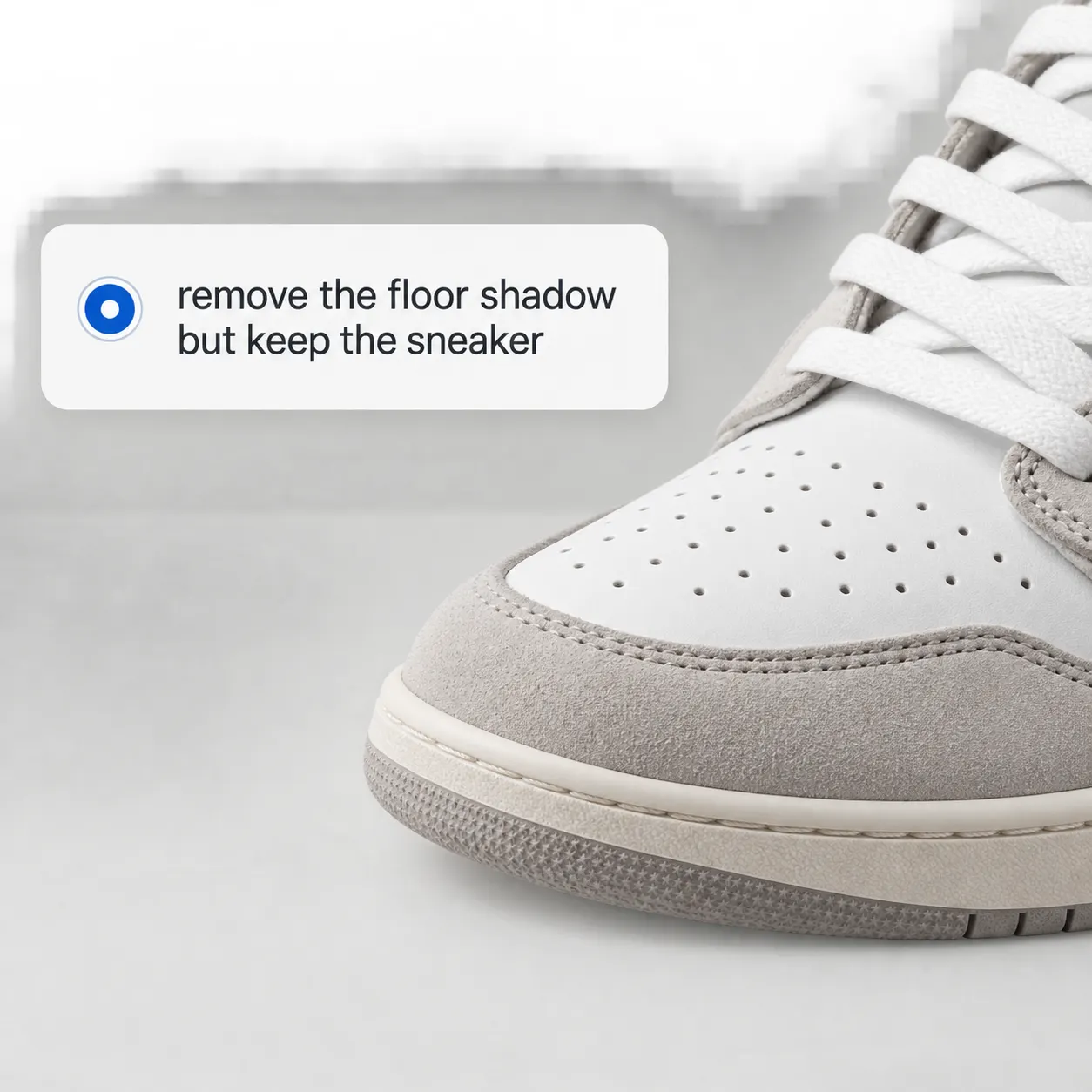
Use the preset for a general cleanup, or add a short instruction such as “remove the wall shadow” or “keep the floor shadow but remove the one across the subject.”
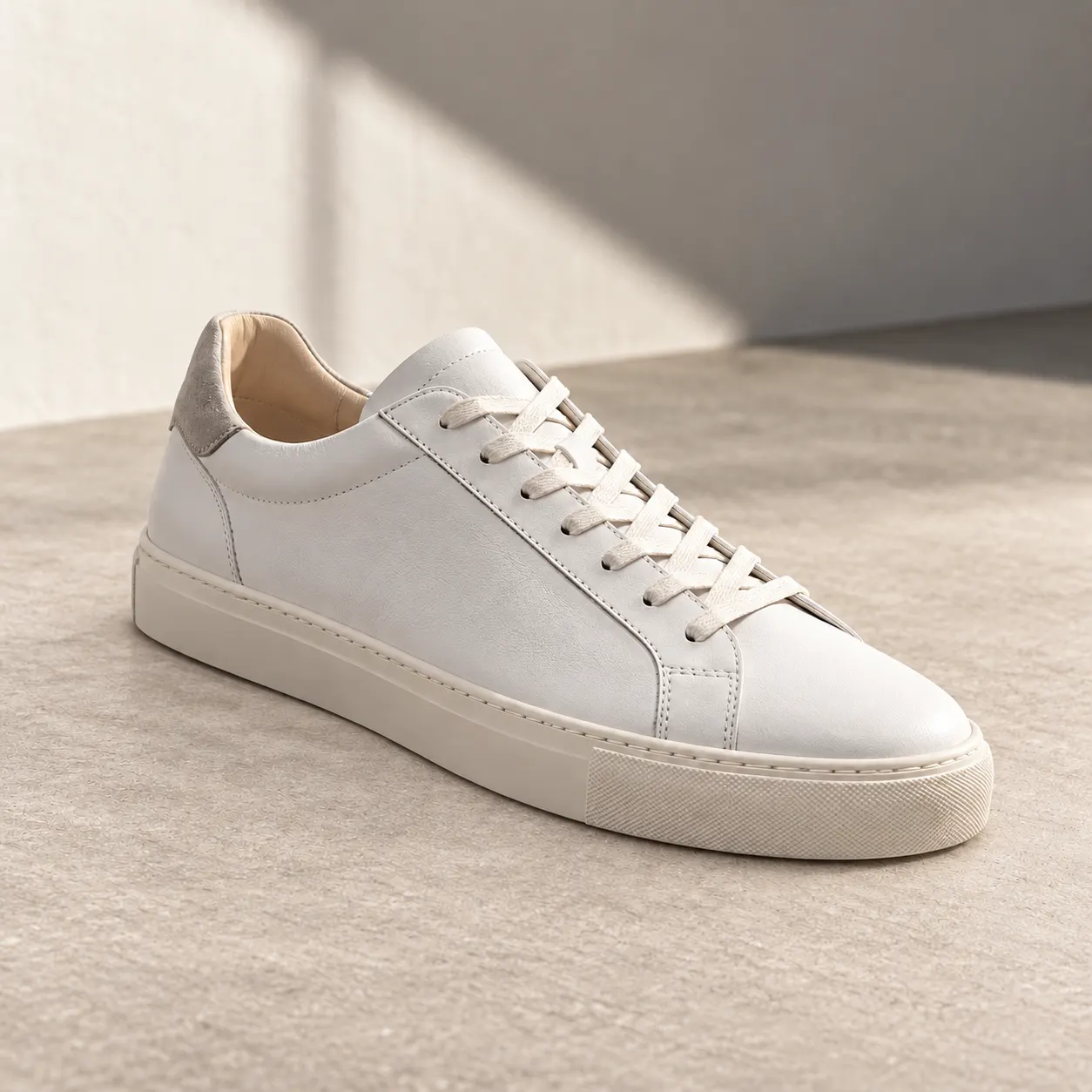
Generate the edit, compare it with the original, refine the instruction if needed, and download the natural-looking photo you want to keep.
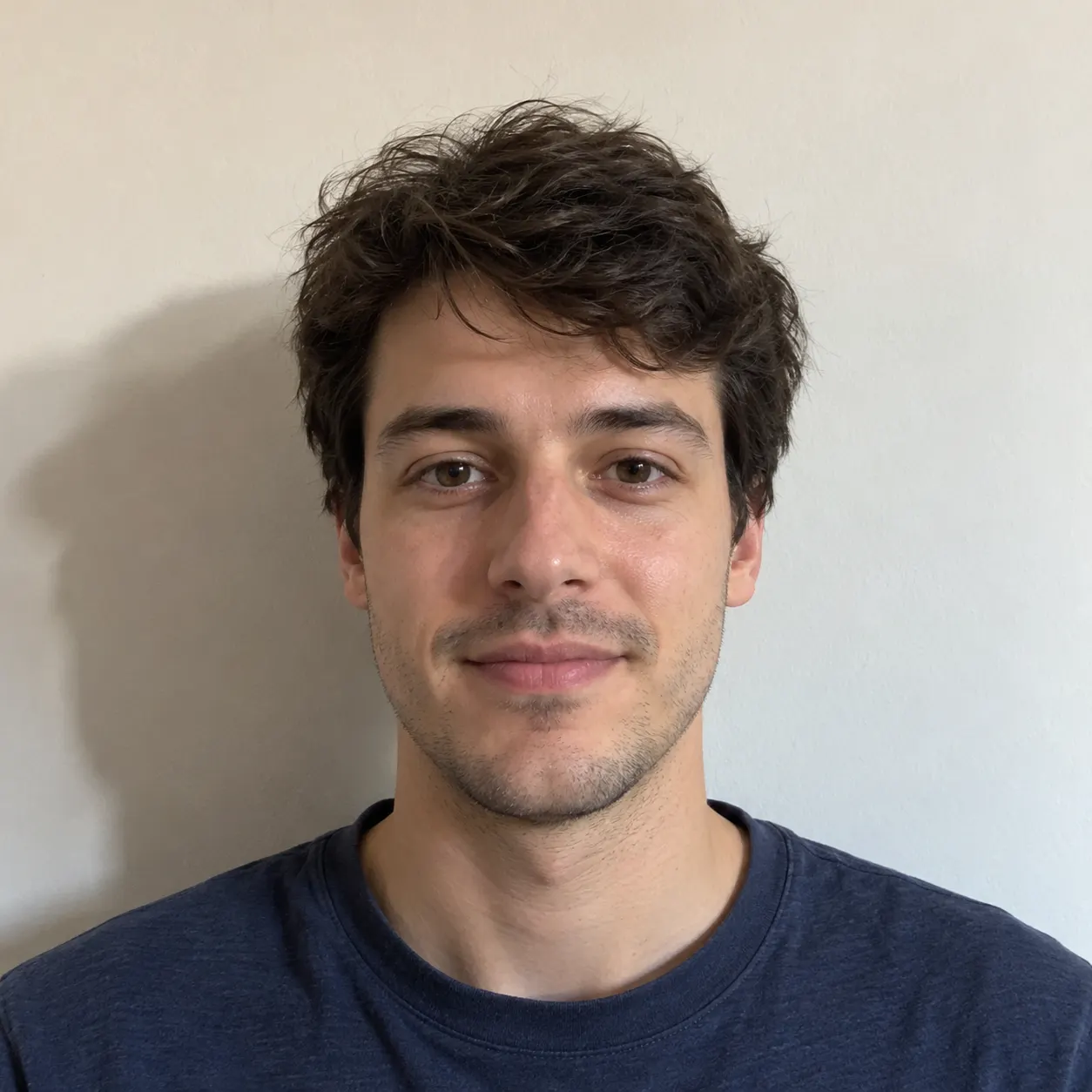
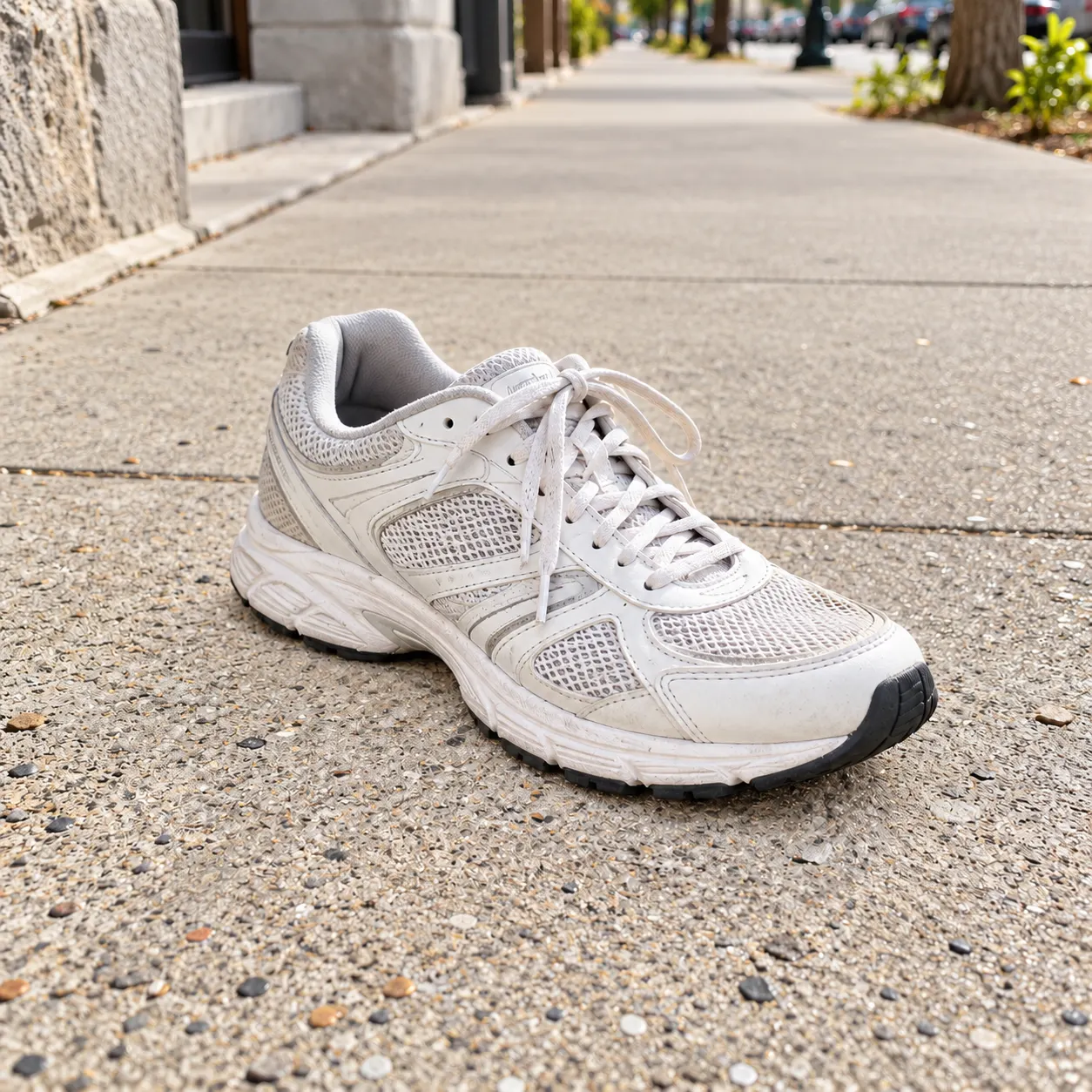
Real results — remove shadow from photo across styles and subjects.



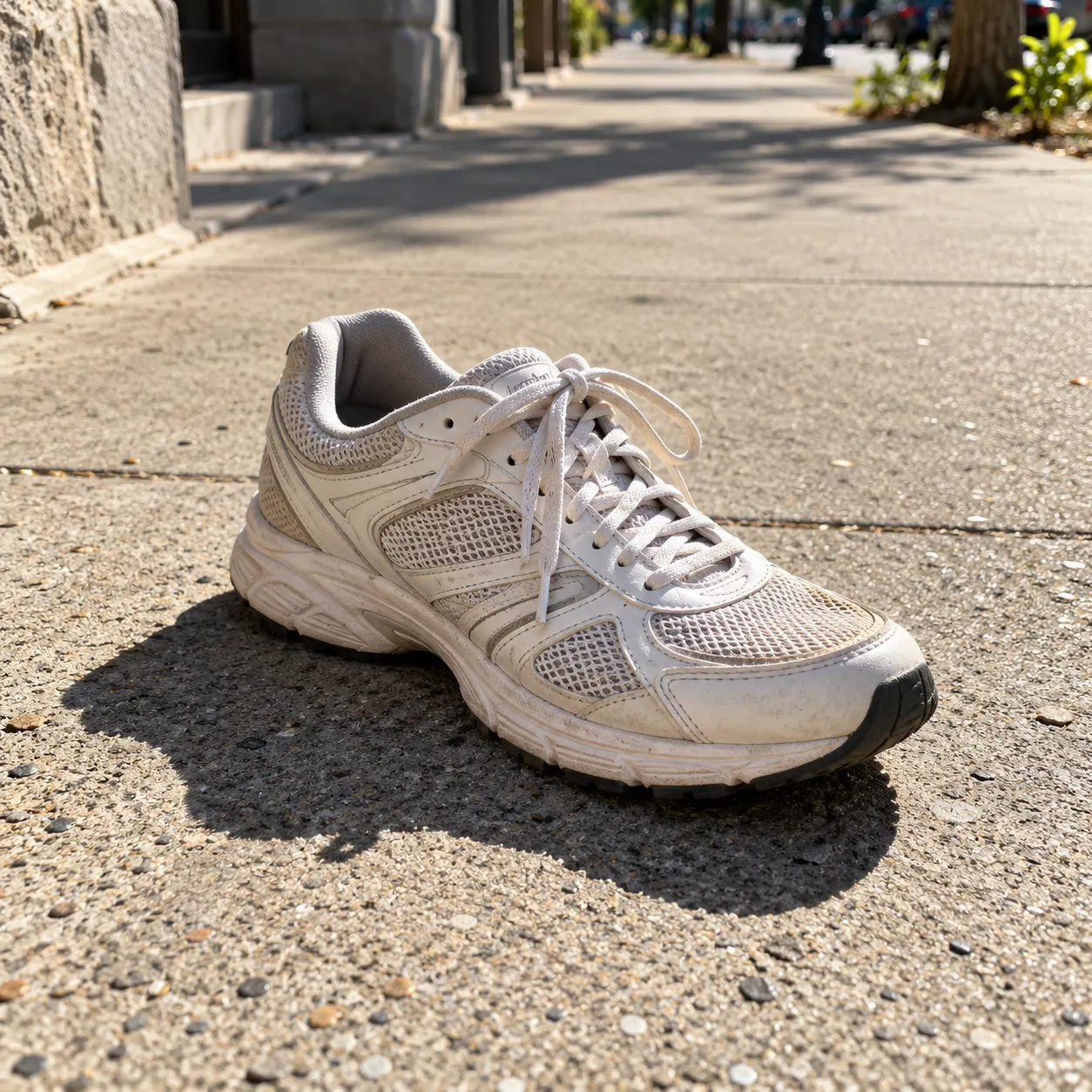
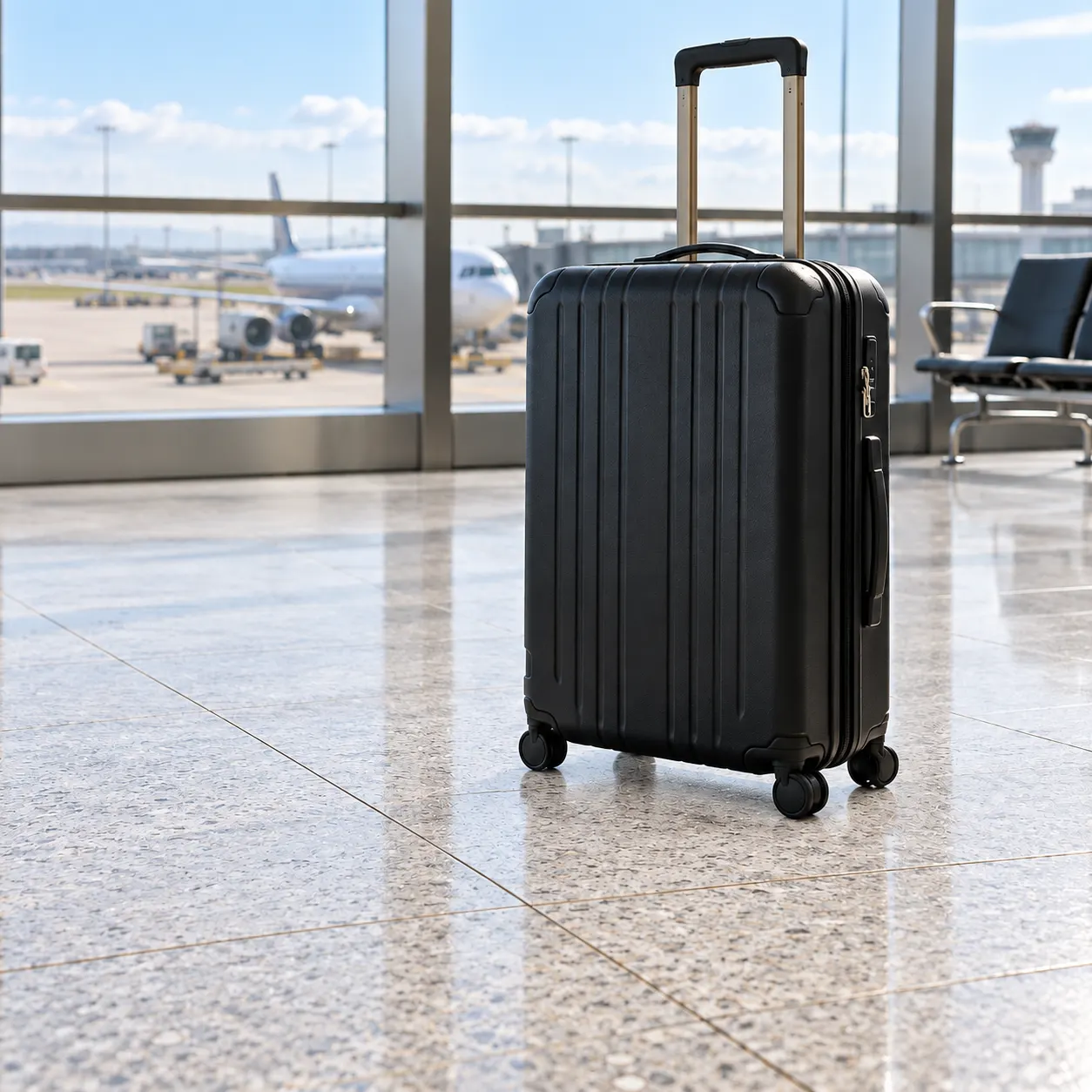
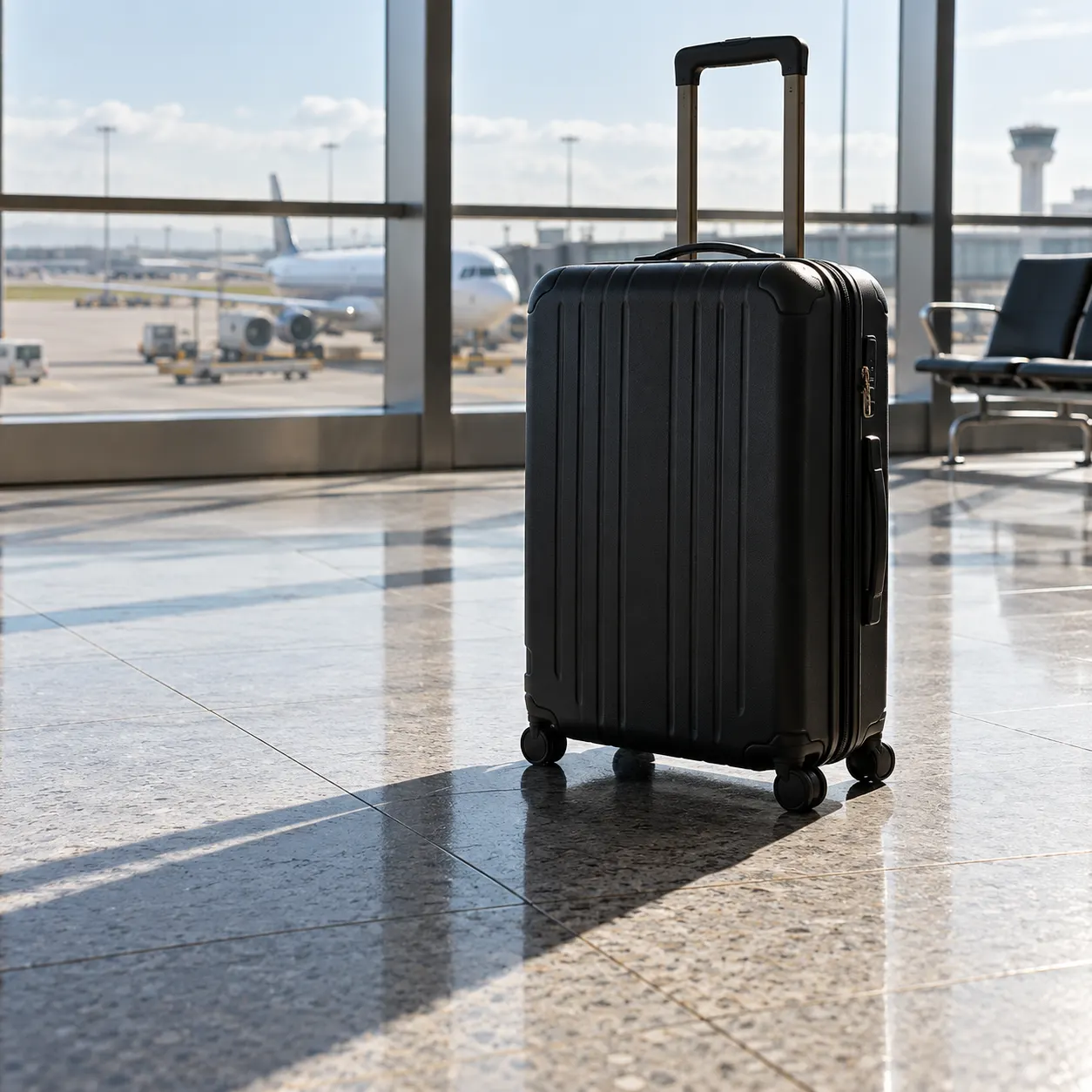
1 lifetime image credit, no card required. Video runs on a paid plan from $29/month.
Start for FreeThe shadow problems this tool is used to fix, from selfies to product shots.
Lift a harsh shadow across a face, neck, or hair while preserving identity, skin texture, and the original expression.
Remove a distracting cast shadow from a product listing or catalog image without changing the product’s shape, color, or fine edges.
Erase the shadow of a person, lamp, or object from a wall and reconstruct the surface so the background reads evenly.
Reduce unwanted shadows across pavement, clothing, or a scene while keeping the sunlight and environment believable.
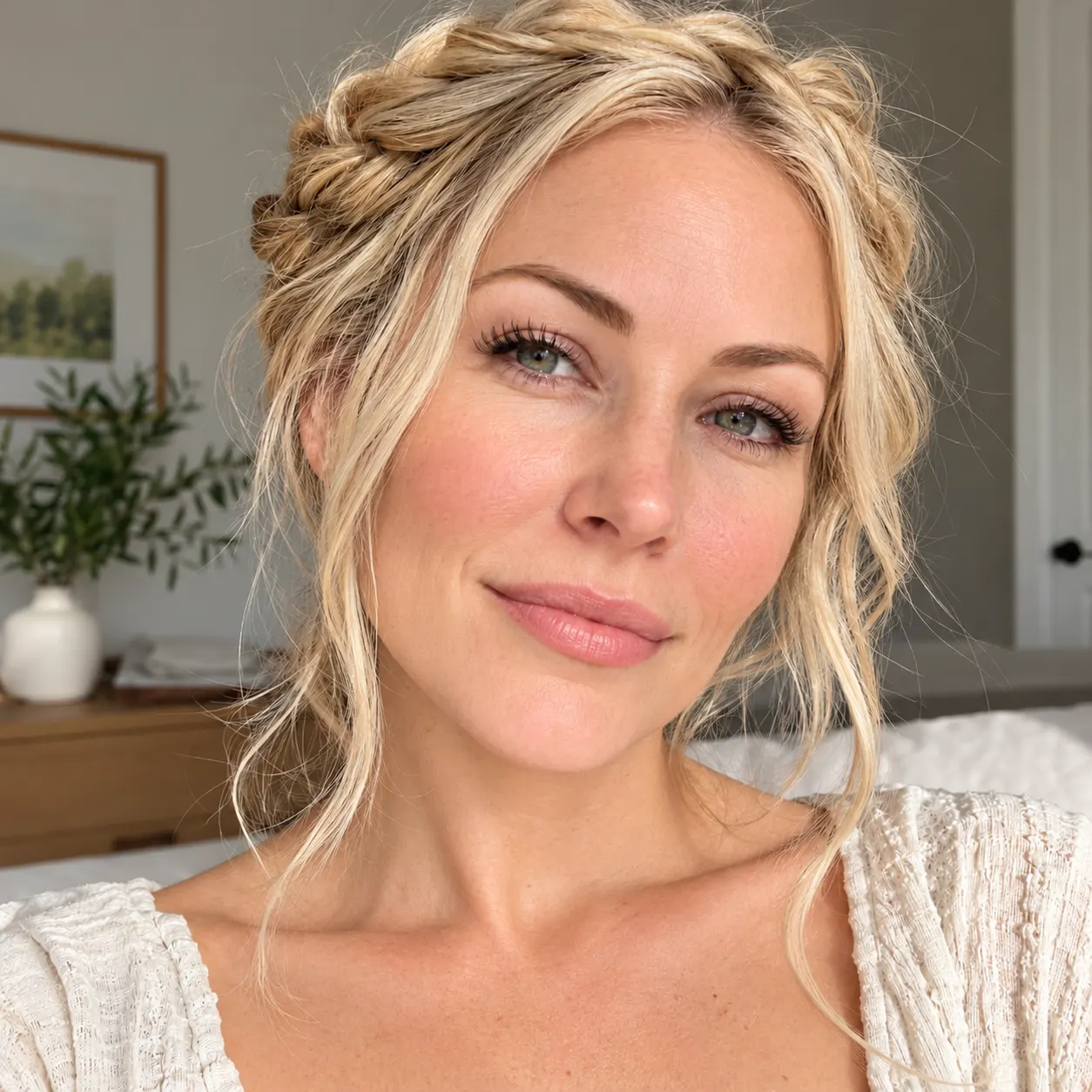
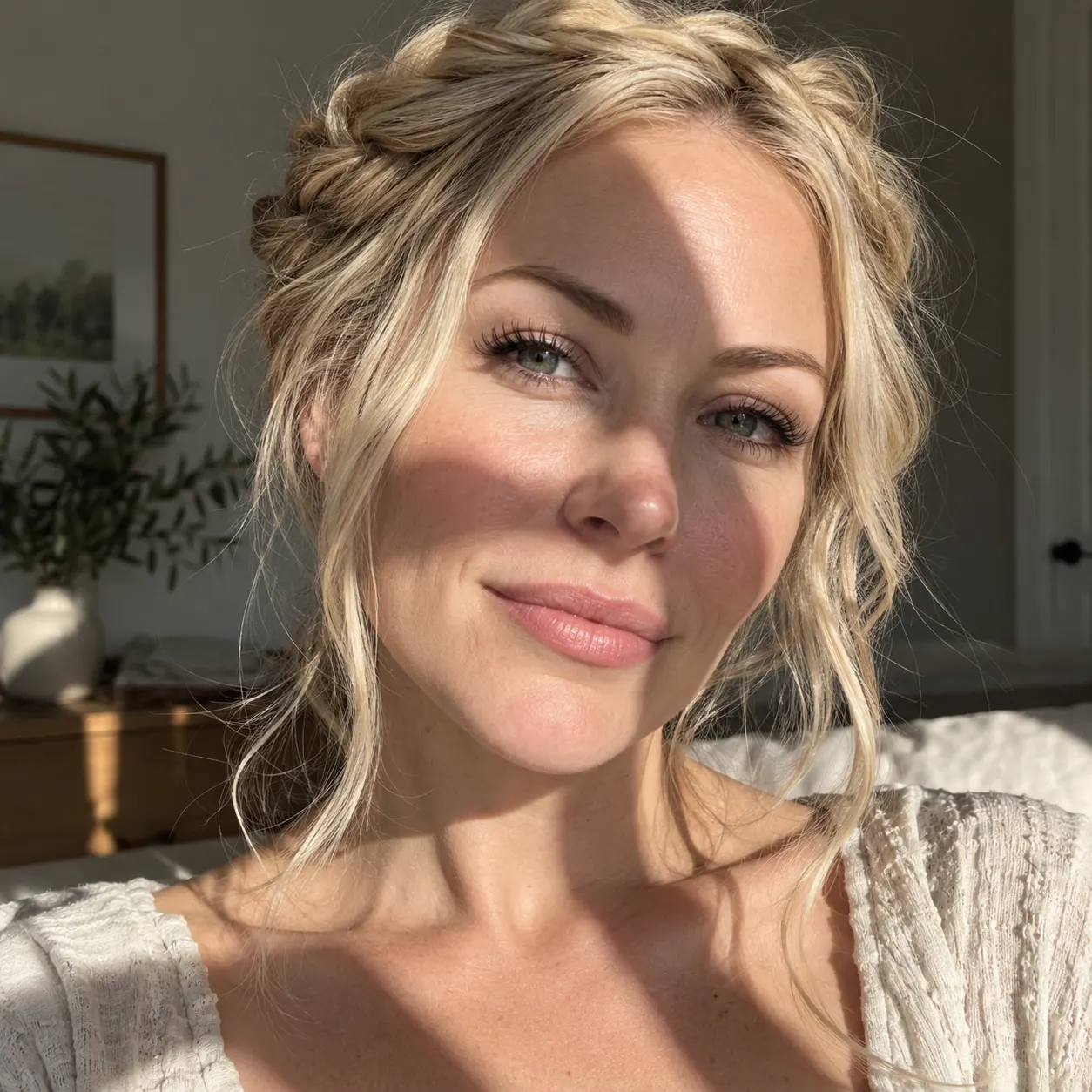
That matters because good shadow removal is not the same as making every pixel brighter. A portrait still needs skin texture and facial identity; a product shot still needs exact edges and color; a wall still needs to look like one continuous surface. The AI shadow remover works from the whole image and your instruction together, so you can say “remove the hard shadow behind me” or “clean the shadow across the shirt, but keep the natural ground shadow” instead of manually tracing around hair, fingers, or fine detail.
The workflow is deliberately small. Upload a photo, leave the focused preset on, and generate — or add one sentence when the shadow is specific. If the first pass is too strong, refine it with a lighter instruction and run again; failed attempts never cost a credit. Your image stays private to the session, and the final download is clean, full quality, and free of a new watermark.
Use this page when the problem is an unwanted shadow, not a general image makeover. The AI photo editor is better for changing several things at once; photo restoration is for scratches, fading, and age damage; the image upscaler is for size and softness. Once the lighting is fixed, you can combine the image with another photo or send the repaired still into image-to-video for a short animated clip.
More SnapVivid tools that pair with remove shadow from photo.
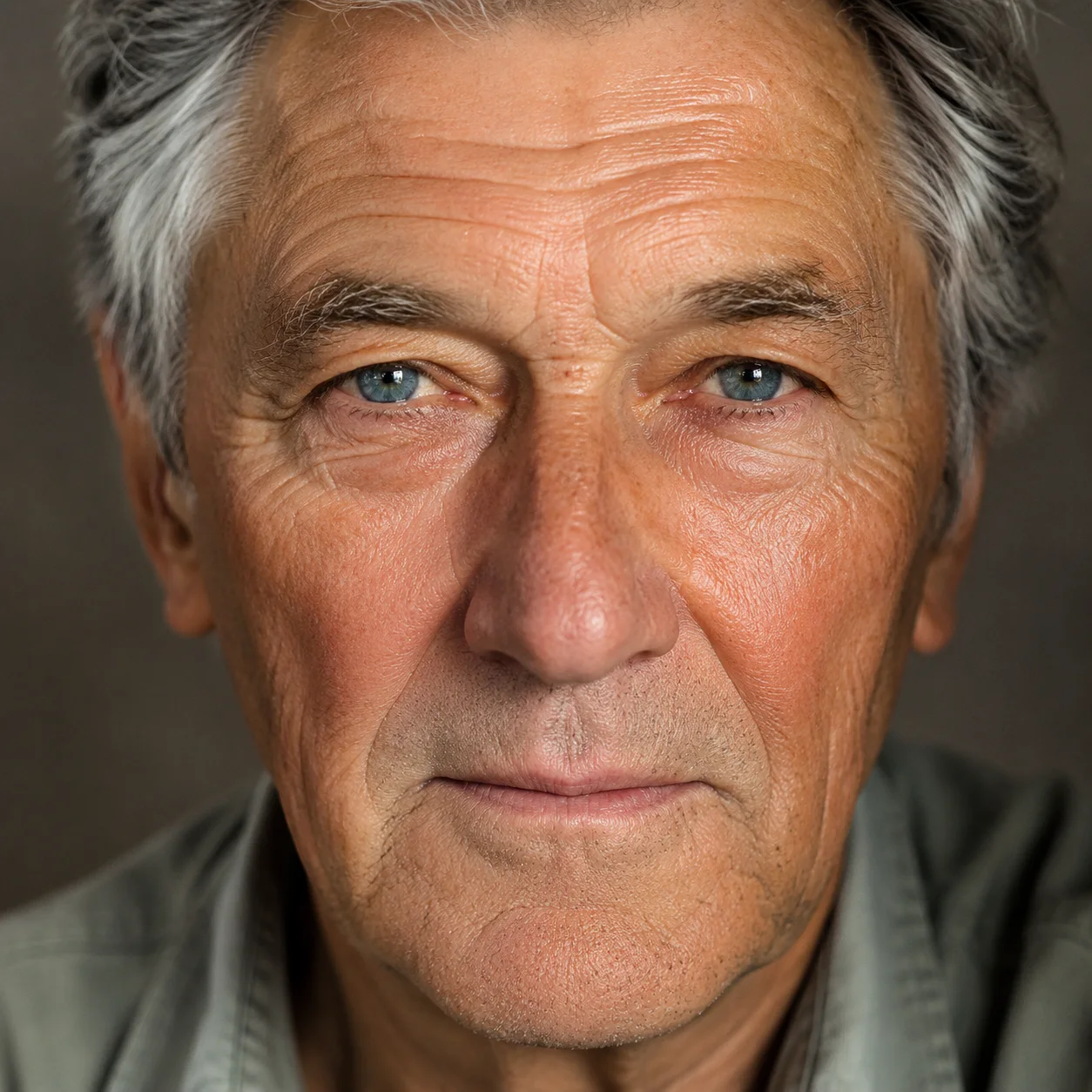
Edit any photo just by describing the change. Upload a picture, tell SnapVivid’s AI what to do — swap the background, remove an object, fix the lighting, or restyle the whole shot — and get a clean, download-ready result. When you need a focused edit, the specific tools are one click away.
Enlarge and sharpen any image without the blur. SnapVivid’s AI upscaler adds real detail as it scales your photo 2× or 4× — cleaning up noise and softness so small or low-res pictures become crisp and print-ready.
Bring an old, damaged, or faded photo back to life. Upload a scratched print, a yellowed snapshot, or a soft black-and-white photo, and SnapVivid’s AI repairs the damage, corrects the color, and recovers detail — while keeping every face true to the original person, not a stranger who resembles them.
Combine images into one natural, believable photo — no Photoshop layers, no masking. Upload two pictures (or more), describe how to merge them, and SnapVivid blends the photos together with matched lighting, scale, and perspective.
Animate any photo or prompt into a cinematic clip.
A watermark remover that actually rebuilds the photo. Upload an image you own, and SnapVivid’s AI watermark remover deletes the watermark, logo, or text overlay and reconstructs the detail underneath — so the result reads as a clean original, not a blurred-over patch.
See yourself with a new eye color before you commit. Upload a portrait, choose blue, green, hazel, or brown eyes, and let SnapVivid edit only the irises while your face, expression, skin, and lighting stay true. It is a realistic eye color changer built on Google’s Nano Banana edit model — free to try, private to your session, and clean to download.
Swap a face into any photo in seconds. Upload a base picture and the face you want, and SnapVivid blends them naturally — matched skin tone, lighting, and angle, with realistic, download-ready results.