Ecommerce Video Production with AI
Your catalog is full of stills that could be moving. Turn a pack shot into a hero clip for the product page, the ad, and the story — from the photo you already paid for.
Every SKU deserves a hero clip
Video on a product page used to mean a studio day per SKU, so most catalogs stop at stills. SnapVivid’s image-to-video engine turns the pack shot you already have into motion — a slow rotation, a drifting highlight, a shallow-focus push-in — one SKU at a time, at the pace your catalog actually grows. That is AI video for e-commerce at catalog scale: one still in, one hero clip out, no studio day.
Animate a product shotThe pack shot is the input
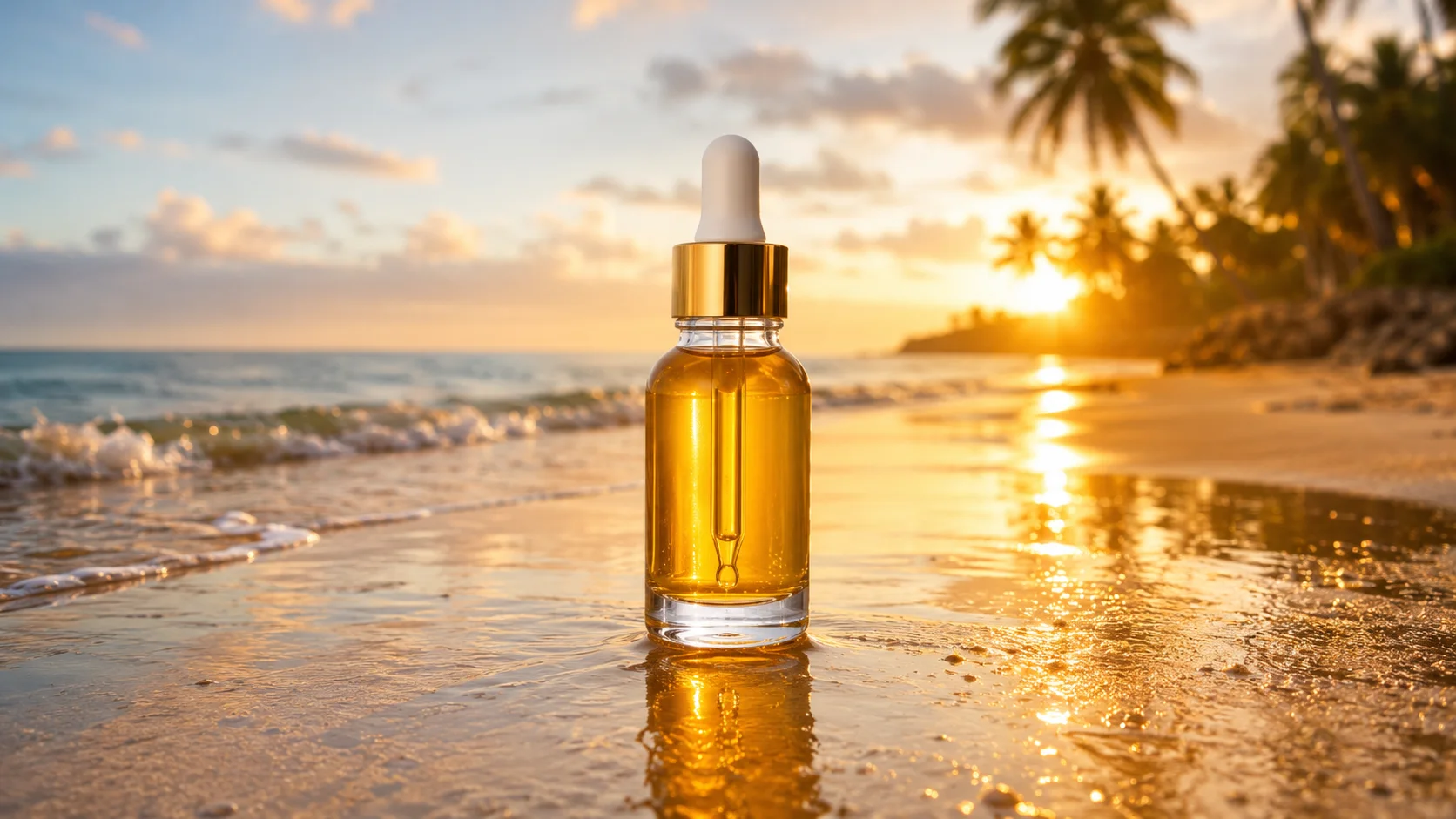
No reshoot, no turntable rig, no 3D model. Upload the catalog image and the image-to-video engine builds motion around it while keeping the bottle shape, label and colorway intact — the same product a customer will receive.

Change the set without a set
Seasonal campaign, new backdrop, different mood? Use combine images to place the product into a fresh scene with matched lighting and reflections, then animate the composite. One product, a year of looks, zero studio bookings.
What an e-commerce team gets
The real capabilities behind AI video for e-commerce on SnapVivid.
Pack shot to hero motion
Turn a single catalog still into a rotation, push-in or light sweep that is faithful to the actual product.
Scene compositing
Drop the product into a new background with matched light using the image tools, then animate the result — no physical set required.
PDP, ad and story sizes
Render 16:9 for the product page, 1:1 for feed and marketplace, 9:16 for Reels, TikTok and story placements.
How e-commerce teams use SnapVivid
Three steps from a catalog image to a hero clip.
1 · Prep the still
Start from a clean pack shot. Relight it, clean the background, or composite it into a scene with the image tools first if the shot needs help.
2 · Generate the motion
Describe the move — spin, push-in, light sweep — pick the aspect ratio for the placement, and render.
3 · Publish it yourself
Download the clip and upload it to your PDP, marketplace listing, email or ad account. Re-run with a new prompt for the next variant.
From a Prompt or a Photo to Finished Art
AI images, face swaps, headshots, and restyles — every tile is a real SnapVivid output. Hover to see it move, or click to open the tool.
Good to know
Straight answers before you plan a catalog rollout.
Does it sync with Shopify, Amazon or my PIM?
No. There is no catalog integration, no bulk import, and no auto-publishing to a storefront. You upload a photo, download a clip, and place it yourself. If that seam matters at your catalog size, plan for it now rather than after a migration.
Will the product stay accurate enough to sell?
Motion is generated around your uploaded still rather than re-imagined from a prompt, so shape, label and colorway are preserved. Very fine print and micro-texture can soften once they move, so review each render — the same check you would give any retouched asset before it hits a listing.
Does it add voiceover, captions or music?
Not onto the clip. SnapVivid makes the visual, and renders come back without an audio track — captions and any on-screen pricing come from your own editing stack. The audio you can generate here: voiceover, sound effects and music each have their own tool and return a file you drop in yourself. We are not going to promise a full ad pipeline we do not ship.
Where should I start?
Take one hero SKU through the product video generator end to end before you scale it across the catalog — you will learn quickly which of your source photos animate well.
Give your best-selling SKU some motion
Upload one pack shot and see what AI video for e-commerce looks like on your own SKU. Start from the composer above.
Start creating freeTools behind product creative
The surfaces this workflow runs on.
More ways to use SnapVivid
Other audiences and campaign surfaces.