AI Cat Videos
Turn your wild cat prompts or adorable kitty photos into realistic, high-fidelity AI cat videos. Type a prompt, choose a model, and watch your cat videos come to life.
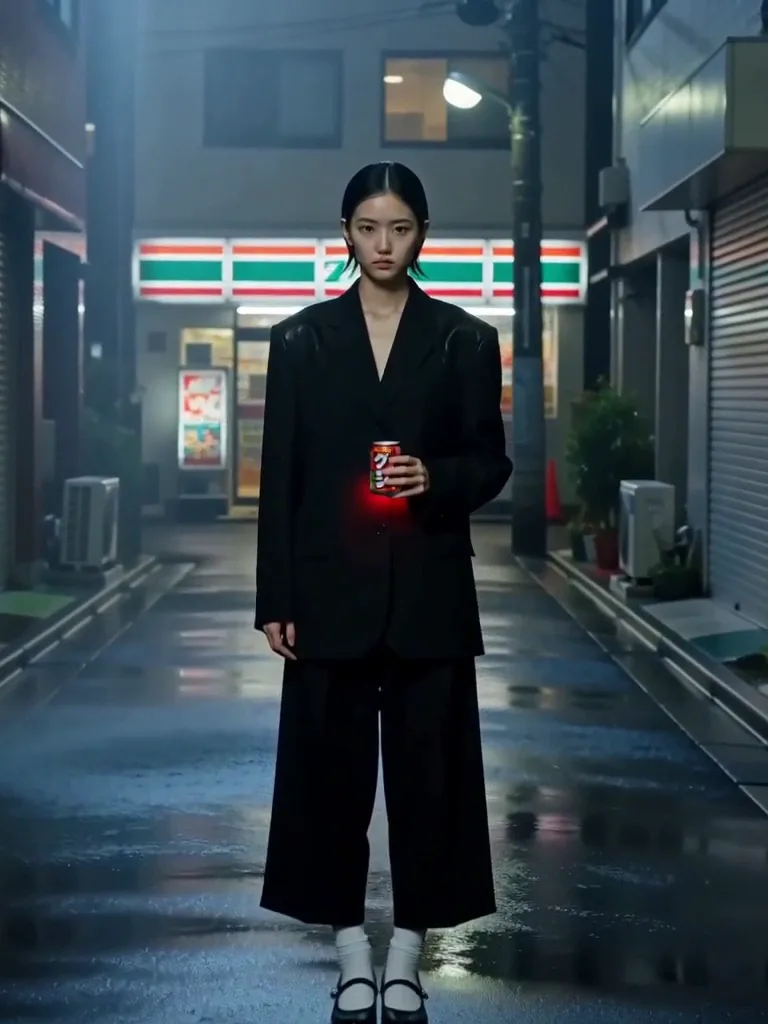
Create adorable AI cat videos instantly
SnapVivid’s AI cat video generator lets you create stunning, lifelike animations of your favorite felines. Start with a plain text prompt to generate a custom cat image, or upload a photo of your own cat, and our powerful image-to-video motion engine will breathe life into it with natural movement.
Animate your catGenerate custom feline art, or upload your own cat
Describe your perfect pet scene and let our AI image generator render it with stunning details. Already have a camera roll full of your own cat’s adorable photos? Upload one directly. Whether you start from a fresh prompt or your own pet photo, it serves as the perfect first frame for beautiful feline animation.
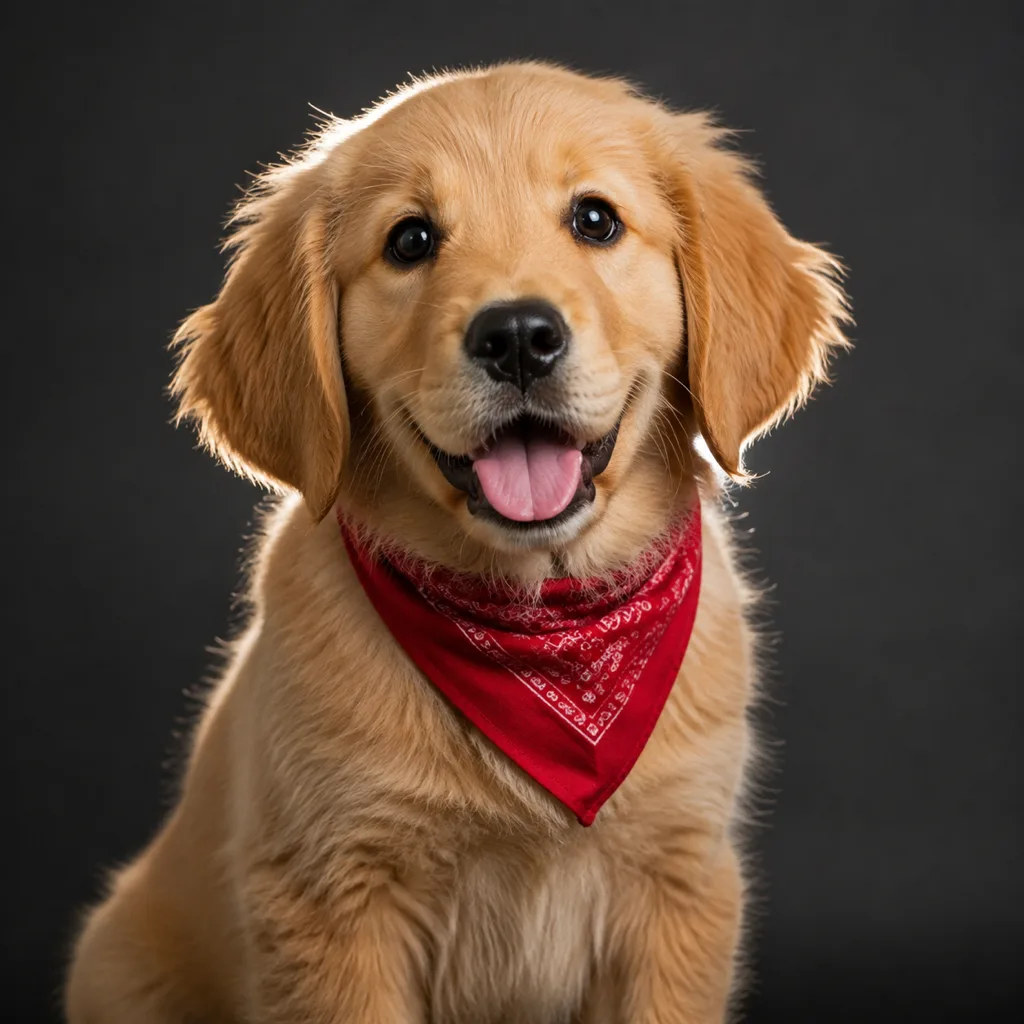
Add realistic physical movement in one click
Bring your stills to life with our powerful image-to-video engine. It excels at organic motion—soft fur moving, tail flicking, ears twitching, and slow cinematic camera work. Tailor the action with a motion prompt and pick the aspect ratio that fits your social feed perfectly.
What our AI cat video tool gives you
Real, high-fidelity creative capabilities for beautiful animal videos—no overpromised features.
Prompt-to-cat generator
Generate clean, adorable cat portraits and action shots from text descriptions. Easily refine details and iterate until you get the perfect shot.
One-click cat animation
Turn any cat still into smooth, realistic motion. Control hair movement, tail flicking, blinking, and subtle background breezes with ease.
Multi-aspect exports
Export your feline clips in vertical 9:16 for Reels and TikTok, square 1:1 for grids, or wide 16:9 for landscape platforms.
How to make an AI cat video
Three simple steps from an adorable prompt to a download-ready video clip.
1 · Select or upload your cat picture
Type a descriptive prompt to generate a new cat still, or drop in a sweet photo of your own cat from your library.
2 · Apply physical motion
Send your image to the video workspace, add physical motion hints like "tail flicking" or "looking outside," and generate.
3 · Fine-tune and export
Review the generated clip, adjust the camera settings or resolution if needed, and download your watermark-free video.
From a Prompt or a Photo to Finished Art
AI images, face swaps, headshots, and restyles — every tile is a real SnapVivid output. Hover to see it move, or click to open the tool.
Good to know
Honest answers about our feline animation features, capabilities, and pricing.
How do credits work for cat videos?
Generating cat stills draws from your 1 free lifetime image credit. Animating those stills into high-fidelity video uses significant GPU compute, so it draws on our Starter, Pro, or Ultra plan. We never charge credits for failed video runs.
What kind of movements can the AI perform?
Our video engine is tuned for realistic, natural physical motion: soft wind blowing through fur, subtle ear twitching, tail wags, blinking, and slow camera orbits. It does not support human-like cartoon choreography or stylized speech.
Can I upload a photo of my own cat?
Absolutely! Our image-to-video workflow is built around your own uploads. Upload any JPEG or PNG photo of your pet, describe the action, and let the AI handle the complex motion mapping seamlessly.
Are there watermark limitations on previews?
None at all. All previews on SnapVivid are completely watermark-free, and you have full commercial usage rights over the videos you download in the video studio.
Bring your feline prompts to life
Create a custom kitten still, animate it with our advanced video model, and download a beautiful looping clip today.
Start creatingExplore the creation toolkit
The tools behind the cat animation workflow.
More ways to create
Other SnapVivid video use cases and guides.