AI Real Estate Videos from Listing Photos
Every listing already has twenty photos and no video. Turn the best three into slow, cinematic motion for the portal, the reel, and the campaign — without booking a videographer.
Listing photos that move
A still gallery scrolls past. A four-second push-in through a sunlit room stops the thumb. SnapVivid’s image-to-video engine adds that motion to the listing photos you already have, so a new listing can go live with video the same day the photographer delivers. That is AI video for real estate without a videographer: the photos you already have, moving.
Animate a listing photoCinematic motion from the shot you already have
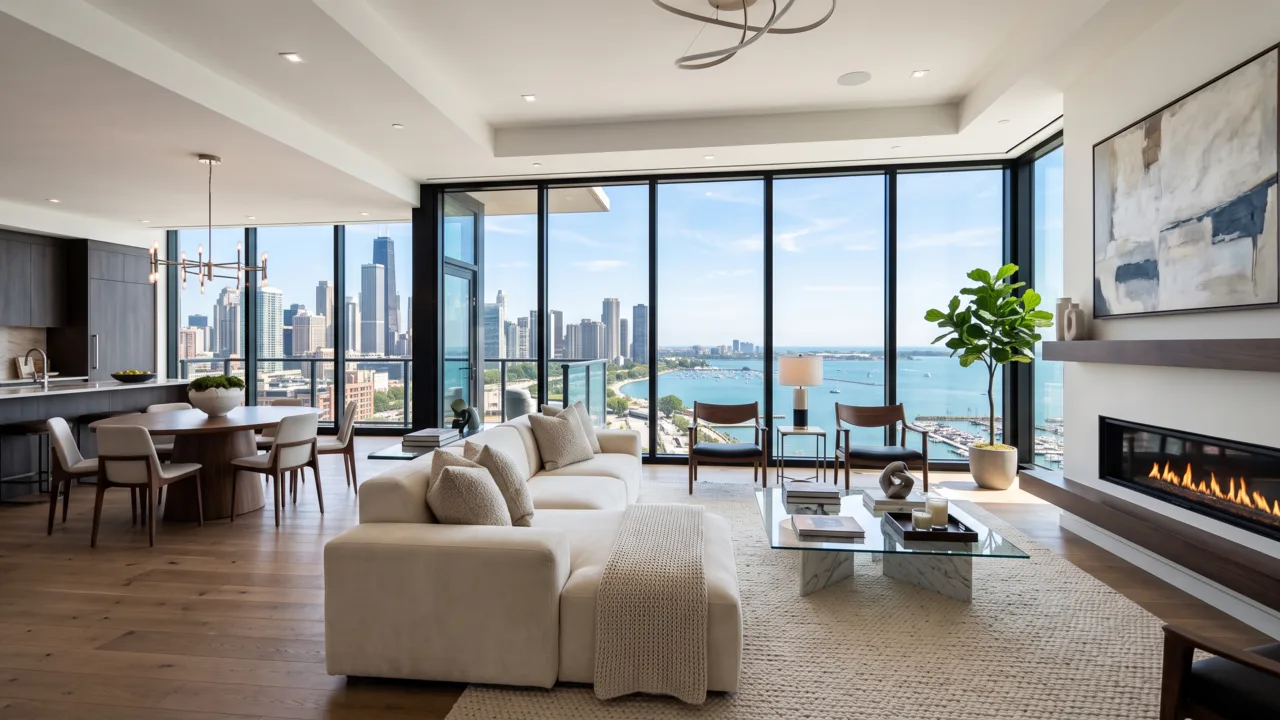
Pick the hero interior, the exterior, the view from the balcony. The image-to-video engine adds a slow dolly, a gentle parallax, a drift of light — the moves a gimbal operator would make — while the room itself stays exactly as photographed.
Fix the photo before you move it
Dim, soft or low-resolution source? Run it through the image upscaler and the photo editor first to recover detail and balance the light, then animate the cleaned-up frame. Better input, steadier motion.
What a listing agent gets
The real capabilities behind AI video for real estate on SnapVivid.
Photo to cinematic clip
Turn a single interior or exterior still into a slow push-in, pan or parallax reveal — the shot list a videographer would charge a half day for.
Photo cleanup first
Upscale, relight and retouch the source image in the image tools before animating, so weak listing photos still produce usable motion.
Portal and social sizes
Render 16:9 for the listing portal and the site, 9:16 for Reels and TikTok, 1:1 for feed and paid social.
How agents use SnapVivid
Three steps from a photo gallery to a listing reel.
1 · Choose the hero frames
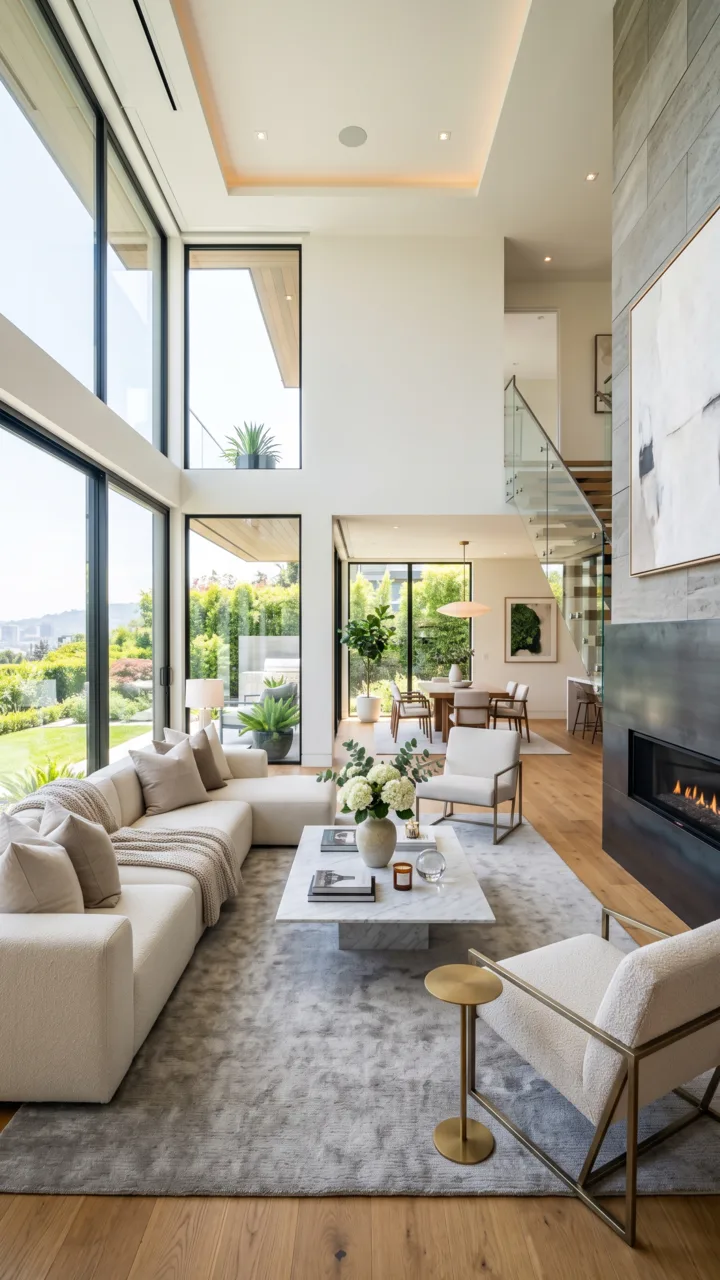
Two or three photos carry a listing: the main living space, the kitchen, the view. Pick the sharpest, best-lit versions.

2 · Clean up, then animate
Upscale or relight the frame if it needs it, then describe the camera move and render the clip at the size you will post.

3 · Post it with the listing
Download and publish to the portal, the listing page, or social. Repeat per room to build a short sequence in your own editor.
From a Prompt or a Photo to Finished Art
AI images, face swaps, headshots, and restyles — every tile is a real SnapVivid output. Hover to see it move, or click to open the tool.
Good to know
Read this one before you put a clip on a live listing.
Does it represent the property accurately?
The engine adds camera motion around the photo you upload — it does not rebuild the room in 3D or invent geometry, so what is in frame is what you photographed. It is still a generated video: review every clip and never use one that changes a room’s condition, size or features. Portal rules and local disclosure requirements about edited or AI-assisted listing media are your responsibility, and they are worth checking before you post.
Can it virtually stage an empty room?
Not as a dedicated feature. The image tools can edit and composite a photo, but SnapVivid ships no furniture library, no staging presets, and no guarantee about how a staged edit reads. If staging is central to your listings, treat that as unsupported today rather than a hidden capability.
Does it build a walkthrough or floor plan?
No. There is no 3D reconstruction, no dollhouse view, no floor-plan generation, and no MLS integration. SnapVivid produces short clips from individual photos; a genuine walkthrough still needs a real camera or a scanning service.
What does it cost per listing?
Photo enhancement runs on the lifetime image credits; video rendering is a paid plan feature, billed per successful render — failed runs are never charged. See pricing for the plan that fits your listing volume.
Give your next listing a video
Upload the hero interior shot and see what AI video for real estate looks like on your own listing. Start from the composer above.
Start creating freeTools behind listing creative
The surfaces this workflow runs on.
More ways to use SnapVivid
Other audiences and comparisons.