Kling 3.0 AI Video Generator
Run Kuaishou’s Kling 3.0 — SnapVivid’s model-branded video lane. Animate a photo into rich motion, or generate a high-fidelity video clip straight from text. Select Kling 3.0 in the model menu, write your prompt, and preview fluid motion and realistic physics — online, no waitlist.
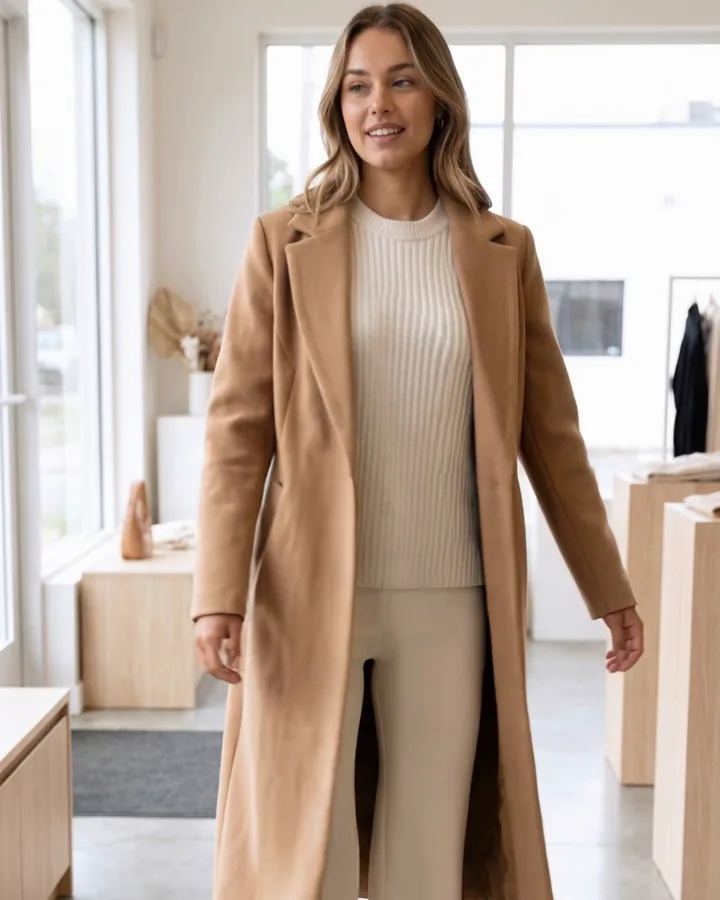
Kling 3.0 AI Video Generator — real results, in minutes
Kling 3.0 is one of the most powerful video models to emerge from Kuaishou, and the reason creators look for it by name is that the brand represents a specific level of performance: realistic physical interactions, fluid human motion, and rich textures that look authentic. The trouble has always been access — finding a reliable, high-speed connection without region-locking or complex setup. SnapVivid solves this by registering Kling 3.0 directly into its unified creative suite, making it accessible through a single, polished workspace.
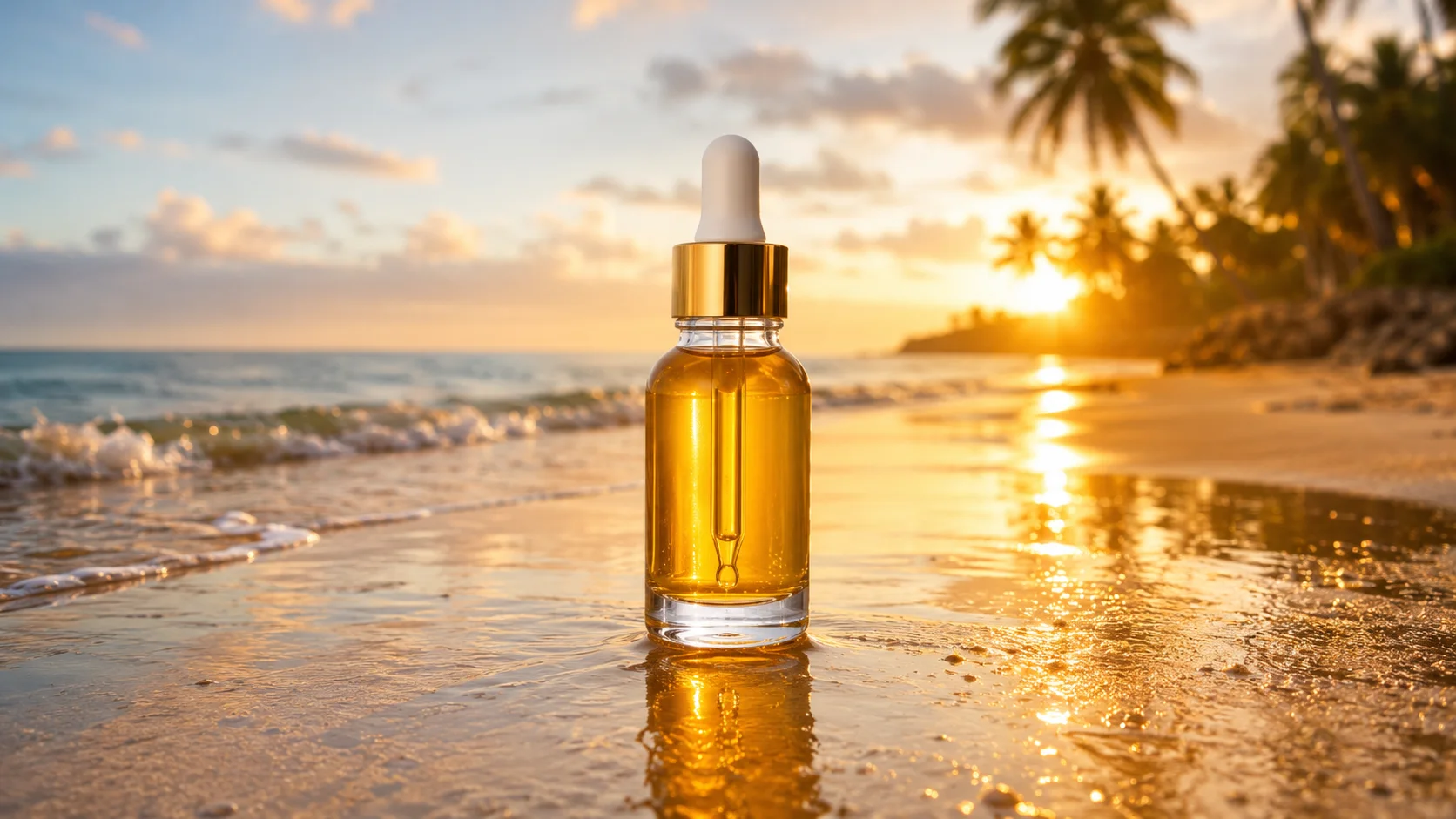
Get StartedPrompt: Timelapse-feel of ocean waves rolling onto a golden beach at sunset, gentle foam, drifting clouds, warm orange sky, serene cinematic motion.
Why creators use Kling 3.0 AI Video Generator
Everything kling 3.0 ai video generator gives you in one place.
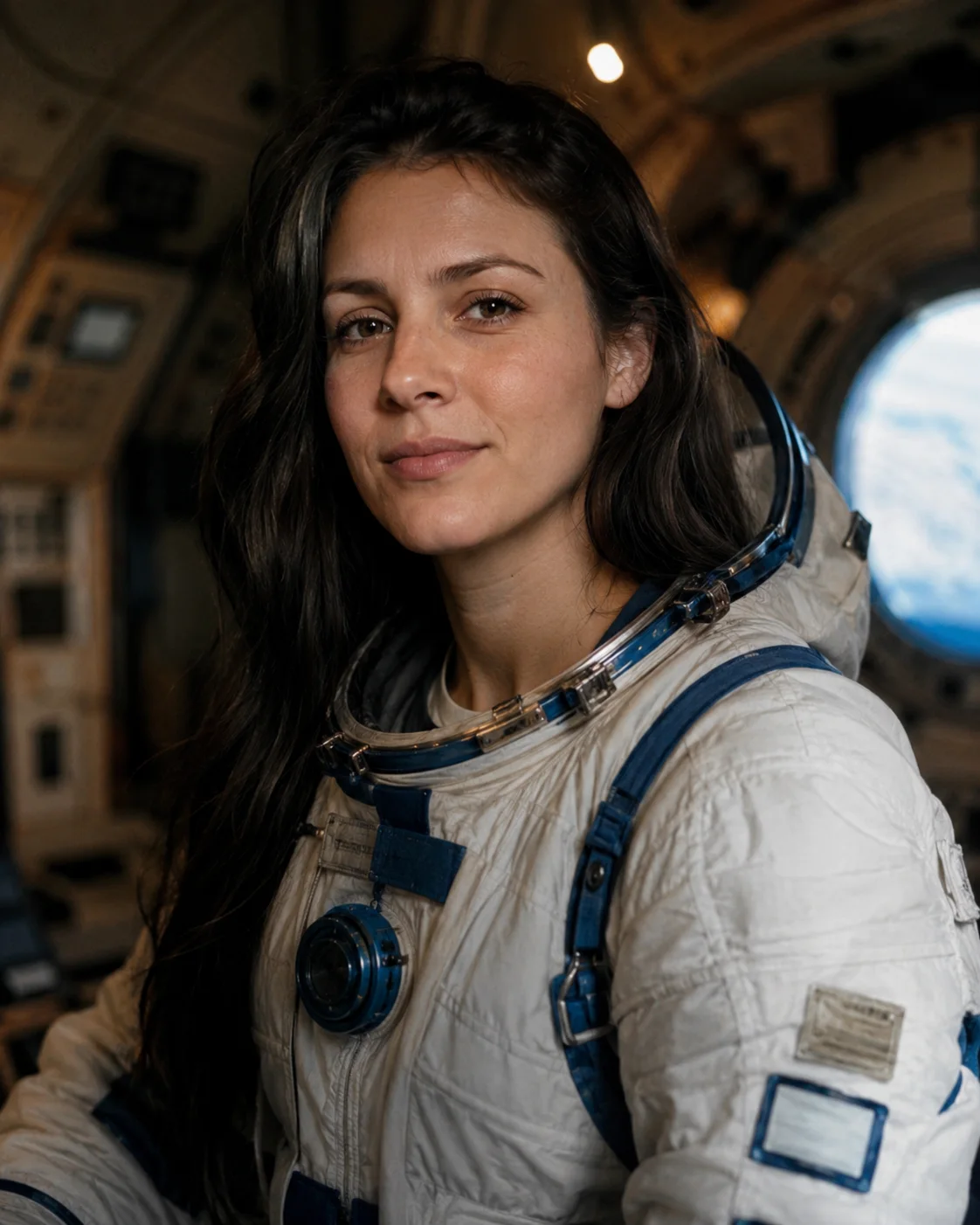
Kuaishou Kling 3.0, live on SnapVivid
Kuaishou Kling 3.0 represents a massive leap forward in video generation, bringing stunning realism, steady camera work, and high-fidelity motion. On SnapVivid, Kling 3.0 sits in the model menu and routes your runs straight to the actual model, wrapped in a clean, professional creative workspace instead of scattered demo channels.

Animate your own photo or generate a scene from text
The Kling 3.0 video generator offers two powerful doors: Image → Video takes any photo you upload and animates it with fluid, believable physics — perfect for portraits and product shots. Text → Video builds the entire shot straight from a descriptive prompt. Both modes share the same advanced controls, allowing you to define the camera movement and action with simple, natural language.
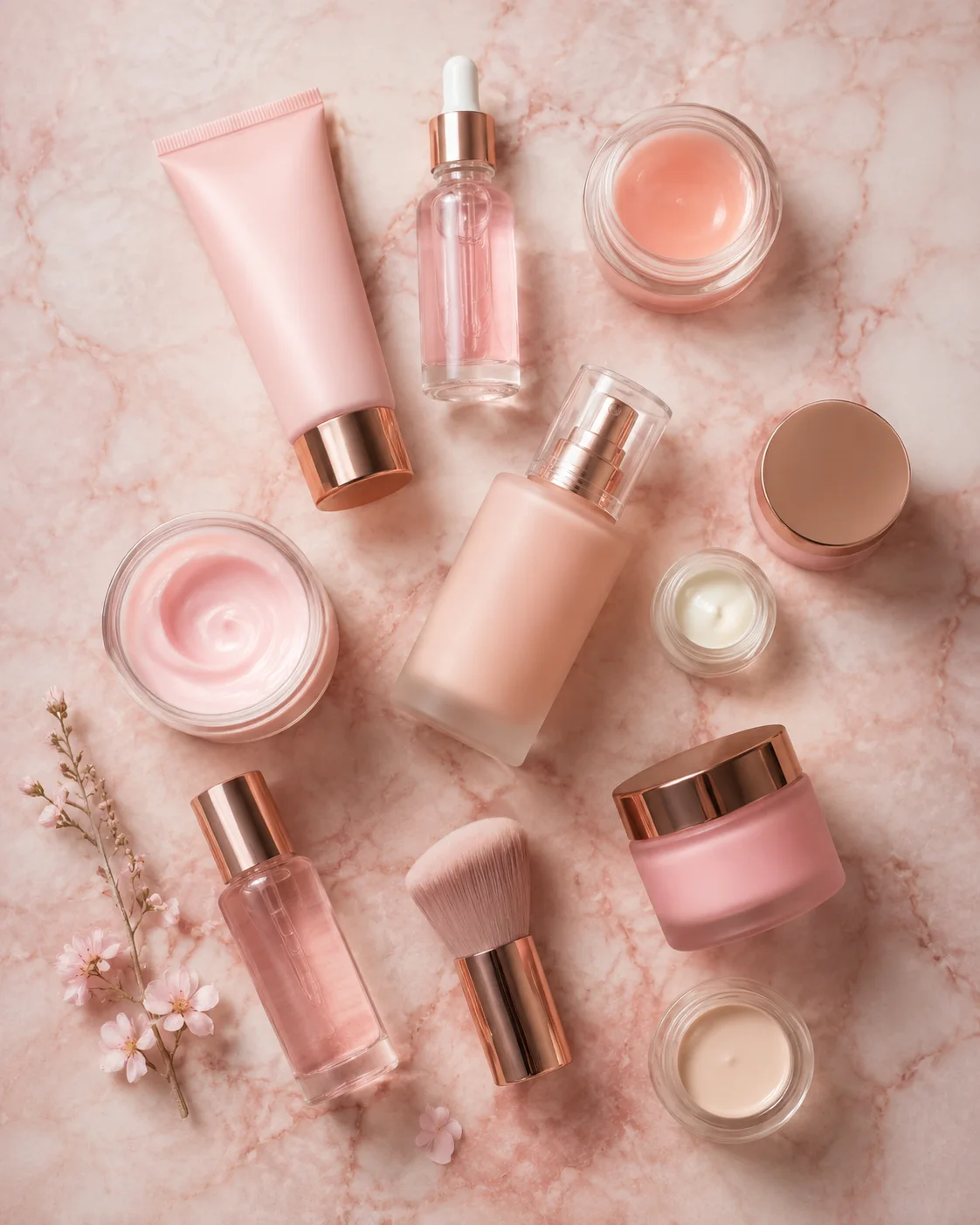
Stunning human movement and steady camera work
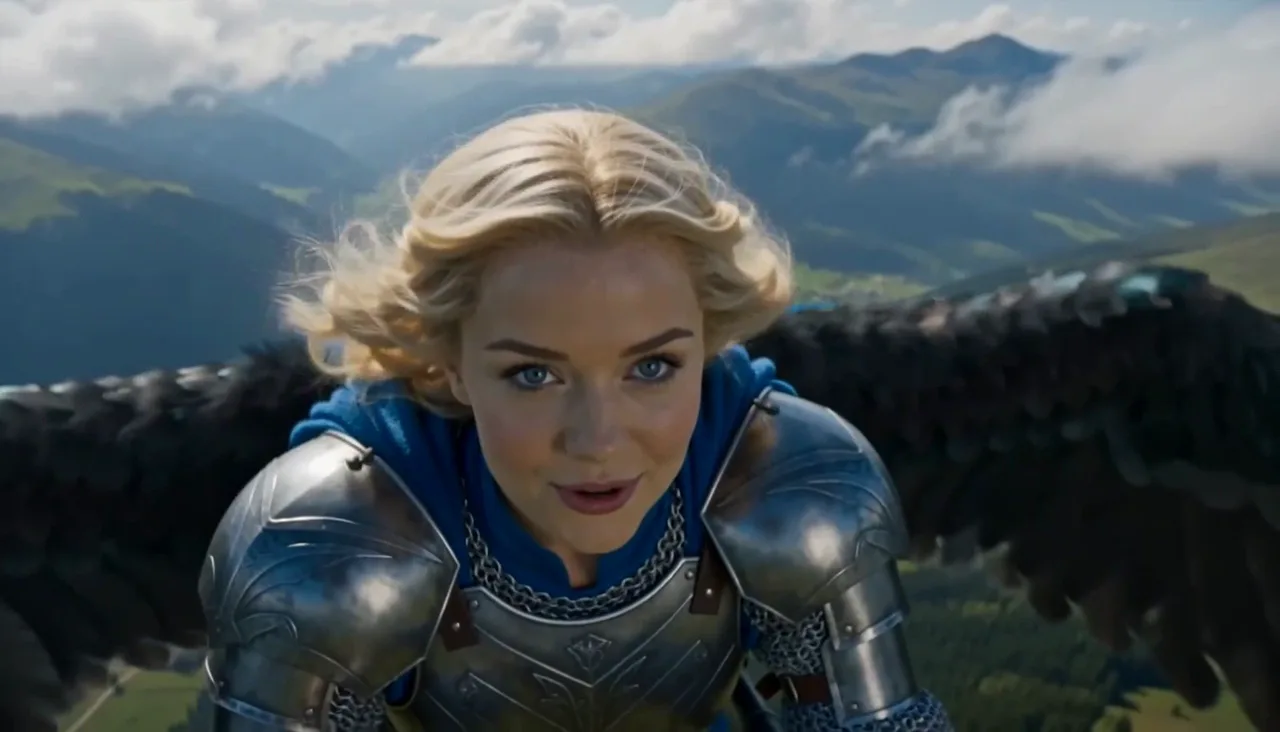
The reason people seek out Kling 3.0 specifically is its strength with movement: it handles complex human actions, clothing physics, and camera orbits with remarkable stability instead of warping. On SnapVivid, you can draft your motion at lower resolution or use a lighter default model to test your ideas, then commit to a high-fidelity Kling 3.0 render once you are ready for final output.
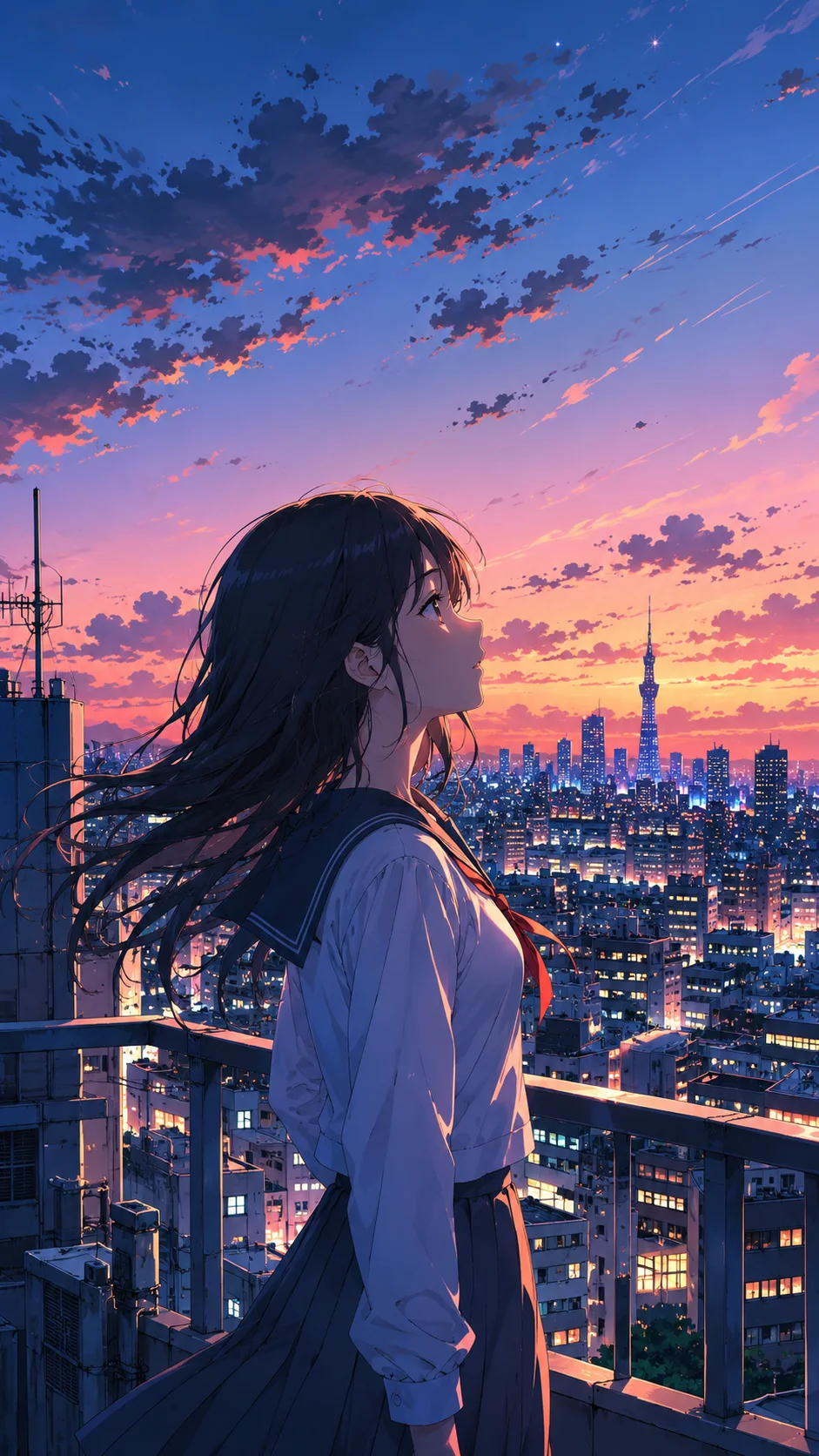
Preview clean, download in high quality
Try the Kling 3.0 video generator workspace with your credit balance. Video generation displays its credit cost before you spend, so you always know what a clip will run. Failed takes never cost a credit, so you only pay for clips that render until the camera movement is exactly right. High-quality renders carry no watermarks and download at full resolution.
Kling 3.0 AI Video Generator — specs
What Kling 3.0 AI Video Generator runs on and what you get.
| Model | Kuaishou Kling 3.0 (kuaishou/kling-3-0) |
|---|---|
| Type | Image-to-video + text-to-video |
| Input | Upload a photo to animate, or write a text prompt |
| Clip length | 5s, 10s (selectable) |
| Aspect ratios | 16:9, 9:16, 1:1 |
| Signature strength | Fluid physical interactions, realistic human movement |
| Output | Watermark-free MP4, full-quality download |
| Access | Paid video plan; credit cost shown before you generate |
How it works
Three steps from upload to a finished, download-ready result.

Pick Image → Video or Text → Video
Choose Image → Video to upload a reference photo and animate it, or Text → Video to write a scene and generate from scratch. Uploads remain completely private.
Describe the motion and scene
Write what should happen in natural language — “slow dolly forward, cinematic lighting, realistic physics.” Leave the model menu on Auto or pick Kling 3.0 yourself, then choose an aspect ratio.
Generate & preview your video
Confirm the credit cost, generate the draft, and preview the motion. Refine your prompt if the movement isn’t right — failed takes are free — then download the final high-quality video.
Made with SnapVivid
Real results — kling 3.0 ai video generator across styles and subjects.
Kling 3.0 AI Video Generator — start in your browser
1 lifetime image credit, no card required. Video runs on a paid plan from $29/month.
Get StartedWhat you can do with it
What people use Kling 3.0 for on SnapVivid, from animating one photo to drafting motion cheaply.
Animate a still photo with Kling 3.0
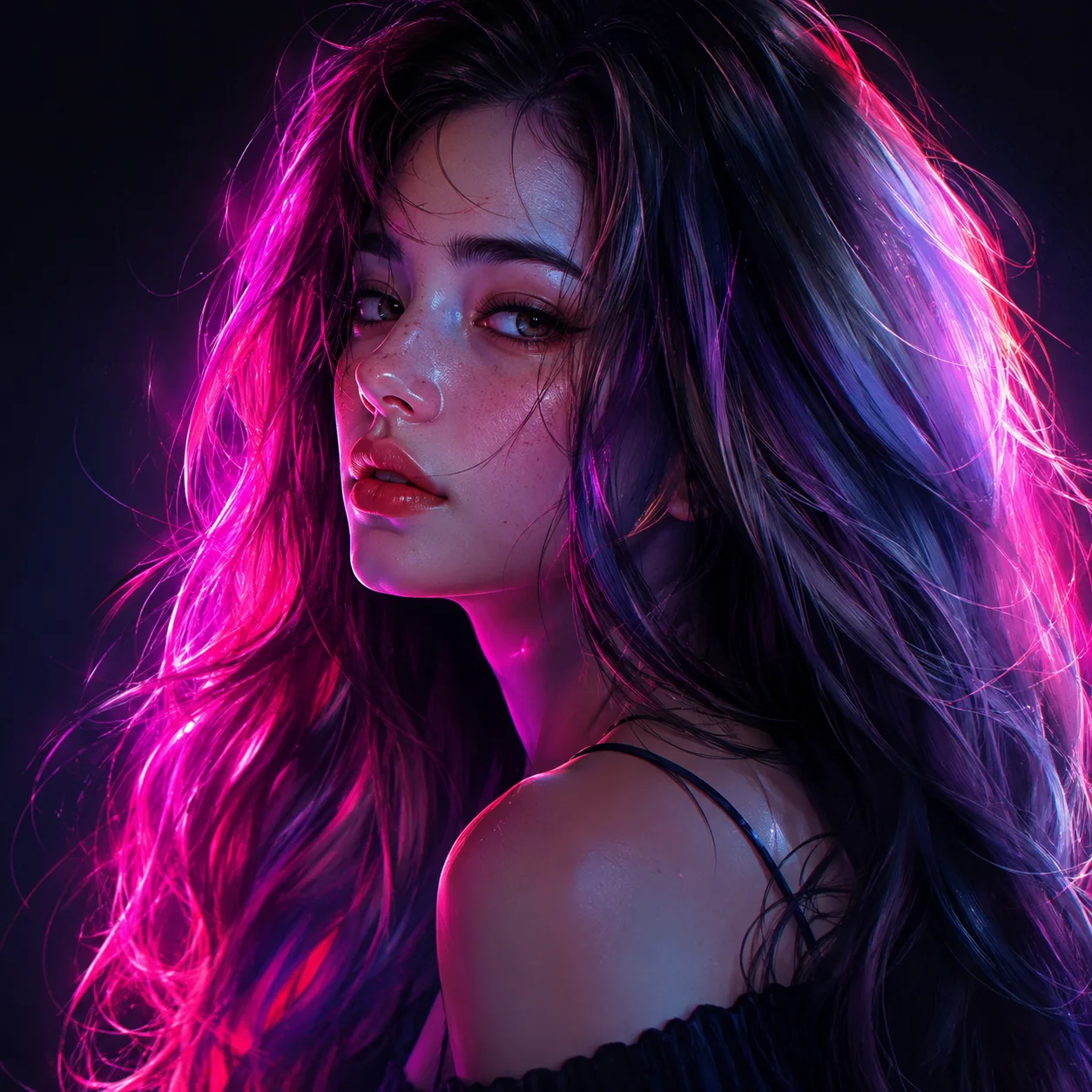
Turn a still portrait, character design, or product shot into lifelike motion — steady camera movements, natural blinking, and realistic hair physics — using Kling 3.0’s core strengths.
Generate high-fidelity scenes from text
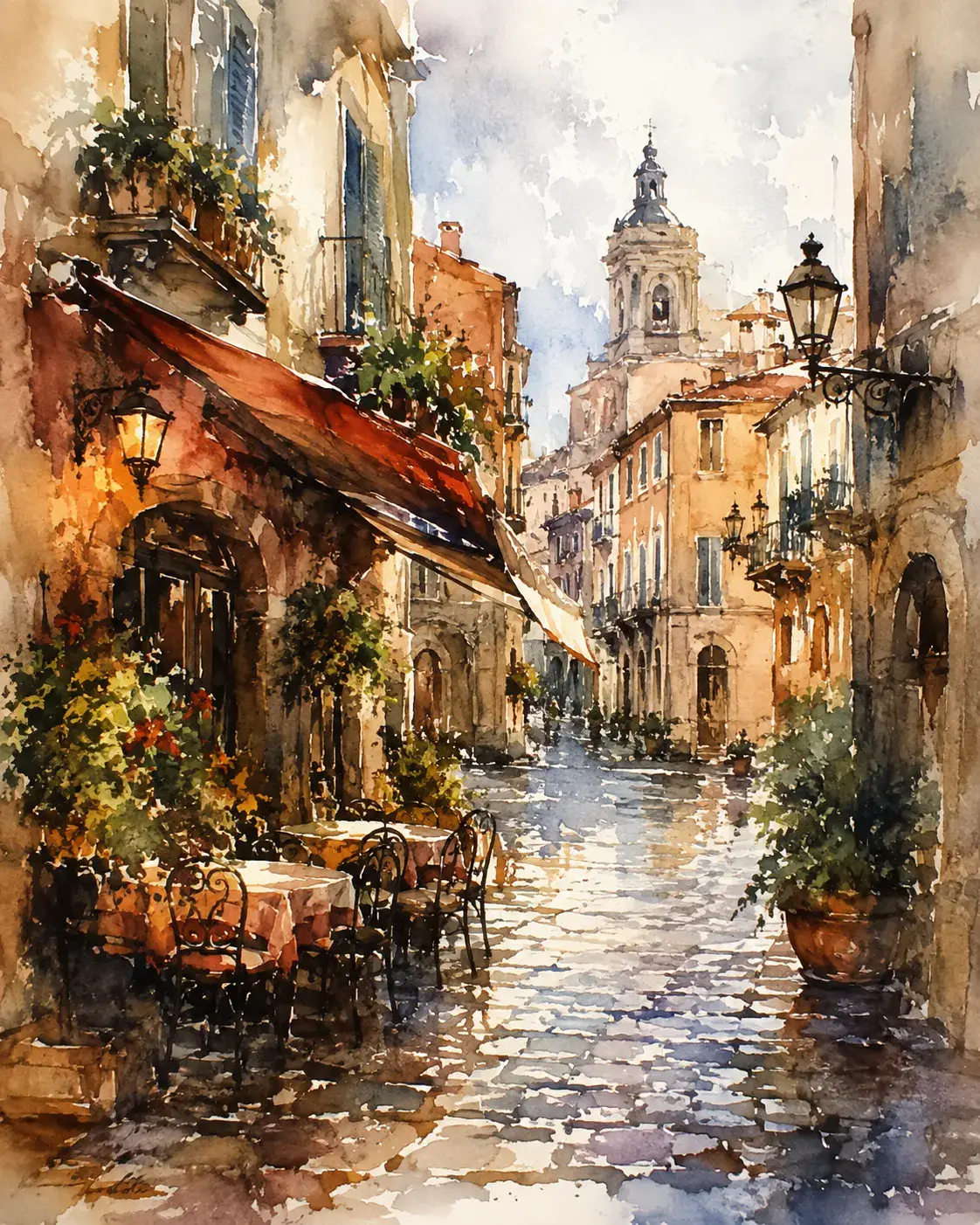
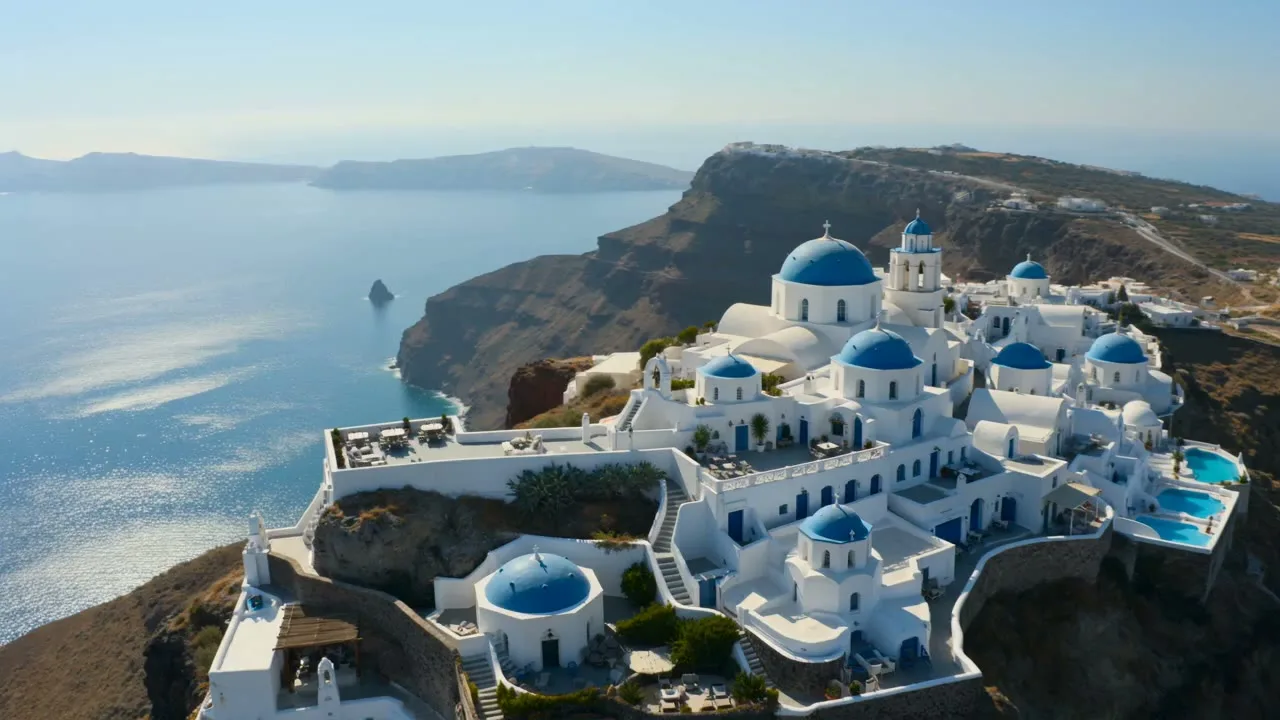
No starting image? Describe a landscape, a futuristic city street, or a cinematic scene and let text-to-video build the entire high-fidelity clip from scratch.
Create marketing clips and short-form video
Generate short 9:16 clips for social media feeds or 16:9 cinematic shots for your website, commercial, or video ad with the exact aspect ratio that fits your layout.
Refine motion with cheap drafts
Test your camera direction and motion instructions on a lighter model, then switch to Kuaishou Kling 3.0 for the final, pristine output when the shot is ready.
More about Kling 3.0 AI Video Generator
Because Kling 3.0 is a model-branded video lane, you know exactly what engine you are selecting. Open the model routing menu and Kling 3.0 is listed right alongside other elite generators. This clarity matters — rather than wrapping a generic, low-quality model in a flashy label, SnapVivid keeps the routing transparent. You run the actual Kling 3.0 model, exposed through a smooth, responsive workspace built for modern content creation.
The workspace is designed for two distinct entry points. Image → Video is perfect for taking your existing character art, photos, or product renders and giving them motion while preserving identity and detail. Text → Video lets you start from a blank slate, generating a whole cinematic scene with a simple description. Both options let you configure key variables like duration and aspect ratio, so you always get a clip tailored to your target platform.
Managing credit costs and render quality is fully transparent on SnapVivid. Before you click generate, the workspace displays the exact credit cost of your clip. To help you design the perfect shot, failed generations cost nothing. You can run light, quick tests with the default engine to lock in the camera angles, then flip the switch to Kling 3.0 to render the final clip in 1080p with no watermark.
The Kling 3.0 video generator is deeply integrated into the SnapVivid ecosystem. You can generate a still using the GPT Image 2.5 generator, upscale it to high-definition, swap a face, and then bring it straight into the Kling workspace to animate it. From text prompt to final moving scene, the entire production workflow lives in one continuous, friction-free loop on a single account.
Related tools
More SnapVivid tools that pair with kling 3.0 ai video generator.
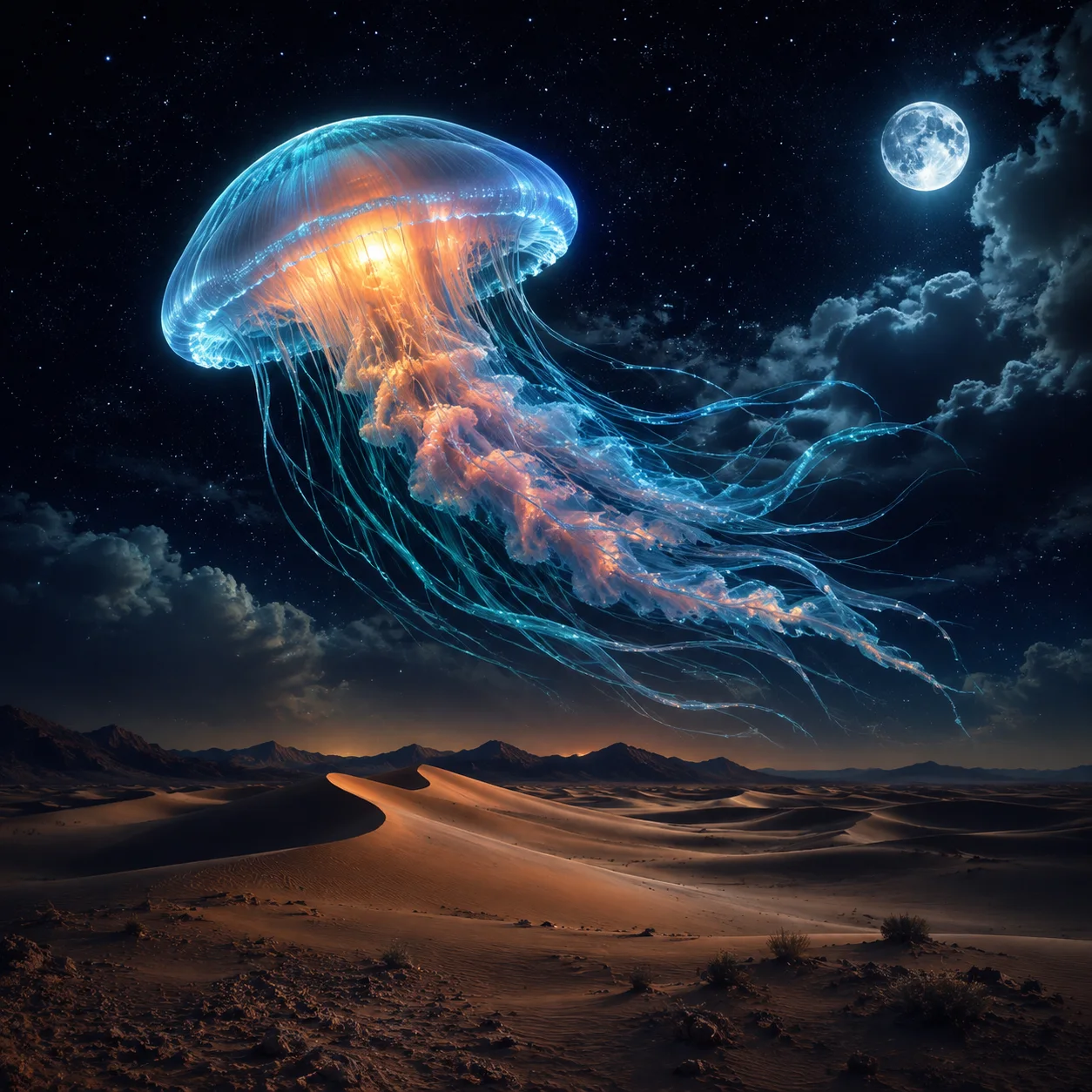
Wan 3.0 AI Video Generator
Run Alibaba’s Wan 3.0 — SnapVivid’s elite video model. Animate any image with state-of-the-art physics, natural physical movements, and steady camera pans. Pick Wan 3.0 by name in the model menu, generate, and download a clean, watermark-free result — no waitlist, no complex setup.
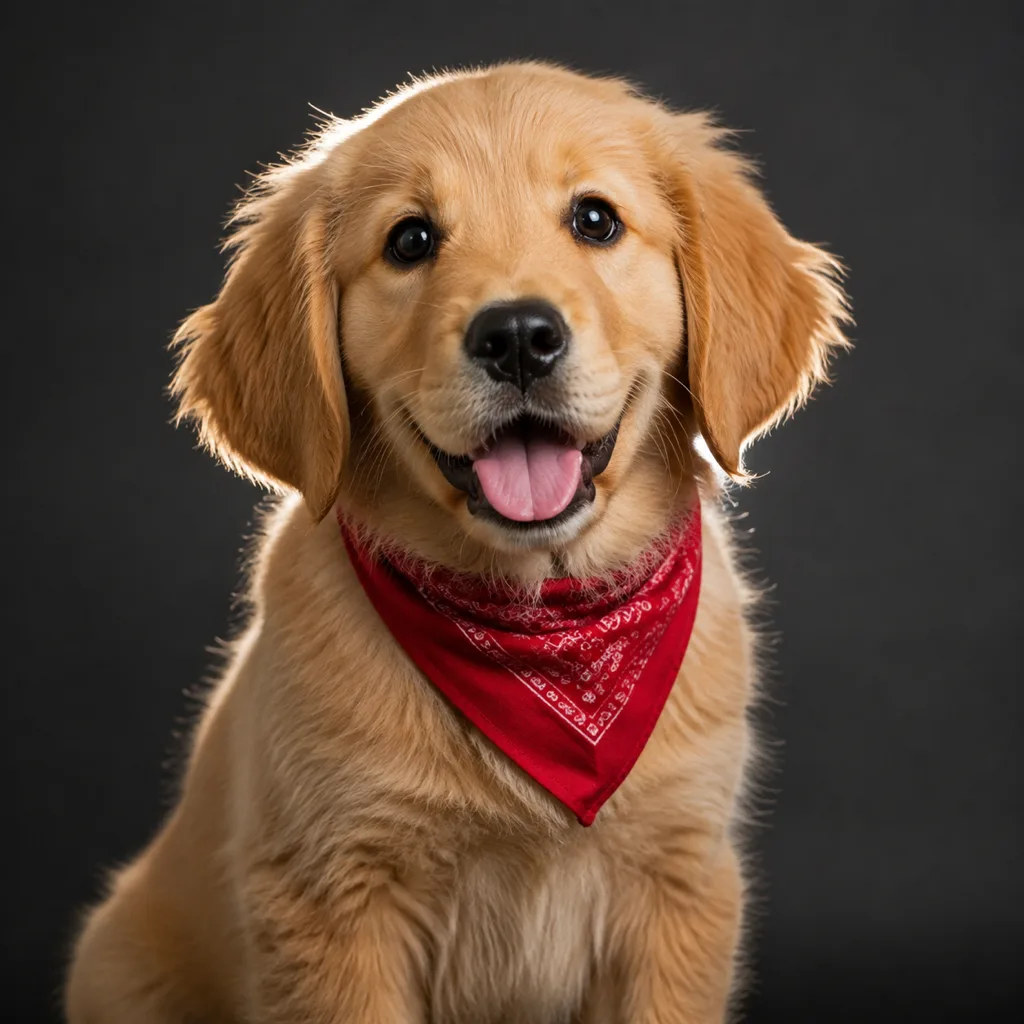
Seedance AI Video Generator
Make video with Seedance 2.0 — the ByteDance model that powers SnapVivid’s default video engine. Animate a photo into motion or generate a clip from a text prompt, choose a length and aspect ratio, and download a clean, watermark-free result. No region gates, no scattered access — the fastest path to a Seedance clip.

Frames to Video
Turn still frames into a moving clip — with real control over where the motion starts and ends. Drop in a first frame, add an optional last frame, and SnapVivid’s AI generates the in-between motion into a short, download-ready video. Not a slot-machine single-image animate: you direct both ends of the shot.
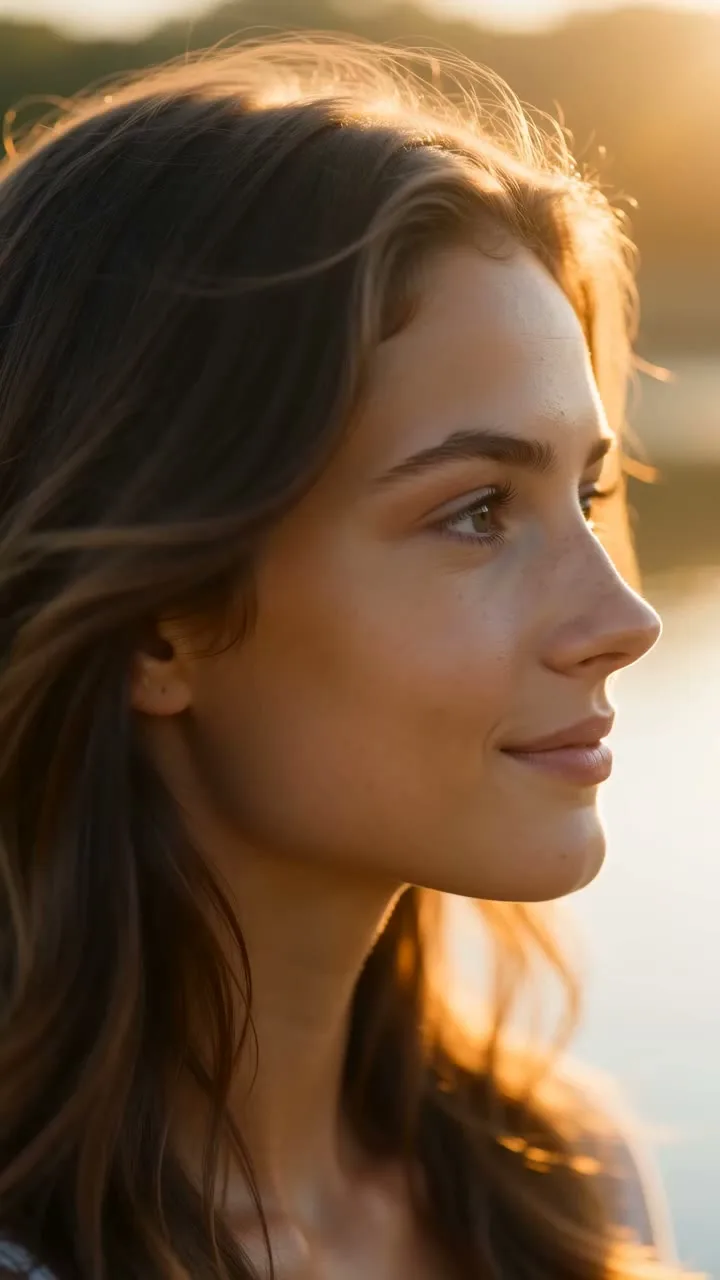
Image & Text to Video
Animate any photo or prompt into a cinematic clip.
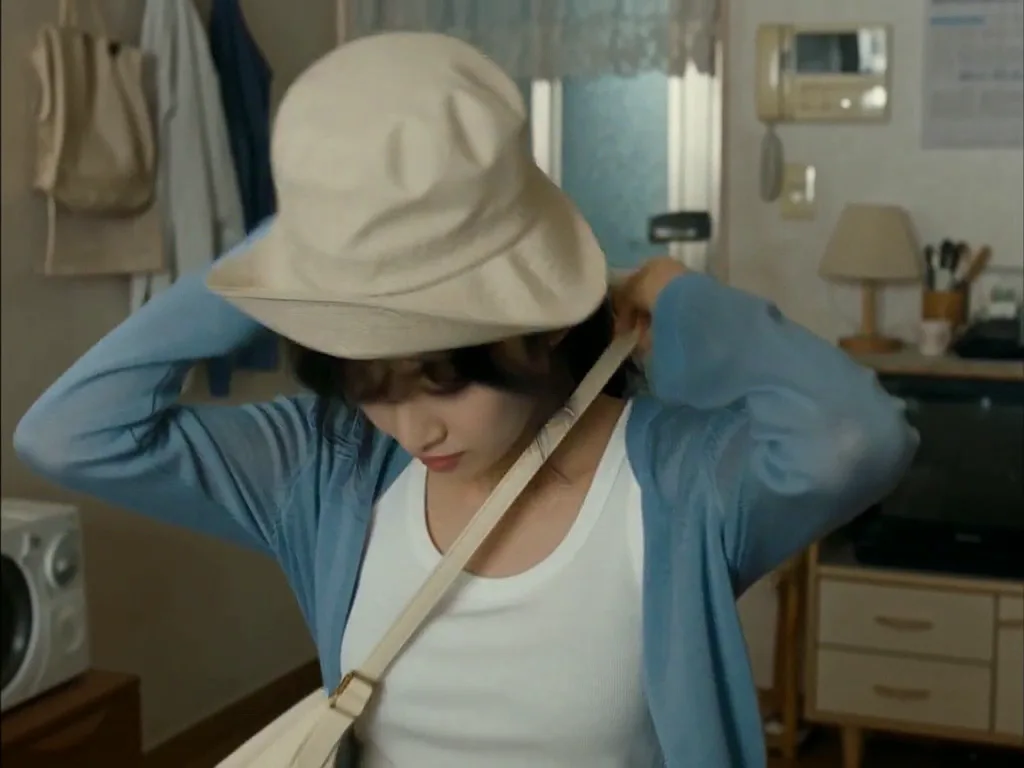
Face Swap
Swap a face into any photo in seconds. Upload a base picture and the face you want, and SnapVivid blends them naturally — matched skin tone, lighting, and angle, with realistic, download-ready results.
AI Video Promo Maker
Turn your product photos or text prompts into stunning promotional videos in seconds. Generate high-quality promo clips with cinematic camera moves and realistic motion — all online, no watermark to preview.
AI Image Generator
Generate and edit images in any style.

GIF Face Swap — Face Swap GIF Maker and GIF Face Swapper
Turn a reaction, dance, meme, or celebration loop into a personalized gif face swap. Upload the GIF first, add one clear face photo, and let SnapVivid follow the source motion, expressions, timing, and repeated movement. The result comes back as a share-ready GIF, so you can send it in a chat or post it without converting an MP4 yourself.