AI Video Face Swap
Turn a short clip into a video face swap with a steady, natural-looking result. Upload your video and the face to swap in, then let SnapVivid follow the motion, expressions, and lighting across the whole scene.
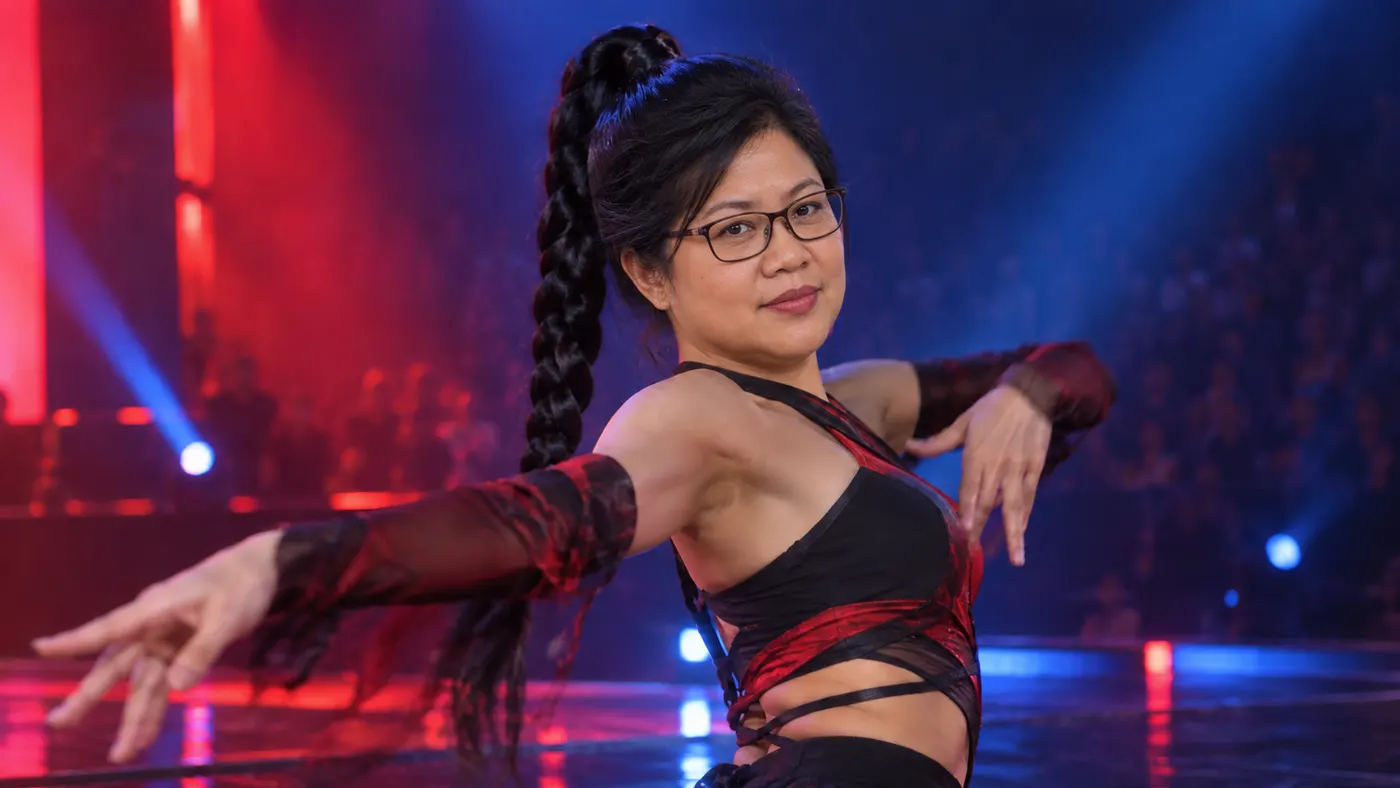
AI Video Face Swap — faces that hold steady
A convincing video face swap has to work across every frame, not just one still. SnapVivid tracks the clip’s movement and blends in your chosen face so the result stays more consistent through turns, expressions, and changing light. Upload a video and a clear face photo to create a believable swap without a complicated timeline.
Start for Free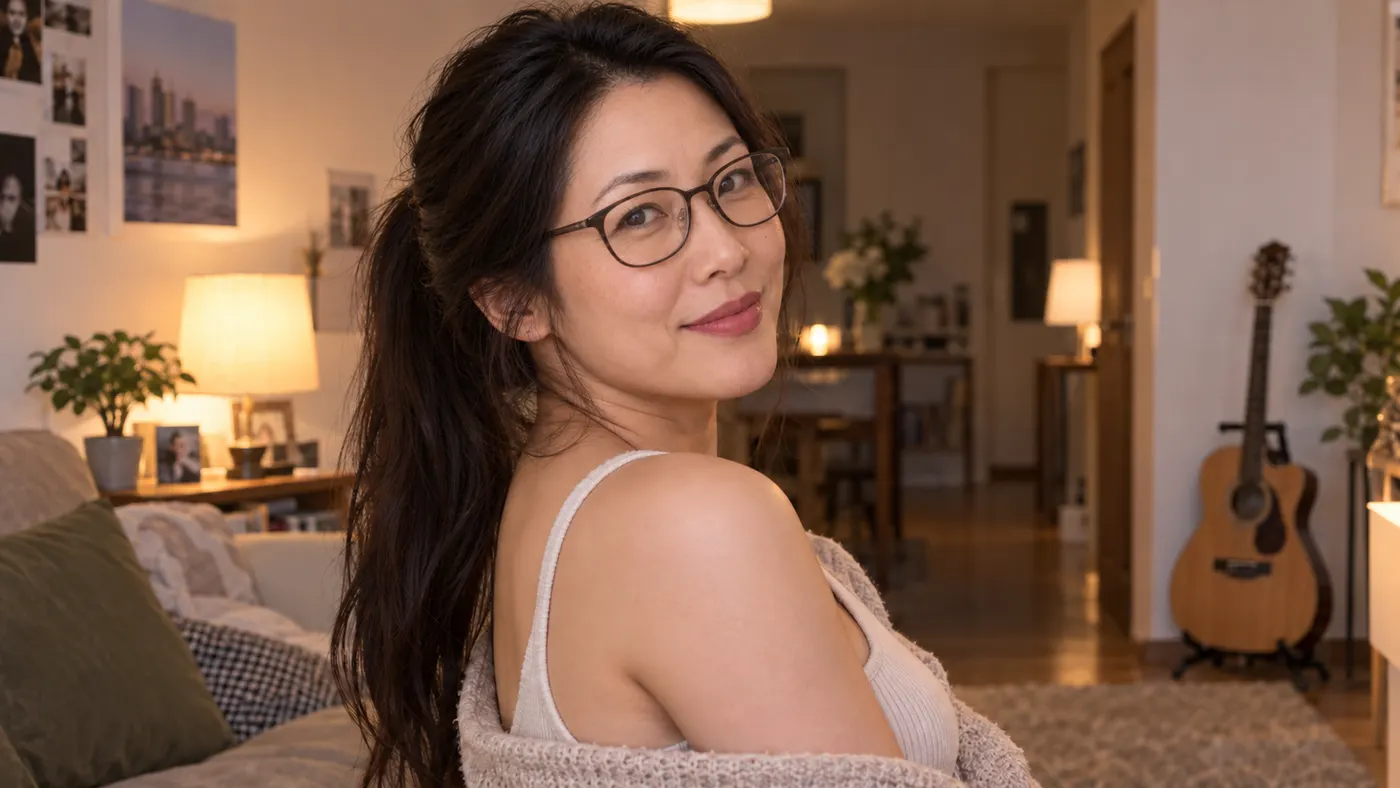
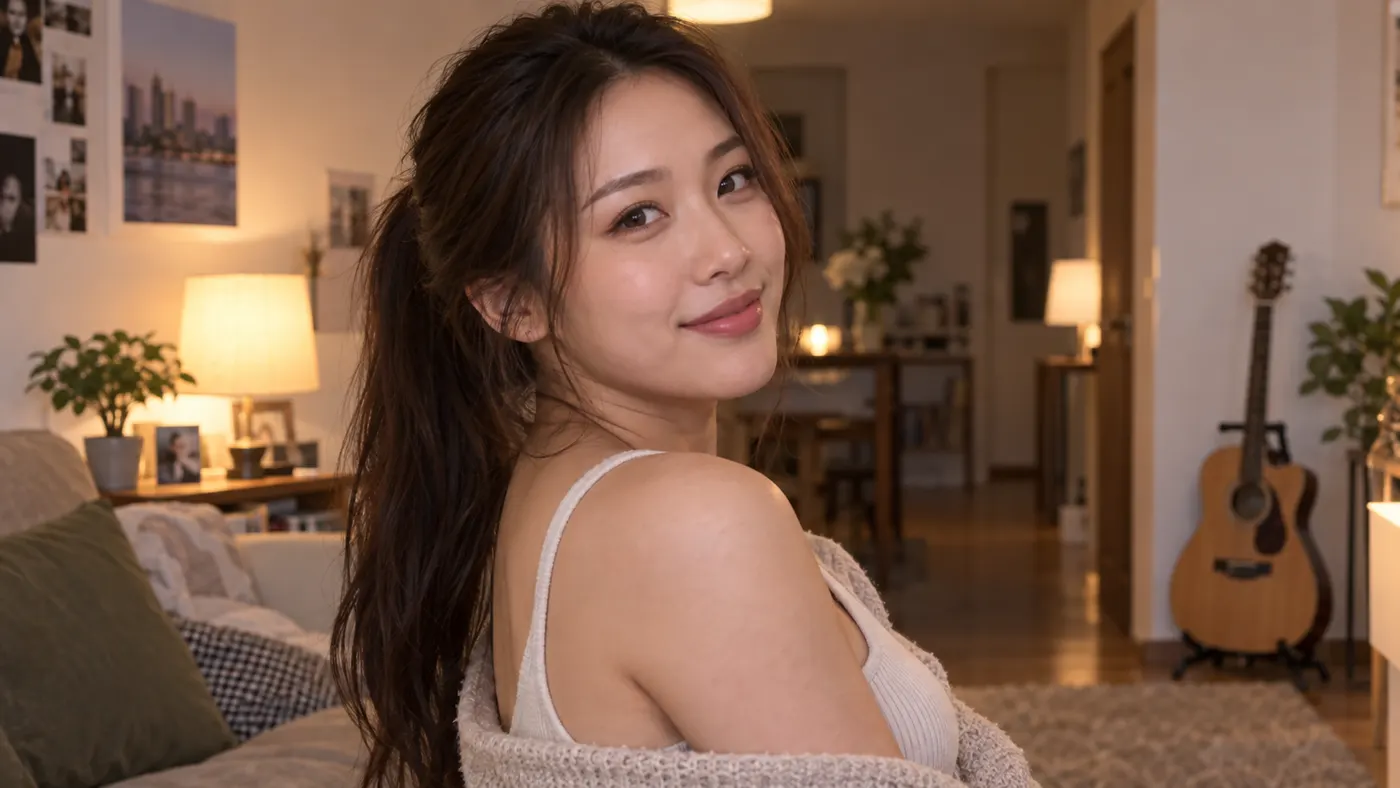
Prompt: Replace the person's face in the base photo with the identity from the face photo, preserving the base photo's clothing, pose, movement, expressions, camera framing, scene lighting, and background. Track the replacement consistently through the turn and changing light, keeping facial edges, skin tone integration, perspective, blinking, and expression transitions natural and stable across the video.
Why creators use AI Video Face Swap
Make a face swap video that follows the action from beginning to end.
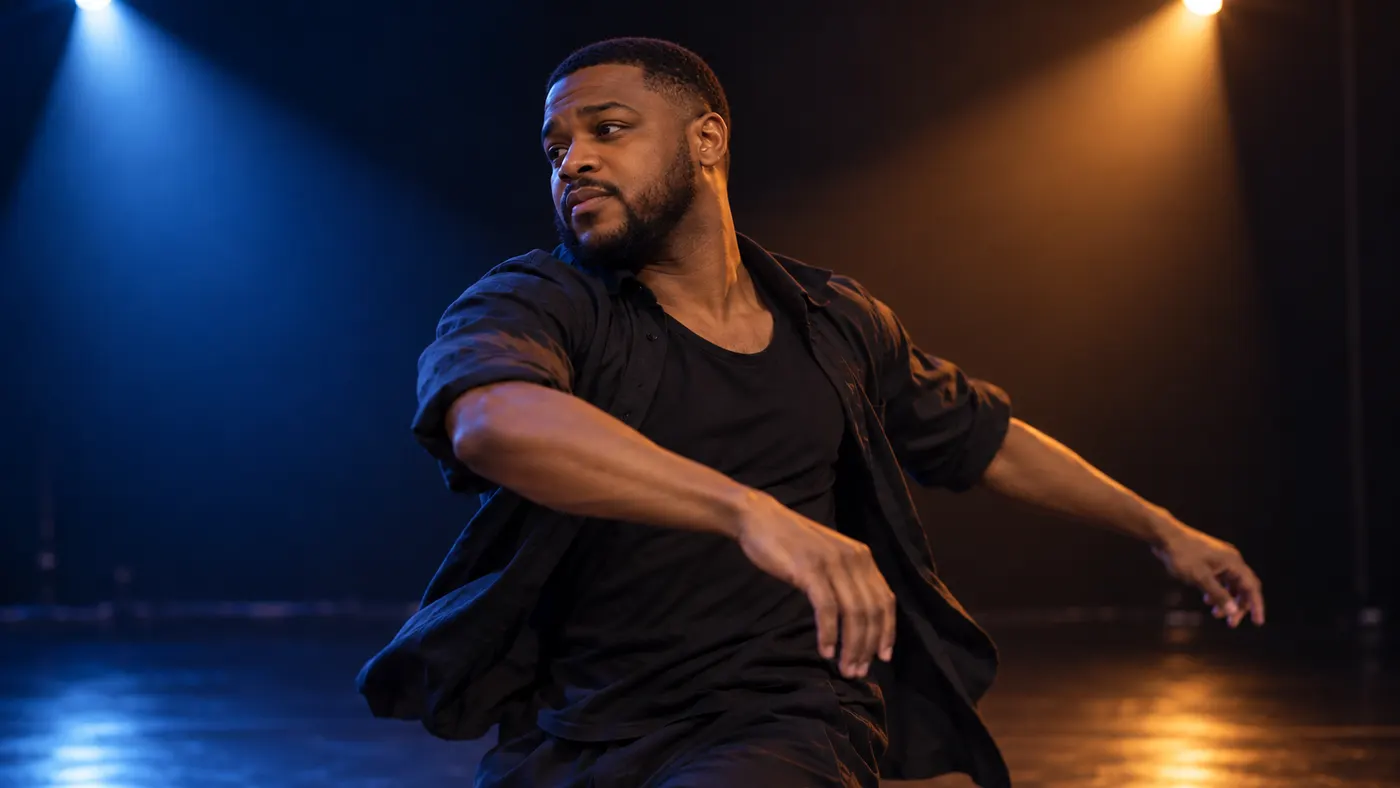
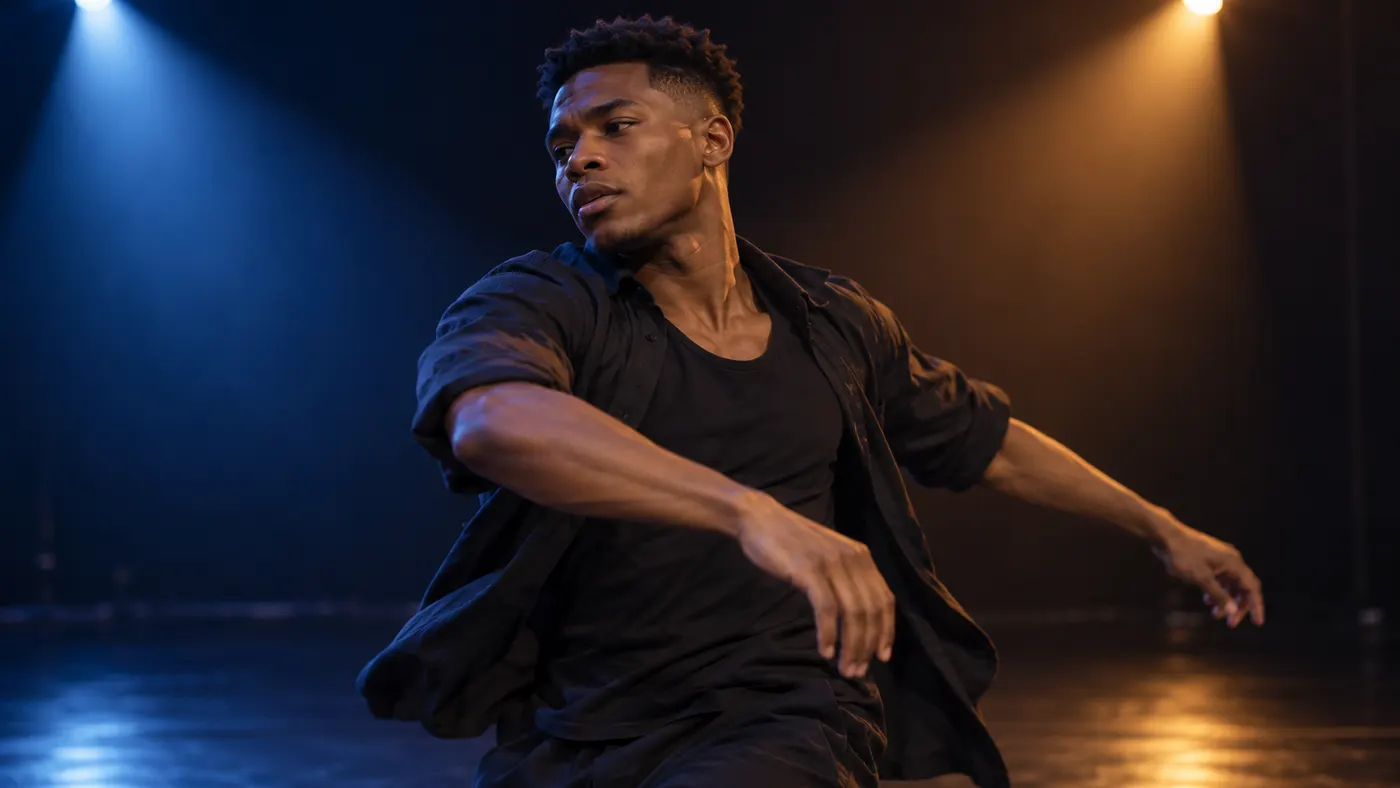
Keep the video face swap steady
SnapVivid follows the subject across the clip so your video face swap stays more consistent through motion, expressions, turns, and changing light. Reduce the flicker and jitter of frame-by-frame edits.
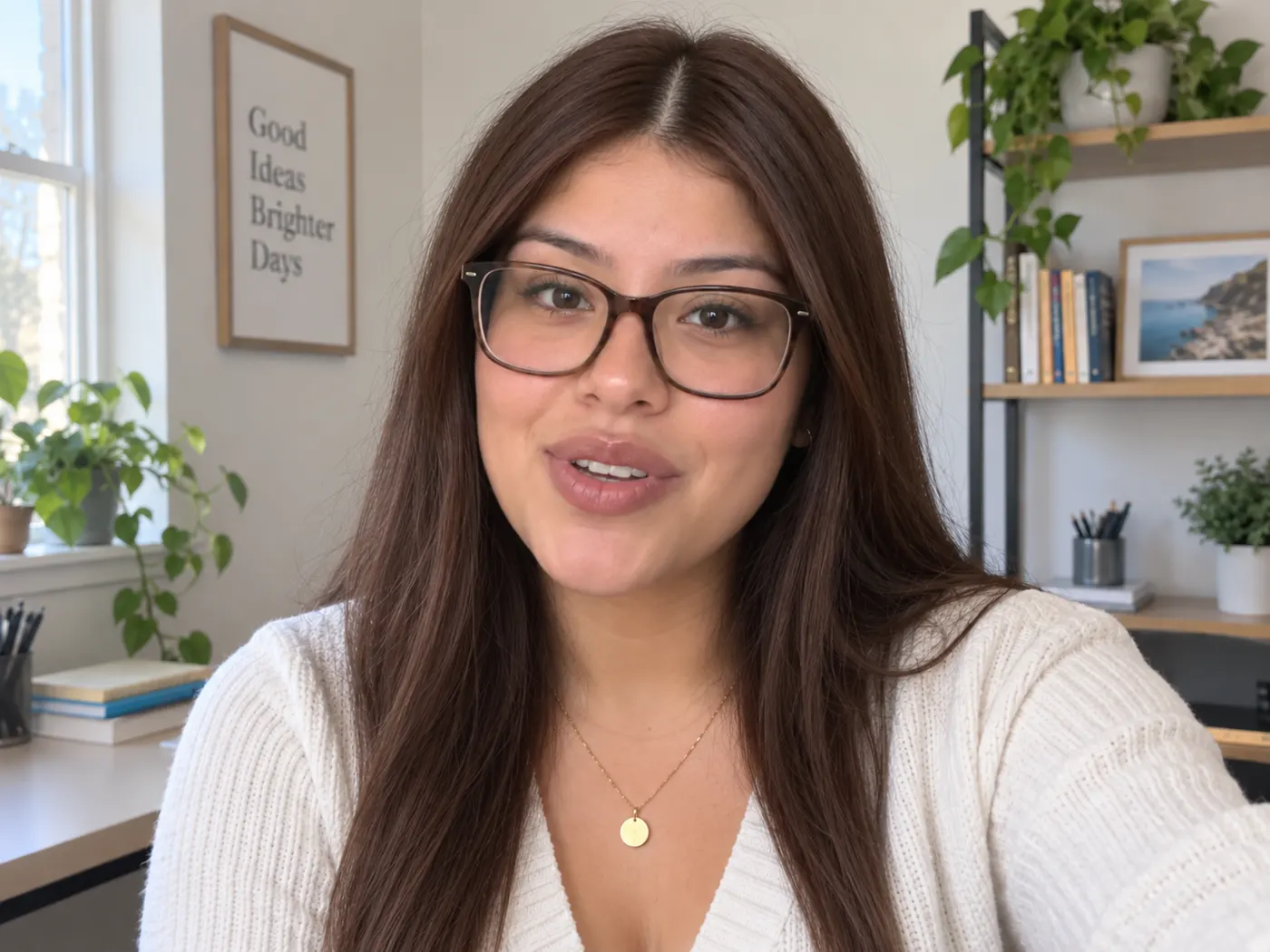
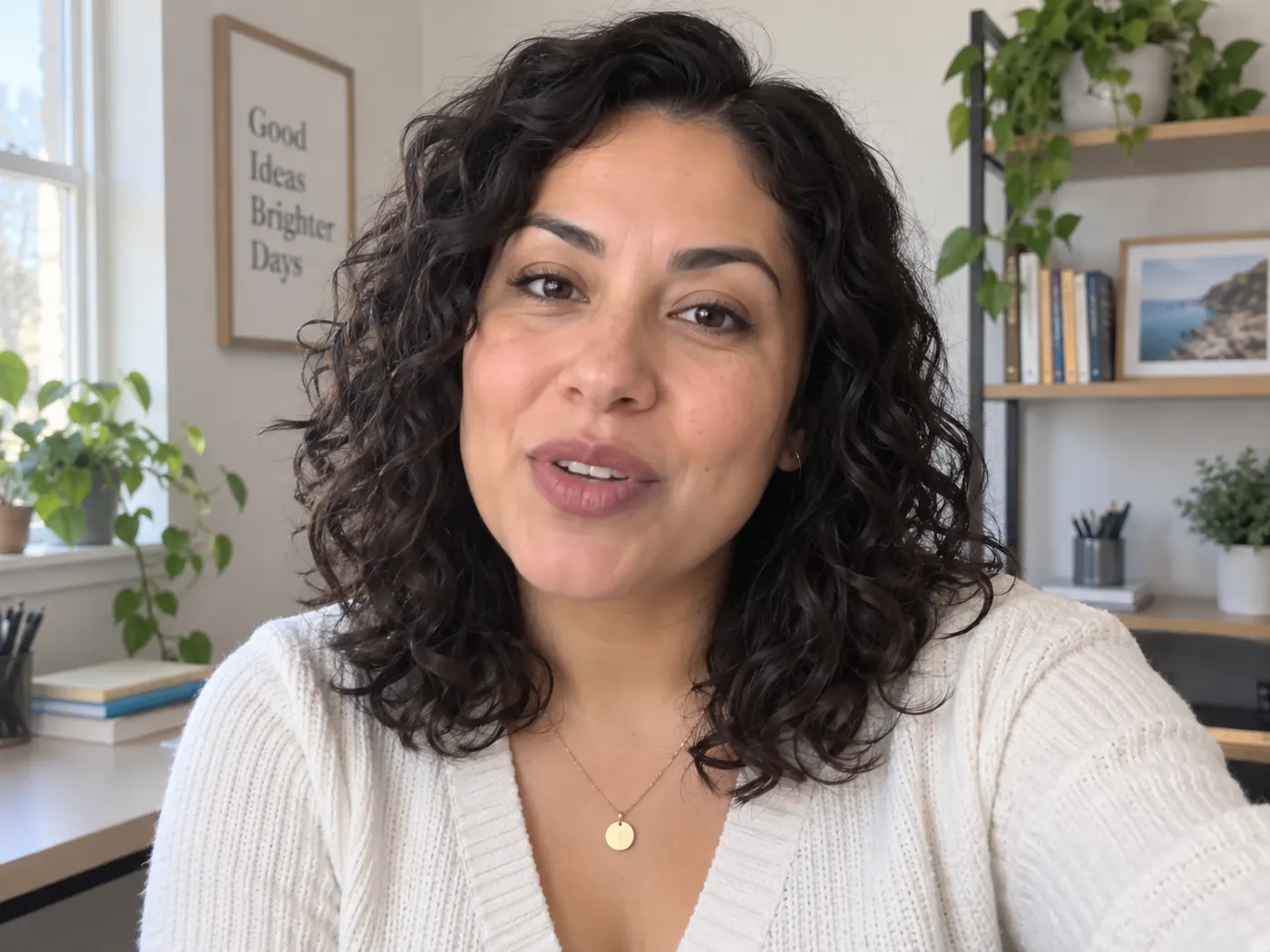
Swap face in video with two uploads
Create a face swap video ai result by uploading the video clip and one clear, front-facing face photo. The clip drives the motion, while the photo supplies the face to swap in — no prompt needed.
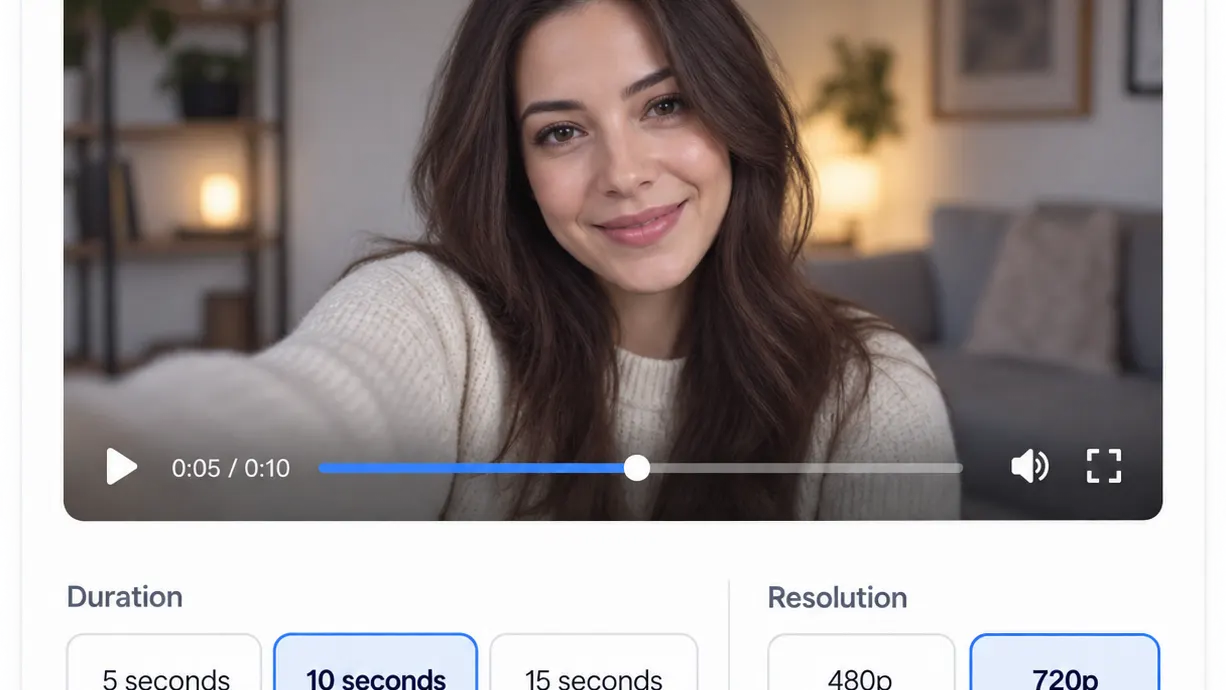
Choose the length and resolution
Make a deepfake face swap video for a short scene with clip limits of 5, 10, or 15 seconds and output options from 480p to 720p. Preview the result before downloading it.

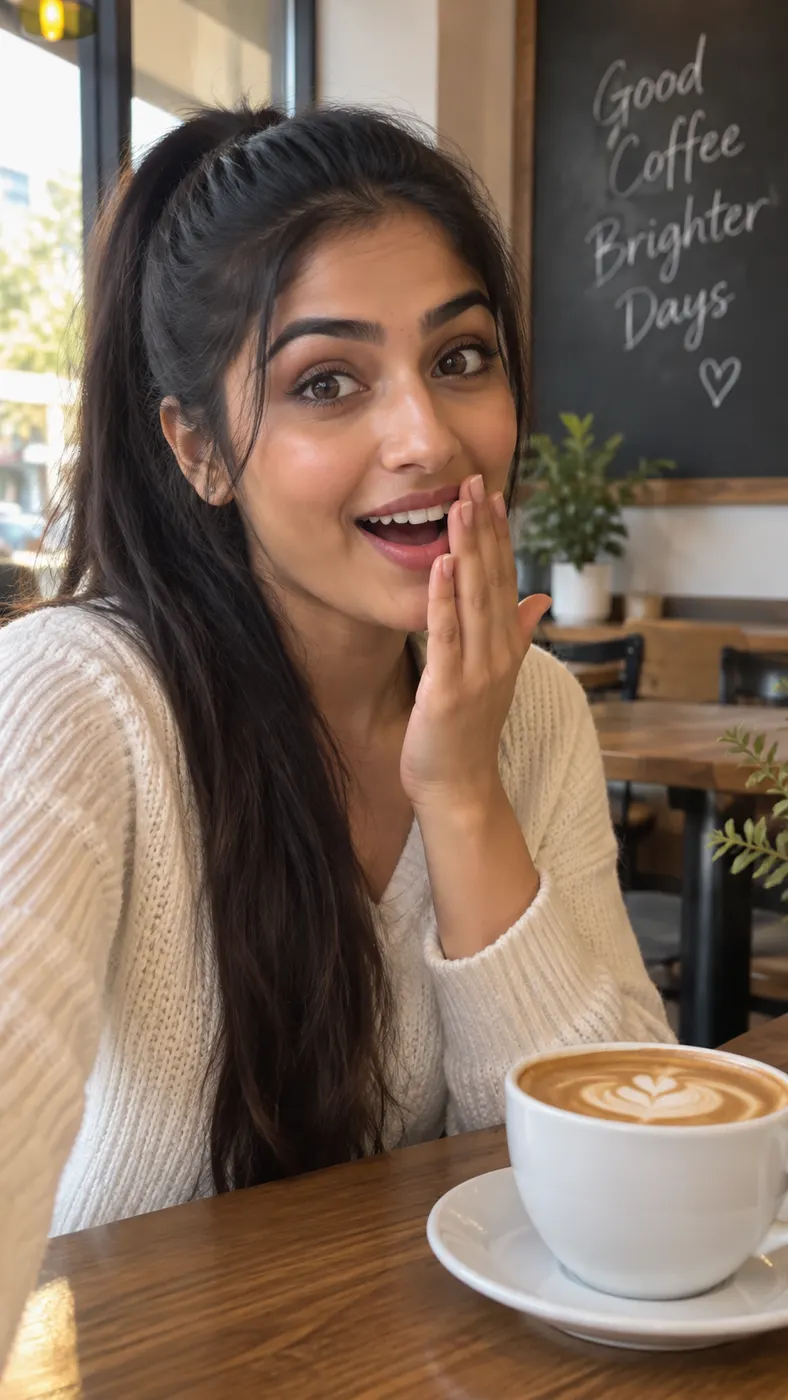
Try face swap video online
Use face swap video online for dance clips, talking selfies, sports moments, and cinematic scenes. Generate a believable result in your browser, with consent required for all face content.
AI Video Face Swap details
A quick look at the inputs and output options for your video face swap.
| Required uploads | One video clip and one clear face photo |
|---|---|
| Video formats | MP4 or MOV |
| Maximum clip length | Up to 15 seconds |
| Resolution | 480p or 720p |
| Prompt | Not needed |
| Consent | Required for face content |
How it works
Three steps from upload to a finished, download-ready result.
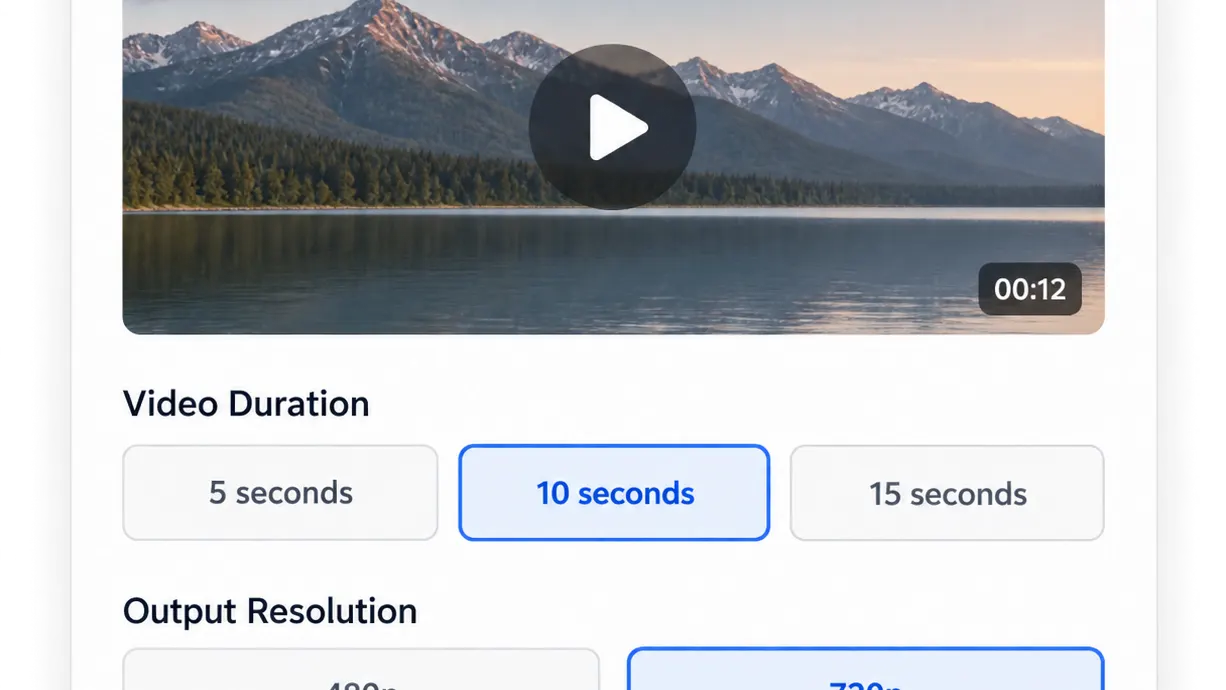
Upload your video
Add an MP4 or MOV clip up to 15 seconds. Choose a clip length of up to 5, 10, or 15 seconds and select 480p or 720p resolution.
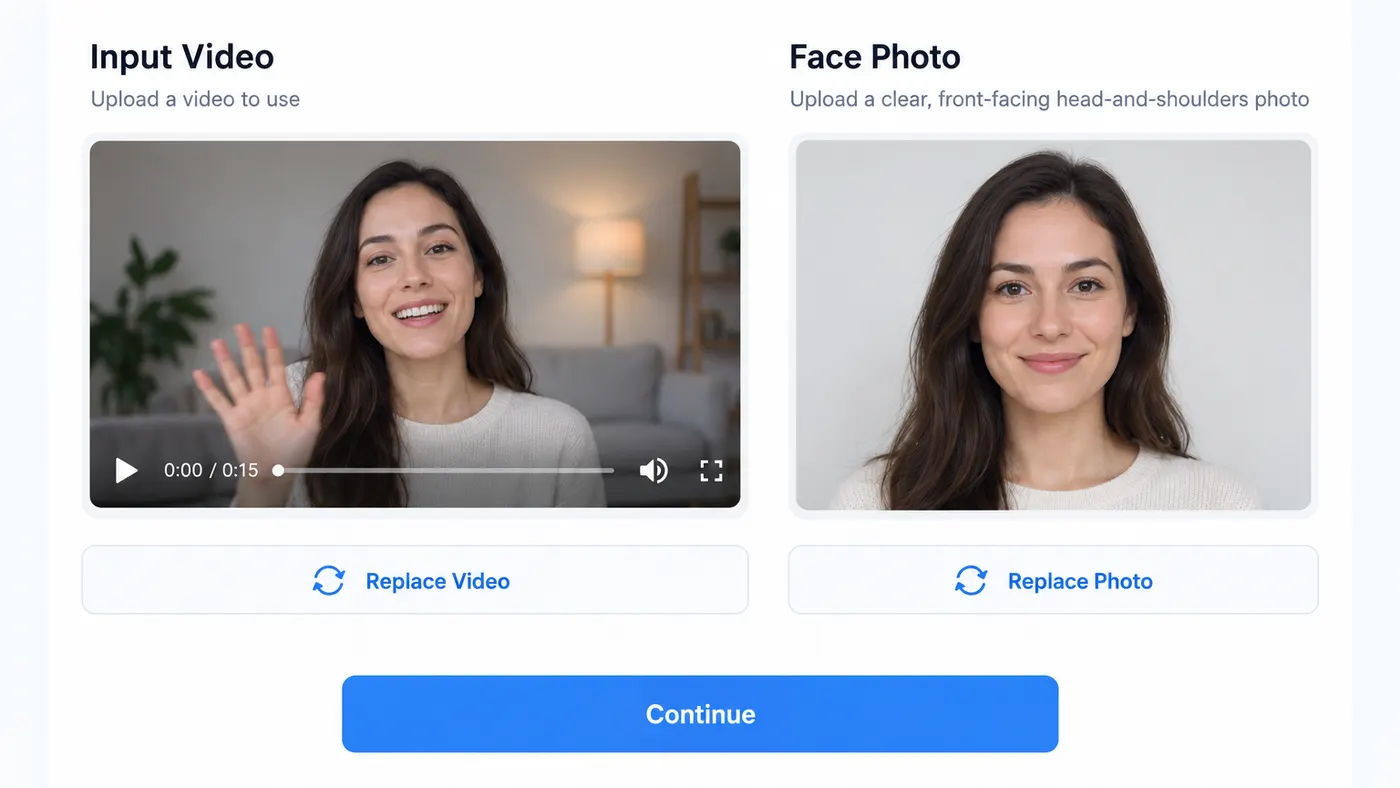
Add the face photo
Upload one clear, front-facing photo of the person to swap in. A head-and-shoulders image gives the generator a clean face reference.
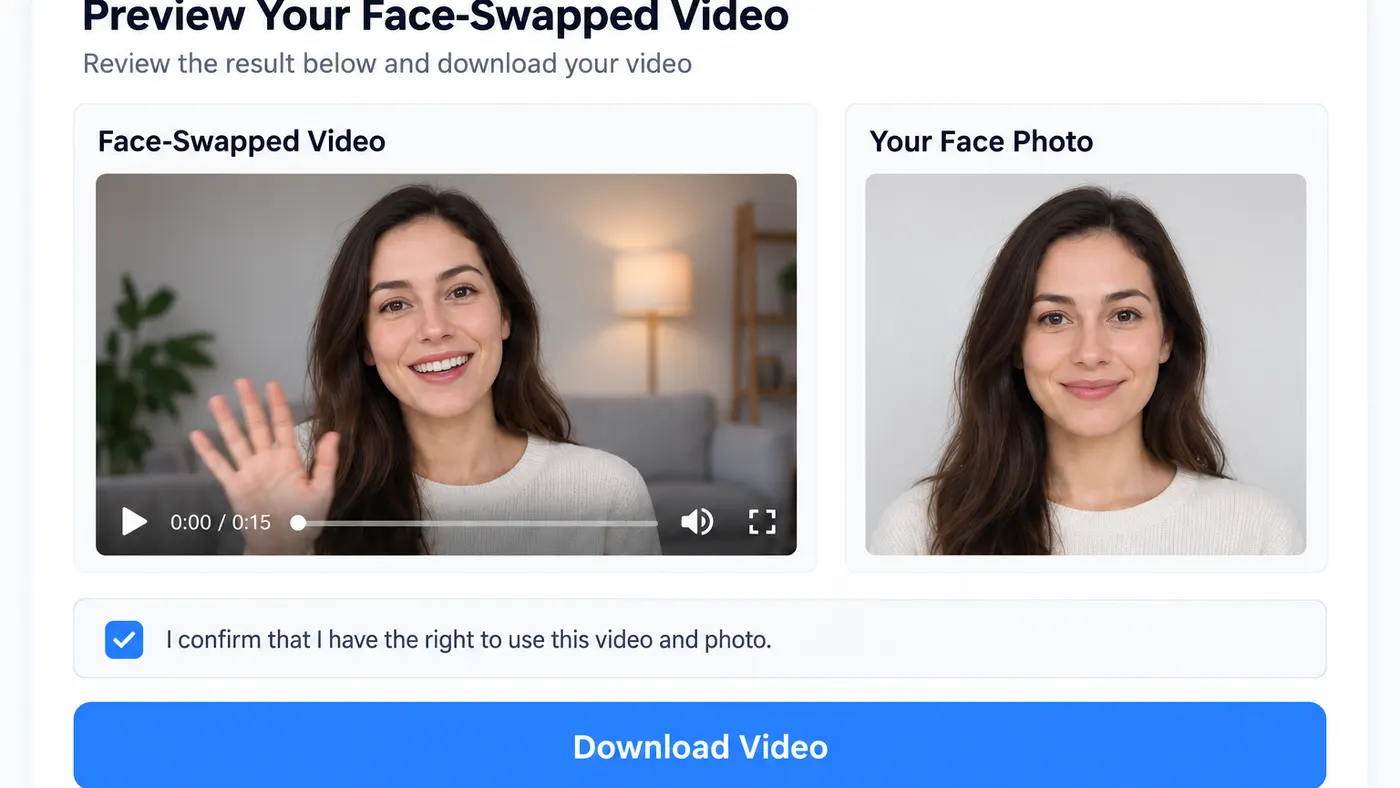
Generate and download
Confirm that you have consent to use the face content, then generate your result. Preview the finished clip and download the video face swap when it looks right.
Made with SnapVivid
Real results — face swaps across movement, scenes, and expressions.
Create a video face swap
10 lifetime image credits, no card required. Video runs on a paid plan from $29/month.
Start for FreeWhat you can do with it
Use face swap video ai for short clips that feel personal, playful, and easy to share.
Dance and movement clips
Swap a face into a dance clip while keeping the original motion, framing, and rhythm intact.


Movie-style scenes
Try your face in a cinematic scene and see how a deepfake face swap video looks across changing angles and expressions.
Talking selfies
Create a face swap video from a short talking selfie, using a clear face photo as the source for the replacement.
Sports and social moments
Make a quick face swap video online for a sports moment, reaction clip, or other short post-ready scene.
More about AI Video Face Swap
Video face swap is different from swapping a face in a single photo. The replacement has to remain believable as the subject moves, turns, changes expression, or becomes partly occluded. SnapVivid is designed for short clips where temporal consistency matters, helping reduce the jittery, pasted-on look common in frame-by-frame edits.
To get started, upload the video clip first and then add one clear, front-facing face photo. You can choose a maximum clip length of 5, 10, or 15 seconds and select 480p or 720p output. The clip provides the motion, while the face photo provides the identity and appearance. No prompt is needed.
Use face swap video ai only with permission from the people shown. For a still image instead, try SnapVivid's Face Swap tool for photos. If you want to turn a finished image into motion, explore Image to Video and other AI video tools in the studio.


Related tools
More SnapVivid tools for face swaps, images, and video creation.
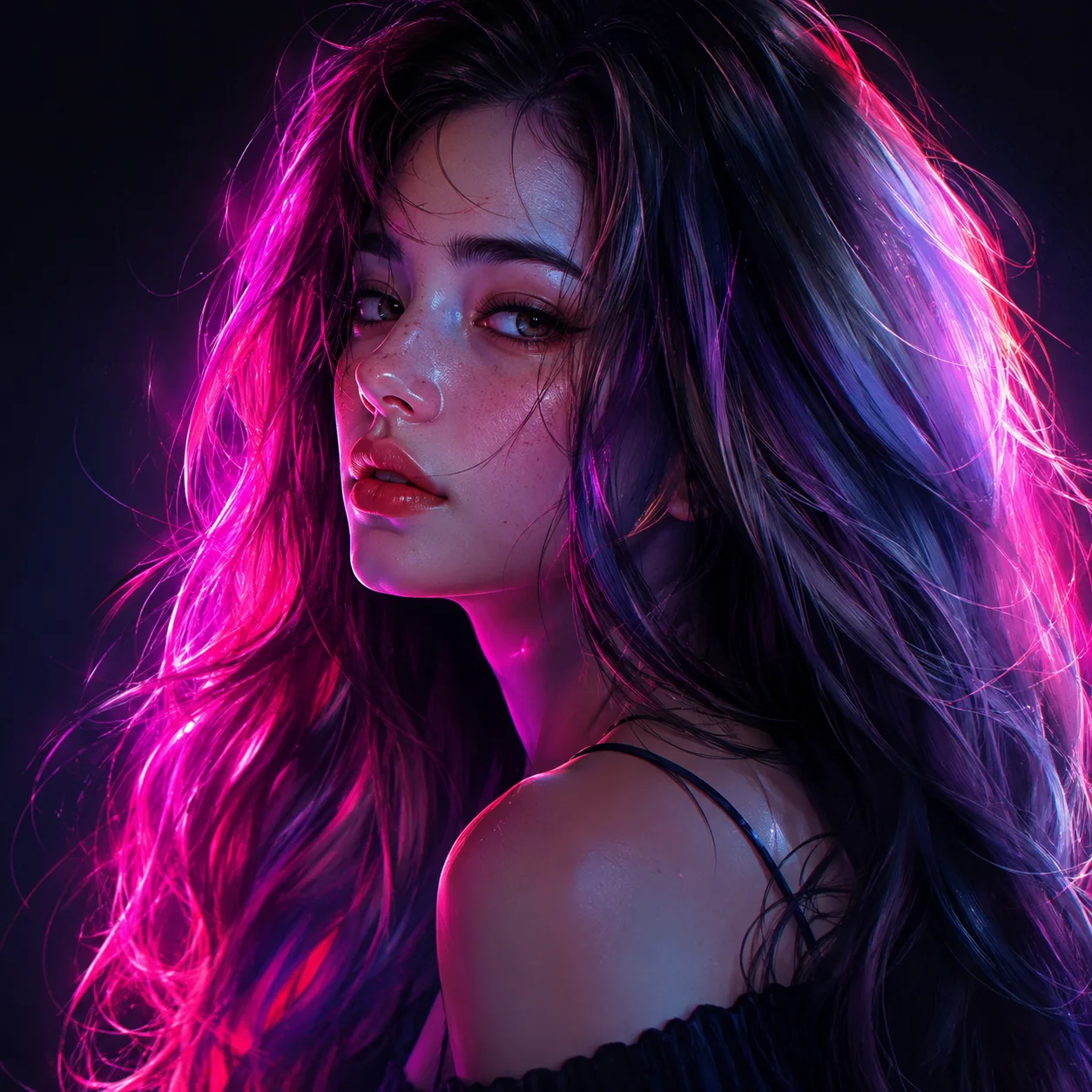
Face Swap
Swap a face into any photo in seconds. Upload a base picture and the face you want, and SnapVivid blends them naturally — matched skin tone, lighting, and angle, with realistic, download-ready results.

Image & Text to Video
Animate any photo or prompt into a cinematic clip.
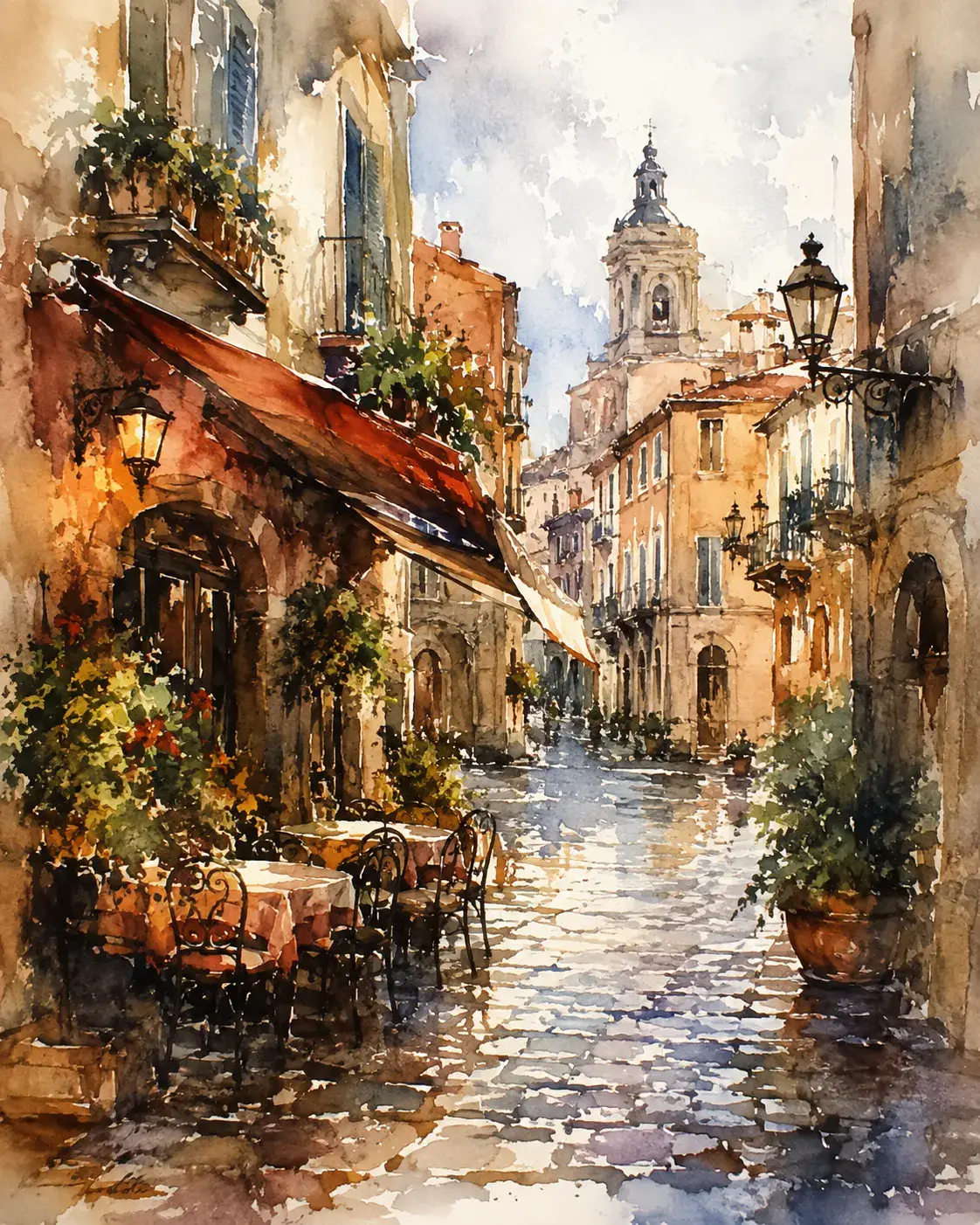
Frames to Video
Turn still frames into a moving clip — with real control over where the motion starts and ends. Drop in a first frame, add an optional last frame, and SnapVivid’s AI generates the in-between motion into a short, download-ready video. Not a slot-machine single-image animate: you direct both ends of the shot.

AI Headshot Generator
Turn an everyday selfie into a professional, studio-quality headshot. Upload one clear photo, choose a look — corporate, LinkedIn, creative, or outdoor — and SnapVivid generates a polished portrait ready for your profile.
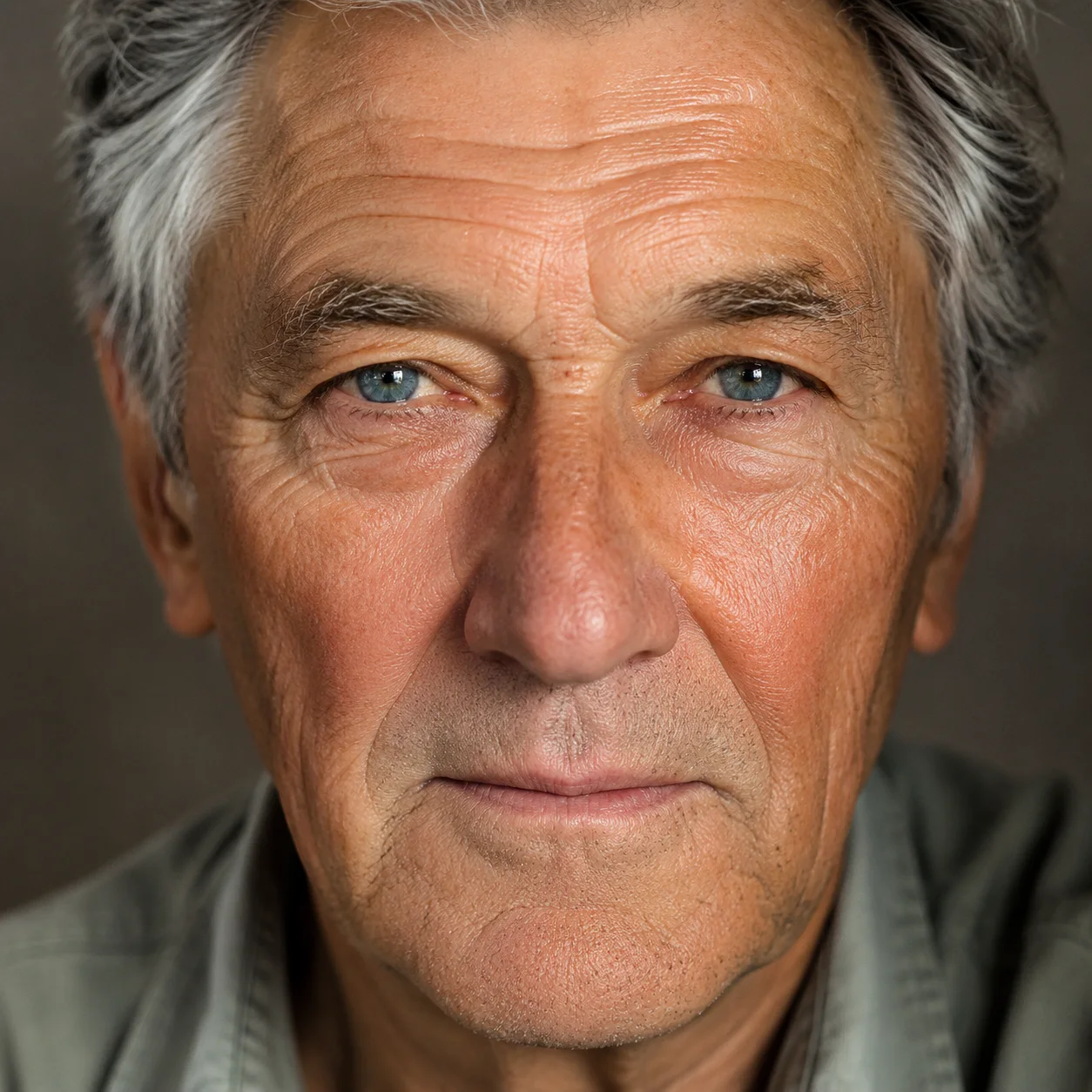
AI Photo Restoration
Bring an old, damaged, or faded photo back to life. Upload a scratched print, a yellowed snapshot, or a soft black-and-white photo, and SnapVivid’s AI repairs the damage, corrects the color, and recovers detail — while keeping every face true to the original person, not a stranger who resembles them.
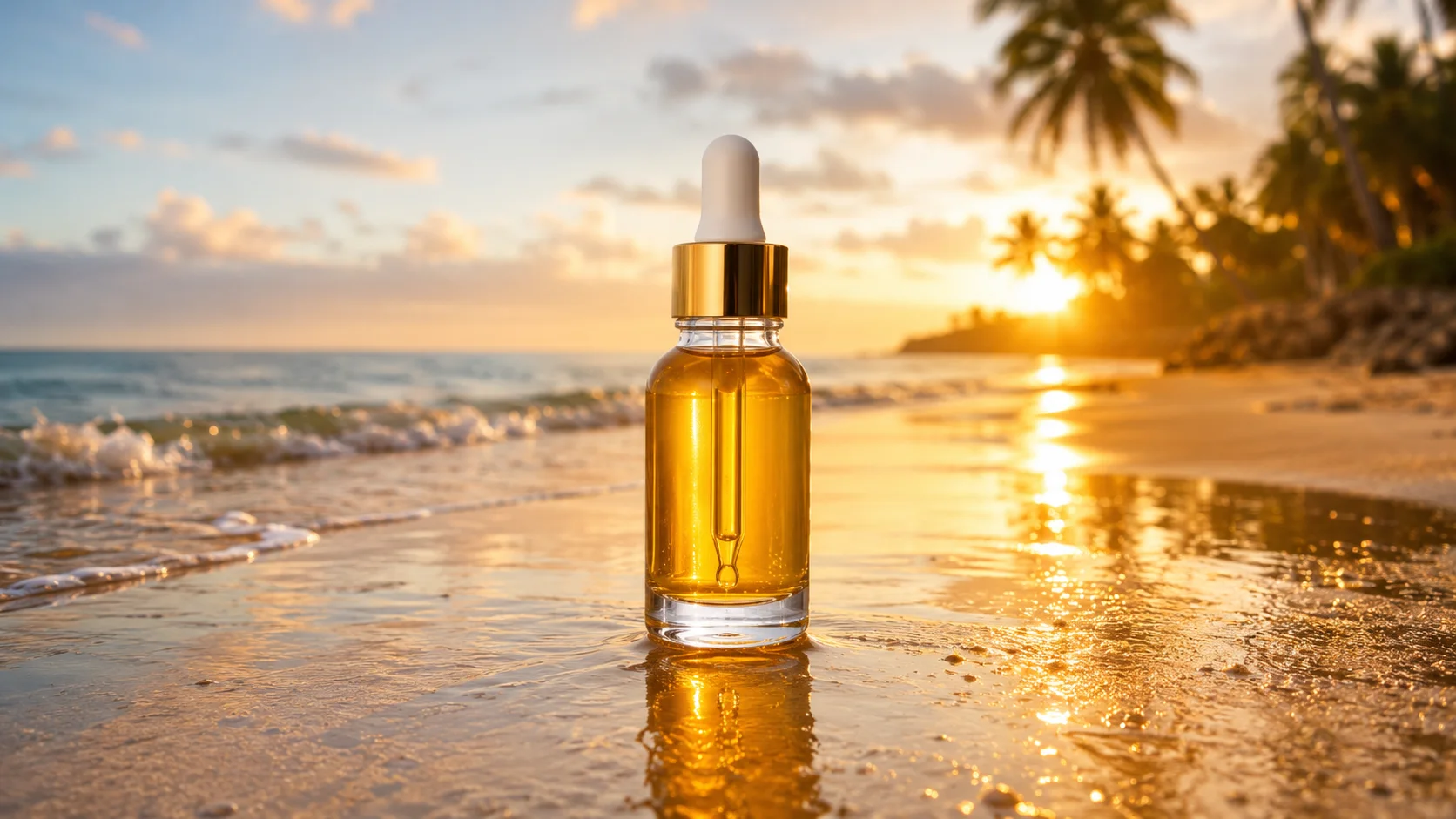
AI Video Promo Maker
Turn your product photos or text prompts into stunning promotional videos in seconds. Generate high-quality promo clips with cinematic camera moves and realistic motion — all online and free, no watermark to preview.
Seedance AI Video Generator
Make video with Seedance 2.0 — the ByteDance model that powers SnapVivid’s default video engine. Animate a photo into motion or generate a clip from a text prompt, choose a length and aspect ratio, and download a clean, watermark-free result. No region gates, no scattered access — the fastest path to a Seedance clip.

Kling 3.0 AI Video Generator
Run Kuaishou’s Kling 3.0 — SnapVivid’s model-branded video lane. Animate a photo into rich motion, or generate a high-fidelity video clip straight from text. Select Kling 3.0 in the model menu, write your prompt, and preview fluid motion and realistic physics — free, online, no waitlist.