Seedance AI Video Generator
Make video with Seedance 2.0 — the ByteDance model that powers SnapVivid’s default video engine. Animate a photo into motion or generate a clip from a text prompt, choose a length and aspect ratio, and download a clean, watermark-free result. No region gates, no scattered access — the fastest path to a Seedance clip.
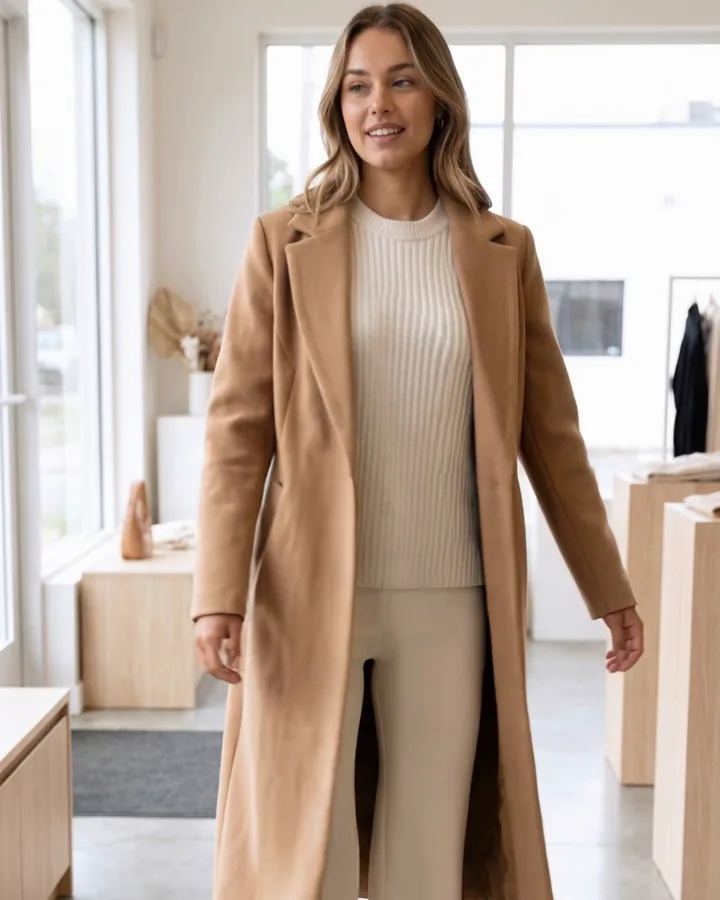
Seedance AI Video Generator — real results, in minutes
Seedance is one of the strongest new video models to arrive from ByteDance, and the reason people search for a seedance ai video generator specifically is that the brand now means a particular kind of result: realistic human motion, steady camera work, and product movement that actually looks shot rather than warped. The problem is access — Seedance turns up scattered across region-gated demos and half-working front-ends. SnapVivid removes that friction by wiring Seedance 2.0 in as the platform’s default video engine, so running it is just a prompt away.
Get Started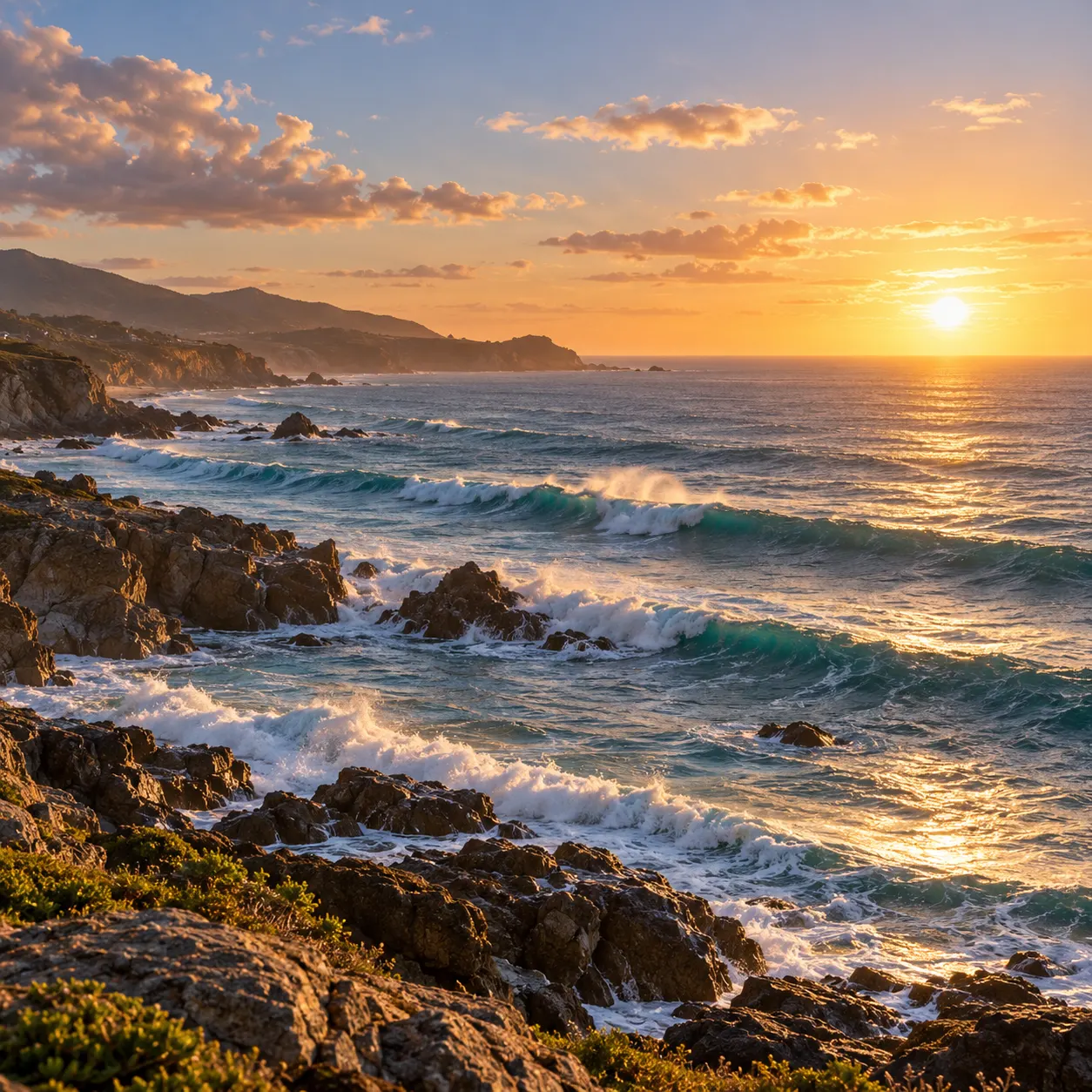

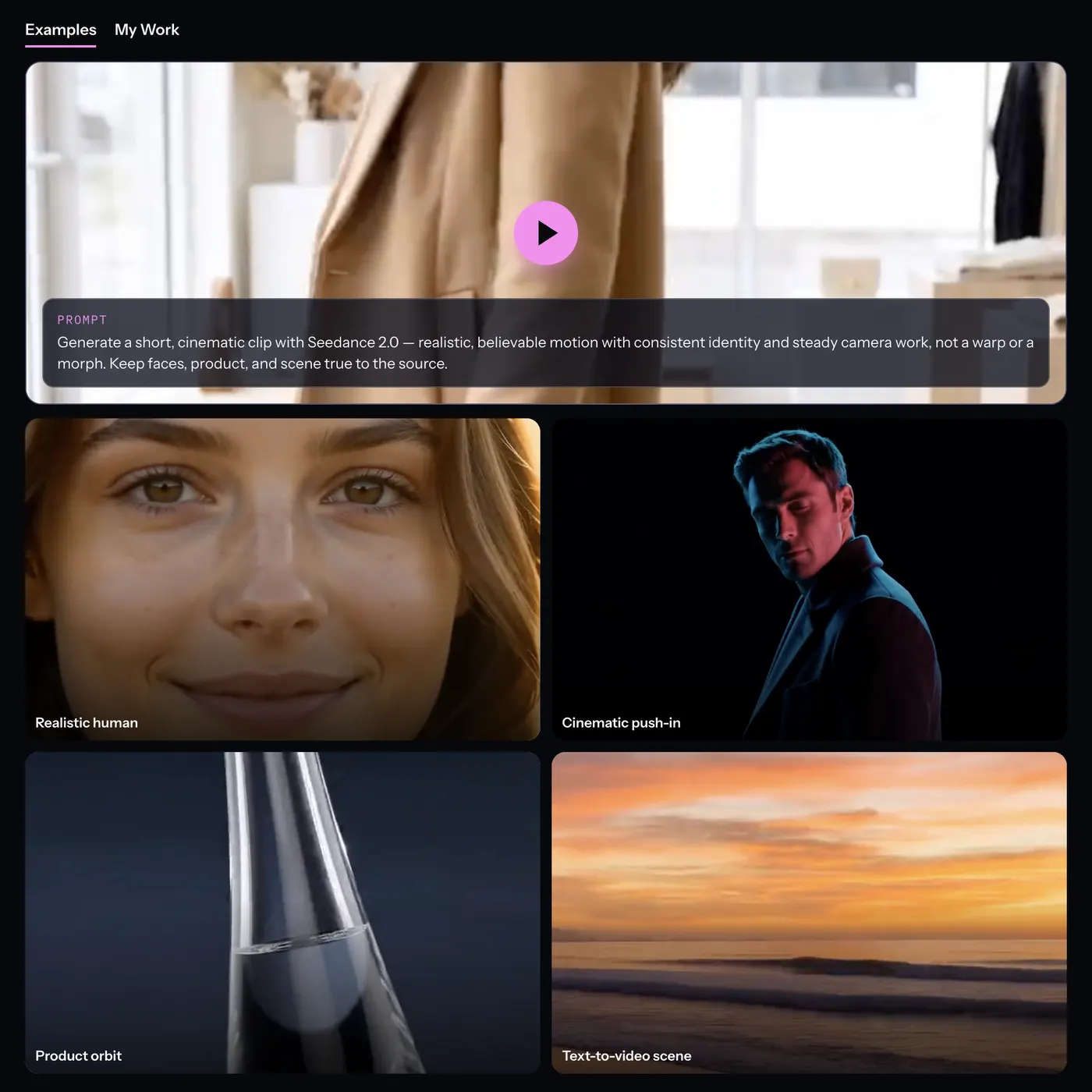
Prompt: Animate the uploaded photo into a short, polished video while preserving the subject, composition, colors, and visual details. Add natural, coherent motion that makes the image feel alive without introducing unrelated elements.
Why creators use Seedance AI Video Generator
Everything seedance ai video generator gives you in one place.


Seedance 2.0 is the default — not a look-alike
This isn’t a wrapper faking the name. On SnapVivid, bytedance seedance is the platform’s default video model: leave the model menu on Auto and your generation is routed straight to Seedance 2.0. When you want to be explicit, open the routing menu and pick it yourself. Either way, the seedance ai video generator you run here is the real model, tuned for realistic human motion and product movement.

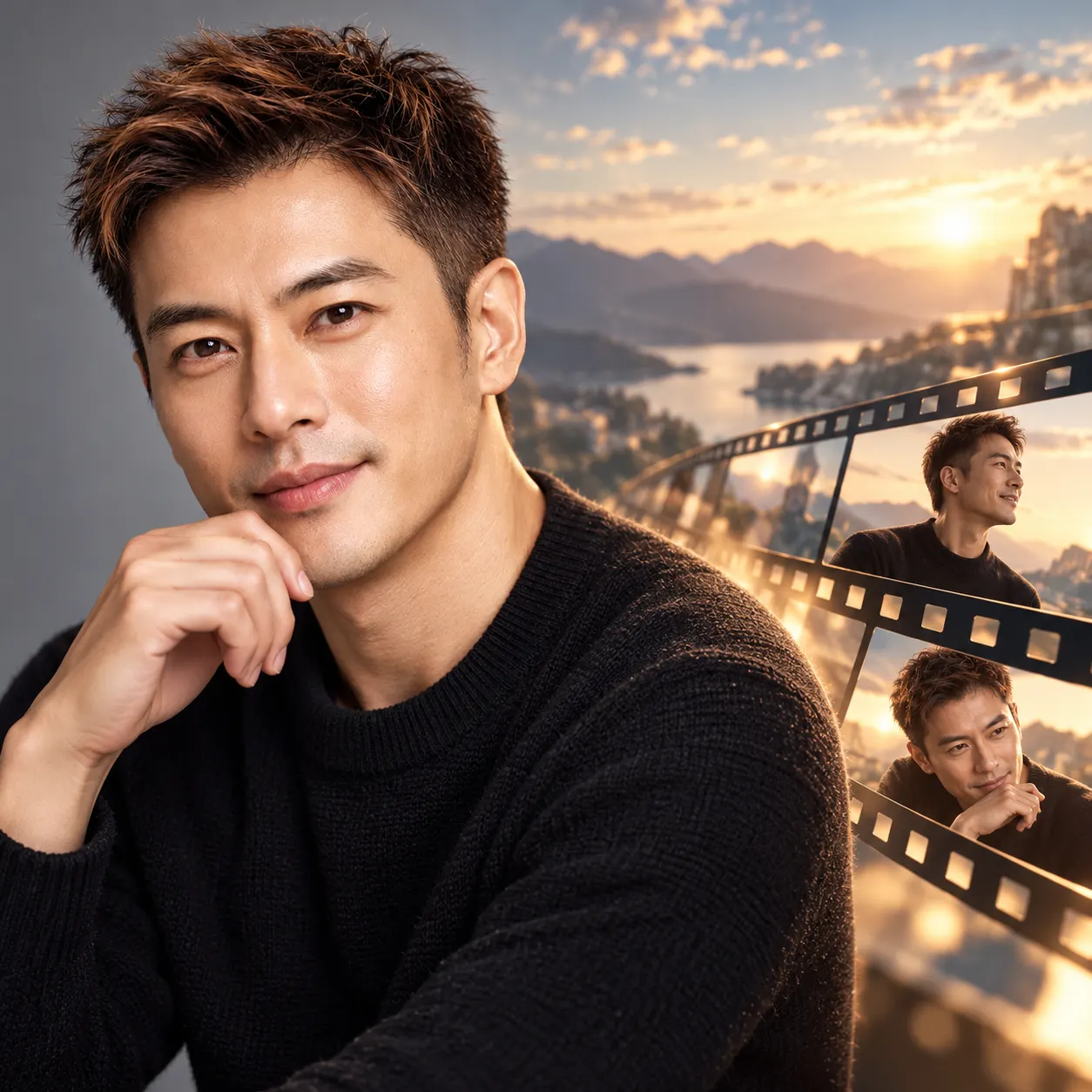
Image-to-video and text-to-video in one workspace
Most seedance video generator pages give you one door. This one has two: drop in a photo and describe how it should move for a seedance ai video from your own image, or start from a blank prompt and let text-to-video build the whole scene. Both run on the same Seedance 2.0 engine, so you get the same believable motion whether you’re animating a portrait or generating a shot from scratch.
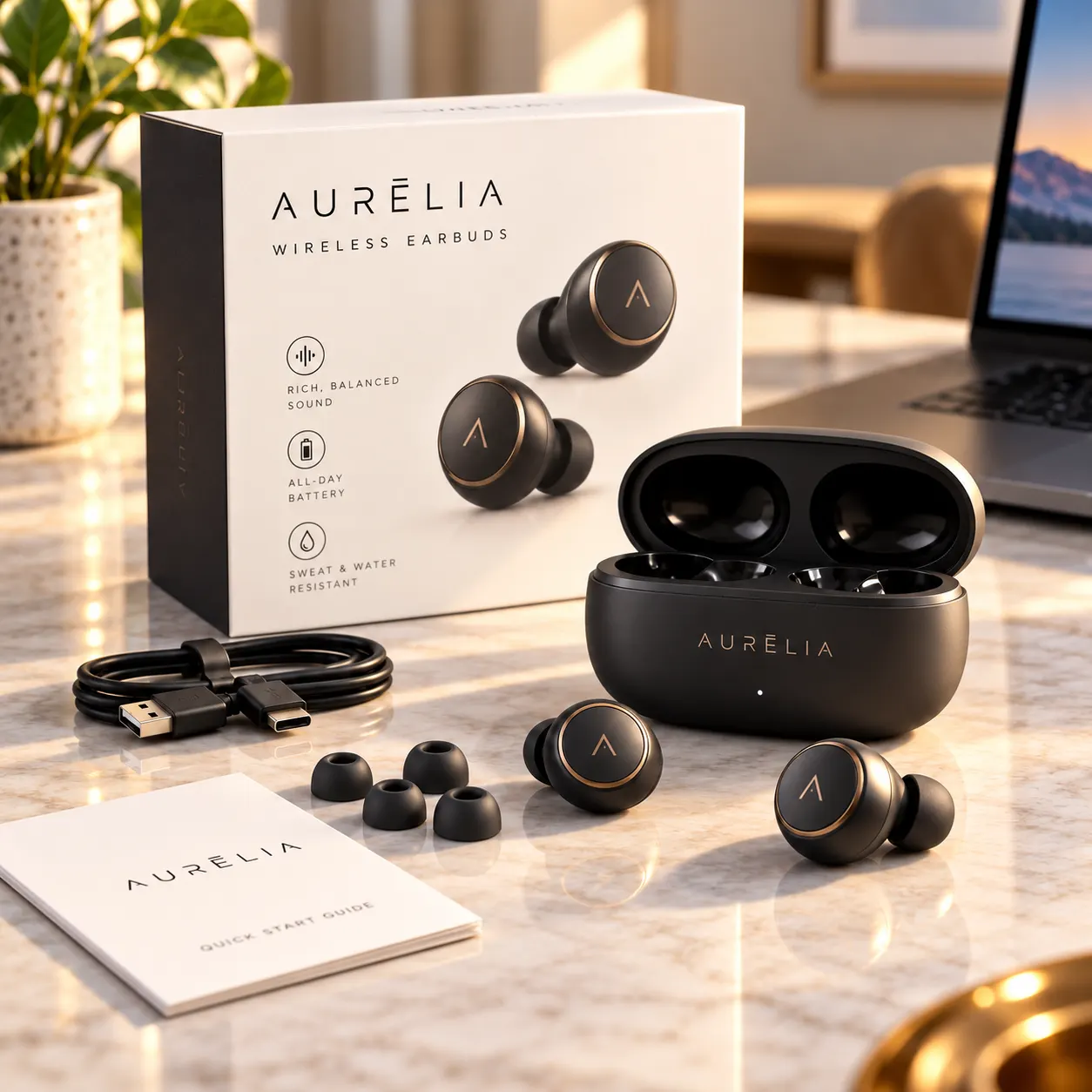
Trade quality for speed in the model menu
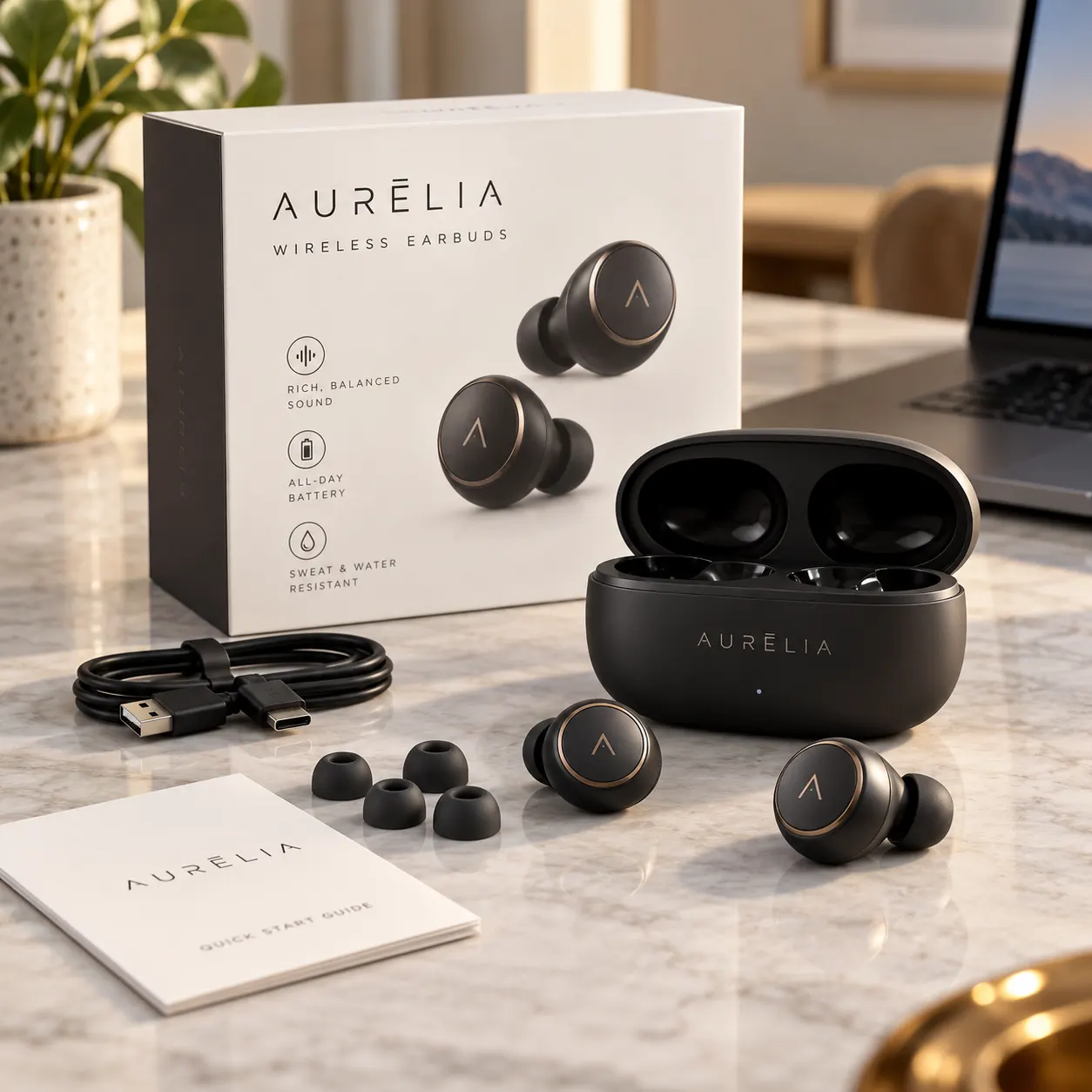
Seedance 2.0 is the recommended default for the sharpest, most stable motion. When you just need a quick look, the routing menu lets you switch to a lighter, cheaper Seedance option for fast drafts, then come back to the full model for the final render. You control clip length (5, 8, or 10 seconds) and resolution (480p draft up to 1080p), so you can rough out a shot cheaply before committing to the polished take.

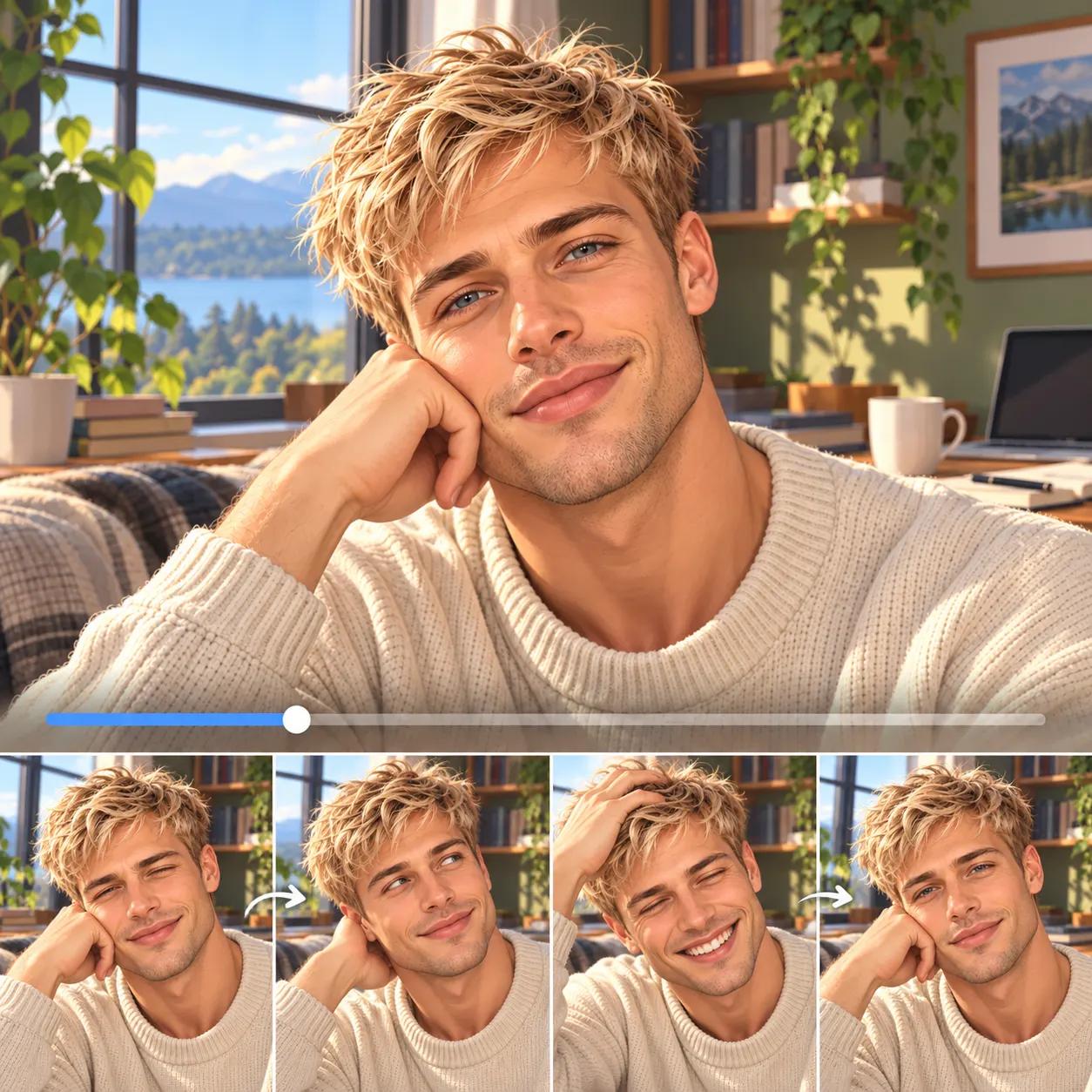
Preview without a watermark, know the cost first
Video runs on a paid plan's credits, and failed takes never cost a credit, so you only pay for clips that render. Video generation shows its credit cost before you spend, so you always know what a clip will run before you commit. Preview results carry no watermark, and the clip you keep downloads at full quality.
Seedance AI Video Generator — specs
What Seedance AI Video Generator runs on and what you get.
| Model | ByteDance Seedance 2.0 (bytedance/seedance-2) |
|---|---|
| Type | Image-to-video + text-to-video |
| Input | Upload a photo to animate, or a text prompt |
| Clip length | 5, 8 or 10 seconds |
| Aspect ratios | 16:9, 9:16, 1:1 |
| Signature strength | Realistic human & product motion, steady camera |
| Output | Watermark-free MP4, full-quality download |
| Access | Paid plans from $29/mo (video credits) |
How it works
Three steps from upload to a finished, download-ready result.
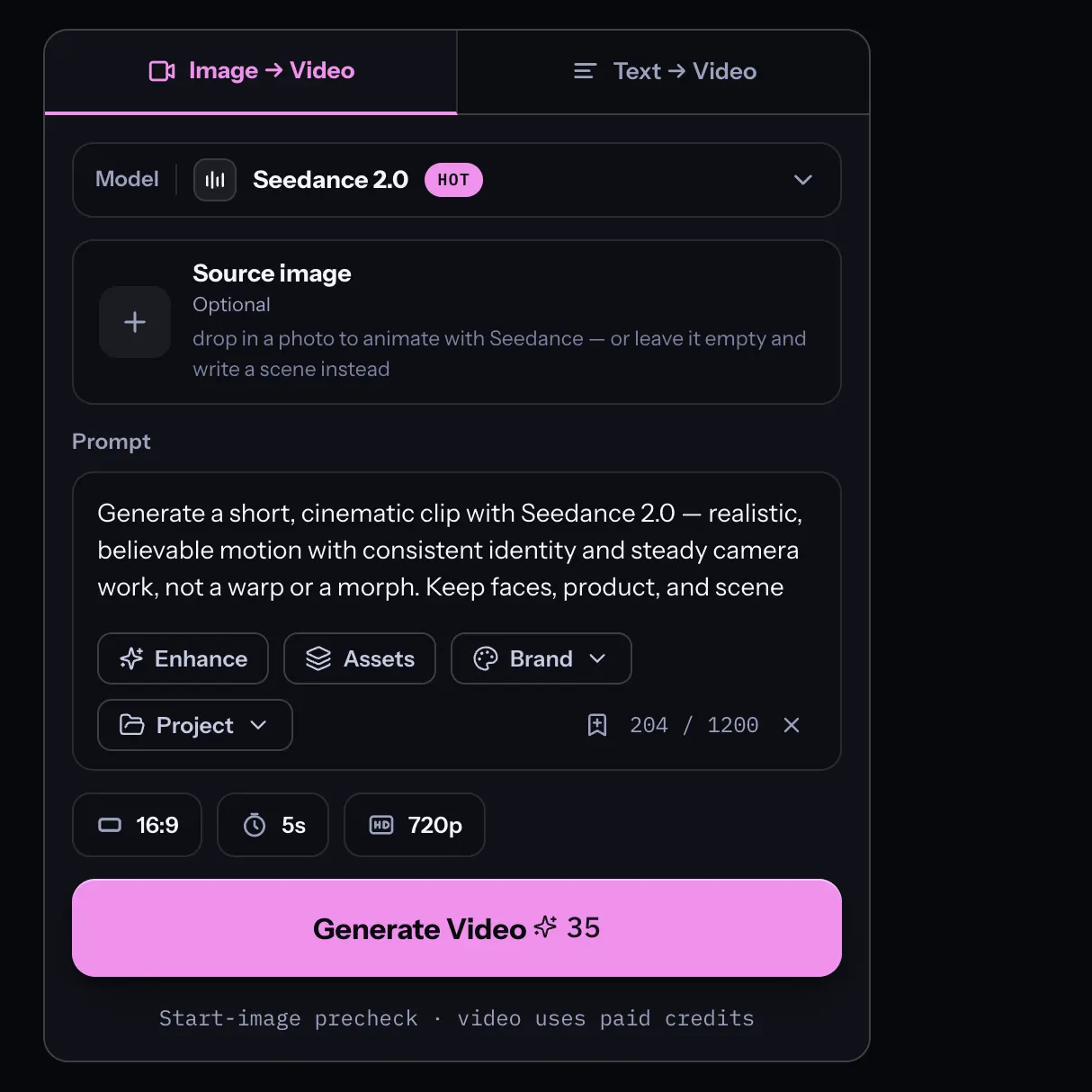
Choose image or text
Pick Image → Video to animate a photo, or Text → Video to generate a clip from a prompt. Uploads stay private to your session — nothing is posted to a public gallery.
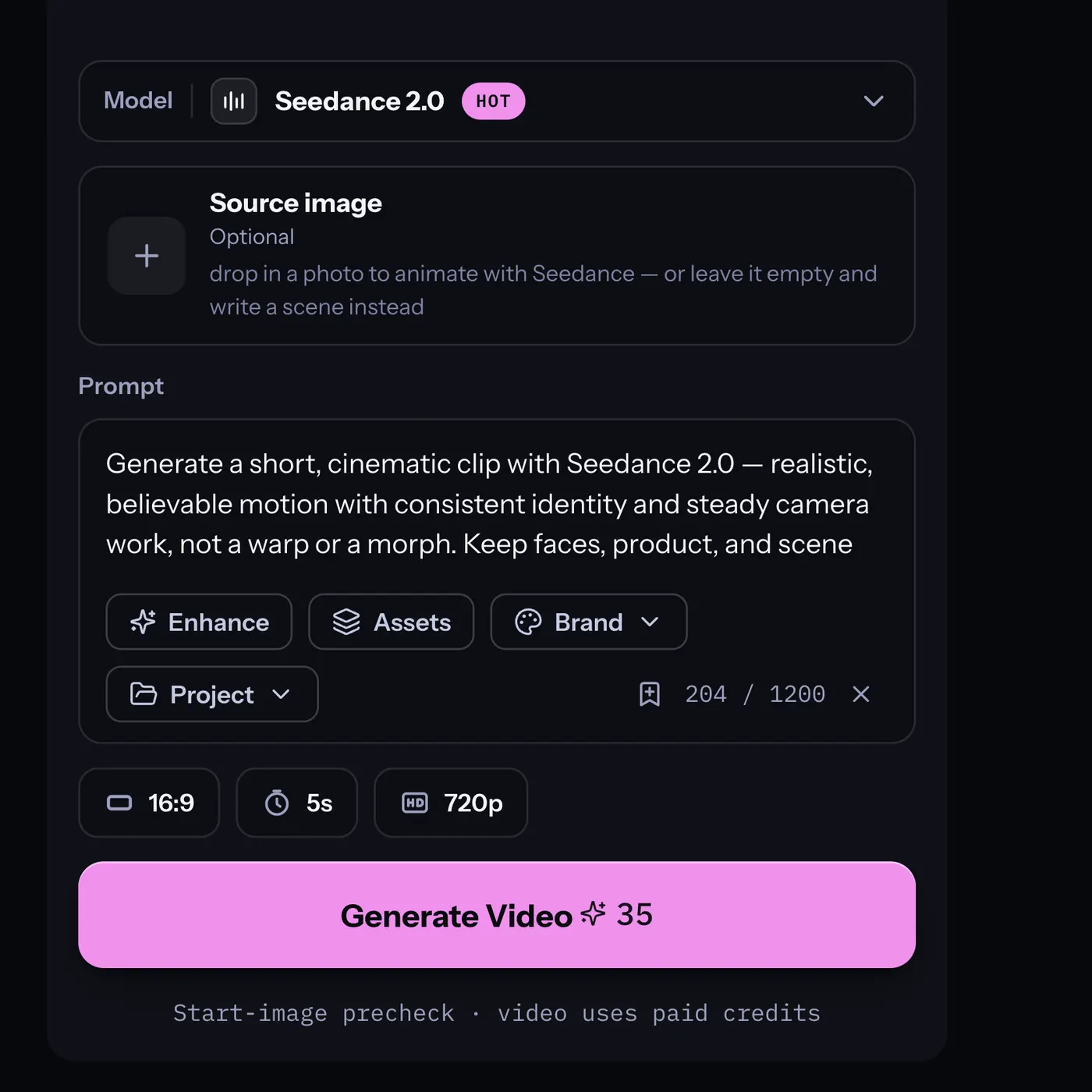
Describe the motion
Write what should happen in plain language — “slow push-in, hair drifting, subject turns to camera.” Leave the model menu on Auto (it routes to Seedance 2.0) or pick Seedance yourself, then set duration and aspect ratio.
Generate & download
Confirm the credit cost, generate, and preview the clip with no watermark. Refine the prompt if the motion isn’t right — failed takes are free — then download your Seedance video.
Made with SnapVivid
Real results — seedance ai video generator across styles and subjects.
Seedance AI Video Generator — start in your browser
1 lifetime image credit, no card required. Video runs on a paid plan from $29/month.
Get StartedWhat you can do with it
How people put Seedance to work, from a first animation to a finished social clip.
Animate a photo with Seedance
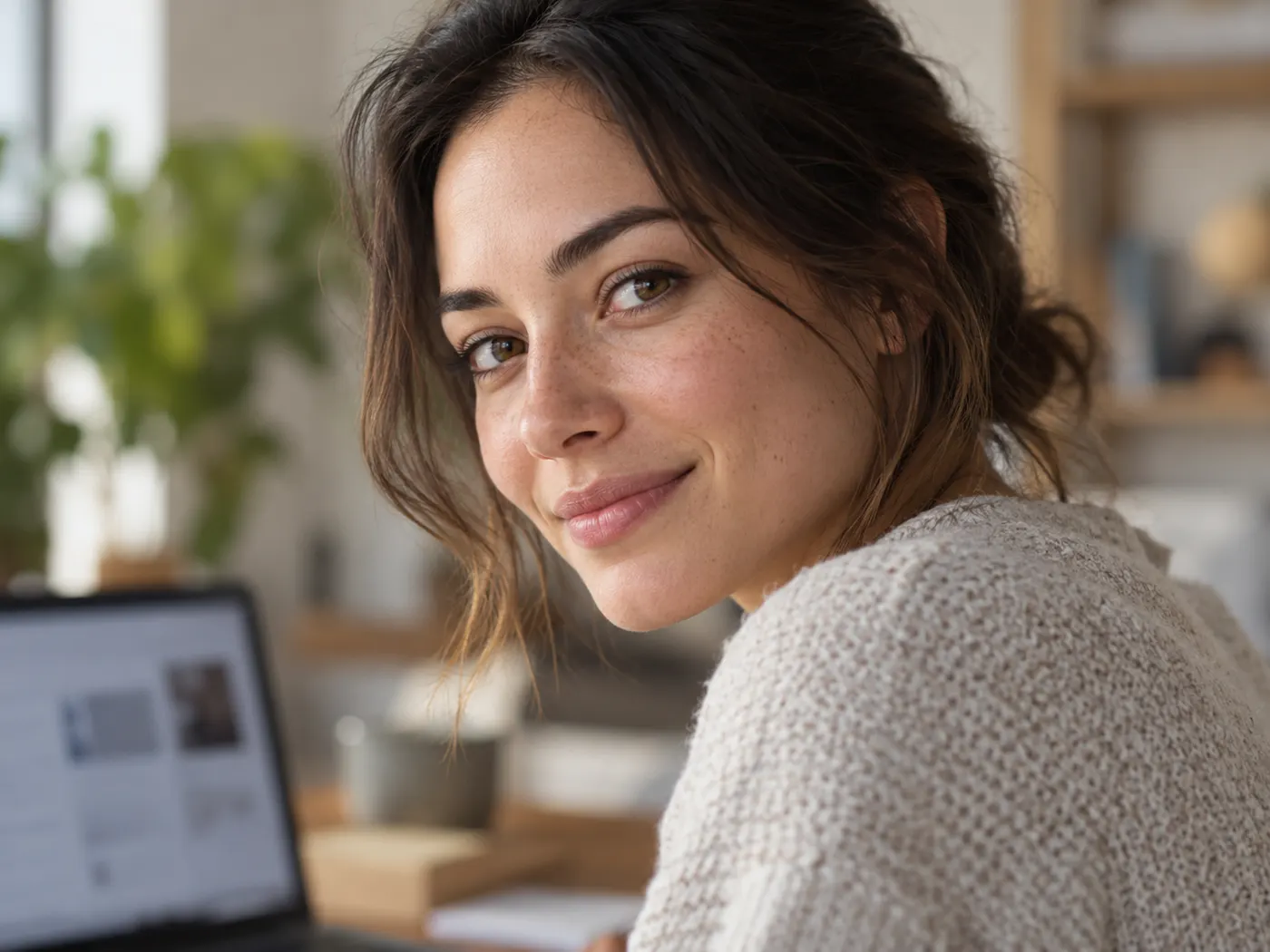
Turn a still portrait or product shot into believable motion — drifting light, a gentle push-in, a natural turn — using Seedance 2.0’s strength with realistic humans and product movement.
Text-to-video from a prompt
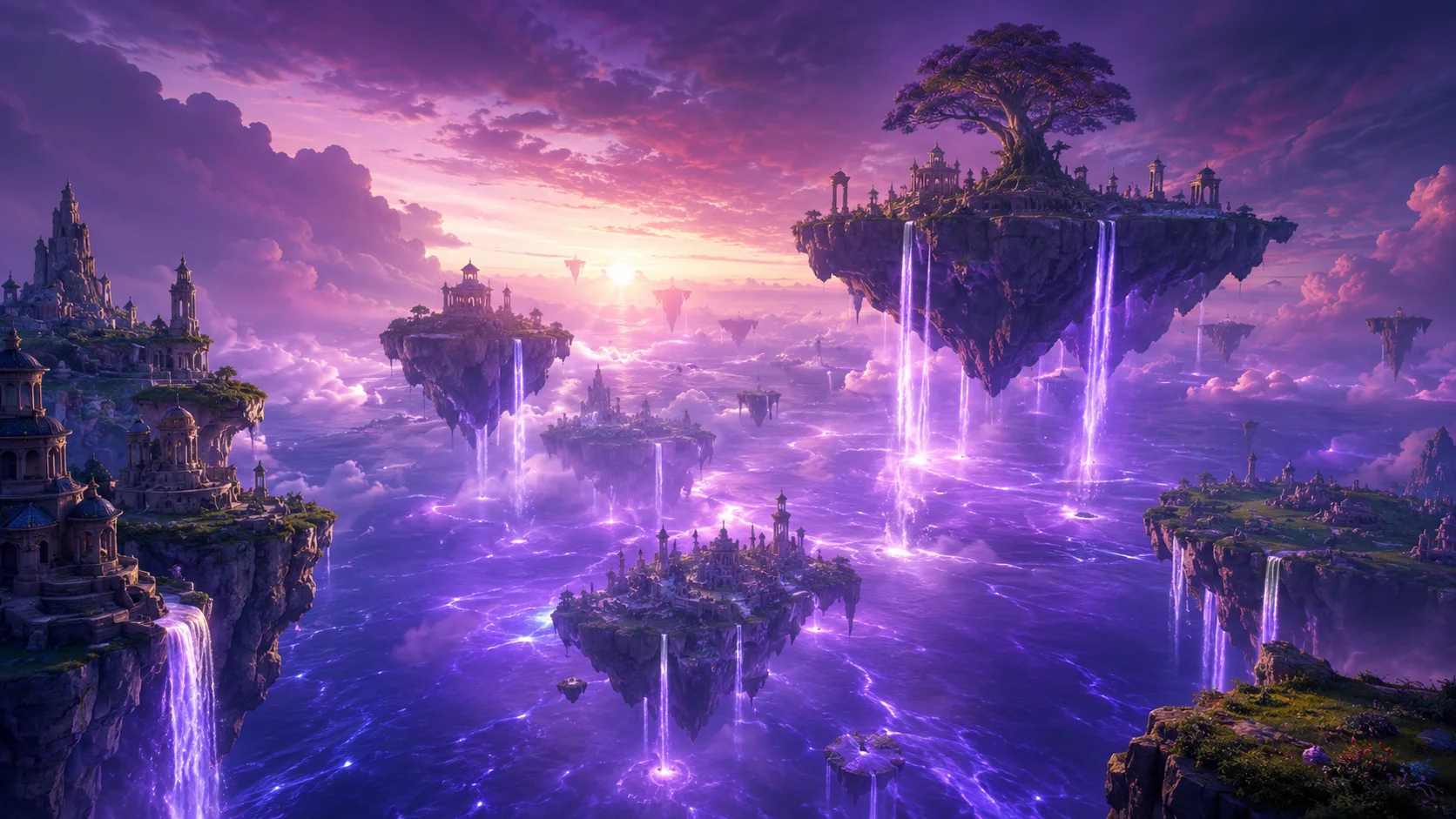
No source image? Describe a scene and let seedance ai video generation build the whole shot — a city street, a landscape, a mood — straight from text.
Social clips and product demos
Generate short 9:16 clips for reels and stories or 16:9 shots for landing pages and ads, with the aspect ratio and length that fit where the video is going.
Draft cheap, finish sharp
Rough out the motion at 480p on a lighter model, then re-run the take on full Seedance 2.0 at 1080p once the shot looks right — only spending credits on the final render.
More about Seedance AI Video Generator
Because bytedance seedance is the default here, you don’t have to hunt for it. Leave the model menu on Auto and your clip is routed to Seedance 2.0 automatically; open the routing menu and it’s right there to pick by name. That matters for a model-branded tool — when you look for the genuine seedance 2.0, you want to know you’re running the real engine and not a generic model wearing the label. On SnapVivid the seedance ai you run is the model itself, exposed through a clean workspace instead of a raw API.
The workspace gives you both ways in. Image-to-video takes a photo you upload and animates it — ideal when you already have the subject and just want it to move. Text-to-video starts from nothing but a description and builds the whole scene. Both run on the same Seedance 2.0 engine, so a seedance ai video from your own photo and one generated purely from text share the same believable motion and the same controls: pick a clip length of 5, 8, or 10 seconds and an aspect ratio — 16:9 for landscape, 9:16 for reels, 1:1 for square feeds.
One of the first things people want to know before committing is the trade-off between quality and speed, and the cost of a clip. SnapVivid keeps both explicit. Seedance 2.0 is the recommended model for the cleanest, most stable output; when you only need a quick look, the routing menu offers a lighter, cheaper Seedance option and lower resolutions for fast drafts. Video generation always shows its credit cost before you spend, and failed takes never cost a credit — so trying the seedance video generator a few different ways is cheap, and you can experiment with Seedance 2 on your paid credits before scaling up.
The seedance ai video generator is one tool in SnapVivid’s wider creation studio, and it’s built to hand off cleanly. Generate or edit a still with the image generator, swap a face, or upscale a photo to crisp resolution, then bring it here to animate with Seedance — or jump to the frames-to-video tool when you want to control both the first and last frame of a shot. It’s the same account and one-upload workflow; image work starts with 1 lifetime credit, while video is paid.
Related tools
More SnapVivid tools that pair with seedance ai video generator.
Frames to Video
Turn still frames into a moving clip — with real control over where the motion starts and ends. Drop in a first frame, add an optional last frame, and SnapVivid’s AI generates the in-between motion into a short, download-ready video. Not a slot-machine single-image animate: you direct both ends of the shot.
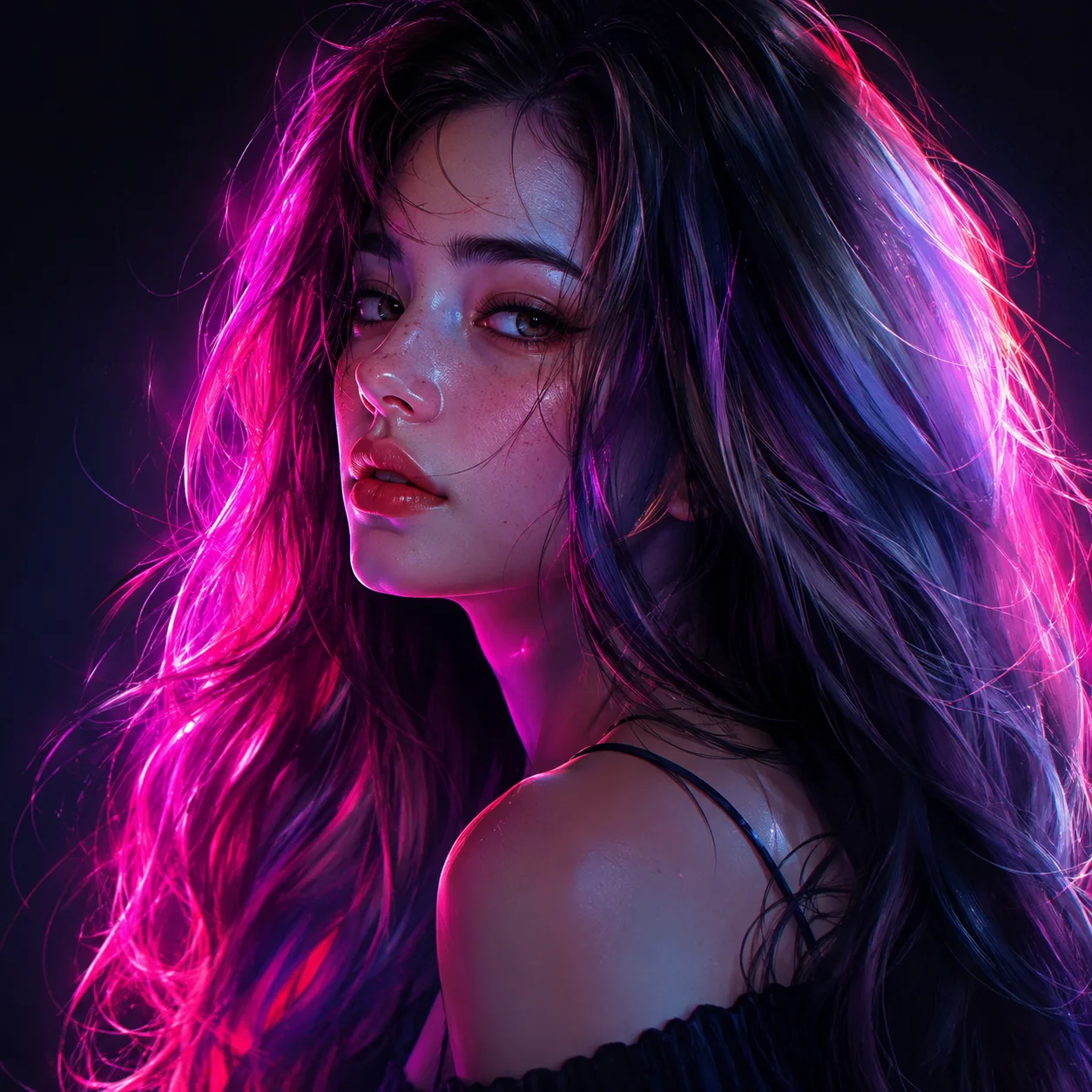
Image & Text to Video
Animate any photo or prompt into a cinematic clip.
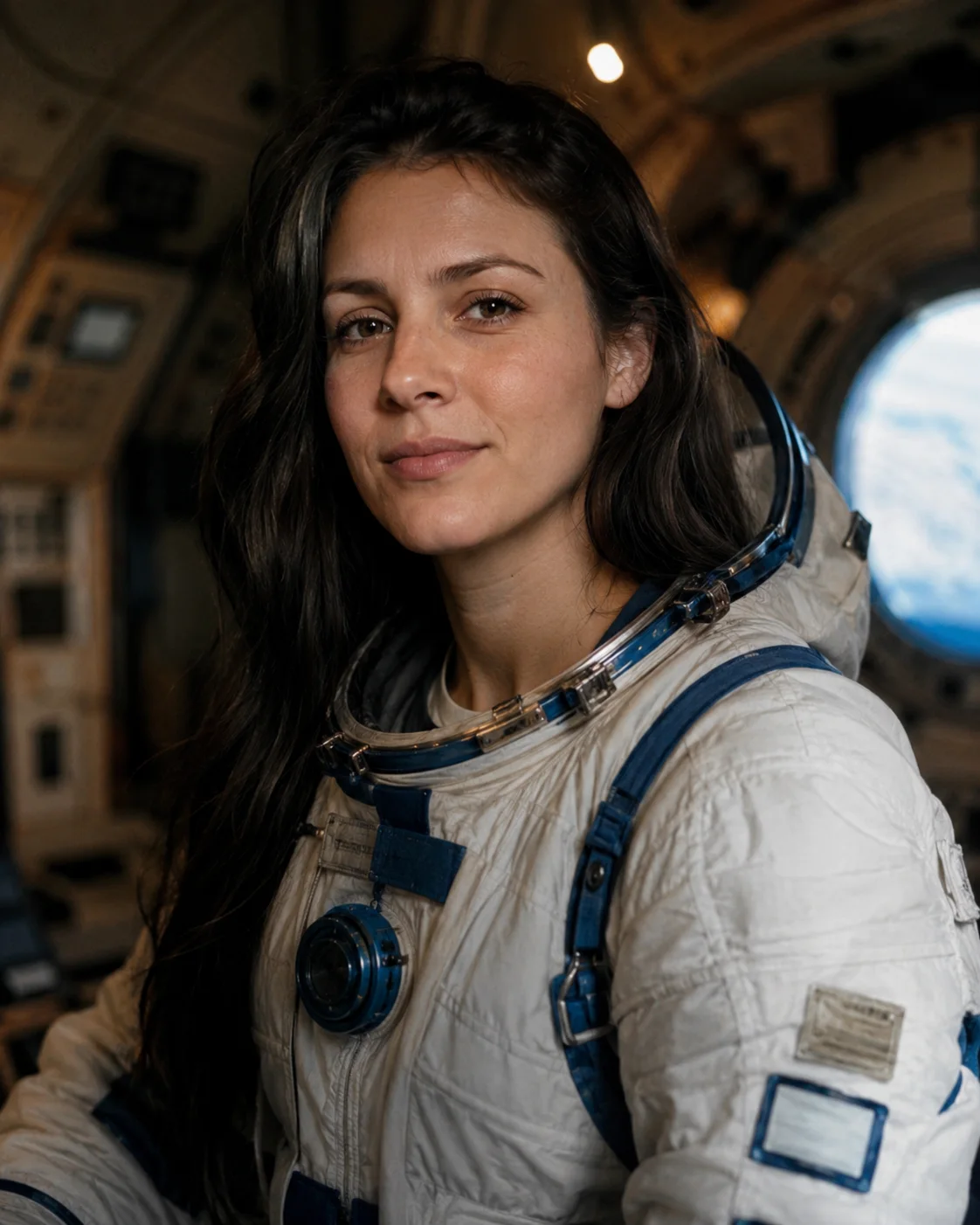
Face Swap
Swap a face into any photo in seconds. Upload a base picture and the face you want, and SnapVivid blends them naturally — matched skin tone, lighting, and angle, with realistic, download-ready results.
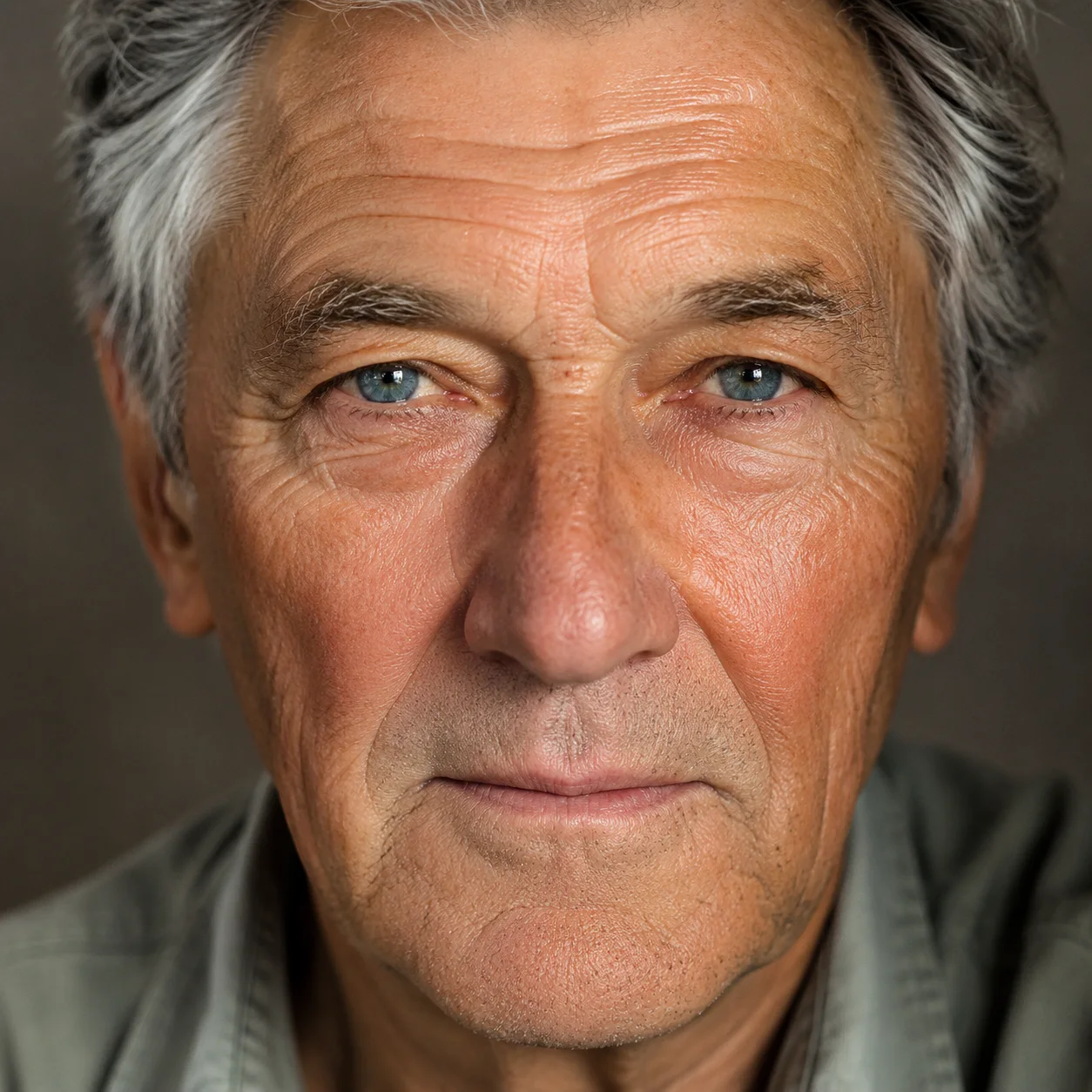
AI Image Upscaler
Enlarge and sharpen any image without the blur. SnapVivid’s AI upscaler adds real detail as it scales your photo 2× or 4× — cleaning up noise and softness so small or low-res pictures become crisp and print-ready.
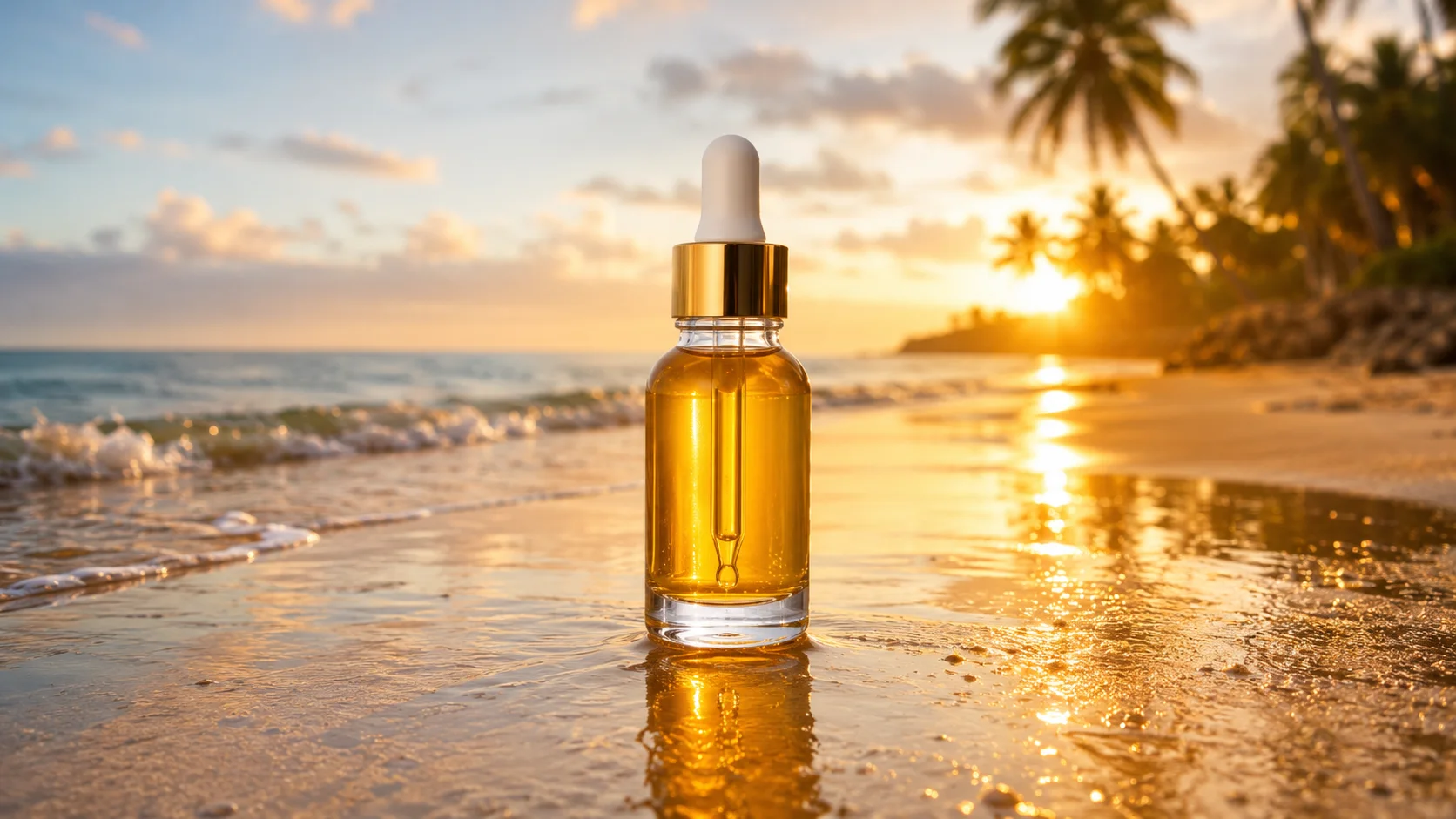
AI Image Generator
Generate and edit images in any style.

Kling 3.0 AI Video Generator
Run Kuaishou’s Kling 3.0 — SnapVivid’s model-branded video lane. Animate a photo into rich motion, or generate a high-fidelity video clip straight from text. Select Kling 3.0 in the model menu, write your prompt, and preview fluid motion and realistic physics — online, no waitlist.

AI Video Promo Maker
Turn your product photos or text prompts into stunning promotional videos in seconds. Generate high-quality promo clips with cinematic camera moves and realistic motion — all online, no watermark to preview.
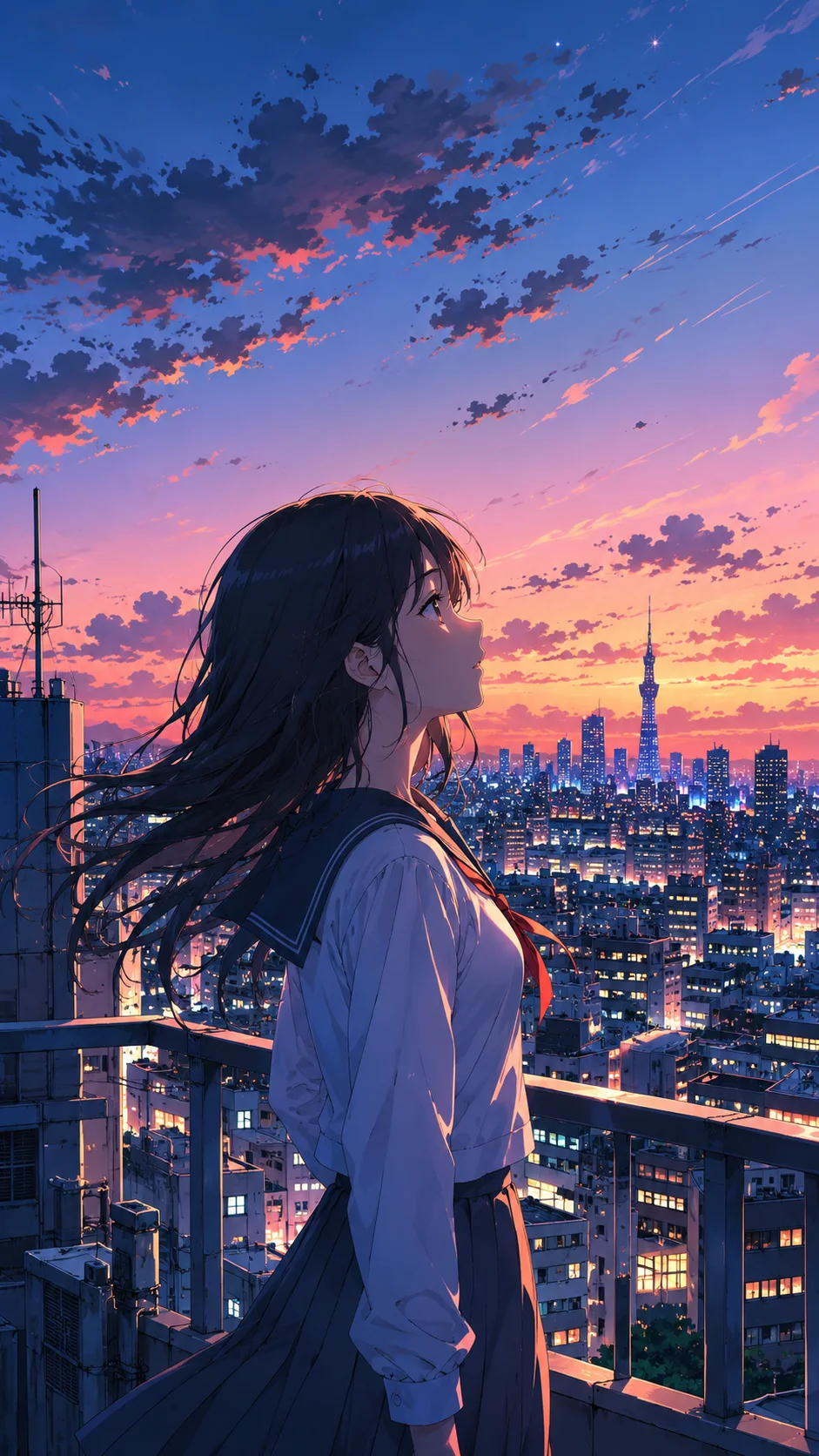
Wan 3.0 AI Video Generator
Run Alibaba’s Wan 3.0 — SnapVivid’s elite video model. Animate any image with state-of-the-art physics, natural physical movements, and steady camera pans. Pick Wan 3.0 by name in the model menu, generate, and download a clean, watermark-free result — no waitlist, no complex setup.