AI Buzz Cut Filter & Haircut Trial
Curious about a buzz cut, a short haircut filter, or even a bald filter? SnapVivid’s AI-powered hairstyle filter lets you try on a buzz cut, bangs filter, or haircut filter on your photo instantly. Your face stays perfectly the same — no weird overlays, no watermarks. Each edit uses credits, and the credit cost is shown before you generate.

AI Buzz Cut Filter & Haircut Trial — real results, in minutes
Making the leap to a buzz cut is a major decision. Hair takes months to grow back, and head shape plays a massive role in whether a shaved head looks great or awkward. Historically, the only way to find out was to take the plunge and hope for the best. With SnapVivid’s AI buzz cut filter, that anxiety is gone. By leveraging cutting-edge image editing neural networks, this haircut filter allows you to preview a short haircut filter, a bald filter, or a stylish bangs filter on your face with complete accuracy, all within seconds.
Start for FreePrompt: H3-Max text-to-video: Bridge Lava Beast Heroine.
Why creators use AI Buzz Cut Filter & Haircut Trial
Everything ai buzz cut filter & haircut trial gives you in one place.
The most authentic haircut filter on your own photo
Unlike low-quality hairstyle filter apps that merely slap a cartoon hair overlay on top of your head, SnapVivid uses Google’s Nano Banana edit model to generate a seamless, realistic buzz cut filter. It understands the contours of your head, blending the short haircut filter or bald filter naturally with your skin tone and forehead.

A bald filter that keeps your face unchanged
The biggest flaw of generic hairstyle filters is face drift — they change your eyes, nose, or mouth, leaving you looking like someone else. Our advanced haircut filter holds your facial identity perfectly steady. Whether you use the buzz cut filter, short haircut filter, or bangs filter, you will see exactly how you look with the new haircut.
From a bald filter to a bangs filter
Don’t stop at a shaved head. Test a wide array of hair options in one workspace. Use our haircut filter to preview a clean buzz cut, transition to a bald filter to see your head shape, or try a stylish bangs filter or a chic short haircut filter. It is the ultimate virtual salon for experimenting without the commitment.
No registration, watermarks, or sketchy app downloads
Skip the search for sketchy mobile apps. SnapVivid is an online hairstyle filter that works directly in your browser. Try the buzz cut filter with 1 free lifetime credit. Failed runs do not cost credits, and all previews are watermark-free. Plus, your uploaded photo remains private to your session.
How it works
Three steps from upload to a finished, download-ready result.
Upload your photo
Drop in a clear portrait or selfie. For the best haircut filter results, use a photo facing the camera with good lighting.

Choose buzz cut, bald, or bangs
Select from our hairstyle filter presets like the classic buzz cut filter, the bald filter, or a stylish bangs filter. Or type your custom haircut instructions.
Try on & download
Click generate. The AI processes your edit and shows you the new look. Preview the before and after, then download your watermark-free image.
Made with SnapVivid
Real results — ai buzz cut filter & haircut trial across styles and subjects.
AI Buzz Cut Filter & Haircut Trial — free to start
1 lifetime image credit, no card required. Video runs on a paid plan from $29/month.
Start for FreeWhat you can do with it
From a serious barber-chair preview to a laugh with friends, here is what the filter gets used for.
Test before going to the barber
Thinking about getting a buzz cut or a short haircut but afraid it won’t fit your head shape? Run it through our realistic haircut filter first to avoid a hair disaster.
Prank your friends with a bald filter
Want to see your friends’ reactions to a completely shaved head? Drop your selfie into the bald filter, generate a flawless edit, and send it to your group chat.
Experiment with a stylish bangs filter
Wondering if you can rock curtain bangs or micro bangs? Use our hairstyle filter to add bangs to your current hair and check if it frames your face well.
Animate a dramatic makeover video
With SnapVivid’s image-to-video studio, you can take your before-and-after try-on frames and animate them into a smooth transition video for social media.

More about AI Buzz Cut Filter & Haircut Trial
What sets our tool apart from standard mobile apps is quality and realism. Most haircut filter solutions online are simple stickers: they warp a generic wig and paste it over your hair, which always looks fake and misaligned. SnapVivid is powered by Google’s Nano Banana edit model, which operates directly on the pixel structure of your photo. It doesn’t just overlay hair; it actually edits your hair structure, reconstructing the scalp, adjusting the shadows, and blending the hair lines naturally, ensuring the hairstyle filter fits the precise shape of your skull.
Another crucial element is identity preservation. It is extremely easy to generate a beautiful face with short hair from scratch, but it is incredibly difficult to take your existing face and change only the hair. Many online generators suffer from face-drift, replacing your features with a completely different person. SnapVivid is tuned to maintain absolute face consistency. When you use our bald filter or bangs filter, every unique trait of your eyes, nose, lips, and expression is preserved, so the final result is truly a preview of you, not a random model.
Our hairstyle filter workspace is designed to be highly versatile. Whether you are aiming for a rugged buzz cut filter, a smooth bald filter, or a trendy bangs filter, you have full control over the output. You can use our pre-built examples or write custom prompts like "shaved sides with a longer top" or "add wispy bangs." With 1 free lifetime image credit, you can try a style, compare the before-and-after side-by-side, and download full-resolution, watermark-free images to share with your friends or show to your barber.
Related tools
More SnapVivid tools that pair with ai buzz cut filter & haircut trial.
AI Photo Editor
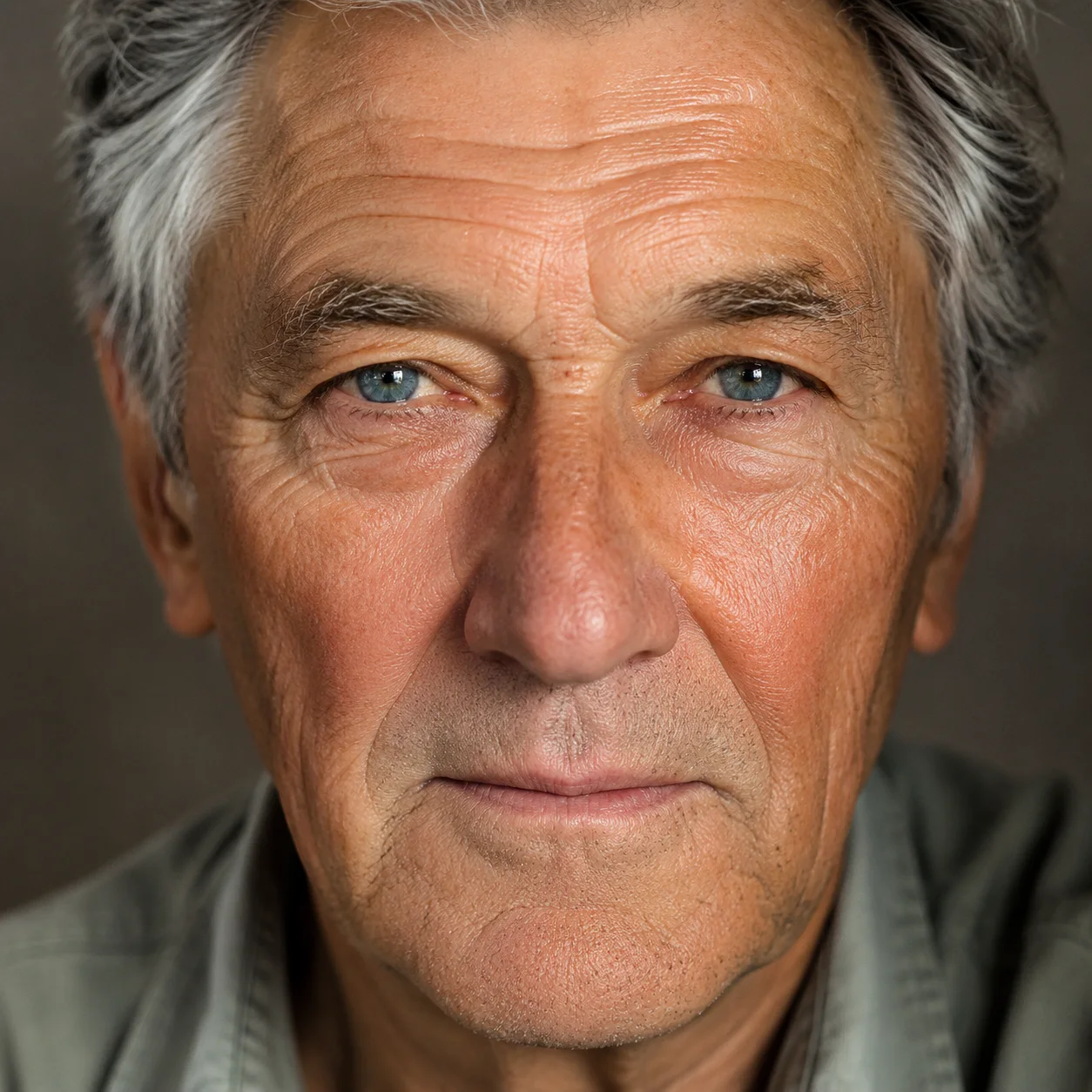
Edit any photo just by describing the change. Upload a picture, tell SnapVivid’s AI what to do — swap the background, remove an object, fix the lighting, or restyle the whole shot — and get a clean, download-ready result. When you need a focused edit, the specific tools are one click away.

Face Swap
Swap a face into any photo in seconds. Upload a base picture and the face you want, and SnapVivid blends them naturally — matched skin tone, lighting, and angle, with realistic, download-ready results.

AI Headshot Generator
Turn an everyday selfie into a professional, studio-quality headshot. Upload one clear photo, choose a look — corporate, LinkedIn, creative, or outdoor — and SnapVivid generates a polished portrait ready for your profile.
AI Image Generator
Generate and edit images in any style.
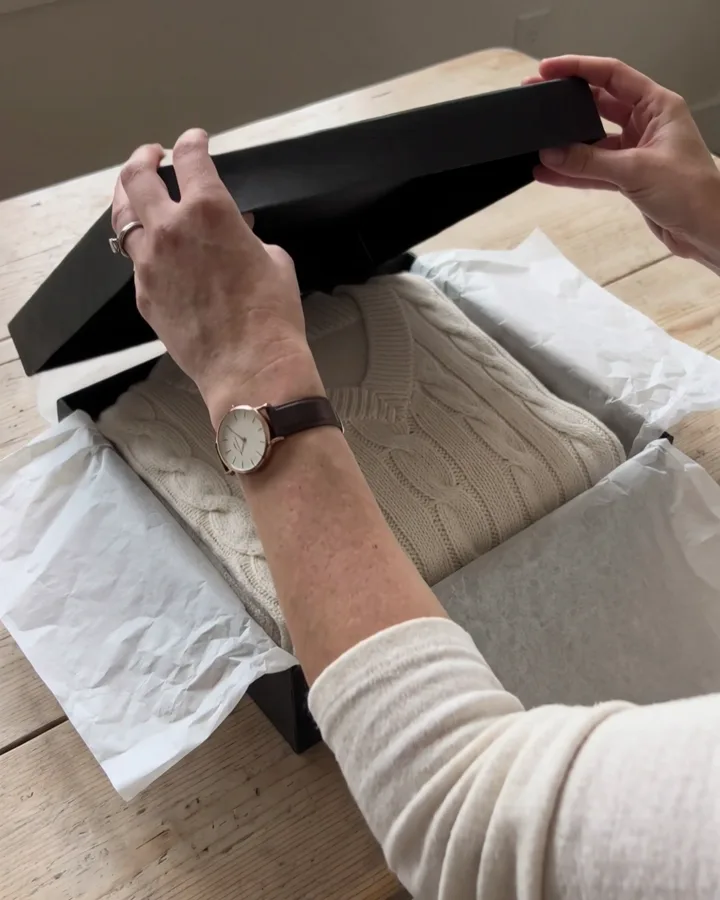
Edit Color of Eyes with AI
See yourself with a new eye color before you commit. Upload a portrait, choose blue, green, hazel, or brown eyes, and let SnapVivid edit only the irises while your face, expression, skin, and lighting stay true. It is a realistic eye color changer built on Google’s Nano Banana edit model — free to try, private to your session, and clean to download.
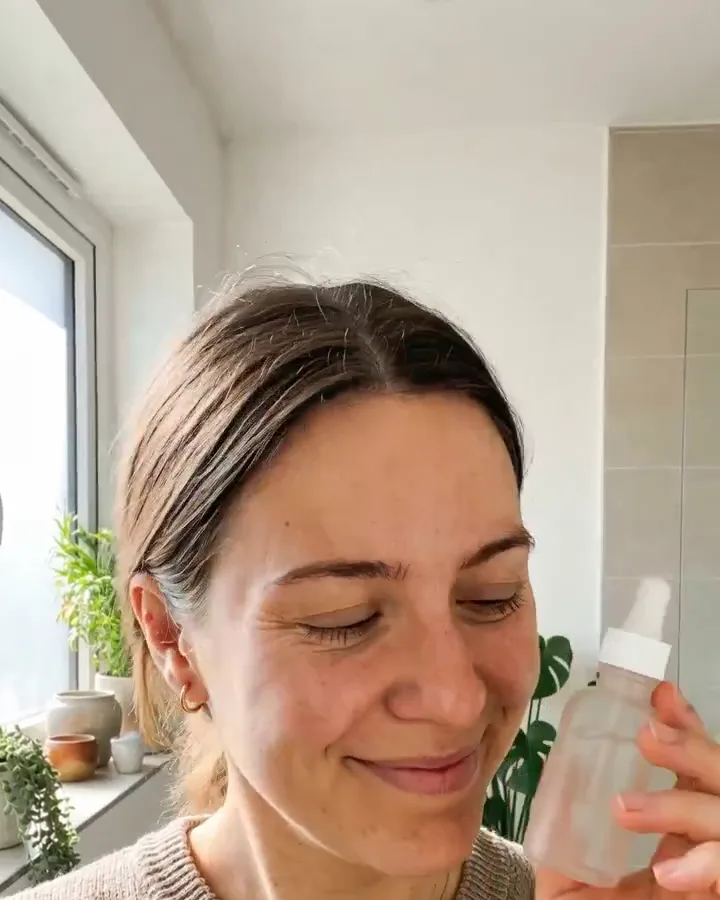
Nano Banana AI Image Generator
Run Google’s Nano Banana — SnapVivid’s built-in default image model. Generate an image from a text prompt, or upload a photo and edit it while the subject stays perfectly consistent, the thing it’s known for. Pick Nano Banana by name in the model menu, generate, and download a clean, watermark-free result — no scattered demos, no waitlist.
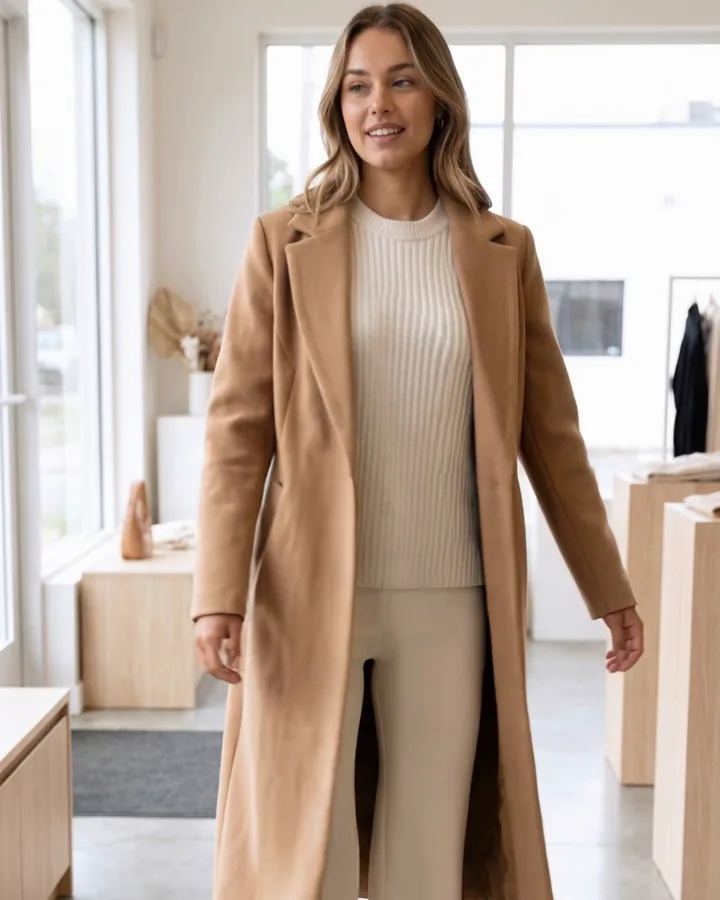
GPT Image 2.5 Generator
Run OpenAI’s GPT Image 2.5 — the newest GPT image model, wired into SnapVivid so you can actually use it beyond ChatGPT and the raw API. Generate a photorealistic image from a text prompt, or upload a reference photo and edit it while the person or product stays recognizable. Pick the Flare model by name, generate, and download a clean, watermark-free result — free, online, no waitlist — then turn the still into motion with one tap.
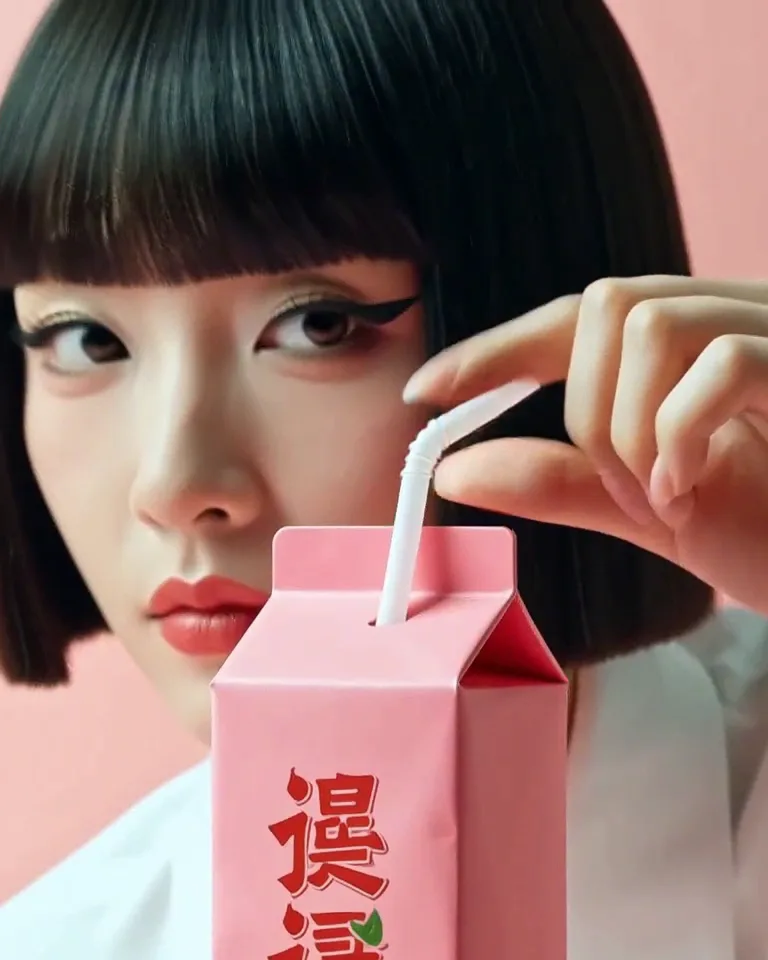
Frames to Video
Turn still frames into a moving clip — with real control over where the motion starts and ends. Drop in a first frame, add an optional last frame, and SnapVivid’s AI generates the in-between motion into a short, download-ready video. Not a slot-machine single-image animate: you direct both ends of the shot.