AI Image Upscaler
Enlarge and sharpen any image without the blur. SnapVivid’s AI upscaler adds real detail as it scales your photo 2× or 4× — cleaning up noise and softness so small or low-res pictures become crisp and print-ready.
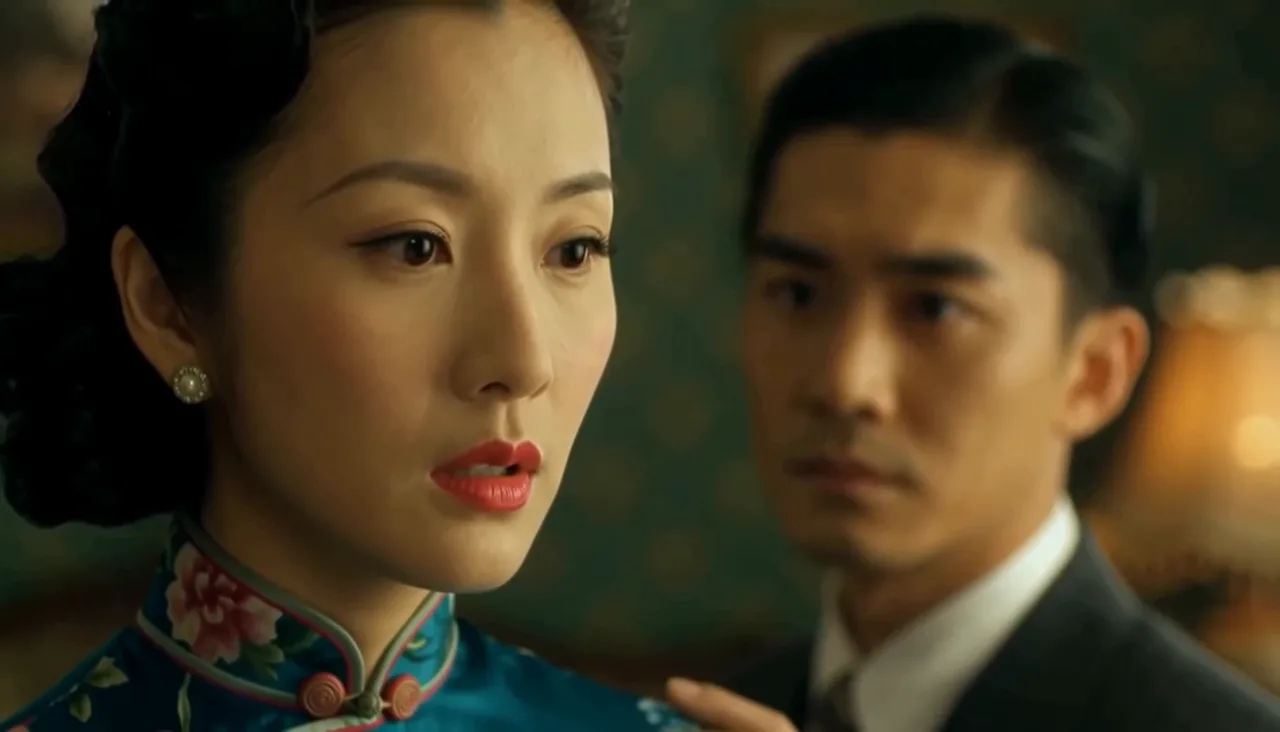
AI Image Upscaler — real results, in minutes
Every image has a native resolution, and pushing past it with a normal resize just makes the softness bigger. SnapVivid’s AI image upscaler works differently: instead of stretching existing pixels, it predicts the detail that would have been there at higher resolution and paints it in — reconstructing edges, textures, and small features so the enlarged image reads as sharp rather than blurry.
Start for FreePrompt: Cinematic close-up of a young woman softly smiling and turning her head toward camera, loose hair gently moving in a breeze, warm golden-hour light, shallow depth of field, subtle natural motion.
Why creators use AI Image Upscaler
Everything ai image upscaler gives you in one place.
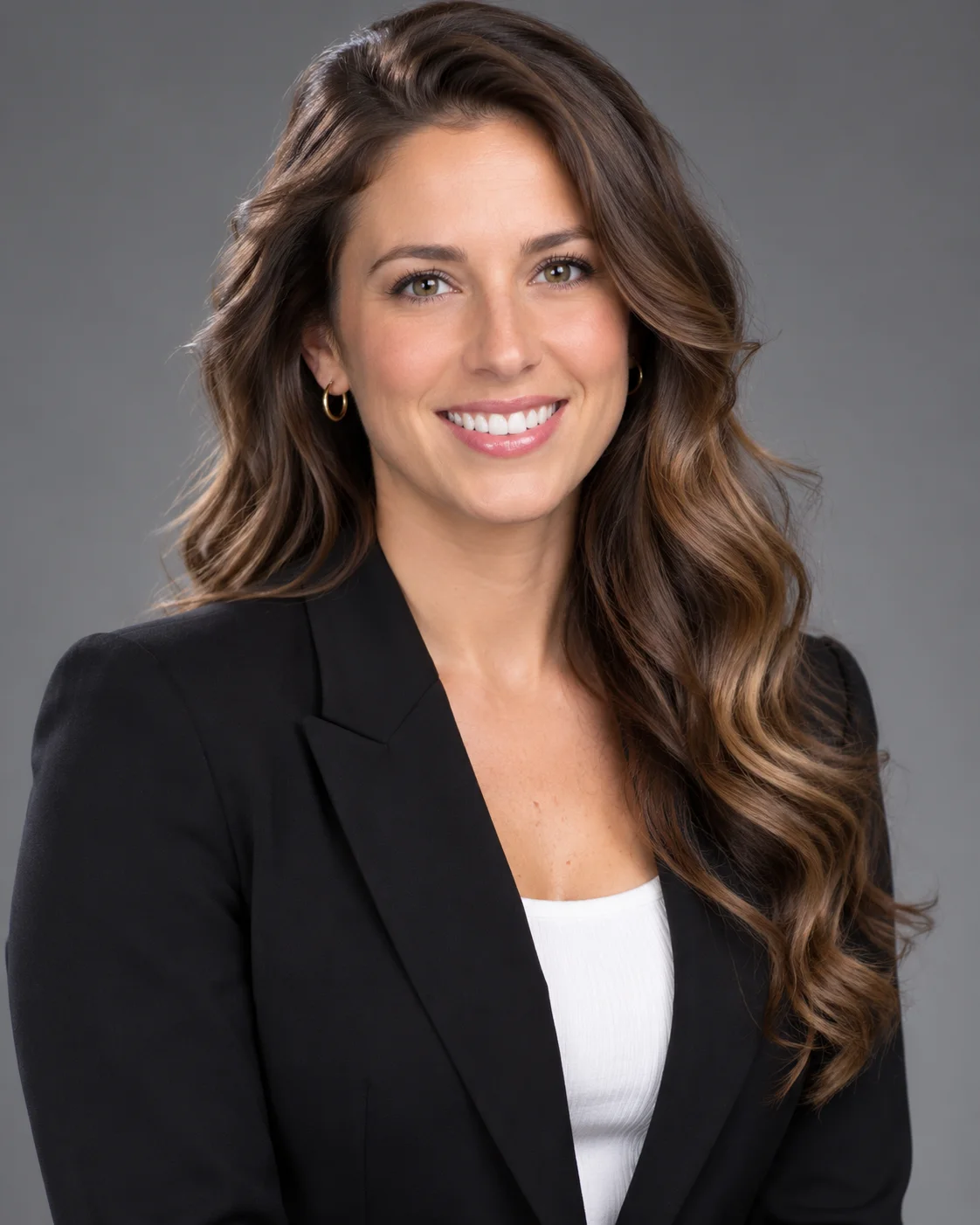
Bigger and sharper, not just stretched
Ordinary resizing stretches pixels and softens everything. SnapVivid’s AI upscaler reconstructs edges, textures, and fine detail as it enlarges — so a 2× or 4× result looks genuinely higher-resolution, not blown up.
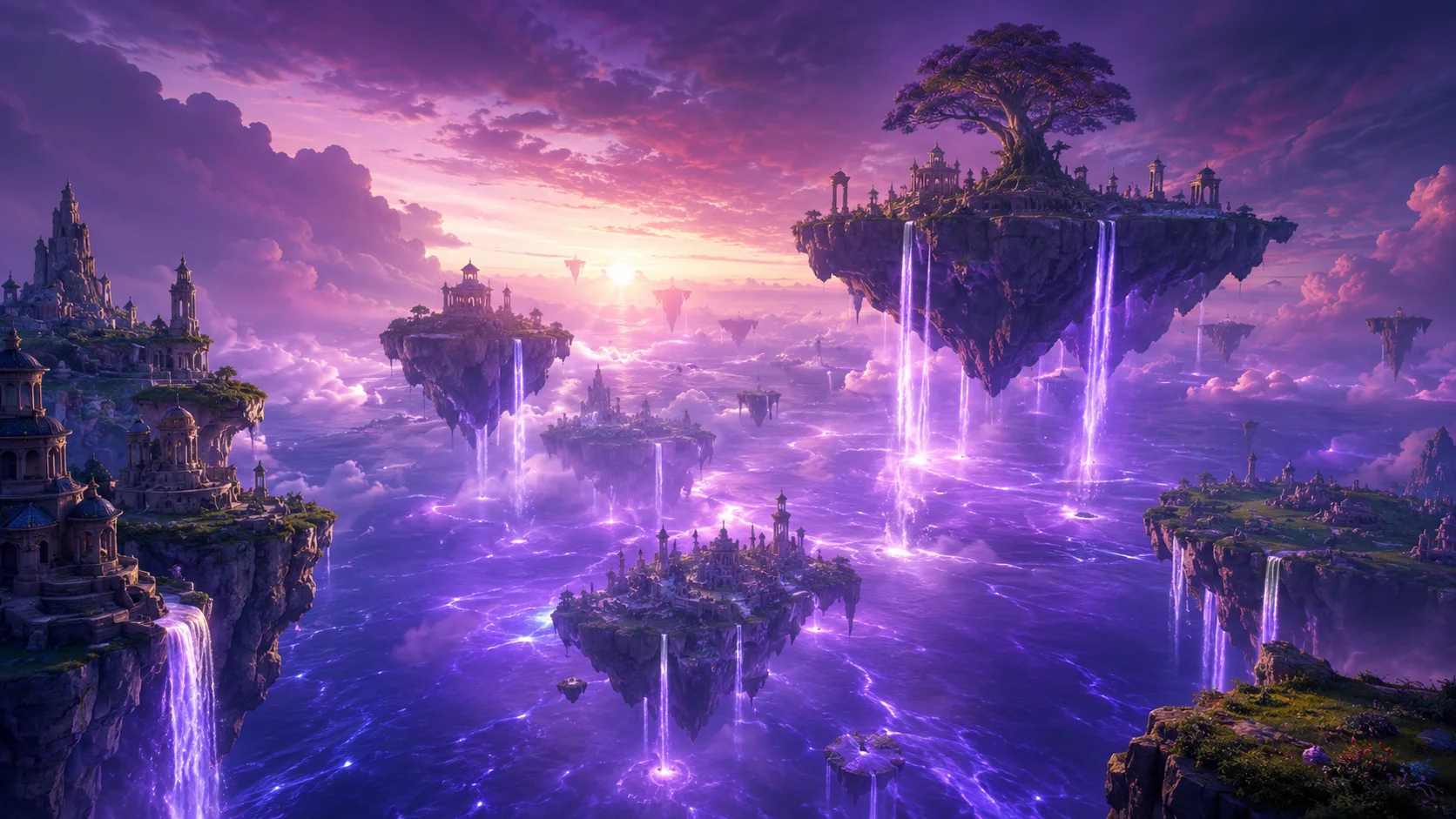
Rescue blurry, noisy, and old photos
Recover soft phone shots, compressed downloads, and aging scans. The upscaler reduces noise and JPEG artifacts while keeping skin, text, and textures looking natural — no plastic, over-smoothed finish.
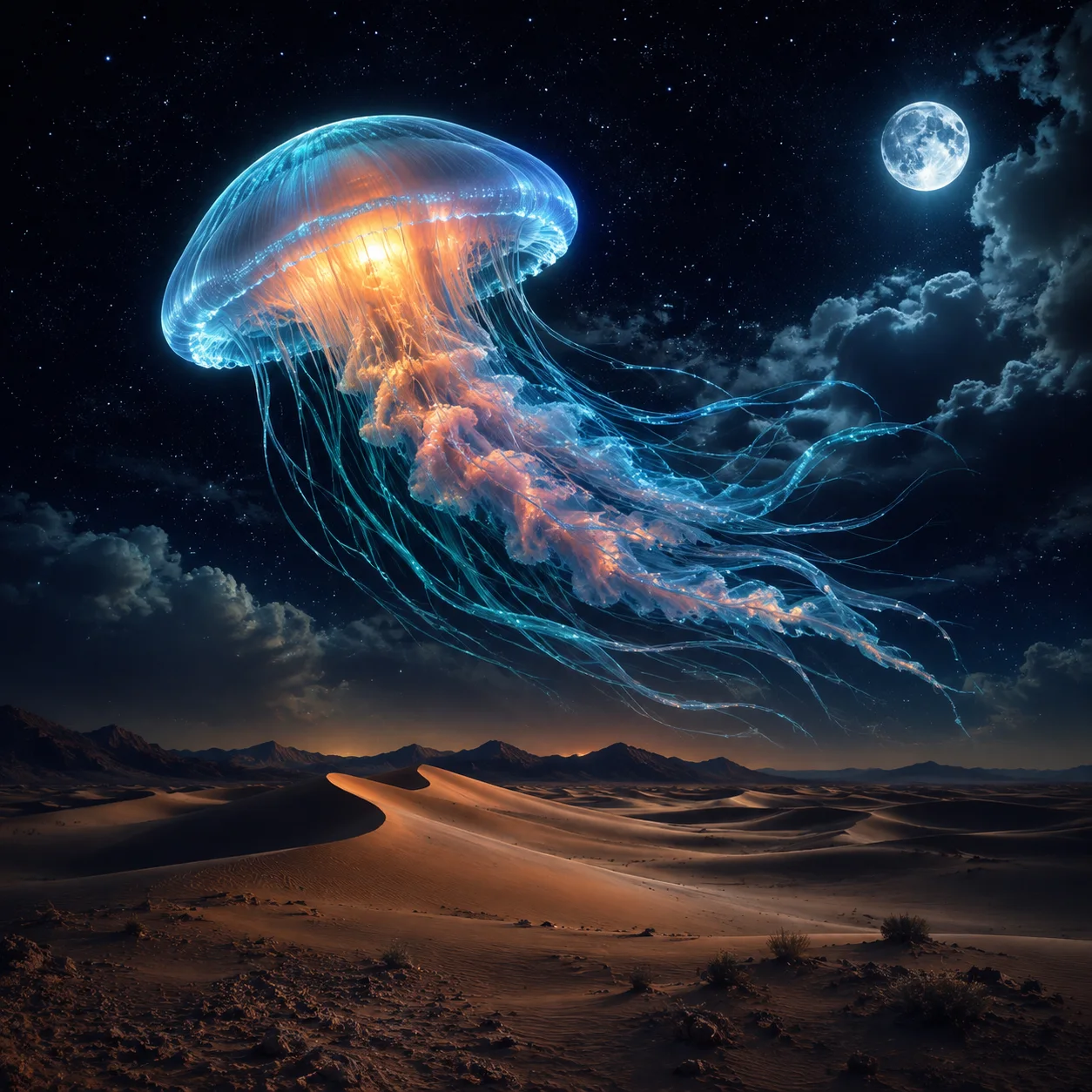
Tell it which details to keep
An optional note steers the enhance: ask it to keep small text legible, preserve skin texture, or sharpen the eyes and leave everything else natural. It is a quick way to upscale an image full of faces, labels, or fine patterns without the AI guessing what you care about.
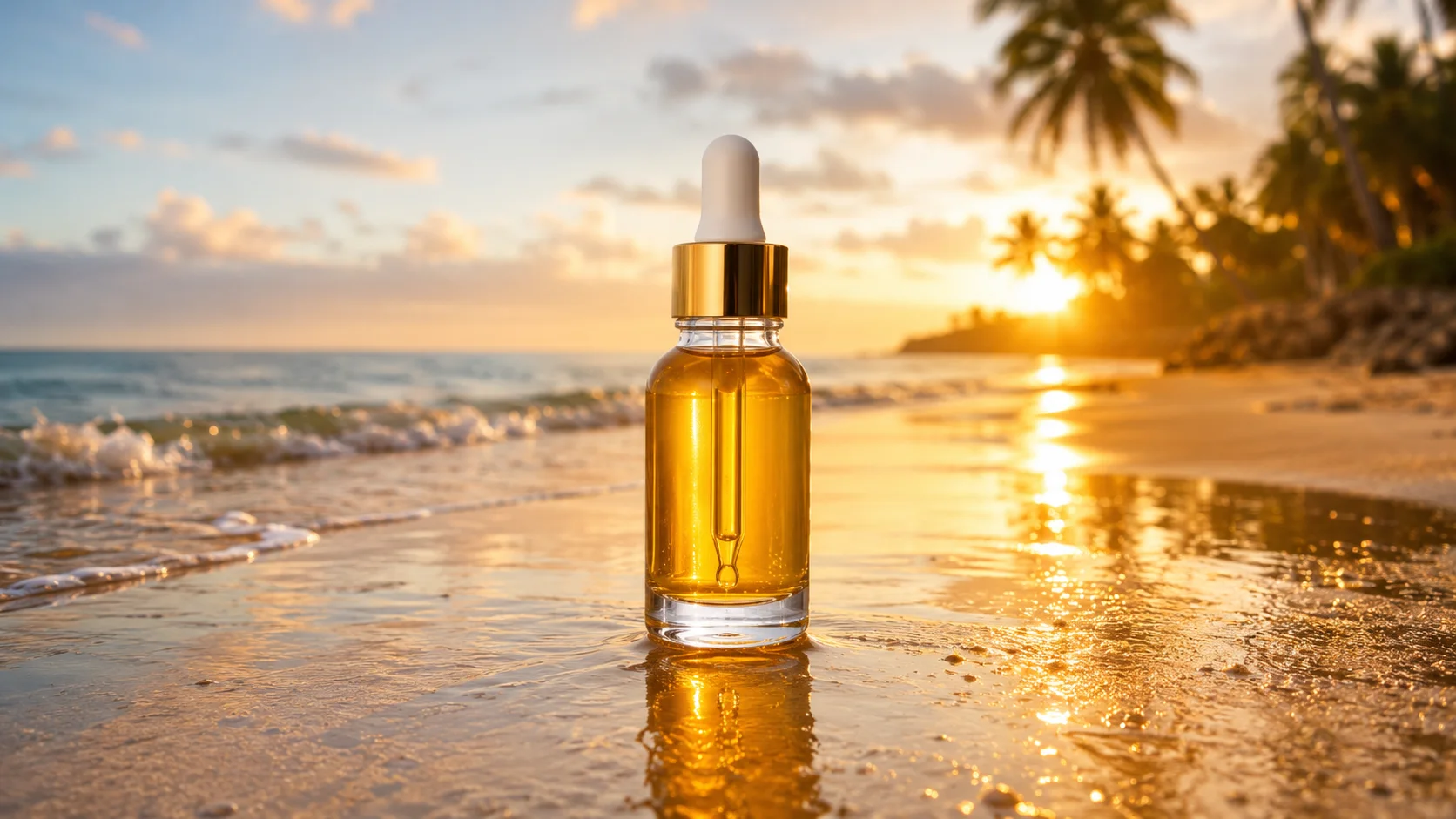
Choose 2× or 4×
Choose how far to enlarge before you generate: 2× to unblur an image and tidy it up, or 4× when you need print or zoom detail. The Generate button shows the credit cost first, and a failed run refunds its credits.
How it works
Three steps from upload to a finished, download-ready result.
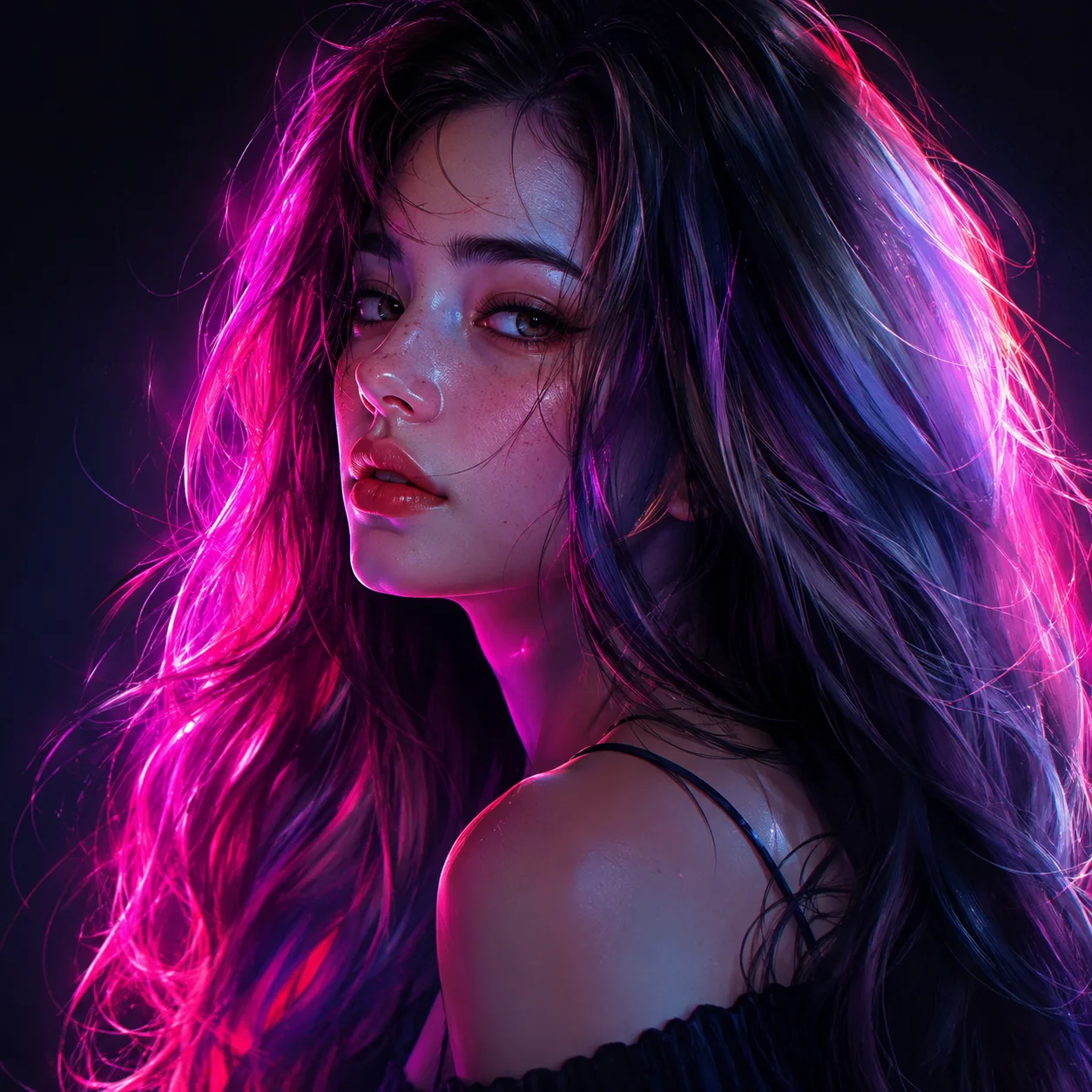
Upload your image
Drop in the low-res, blurry, or small image you want to enlarge. It stays private to your session.
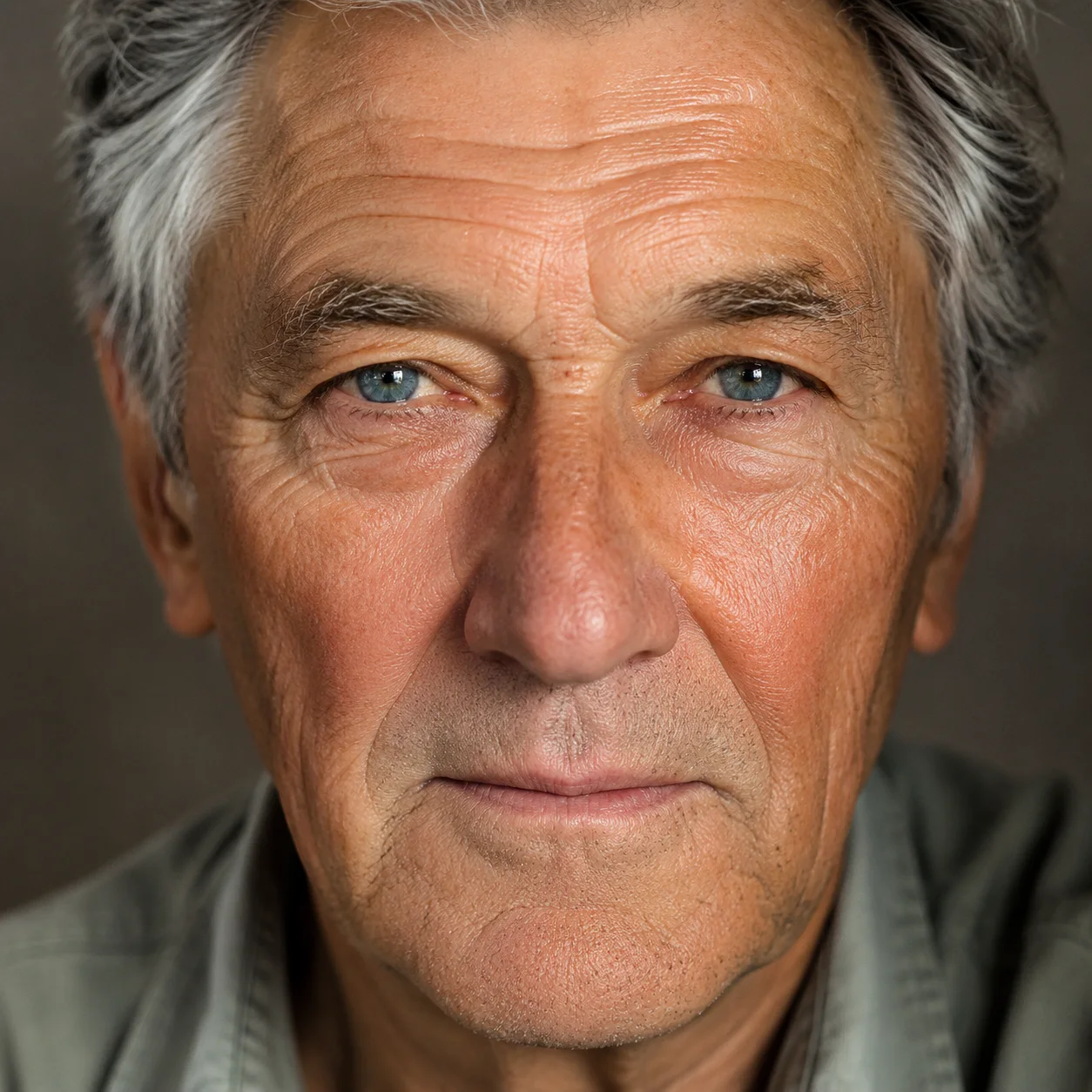
Choose 2× or 4×
Pick how much to upscale, then generate. Detail is reconstructed as the image is enlarged.
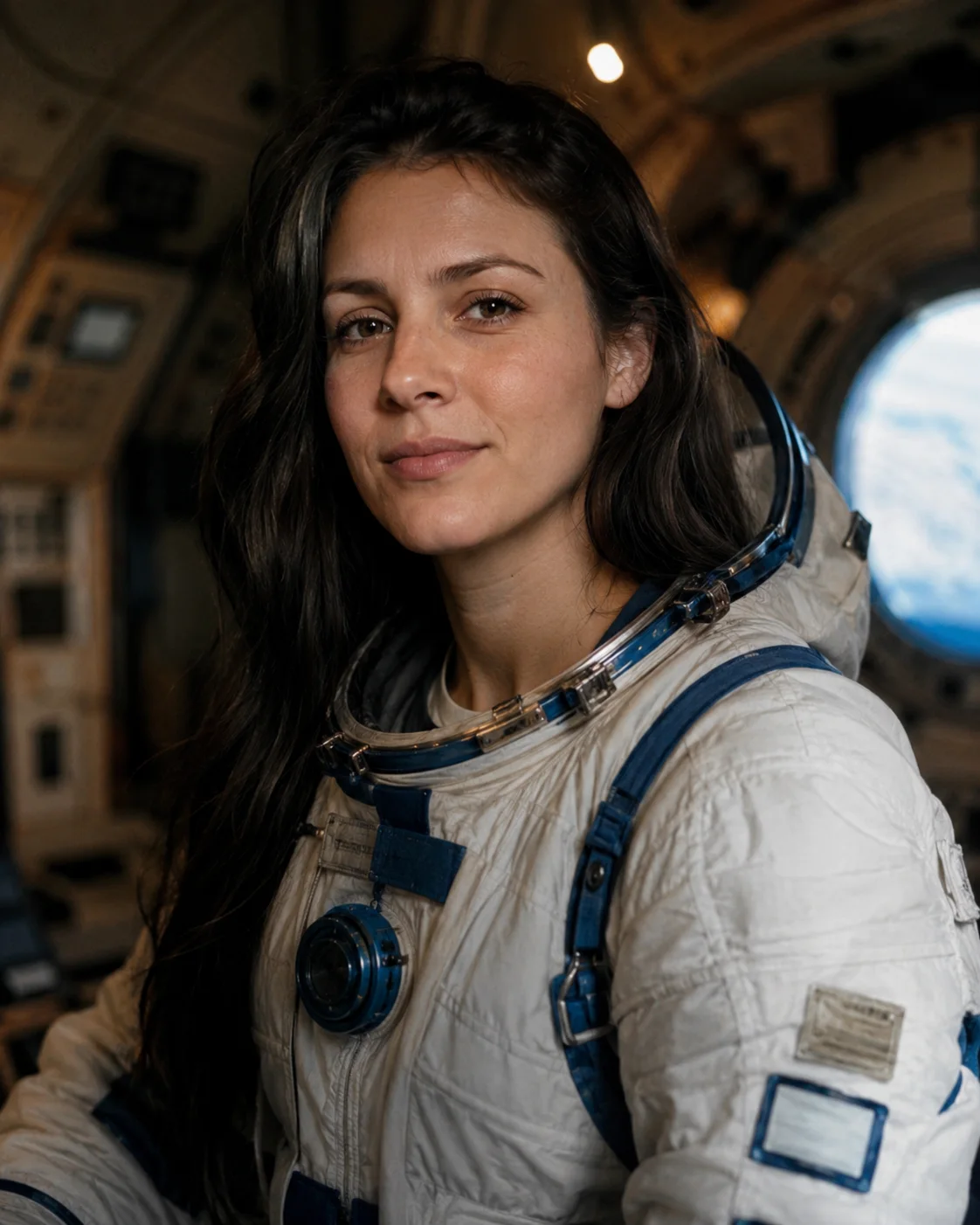
Download the result
Preview the sharper image, compare against the original, and download the upscaled version.
Made with SnapVivid
Real results — ai image upscaler across styles and subjects.
AI Image Upscaler — free to start
1 lifetime image credit, no card required. Video runs on a paid plan from $29/month.
Start for FreeWhat you can do with it
Where extra resolution matters most: print, restored photos, product shots and AI art.
Print & large formats
Bring web-sized images up to the resolution needed for prints, posters, and packaging.
Restore old photos
Sharpen and clean up aging scans and soft family photos while keeping them natural.
E-commerce product shots
Upscale product images to crisp, zoomable detail for listings and catalogs.
Upscale AI art
Enlarge generated art and illustrations to full resolution without artifacts.
More about AI Image Upscaler
That makes it useful well beyond simple enlargement. Recover a soft phone photo, clean up a compressed download, restore an old scan, or take a web-sized graphic up to print resolution. The upscaler reduces noise and compression artifacts along the way, and it’s tuned to keep faces, text, and fine textures looking natural instead of over-smoothed.
Upscaling is the final polish step in a longer workflow. Generate or edit an image in SnapVivid, swap a face, or create a headshot, then run it through the upscaler to get a clean, high-resolution file — all in one studio, free to start with your 1 lifetime image credit.
Related tools
More SnapVivid tools that pair with ai image upscaler.
AI Photo Restoration
Bring an old, damaged, or faded photo back to life. Upload a scratched print, a yellowed snapshot, or a soft black-and-white photo, and SnapVivid’s AI repairs the damage, corrects the color, and recovers detail — while keeping every face true to the original person, not a stranger who resembles them.
Face Swap
Swap a face into any photo in seconds. Upload a base picture and the face you want, and SnapVivid blends them naturally — matched skin tone, lighting, and angle, with realistic, download-ready results.
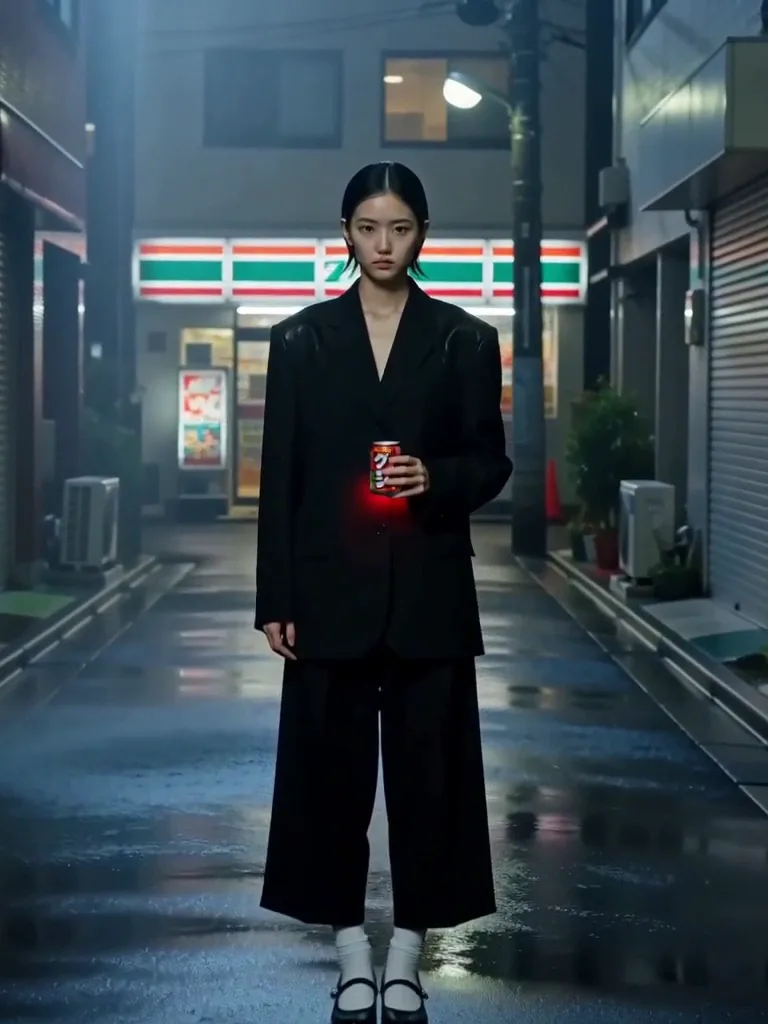
AI Headshot Generator
Turn an everyday selfie into a professional, studio-quality headshot. Upload one clear photo, choose a look — corporate, LinkedIn, creative, or outdoor — and SnapVivid generates a polished portrait ready for your profile.
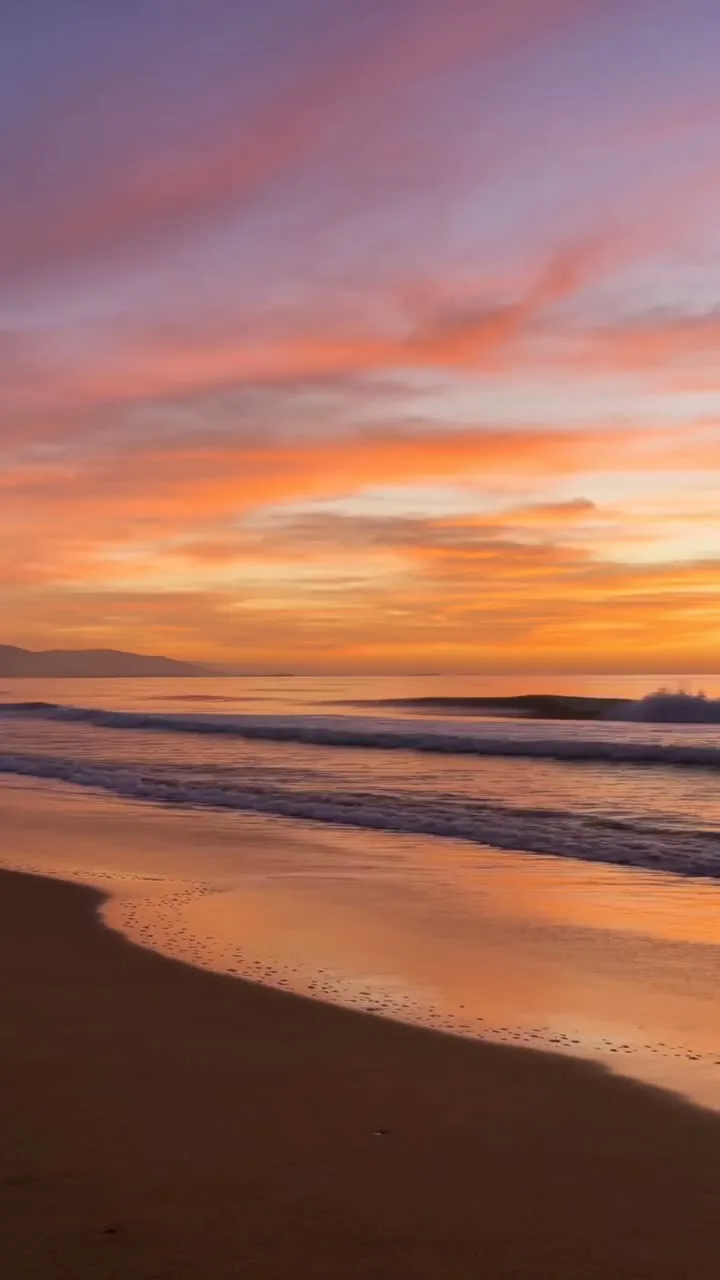
AI Image Generator
Generate and edit images in any style.
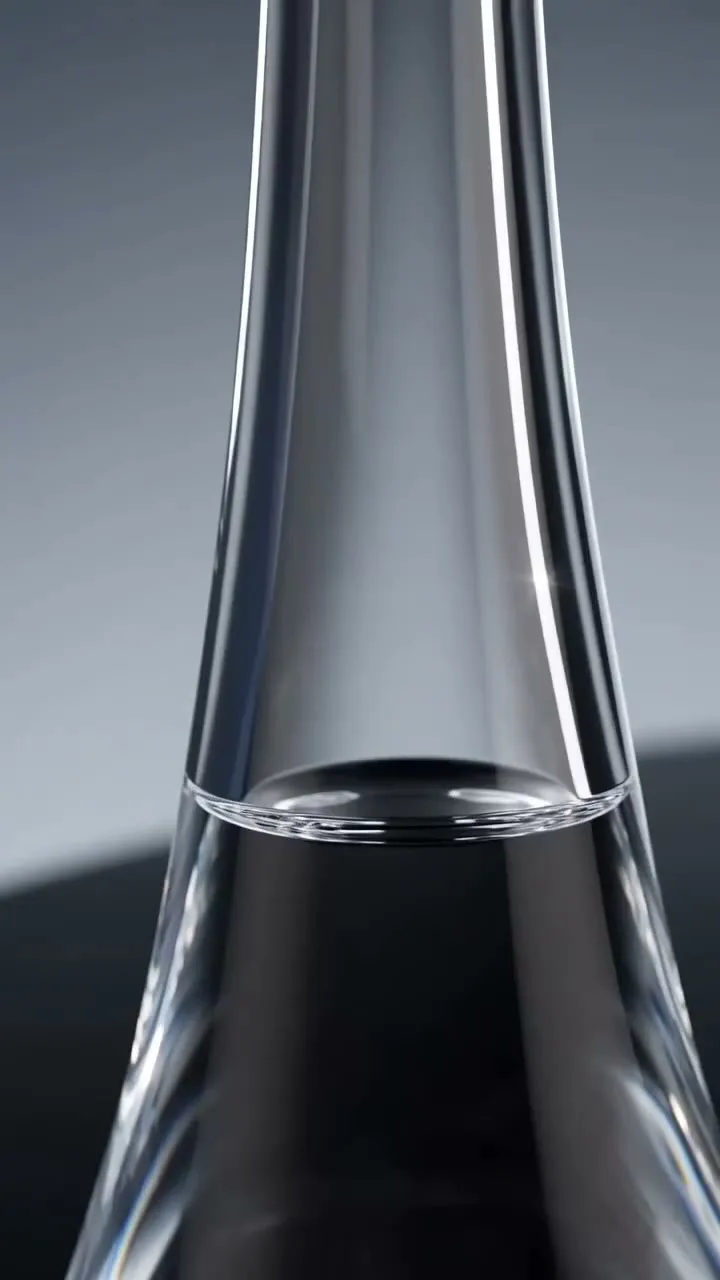
Image & Text to Video
Animate any photo or prompt into a cinematic clip.
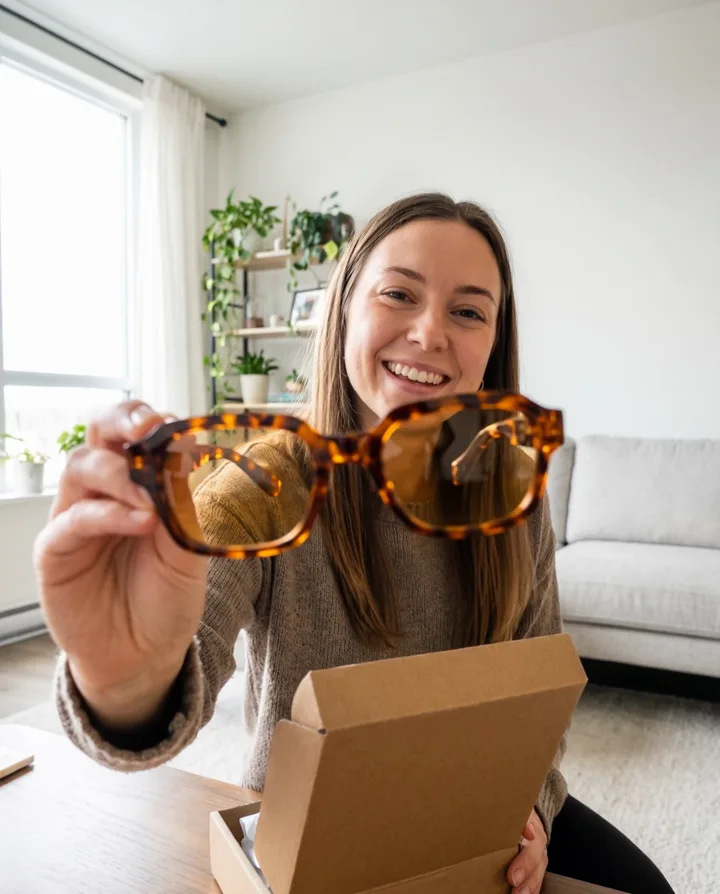
AI Watermark Remover — Remove Watermark from Image
A watermark remover that actually rebuilds the photo. Upload an image you own, and SnapVivid’s AI watermark remover deletes the watermark, logo, or text overlay and reconstructs the detail underneath — so the result reads as a clean original, not a blurred-over patch.
AI Photo Editor
Edit any photo just by describing the change. Upload a picture, tell SnapVivid’s AI what to do — swap the background, remove an object, fix the lighting, or restyle the whole shot — and get a clean, download-ready result. When you need a focused edit, the specific tools are one click away.
Remove Shadow from Photo
Remove an unwanted shadow without flattening the whole photo. Upload your image and SnapVivid’s AI shadow remover rebuilds the shaded area with natural light and matching texture while keeping the subject, colors, and composition intact.