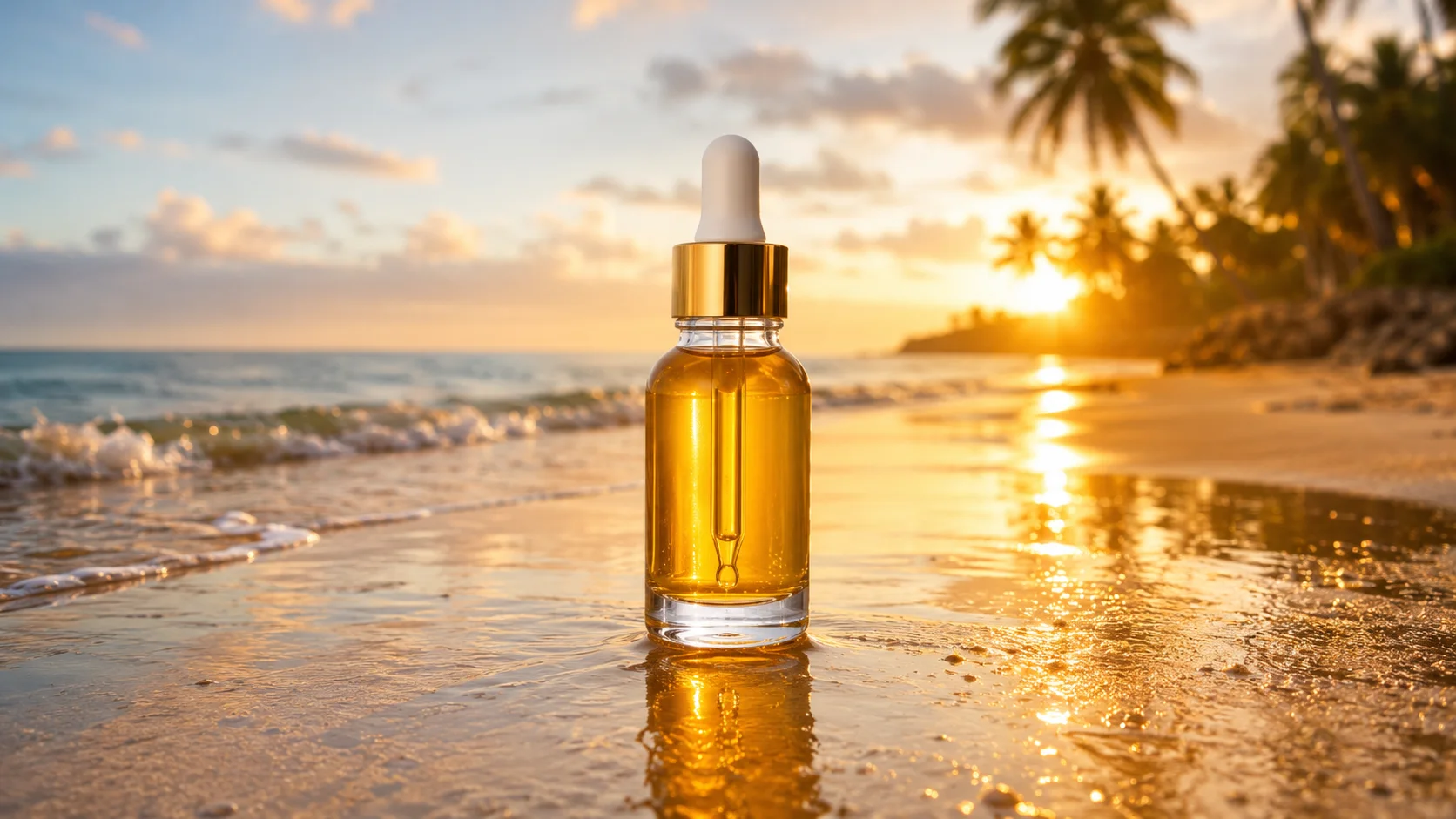
PromptUse input A and input B as separate references. Create one vertical 4:5 adventure photograph of the exact snowboarder from A standing confidently on the snowy summit from B, board resting beside them and one gloved hand holding the board edge. Preserve the snowboarder's face, helmet, goggles, clothing colors, fabric folds, and body proportions; preserve the ridge, powder, distant mountains, and low sun from B. Match the low-angle perspective, cool ambient snow fill, warm rim light, footprints, contact shadow, and wind direction so the person belongs in the summit scene. No brand marks, logos, or readable text.
Free AI Image Combiner
Combine Images
Combine images into one natural, believable photo — no Photoshop layers, no masking. Upload two pictures (or more), describe how to merge them, and SnapVivid blends the photos together with matched lighting, scale, and perspective.
Combine Images — real results, in minutes
To combine images the old way meant Photoshop layers, masking, and hours matching light and edges by hand. SnapVivid turns that into a single prompt: upload two pictures, say how to merge them, and the AI photo blender does the compositing for you. It doesn’t just stack the photos — it re-renders the merge so scale, perspective, and lighting agree, which is exactly what separates a believable combined image from an obvious cut-and-paste.
Start for Free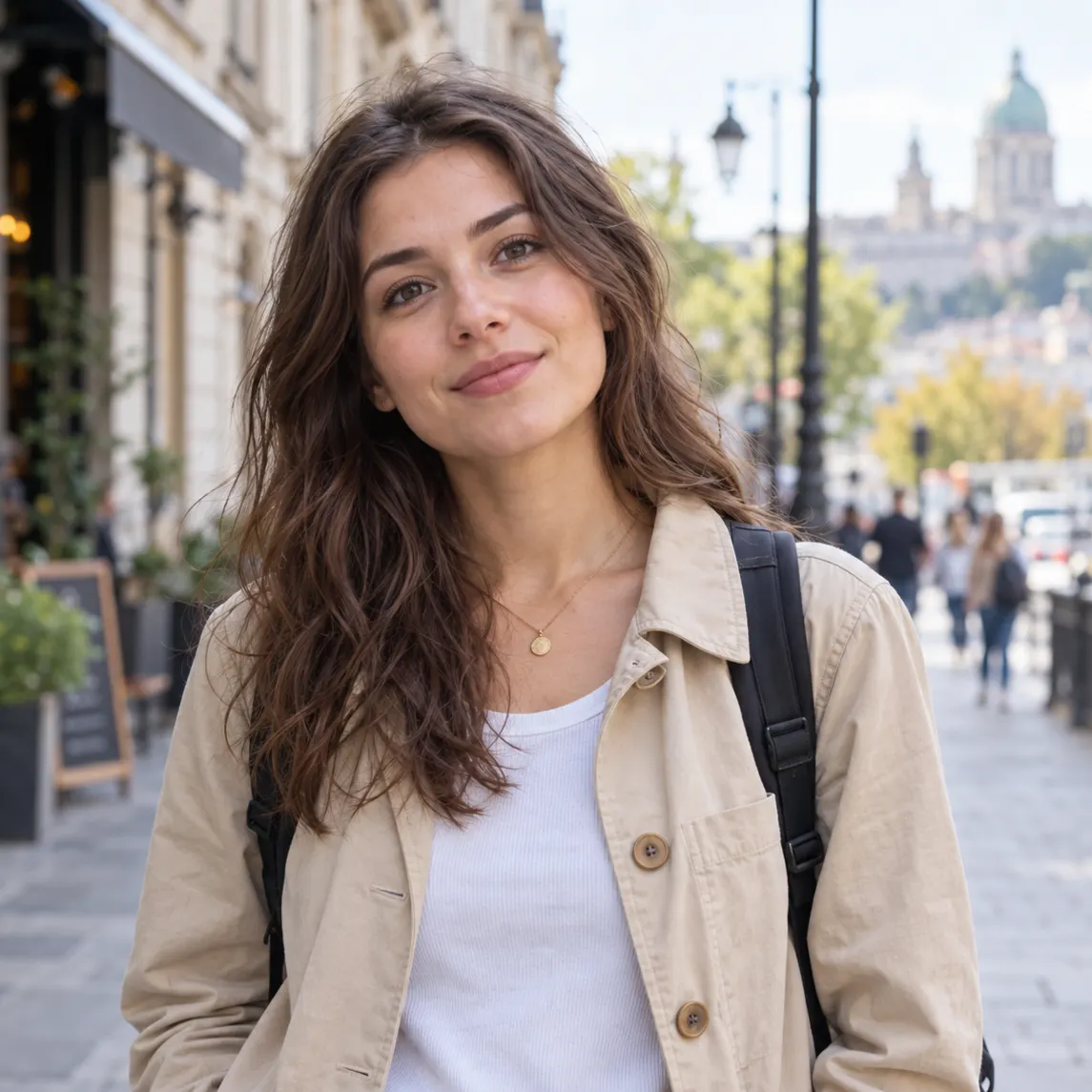
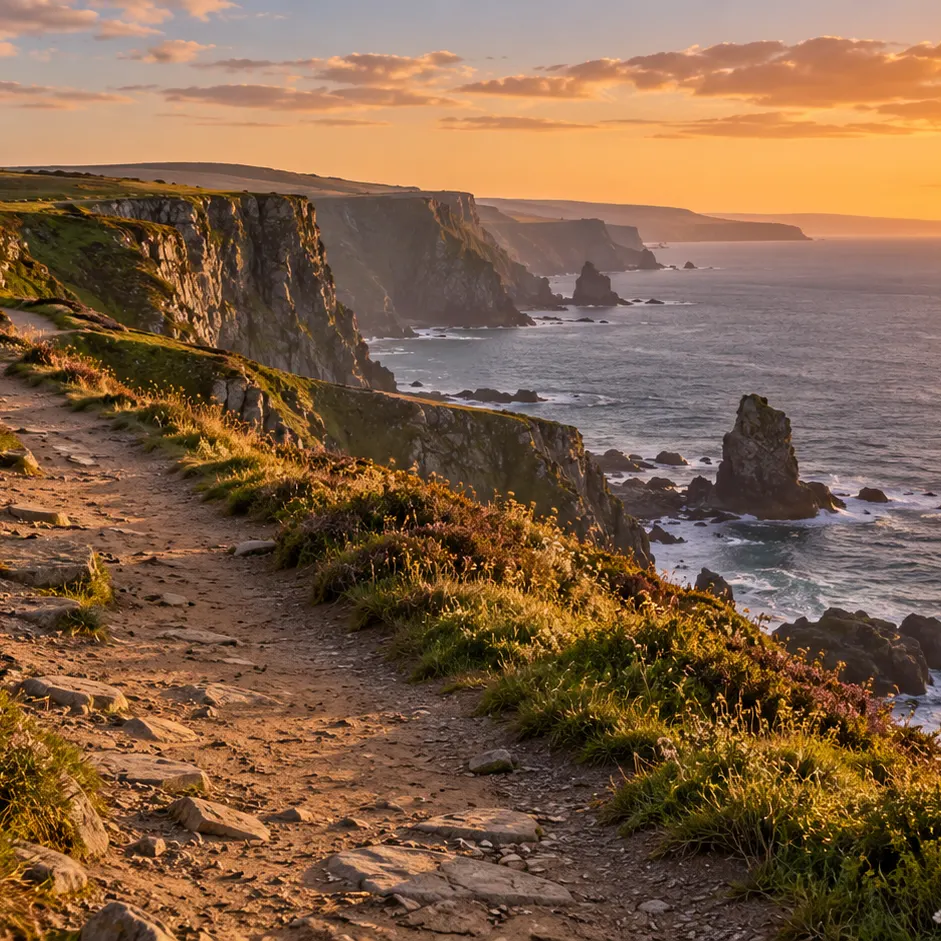
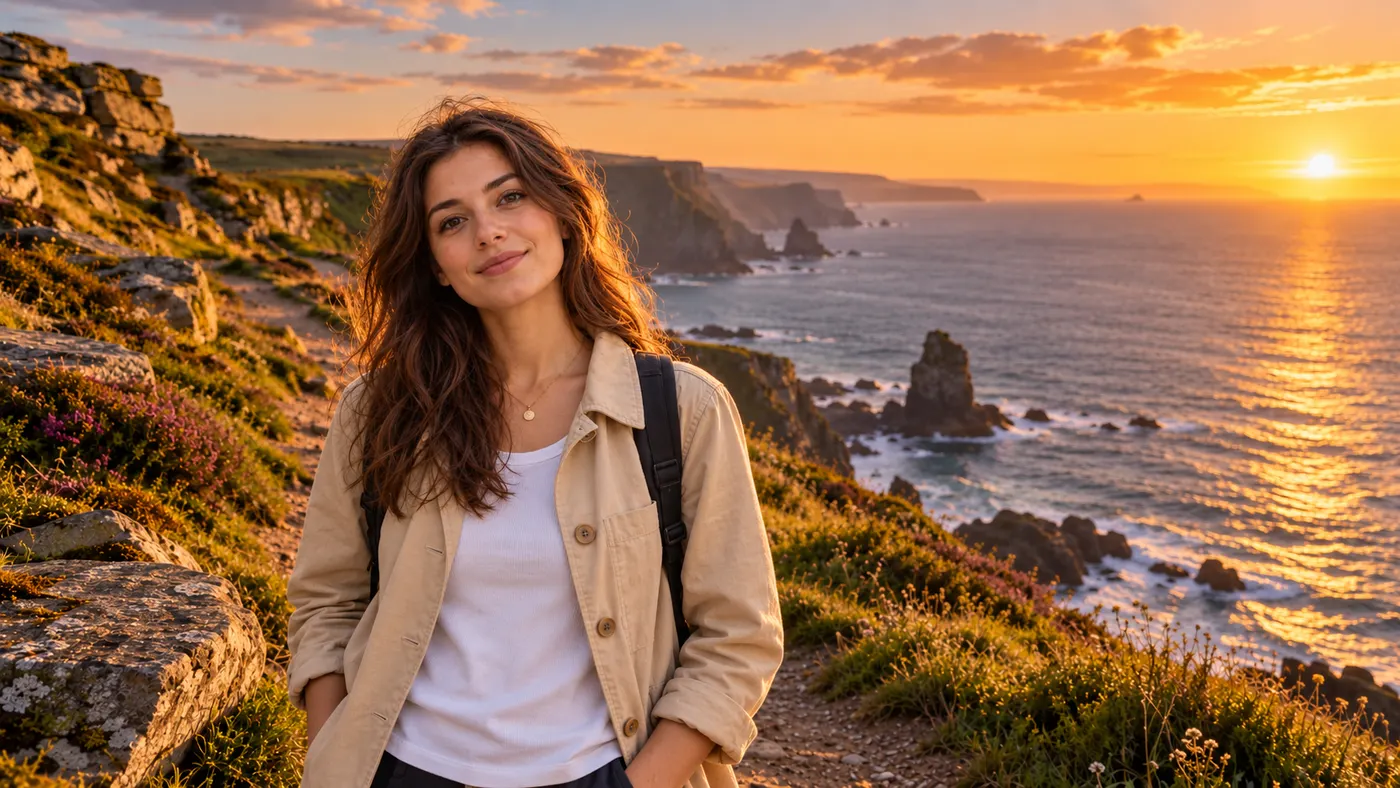
Prompt: Place the subject from the first photo naturally into the setting of the second photo, making the subject stand convincingly on the ground with matching scale, camera height, perspective, sunset direction, color temperature, edge detail, contact shadow, and atmospheric depth. Preserve the subject's identity, facial features, clothing, and natural pose; preserve the setting's horizon, terrain structure, and light direction. Compose a polished wide travel photograph with a clear focal point and no visible cutout, pasted-on edges, doubled shadows, or collage artifacts; it must look like one photograph taken on location.
Why creators use Combine Images
Everything combine images gives you in one place.
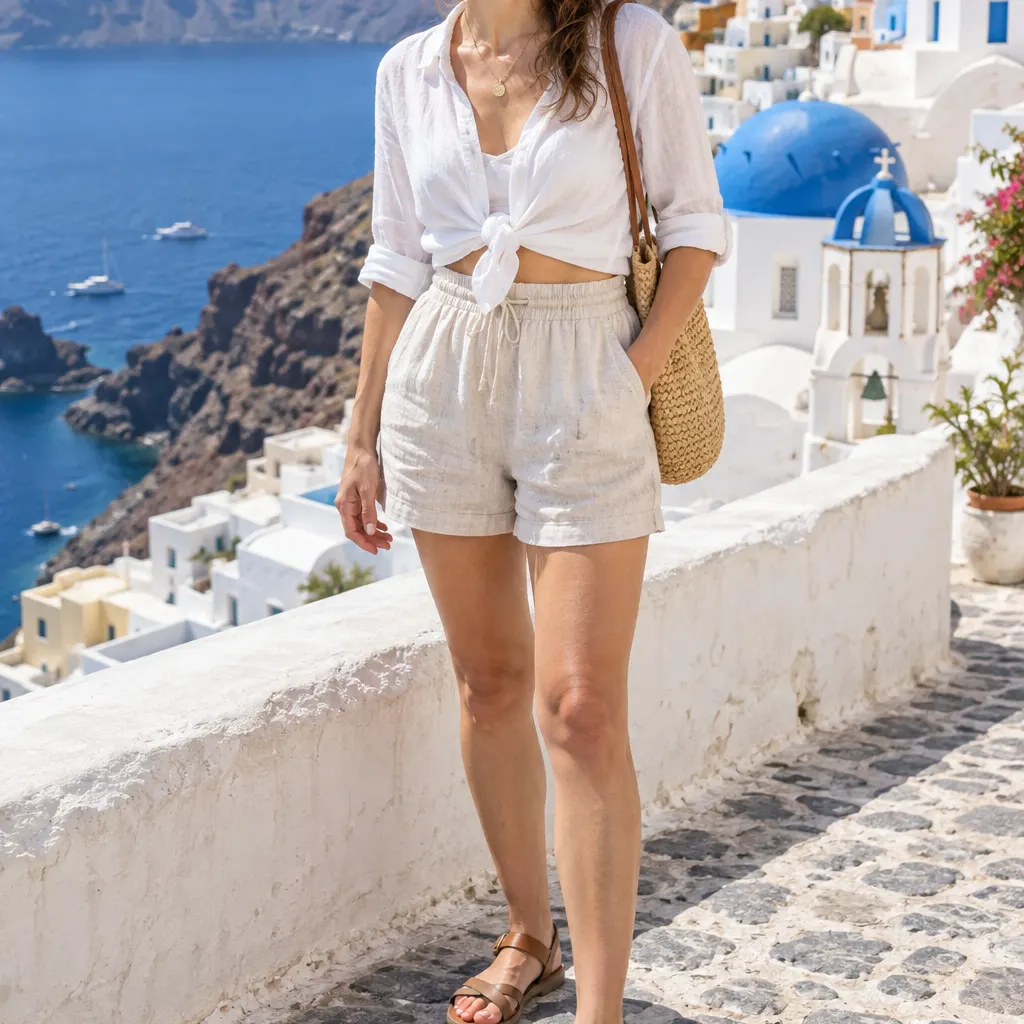
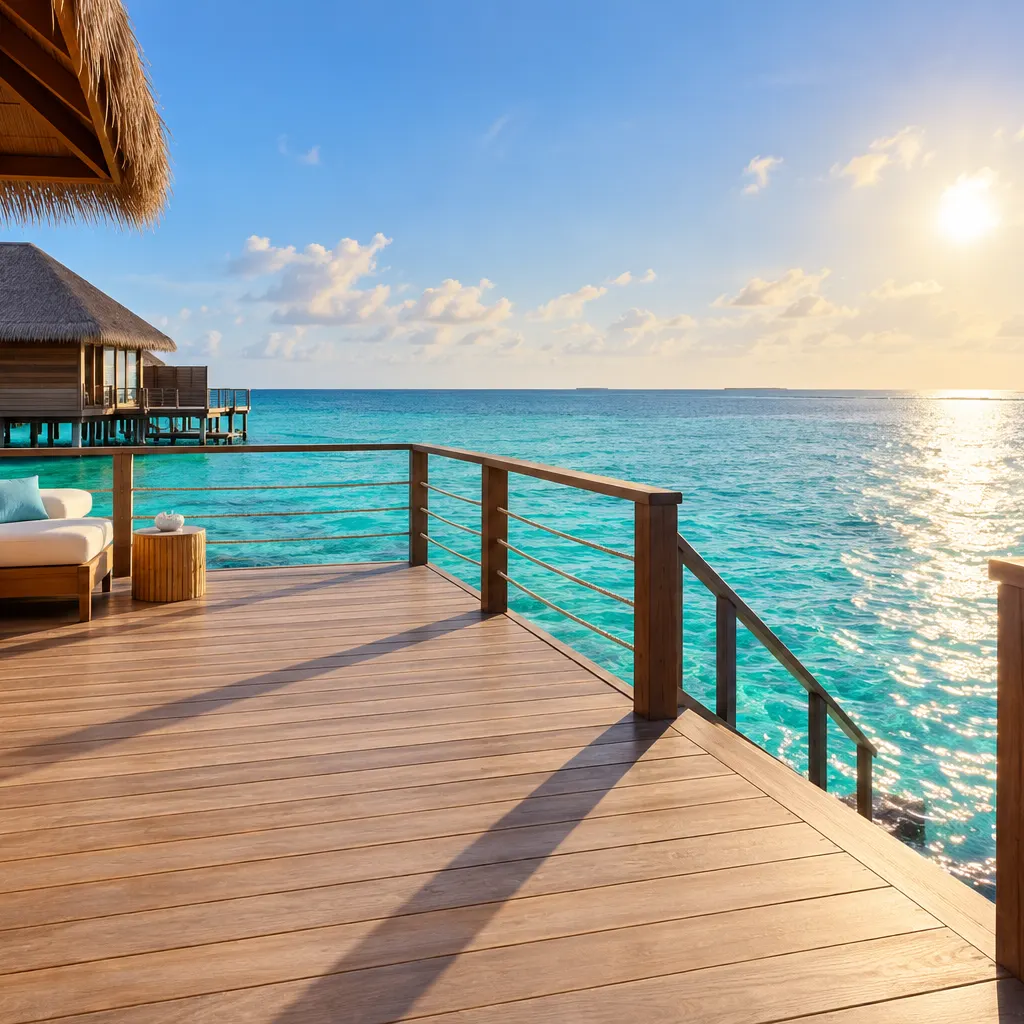
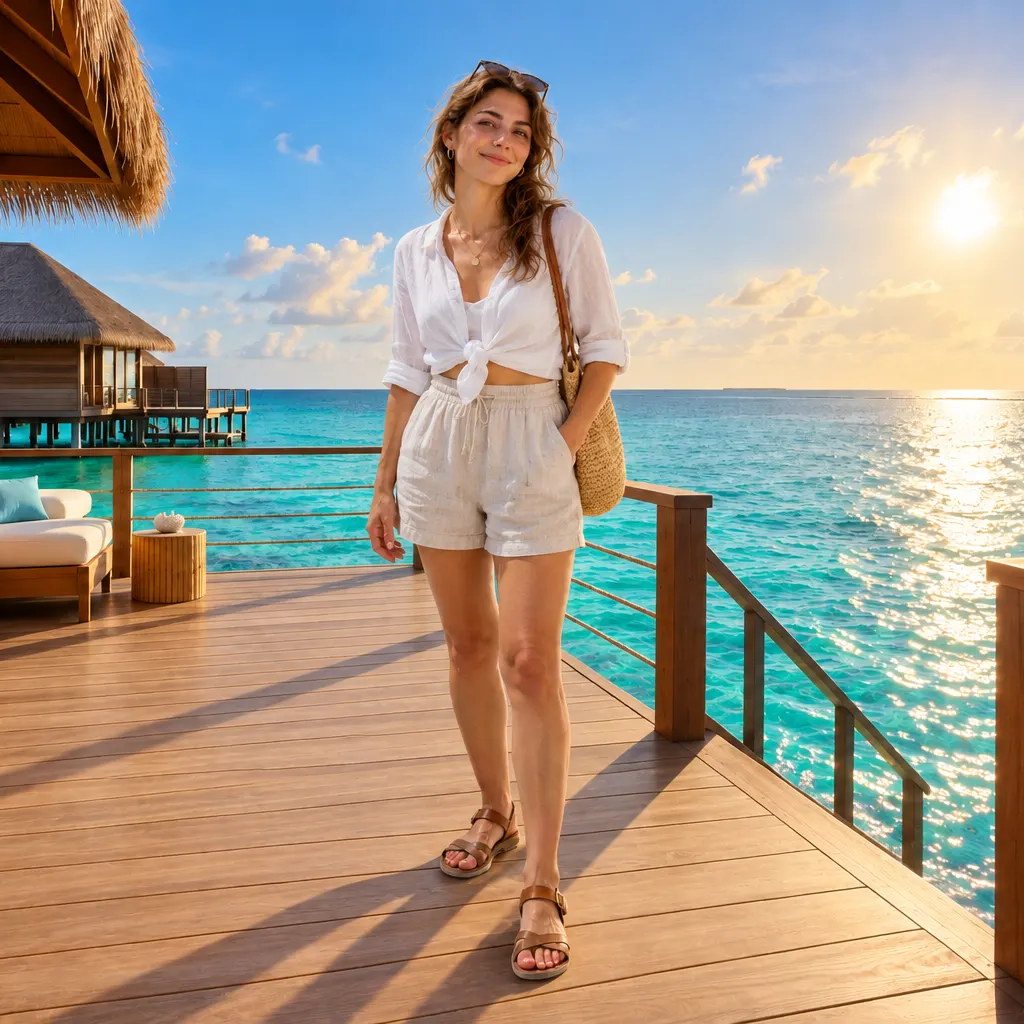
Combine images that look like one real photo
Naive overlays give it away — mismatched light, wrong scale, hard cut-out edges. SnapVivid’s AI photo blender reads both source images and re-renders the merge so lighting direction, scale, and perspective all agree. When you combine two pictures here, the result reads as a single photograph, not a paste-job.
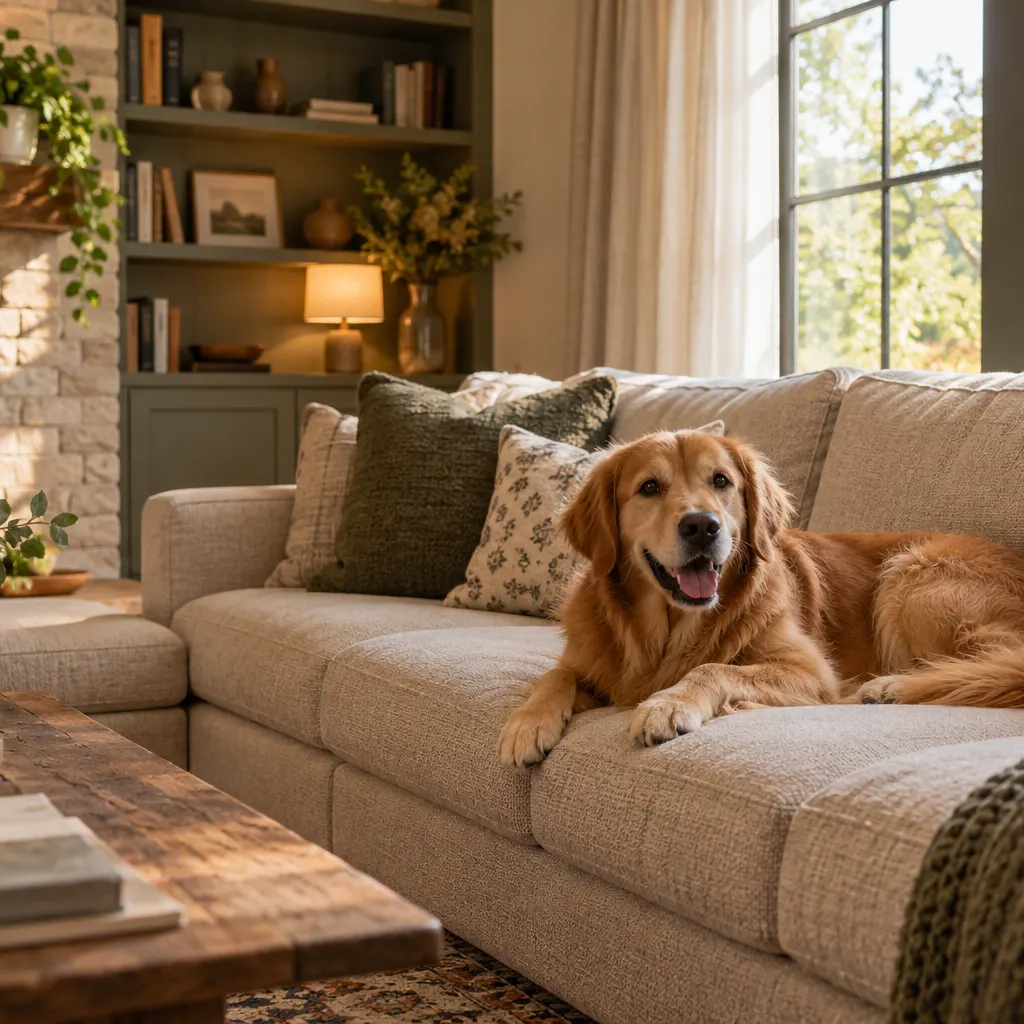
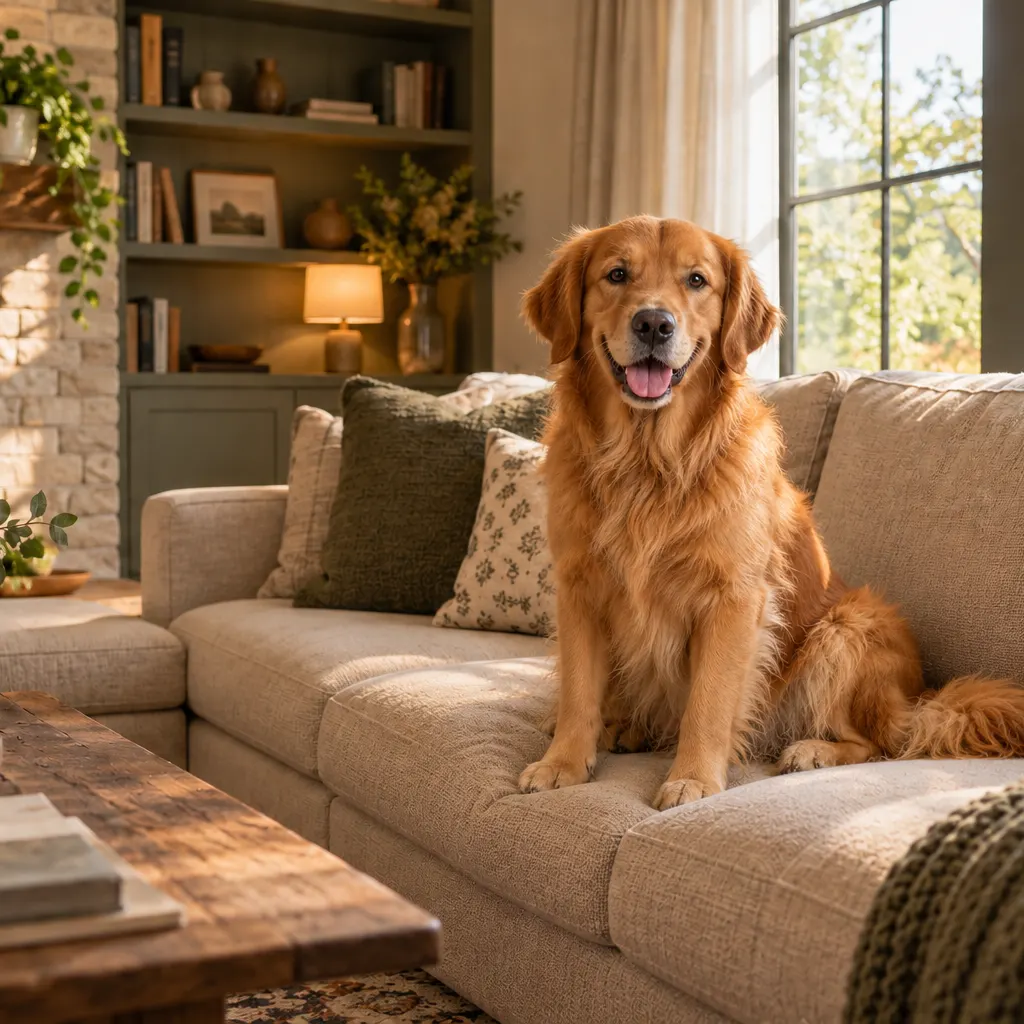
Say what survives from each picture
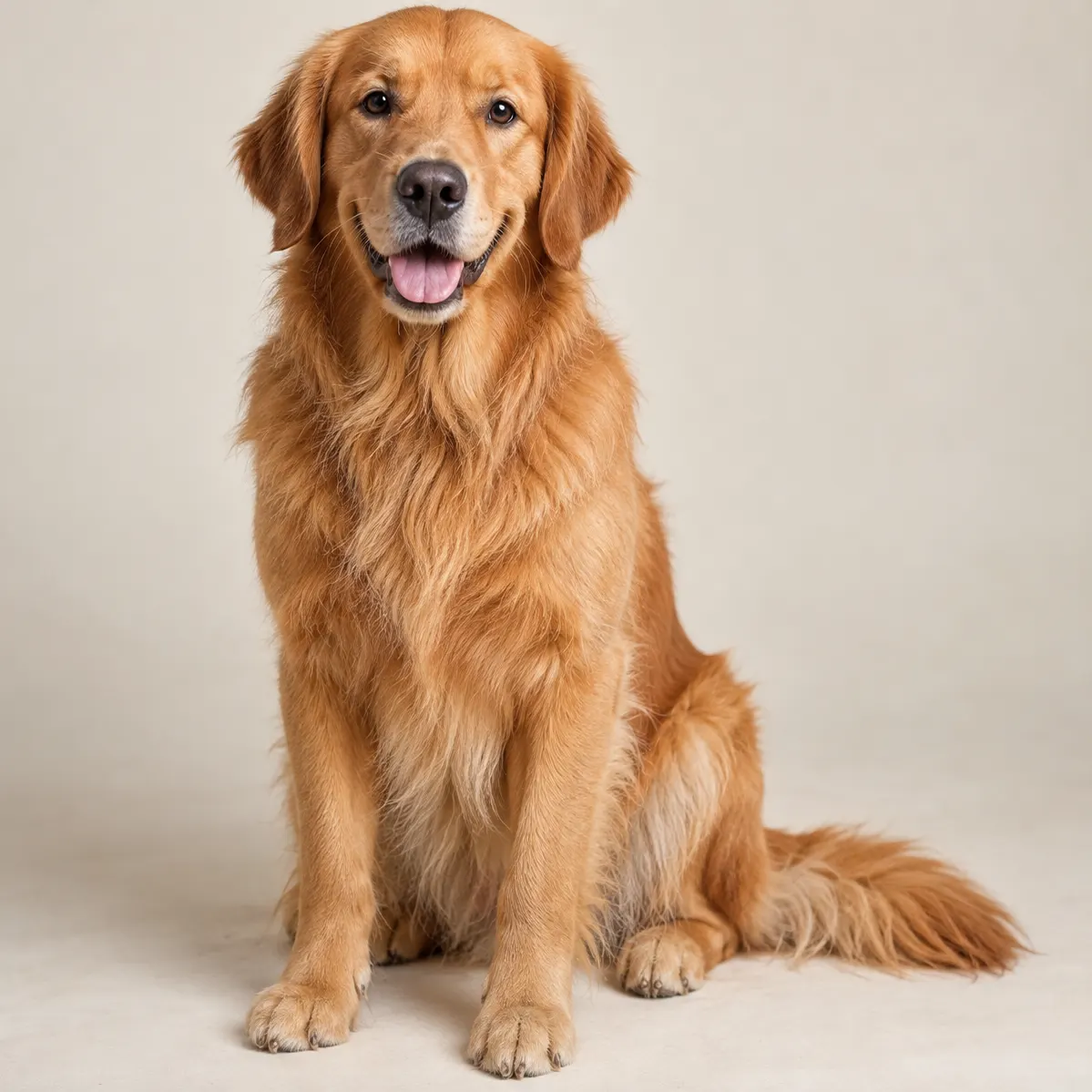
A plain-language prompt drives the merge, so you decide which elements from each image carry through — keep this person, that background, those colors. Put two images together, describe the outcome, and blend photos exactly the way you pictured them, no layers or masks required.
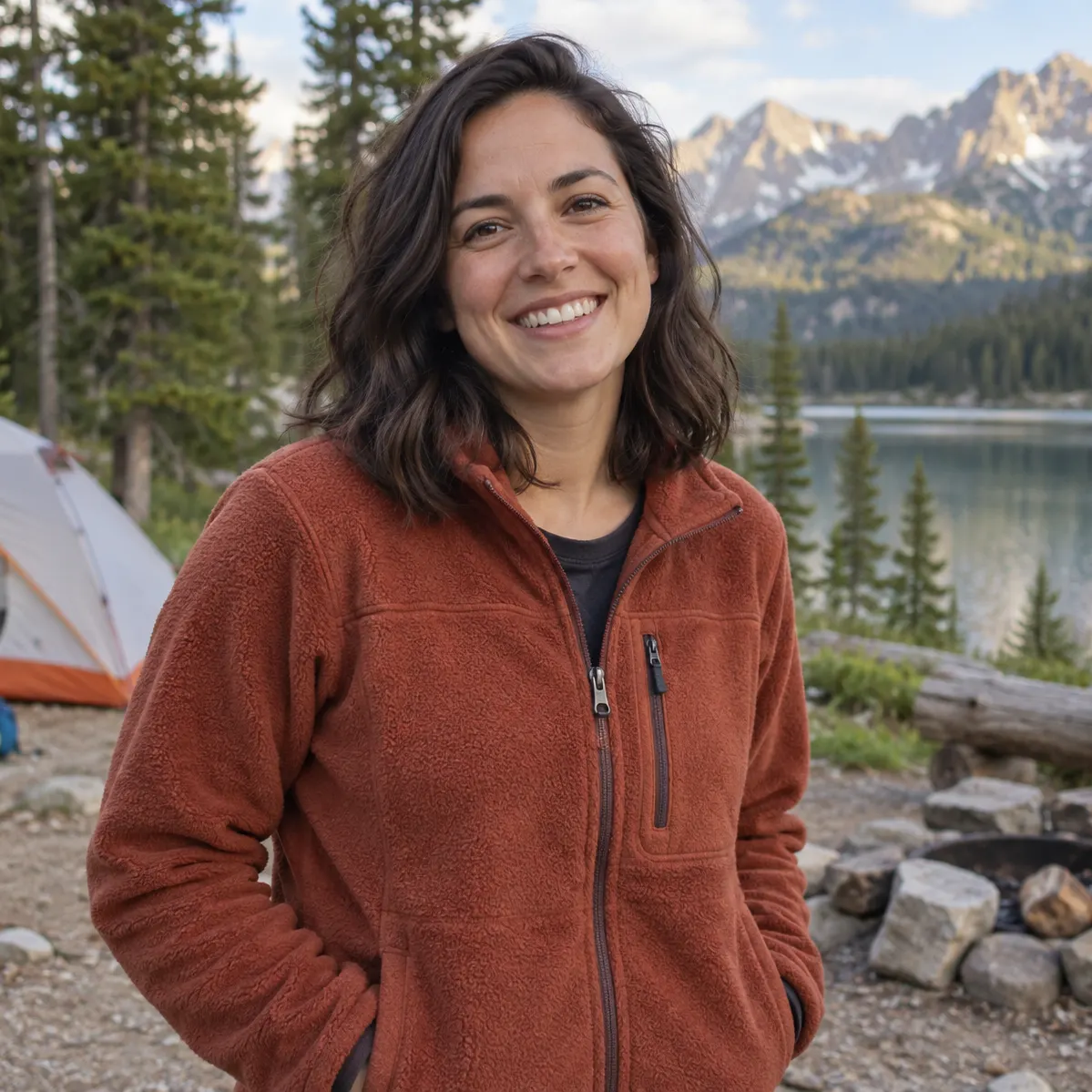
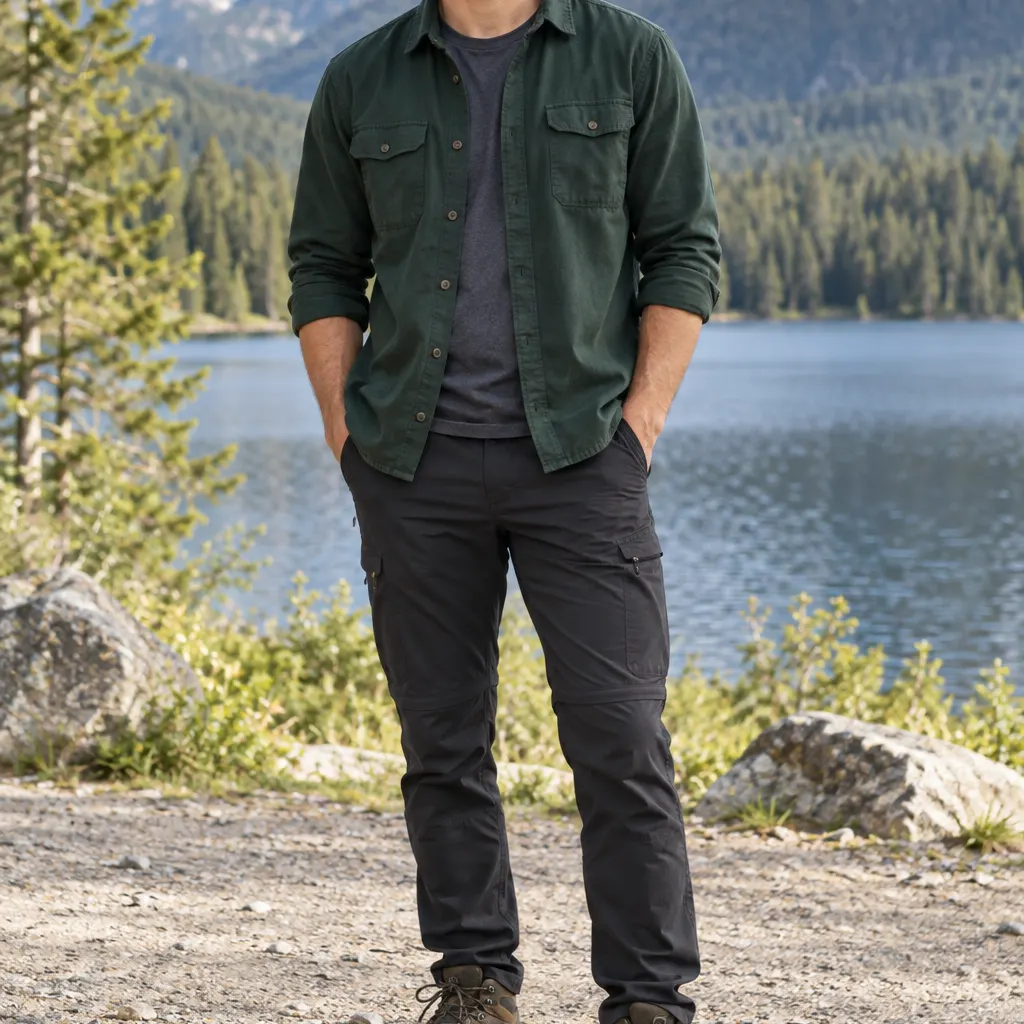
Merge more than two pictures at once
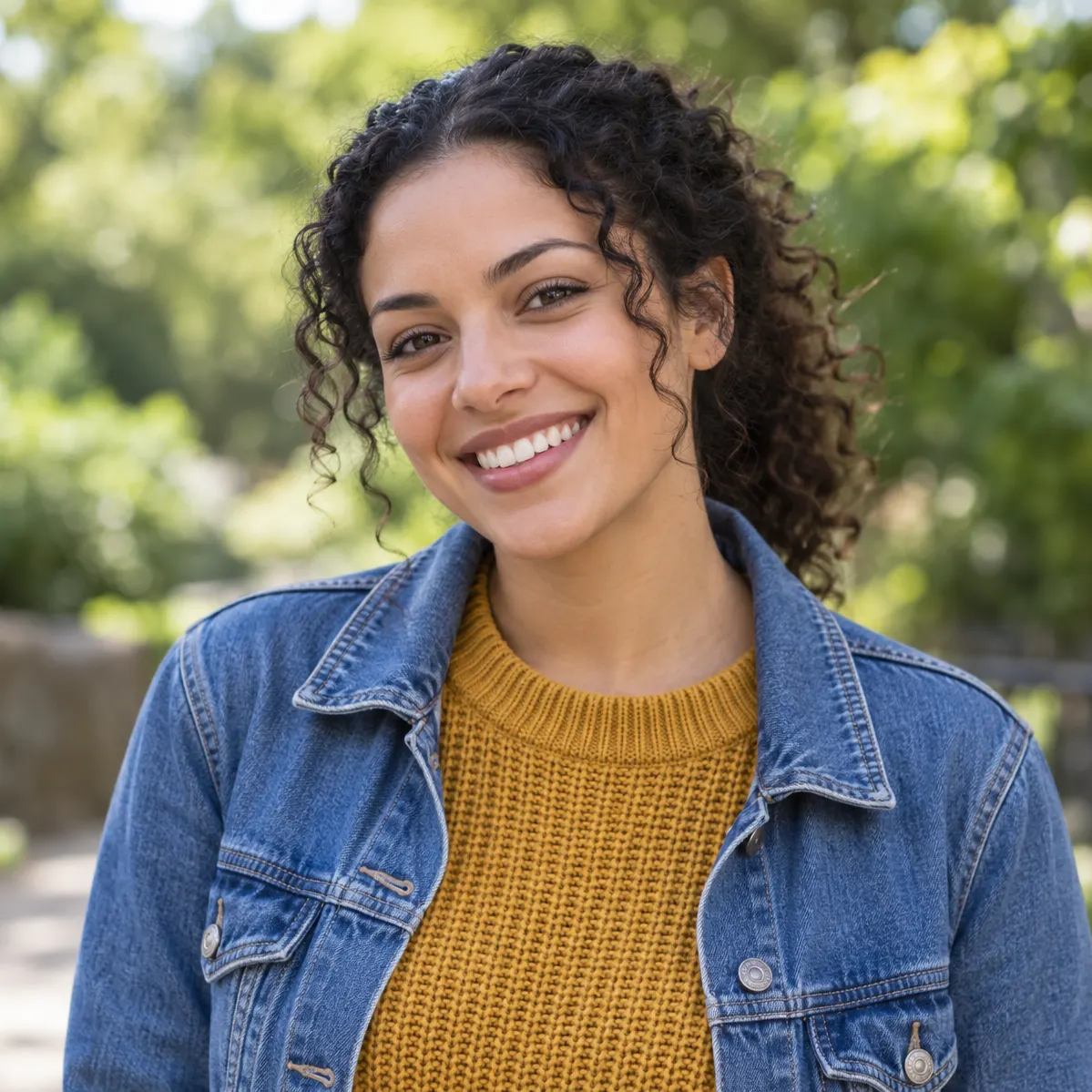
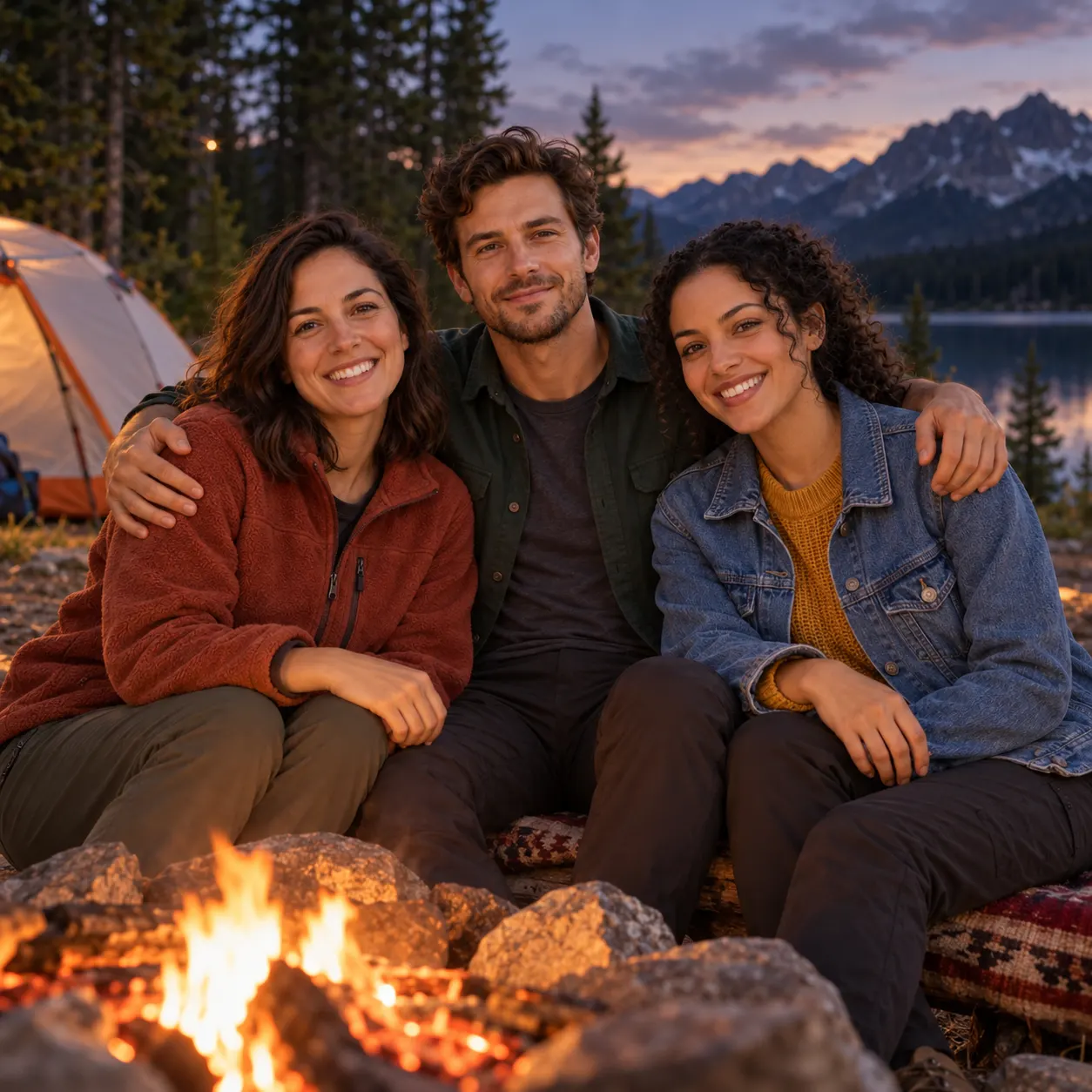
Upload up to three photos in one go — a person, a second subject, and the scene to place them in — and describe how they fit together. The model reads all three and builds a single composite, so a group shot or a product-with-props layout does not have to be stitched together in stages.
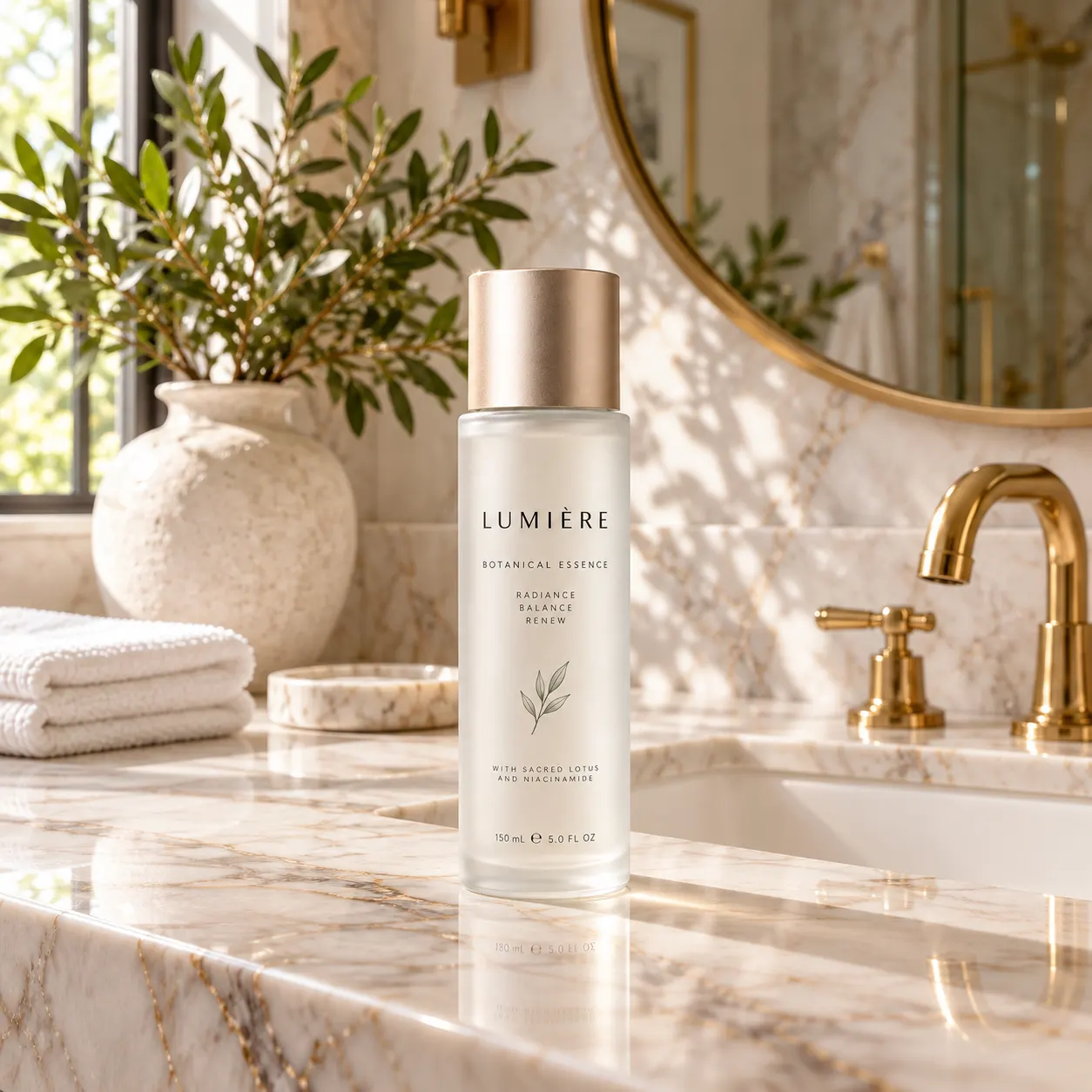
Your Brand Kit and the right frame
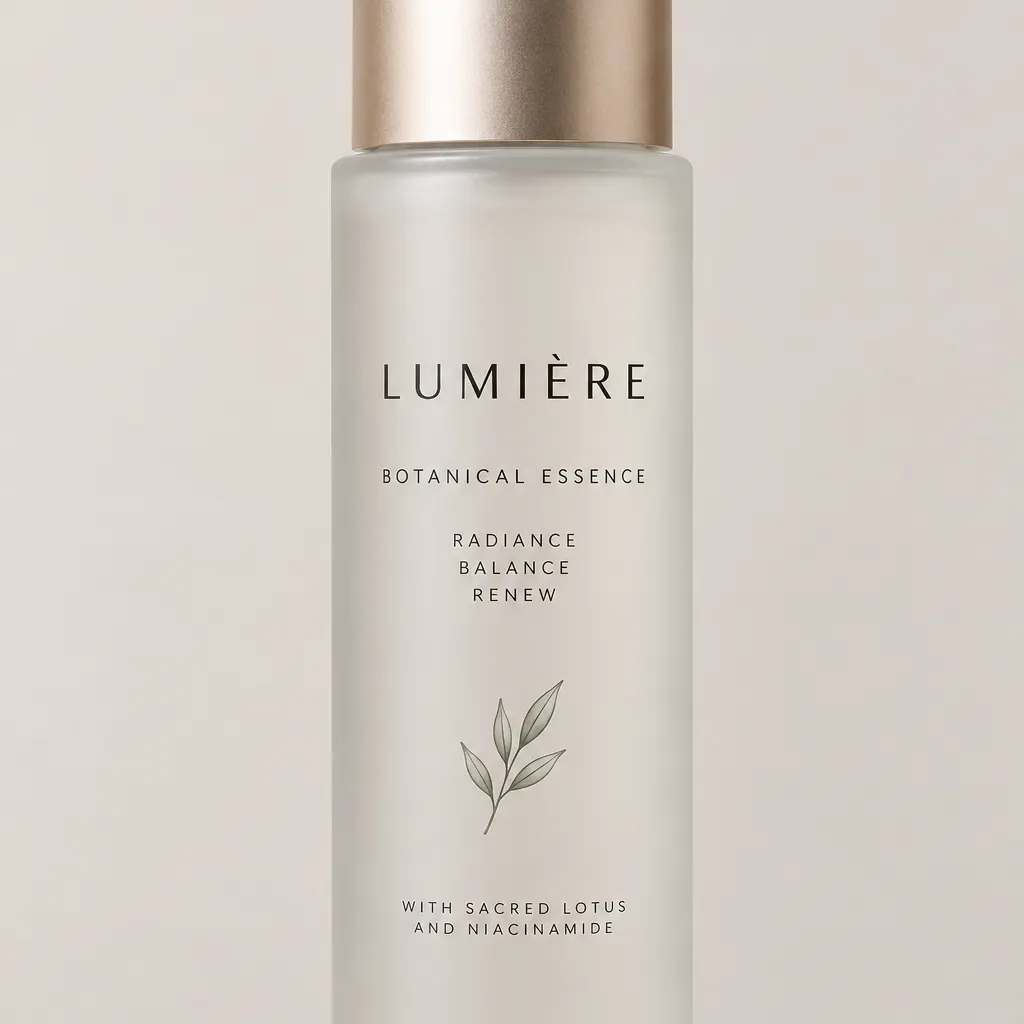
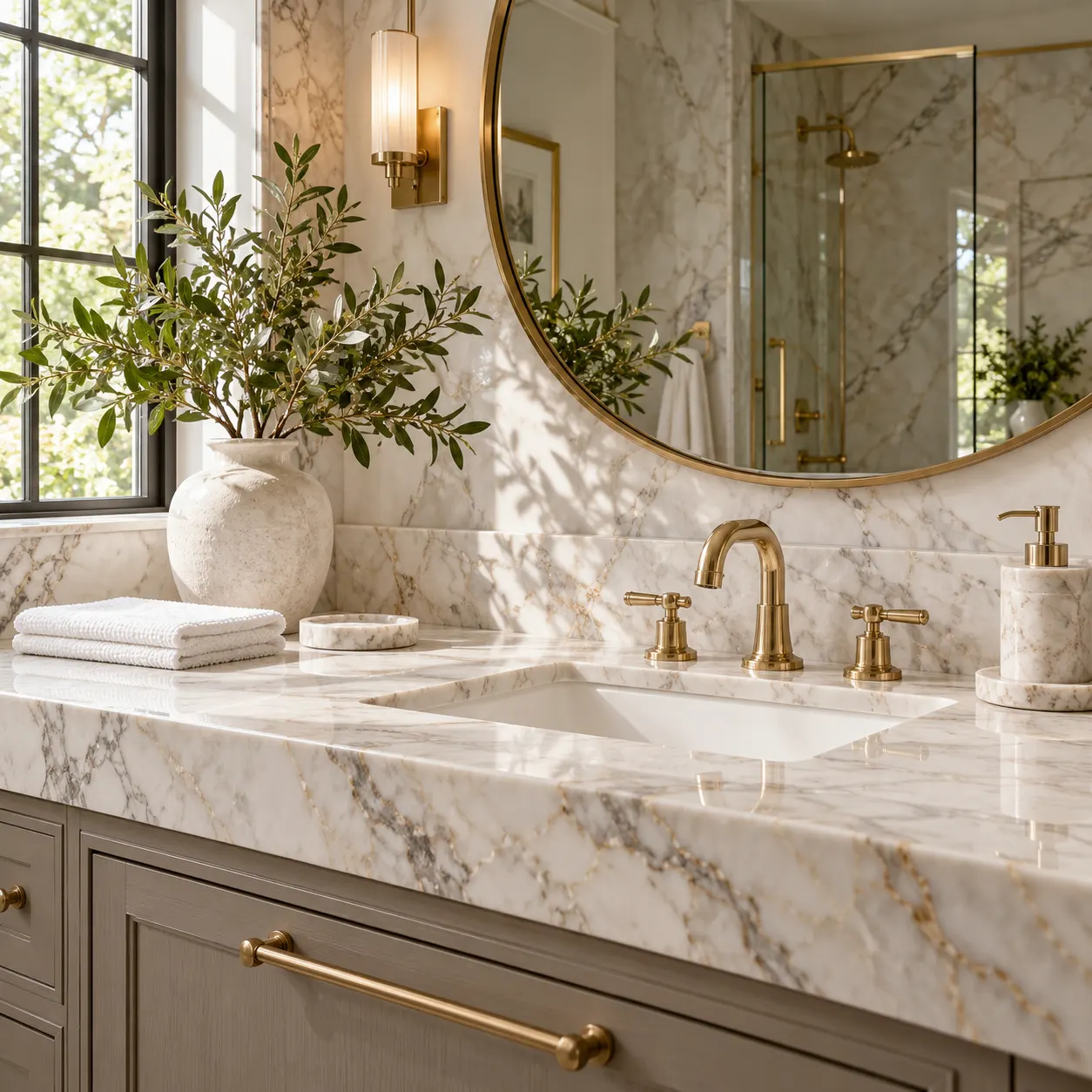
Merging is one of the edits where the prompt drives the look, so a saved Brand Kit works here: pick it in the generator and its colors and voice are folded into the composite. Set the output to square, landscape, portrait, 4:3, or 3:4 to match the ad slot or listing it is headed for.
How it works
Three steps from upload to a finished, download-ready result.
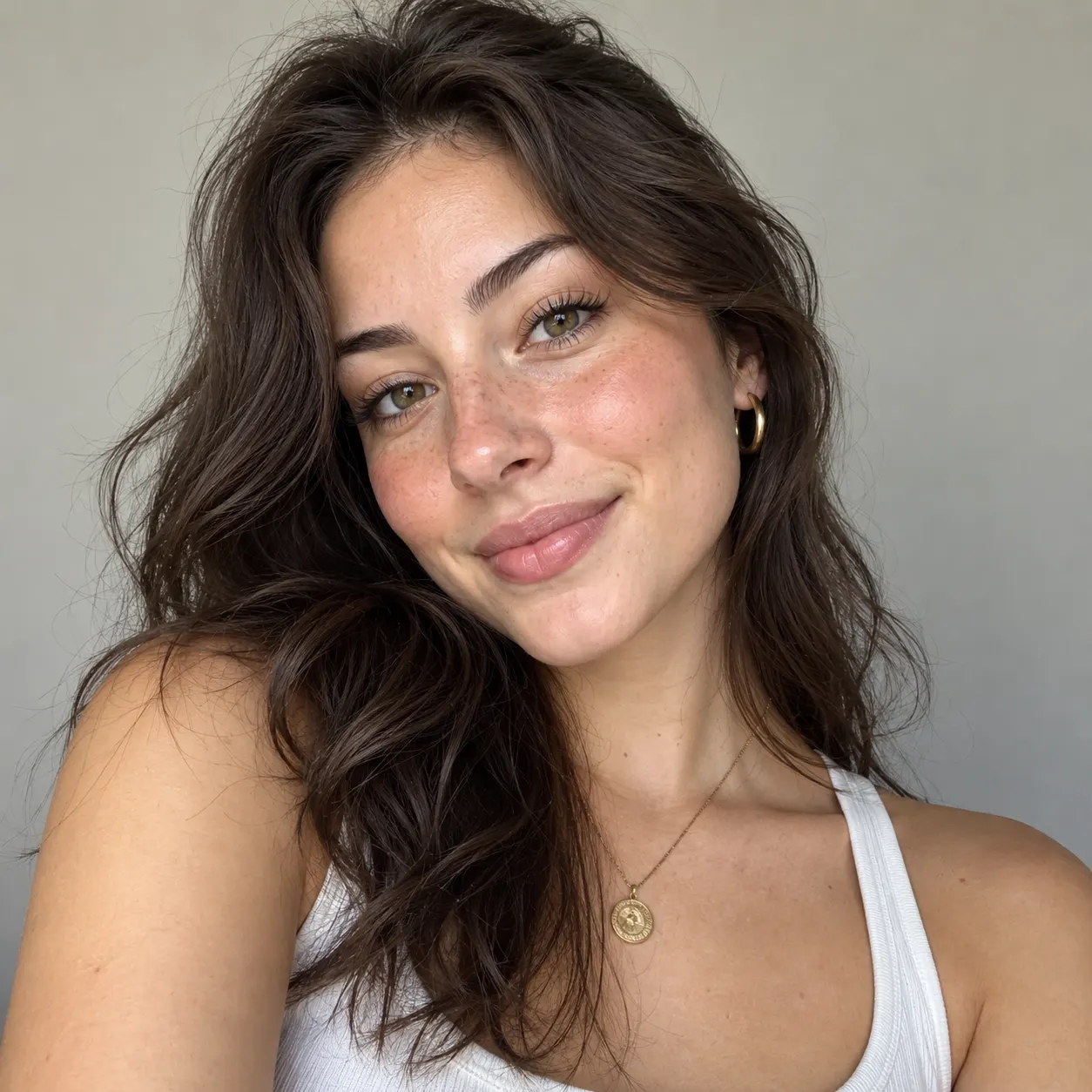
Upload two photos (or more)
Drop in the pictures you want to combine — a subject and a scene, two people, a product and a background. They stay private to your session.
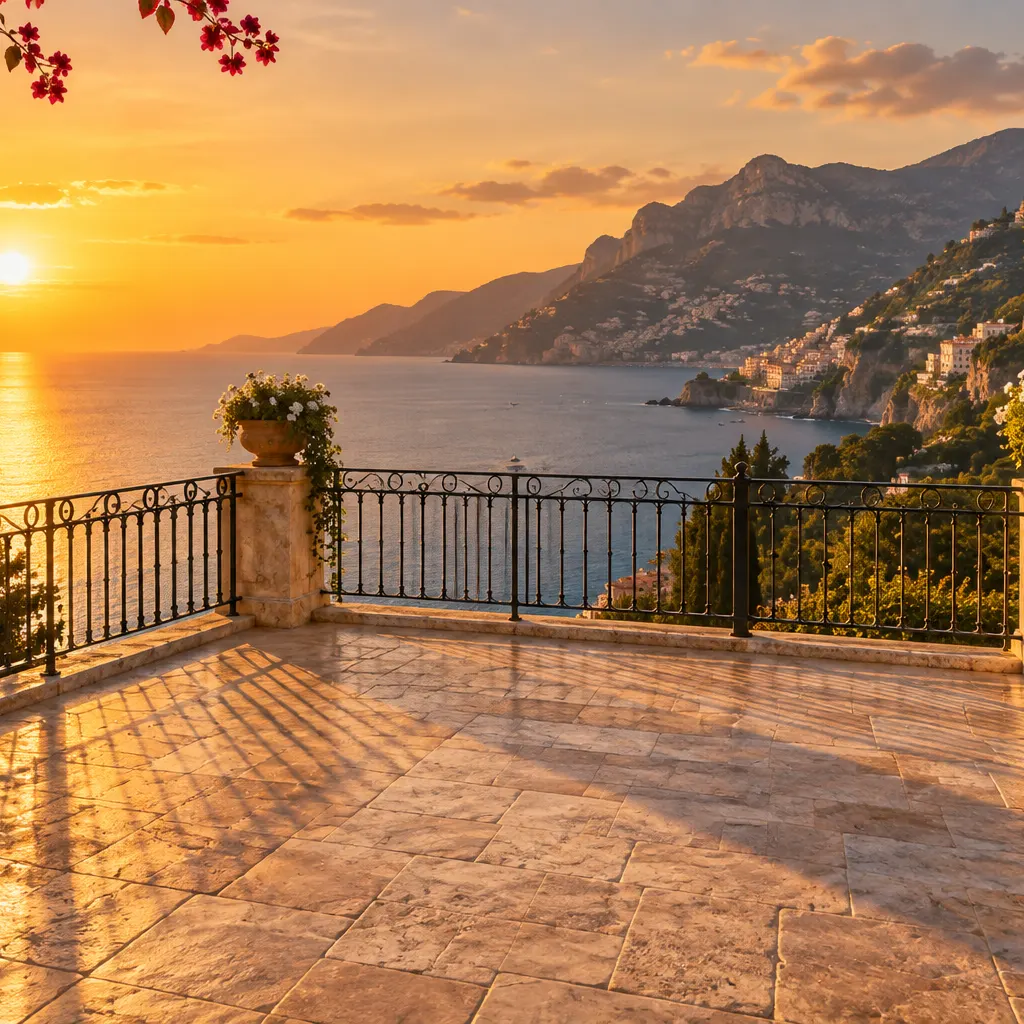
Describe how to merge them
Write one instruction — where each element goes and how the light should match — then pick a model or leave it on Auto and hit Generate.
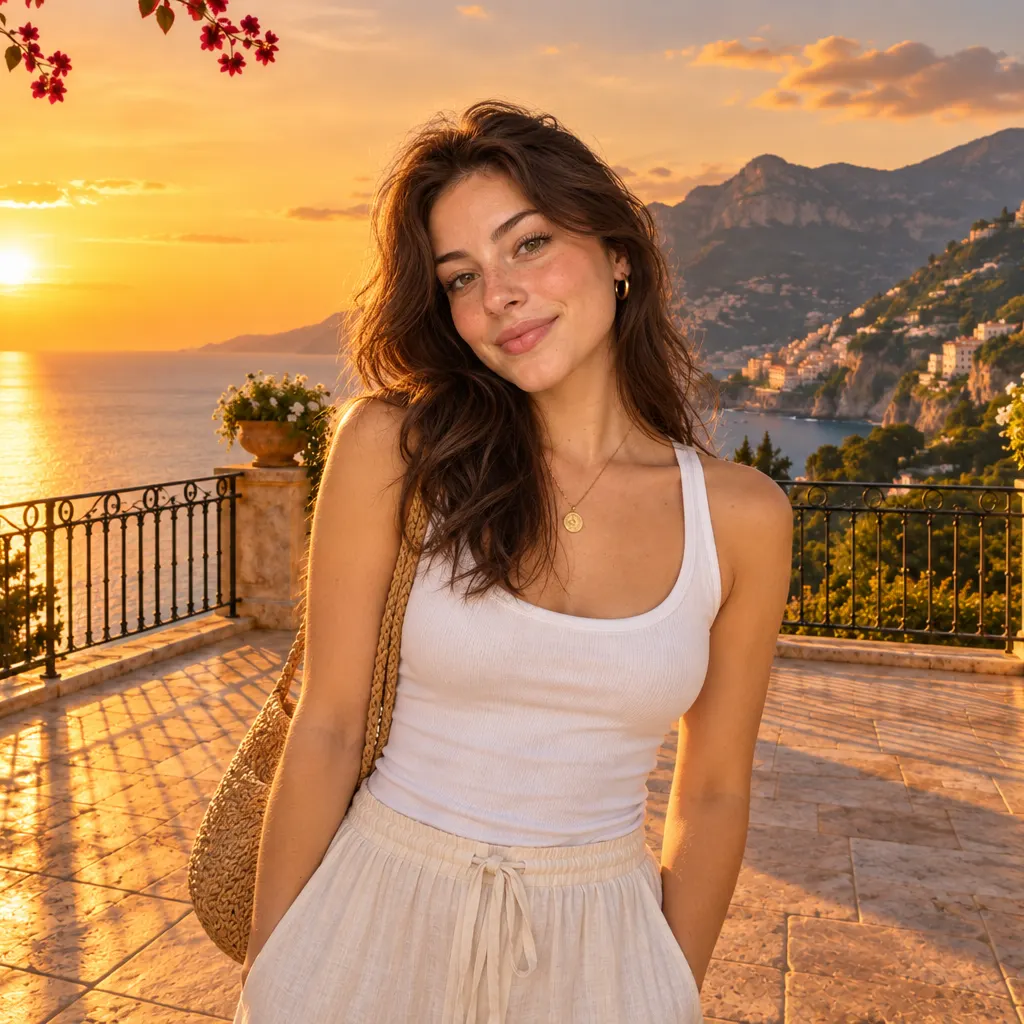
Download the combined image
Preview the merged photo, adjust the prompt for a closer blend, and download your combined image — no watermark on results you keep.
Made with SnapVivid
Real results — combine images across styles and subjects.
PromptUse input A and input B as separate identity references. Create one vertical 4:5 garden portrait of the exact grandmother from A and exact child from B together on a weathered wooden bench among soft pink flowers and green foliage, their shoulders touching as they smile gently at the camera. Preserve both faces, hair, glasses, clothing, ages, and proportions exactly. Match the window-like softness with late-afternoon garden light, realistic scale, overlapping hands, bench contact shadows, and a shallow background blur. The emotional result should feel like a treasured first meeting, with no logos or readable text.
PromptUse input A and input B as separate references. Create one vertical 4:5 fashion product photograph of the exact sneakers from A arranged on the wet rooftop from B, one shoe slightly elevated against the low parapet and the other grounded in the foreground. Preserve the shoes' exact shape, colors, stitching, soles, and materials. Match the neon reflections on the rubber, blue-magenta light gradients, scale, perspective, crisp contact shadows, and subtle wet-surface reflection so the pair feels physically present. Keep the rooftop free of signage, logos, and readable text.
PromptUse input A and input B as separate references. Create one vertical 4:5 live-performance photograph of the exact cat from A perched safely and naturally on the exact musician's shoulder from B, with the musician playing on a small stage under warm amber and violet spotlights. Preserve the cat's face, orange-white markings, fur, whiskers, and size; preserve the musician's face, hair, shirt, guitar shape, and identity. Match stage light direction, rim light on fur, shoulder contact, believable paw placement, depth of field, and audience glow without adding readable signs. No logos or branded instruments.
PromptUse input A and input B as separate identity references. Create one vertical 4:5 polished holiday-card photograph of all five exact family members from A and B gathered around a softly lit evergreen tree in a cozy apartment, arranged naturally with varied seated and standing heights and affectionate expressions. Preserve every face, age, hair, skin tone, clothing identity, and body proportion from the source photos. Harmonize the indoor warm light, perspective, scale, hand placement, fabric shadows, and tree reflections so everyone shares one real room. Keep ornaments abstract and blank, with no logos or readable text.
PromptUse input A and input B as separate references. Create one vertical 4:5 wedding photograph of the exact couple from A standing together on the stone path in the exact temple courtyard from B, gently holding hands beneath red maple leaves. Preserve both faces, hairstyles, attire, bouquet or accessories if present, and body proportions; preserve the temple structure, moss, path, and autumn foliage from B. Match the overcast soft light, atmospheric depth, ground contact shadows, scale, and perspective so it feels like one carefully composed wedding shot. No shrine text, logos, or readable signage.
PromptUse input A and input B as separate references. Create one vertical 4:5 night travel photograph of the exact traveler from A standing on the wet sidewalk in the city scene from B, turned slightly toward the camera with colorful lights reflected on the jacket. Preserve the traveler's face, hair, beanie, jacket, and proportions; preserve the dense high-rise street, abstract light panels, wet pavement, and traffic glow from B. Match neon color spill, rain-slick reflections, scale, lens perspective, and natural foot contact. All signs and screens must remain abstract and unreadable, with no logos or brands.
PromptUse input A and input B as separate references. Create one vertical 4:5 wonder-filled museum photograph of the exact child from A standing in the dinosaur hall from B, looking up with an excited expression and one hand raised toward the skeleton. Preserve the child's face, glasses, hair, hoodie, and body proportions; preserve the skeleton, architecture, floor, skylight, and blue exhibit atmosphere from B. Match the cool overhead light, soft floor shadow, scale, perspective, and reflected skylight so the child belongs naturally in the hall. No labels, logos, or readable text.
PromptPlace the couple from the couple reference seated naturally in the hot-air-balloon basket in the vineyard reference, creating a memorable travel photograph. Preserve both identities, faces, vacation clothing, expressions, and natural posture; preserve the basket, vineyard rows, rolling landscape, and golden morning light. Match their scale to the basket, perspective, warm rim light, atmospheric haze, and shadows inside the woven basket. Keep the couple clearly visible and the vineyard immediately readable below, with no floating bodies, warped hands, cutout edges, or mismatched light.
PromptA striking AI-generated digital art portrait of a young woman with flowing iridescent hair, neon magenta and violet rim lighting, dark studio background, hyperdetailed, painterly cinematic style.
PromptAI-generated fantasy landscape, floating islands above a glowing violet ocean, waterfalls of light, cinematic wide vista, volumetric clouds, dreamlike concept art.
PromptSurreal creative composition, a giant glowing jellyfish floating over a desert at night under a starry sky, magical realism, cinematic color grade.
Combine Images — free to start
1 lifetime image credit, no card required. Video runs on a paid plan from $29/month.
Start for FreeWhat you can do with it
The common ways people merge two or more photos into one believable frame.
Put a person into a scene
Combine images of a person and any background — a travel spot, a studio set, a fantasy world — so it looks like they were really there.
Merge two subjects into one shot
Bring two people (or pets) from separate photos into a single group picture with unified lighting and shadows.
Product + background composites
Merge a product cut-out onto a new backdrop with believable reflections and floor shadow for clean e-commerce and ad shots.
Creative photo blends
Blend photos into double-exposure art or surreal composites that keep both subjects recognizable.
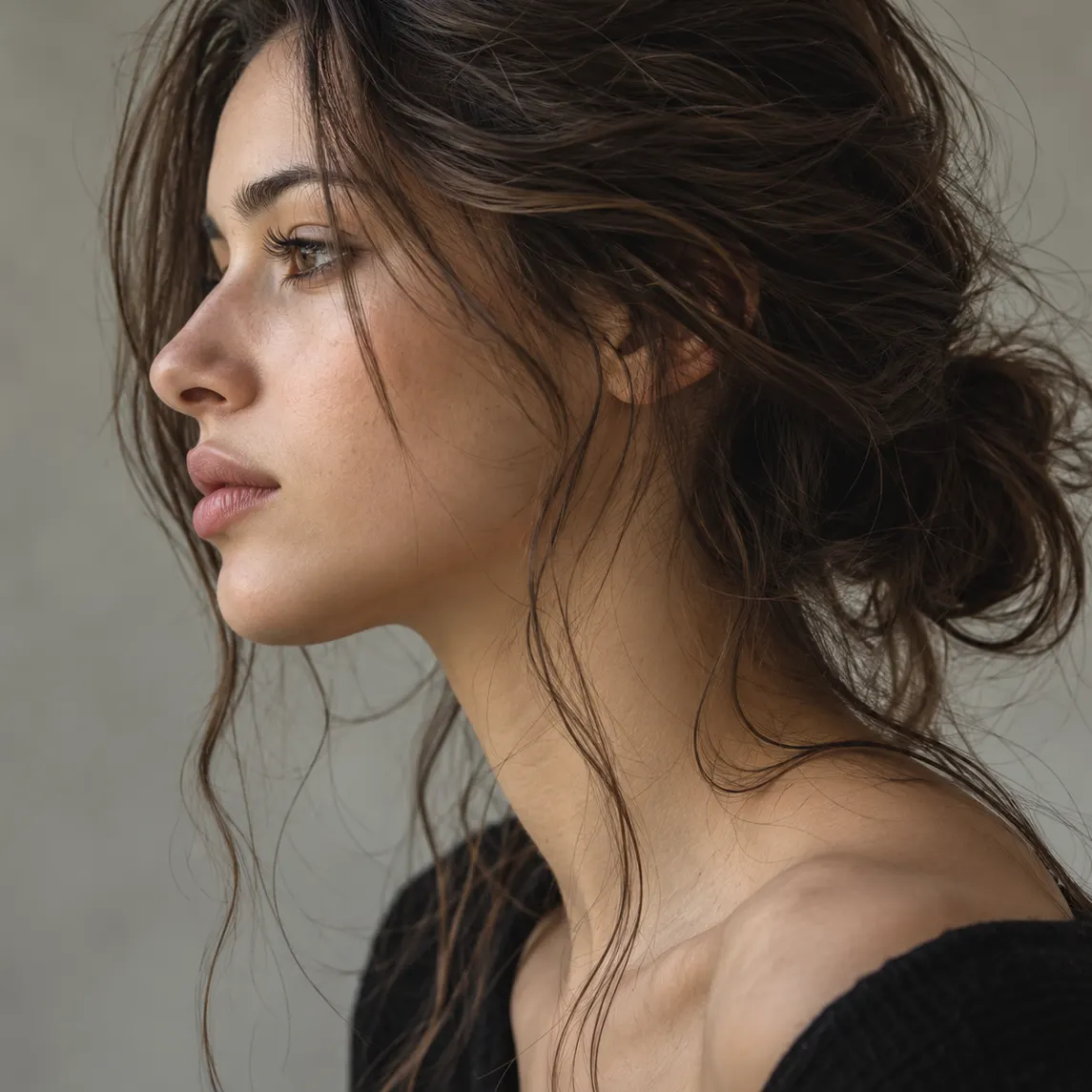
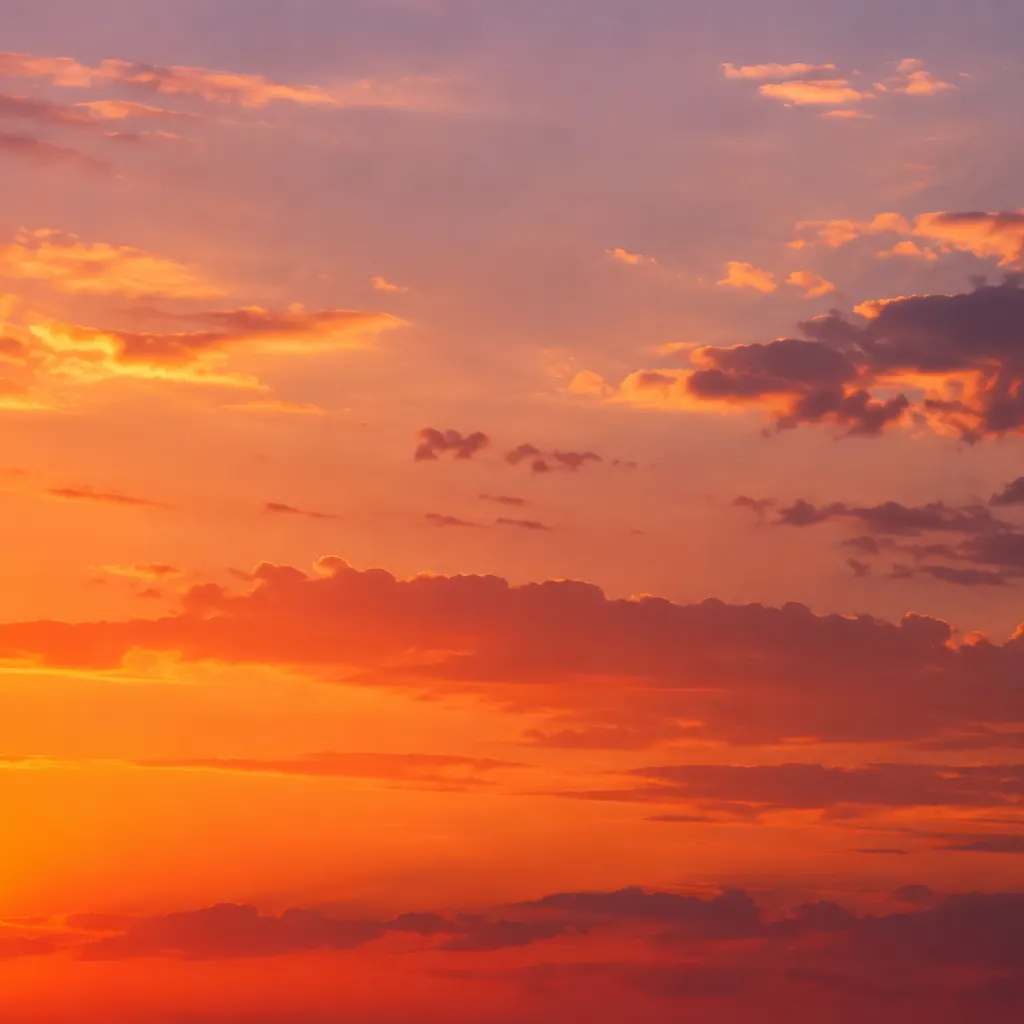
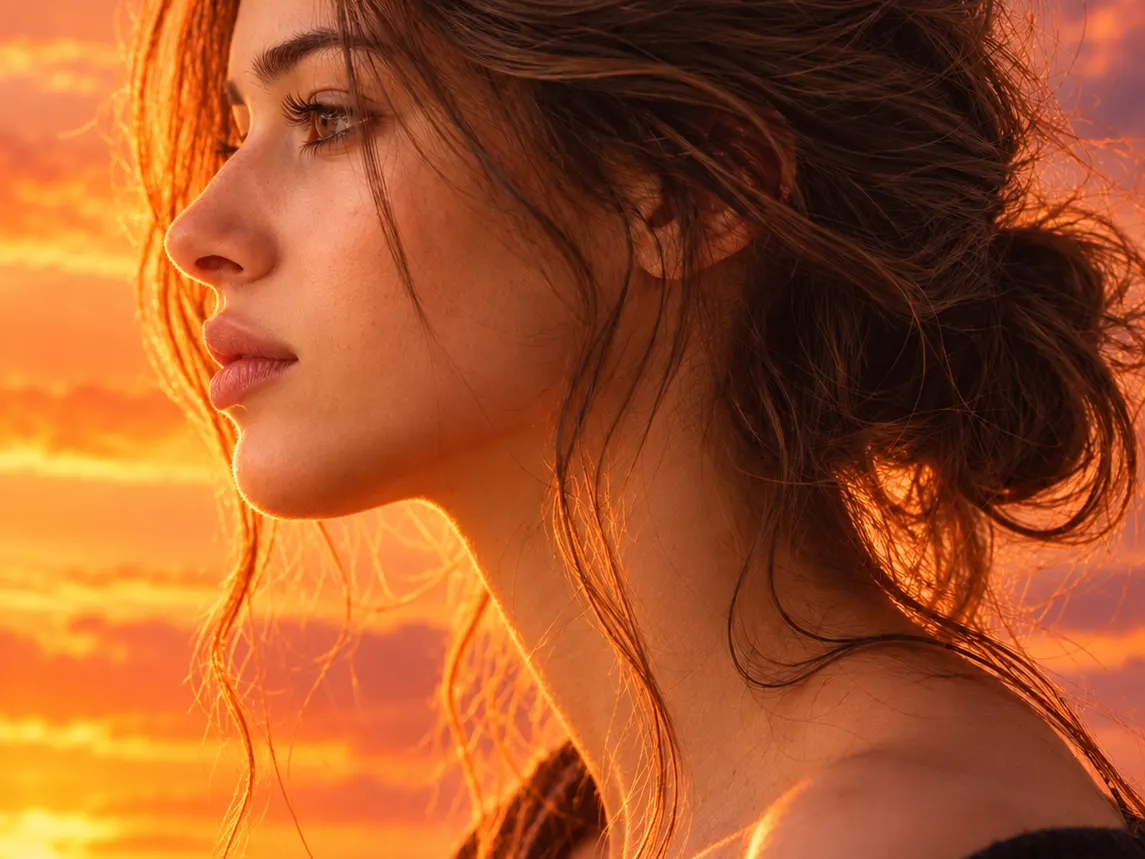
More about Combine Images
Because the merge is prompt-driven, you control the outcome. Tell it to put two images together with the person in front and the city behind, to merge photos together as a seamless group shot, or to blend photos into a double exposure — and adjust the instruction until it’s right. Every failed generation is free, so it’s cheap to try a few versions before you settle on the combined image you download. Whether you call it a photo blender, an image merger, or a way to combine images, it’s the same one-step workflow.
Combining images is one tool in SnapVivid’s wider creation studio. Once you’ve merged your photos, you can swap a face, upscale the result to print resolution, generate a matching set with the image generator, or animate the combined image into a short clip with image-to-video — all in the same place, free to start with your 1 lifetime image credit.
Related tools
More SnapVivid tools that pair with combine images.
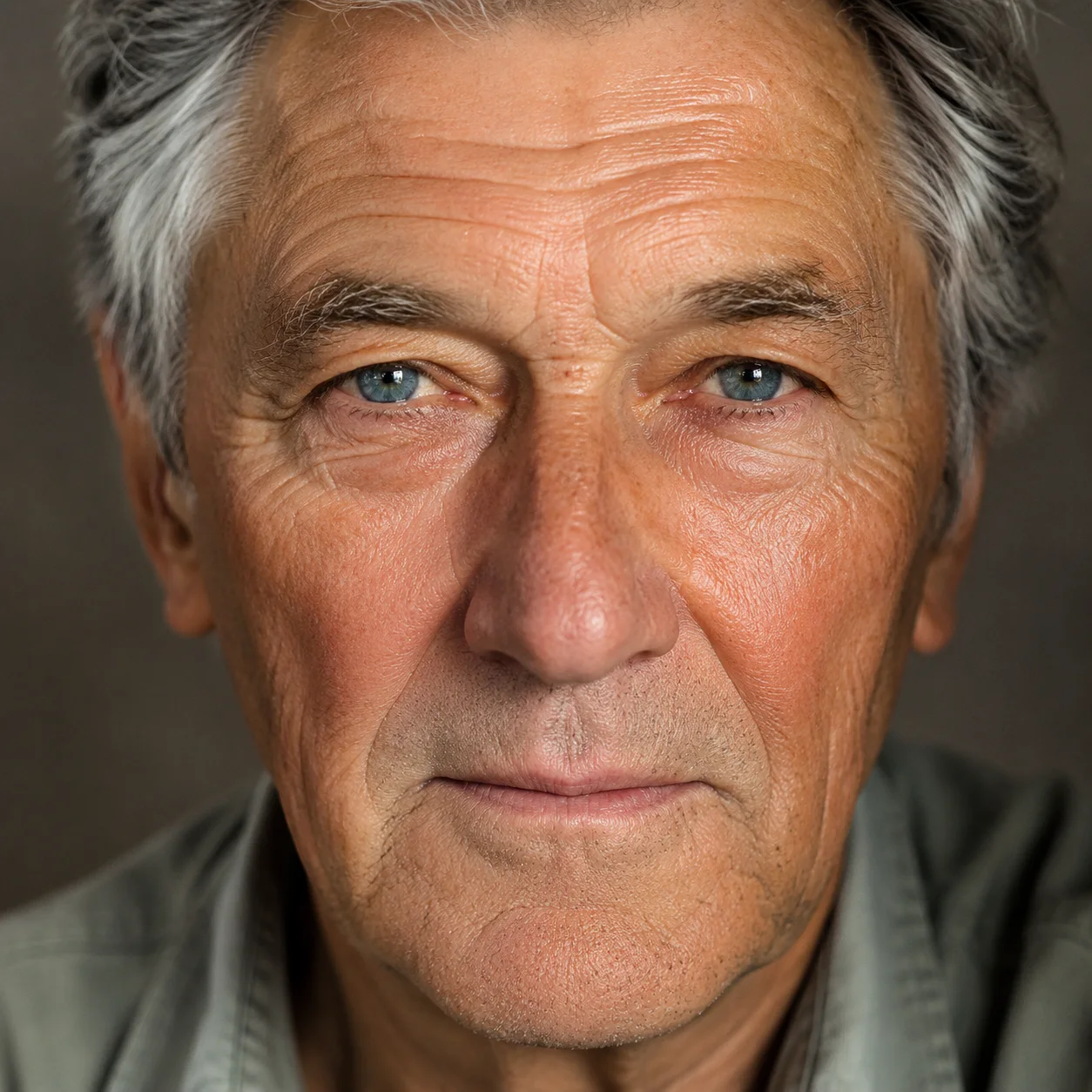
Face Swap
Swap a face into any photo in seconds. Upload a base picture and the face you want, and SnapVivid blends them naturally — matched skin tone, lighting, and angle, with realistic, download-ready results.
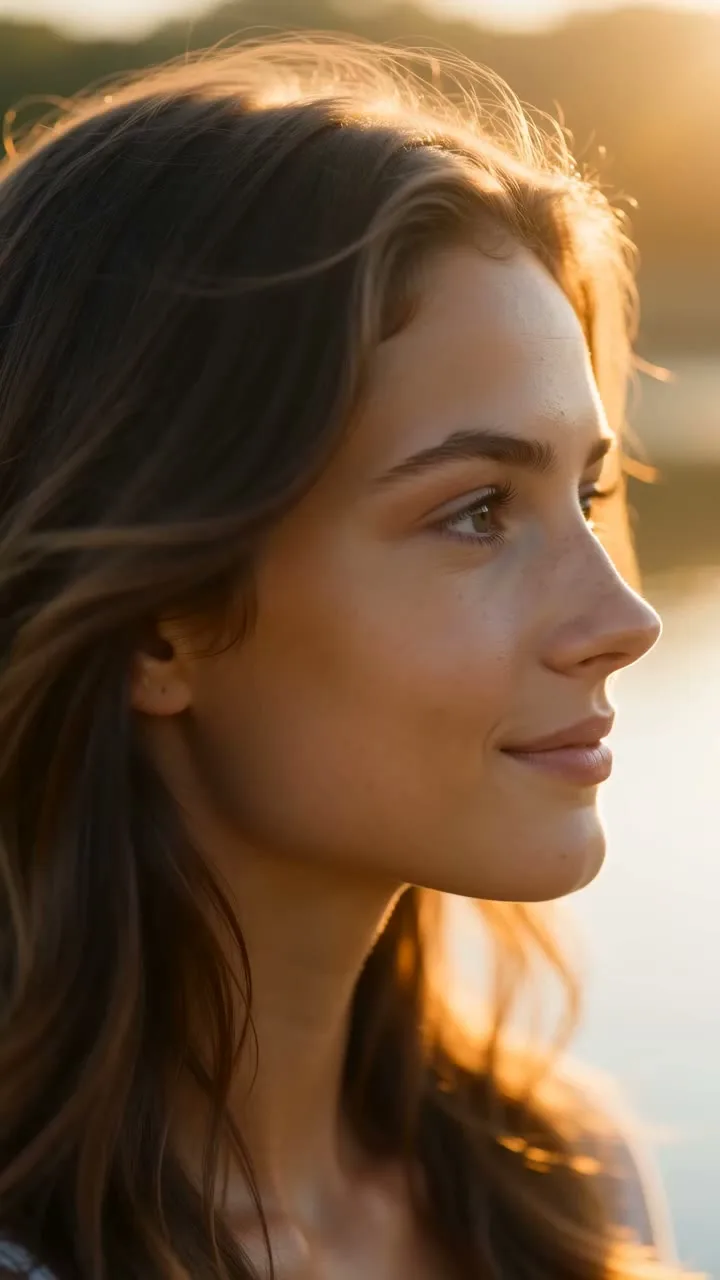
AI Image Upscaler
Enlarge and sharpen any image without the blur. SnapVivid’s AI upscaler adds real detail as it scales your photo 2× or 4× — cleaning up noise and softness so small or low-res pictures become crisp and print-ready.
AI Image Generator
Generate and edit images in any style.
Image & Text to Video
Animate any photo or prompt into a cinematic clip.
Edit Color of Eyes with AI
See yourself with a new eye color before you commit. Upload a portrait, choose blue, green, hazel, or brown eyes, and let SnapVivid edit only the irises while your face, expression, skin, and lighting stay true. It is a realistic eye color changer built on Google’s Nano Banana edit model — free to try, private to your session, and clean to download.
AI Photo Editor
Edit any photo just by describing the change. Upload a picture, tell SnapVivid’s AI what to do — swap the background, remove an object, fix the lighting, or restyle the whole shot — and get a clean, download-ready result. When you need a focused edit, the specific tools are one click away.
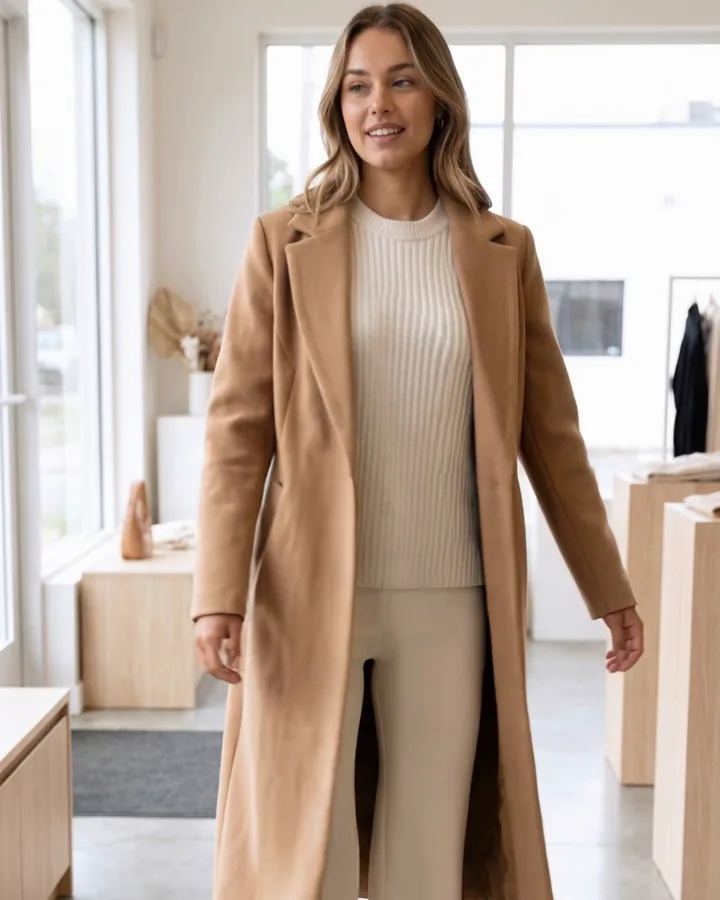
AI Watermark Remover — Remove Watermark from Image
A watermark remover that actually rebuilds the photo. Upload an image you own, and SnapVivid’s AI watermark remover deletes the watermark, logo, or text overlay and reconstructs the detail underneath — so the result reads as a clean original, not a blurred-over patch.
AI Buzz Cut Filter & Haircut Trial
Curious about a buzz cut, a short haircut filter, or even a bald filter? SnapVivid’s AI-powered hairstyle filter lets you try on a buzz cut, bangs filter, or haircut filter on your photo instantly. Your face stays perfectly the same — no weird overlays, no watermarks. Each edit uses credits, and the credit cost is shown before you generate.