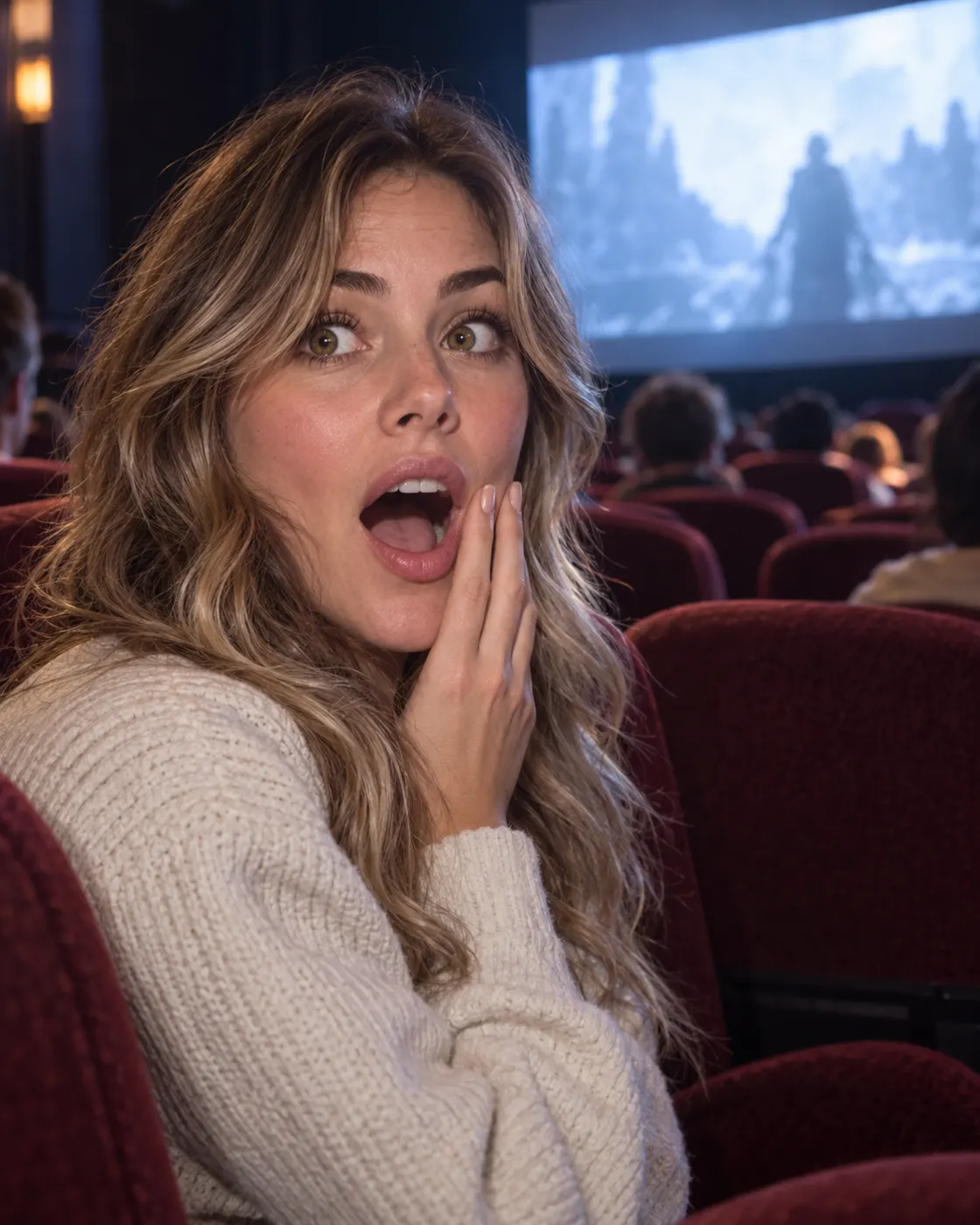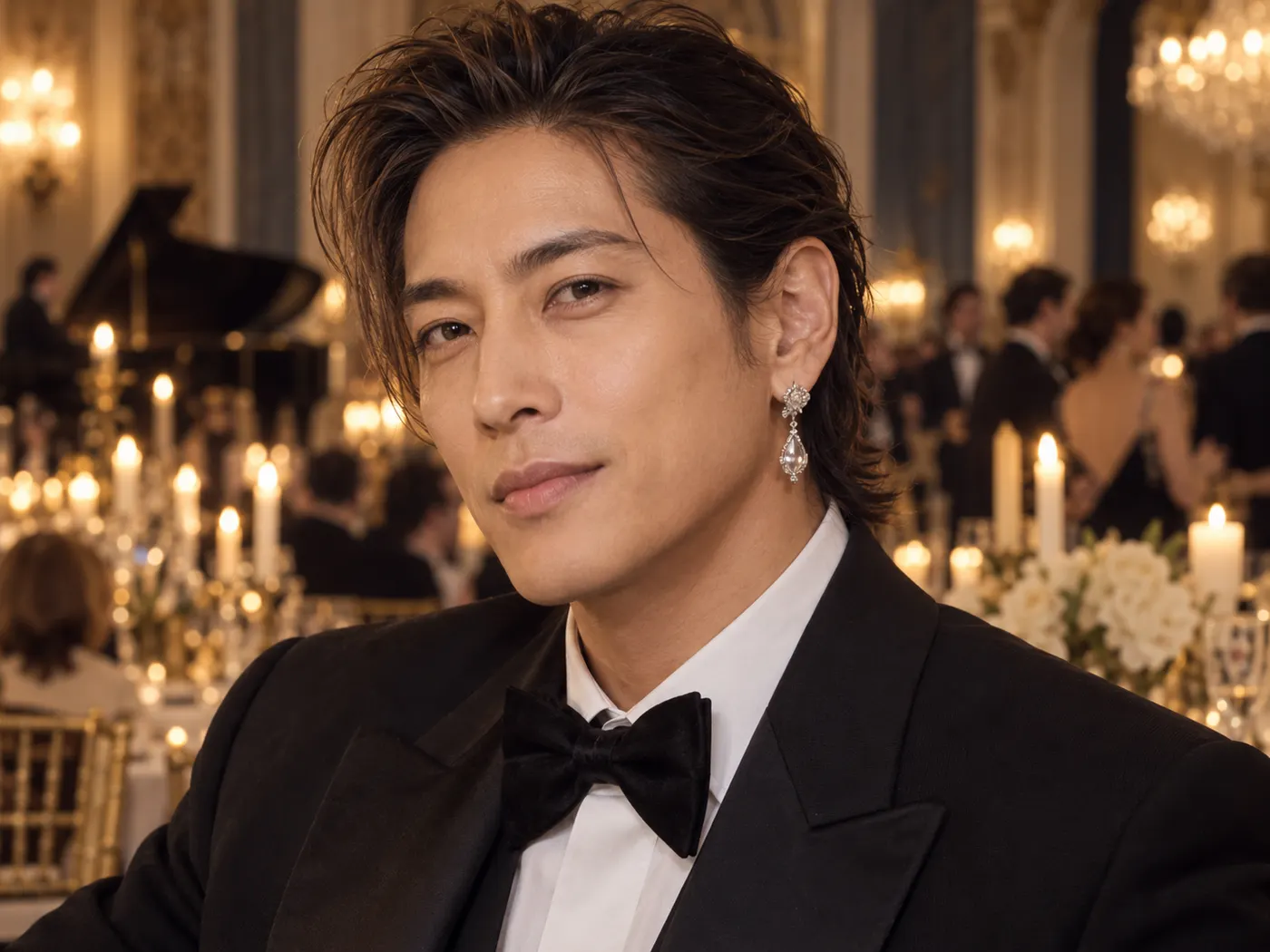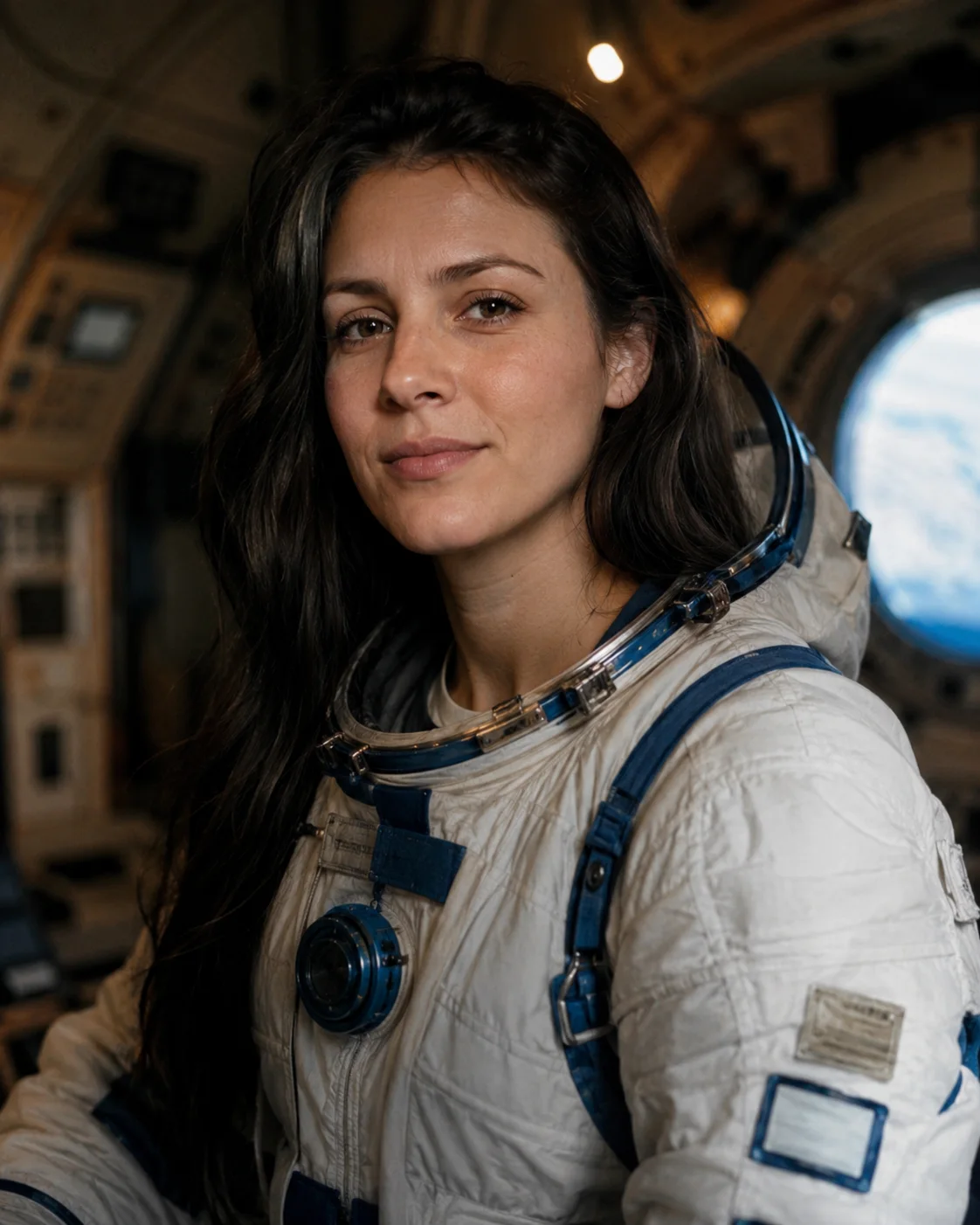
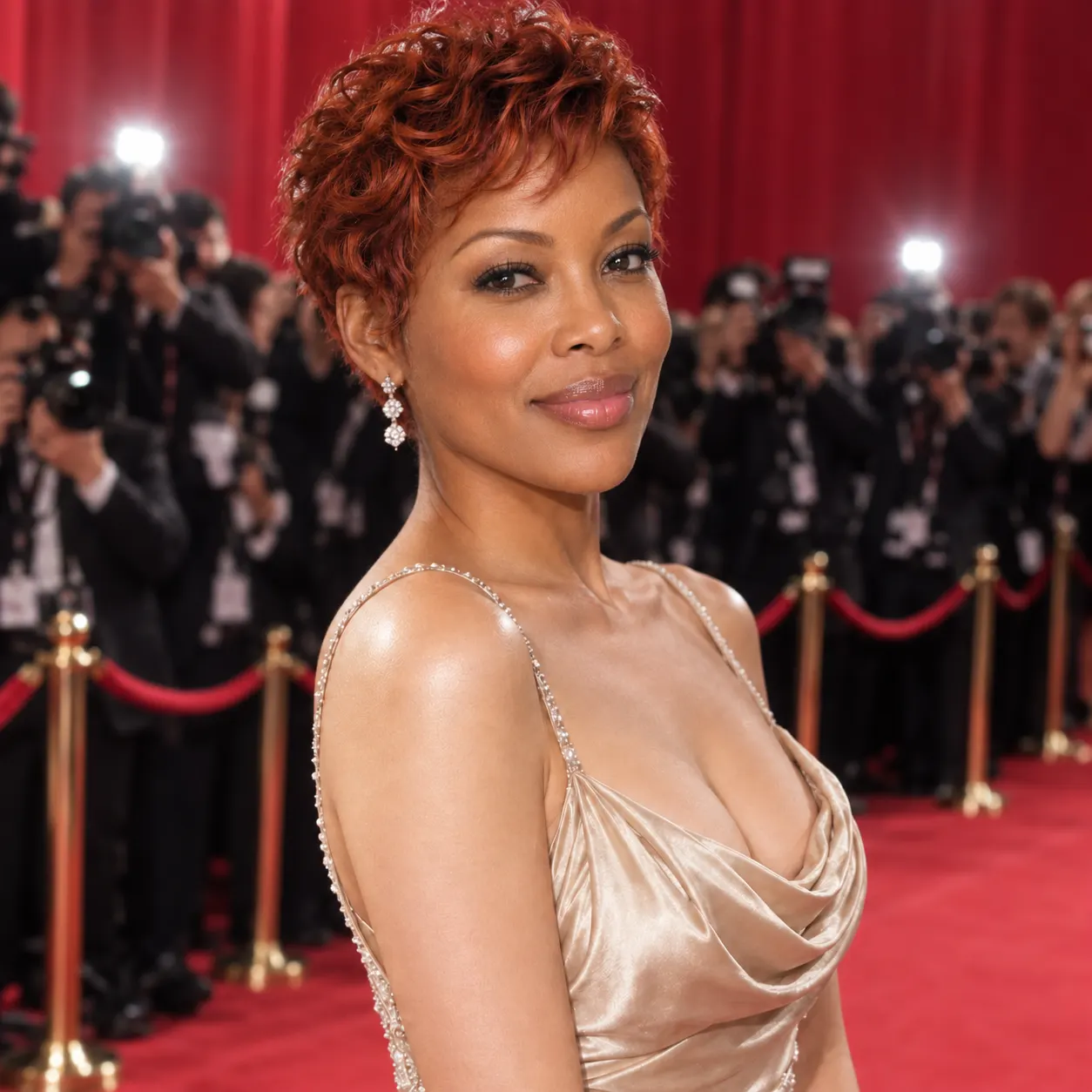
New — Seedance 2 & Nano Banana are live on SnapVividTry it now
Free AI Face Swap

Face Swap

Swap a face into any photo in seconds. Upload a base picture and the face you want, and SnapVivid blends them naturally — matched skin tone, lighting, and angle, with realistic, download-ready results.

PromptOptional
AssetsProject190 / 1200
Free with your 1 lifetime image credit

Face Swap — real results, in minutes

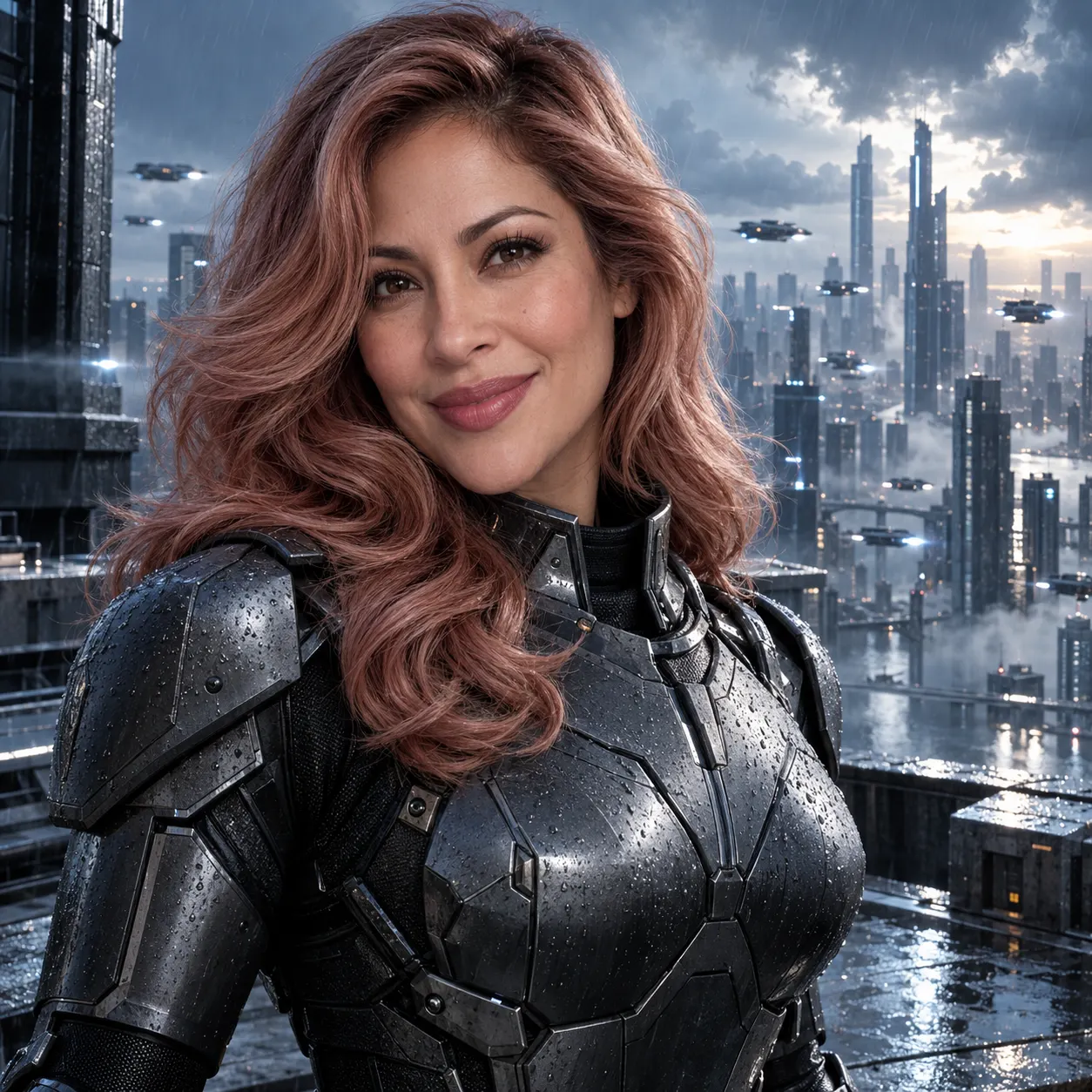
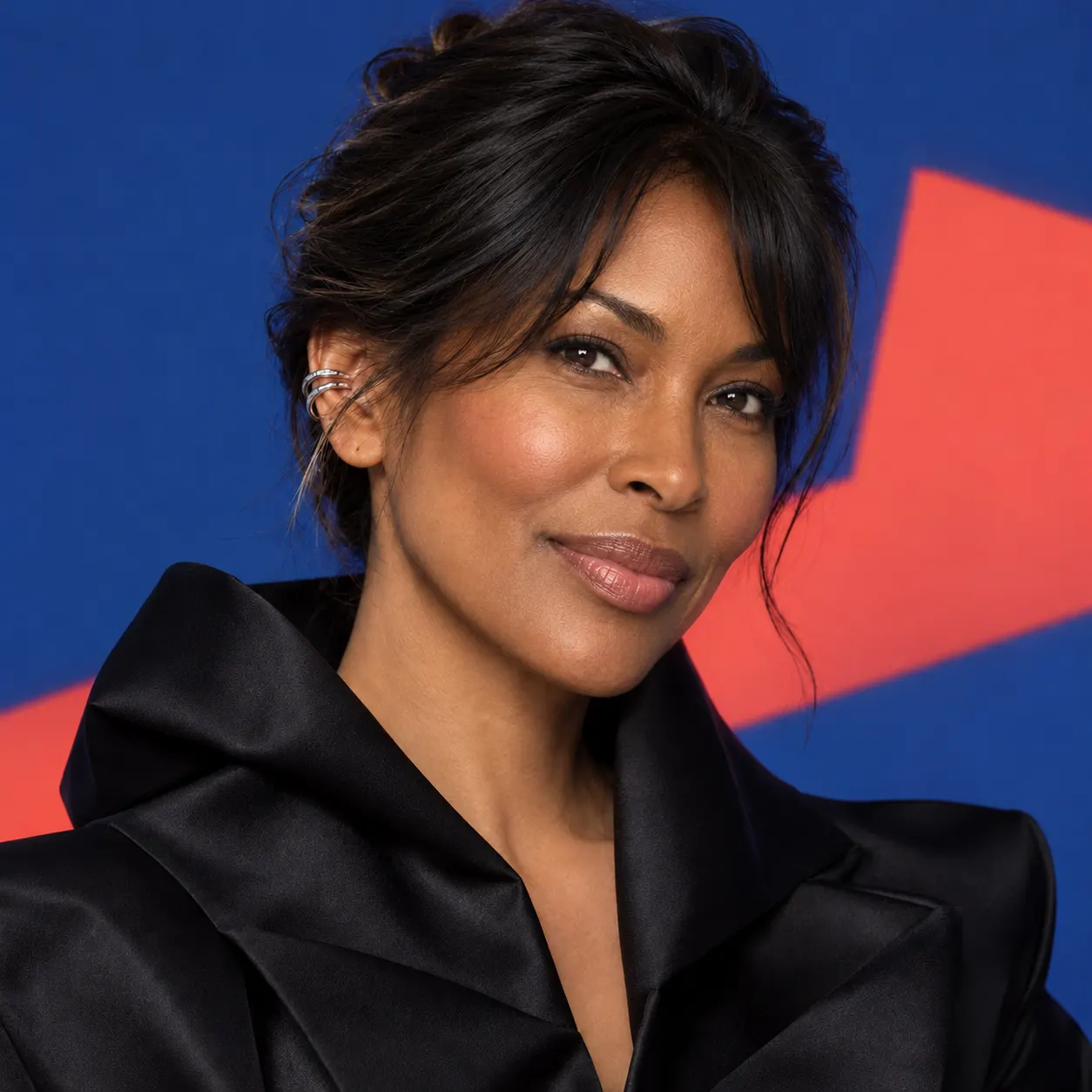
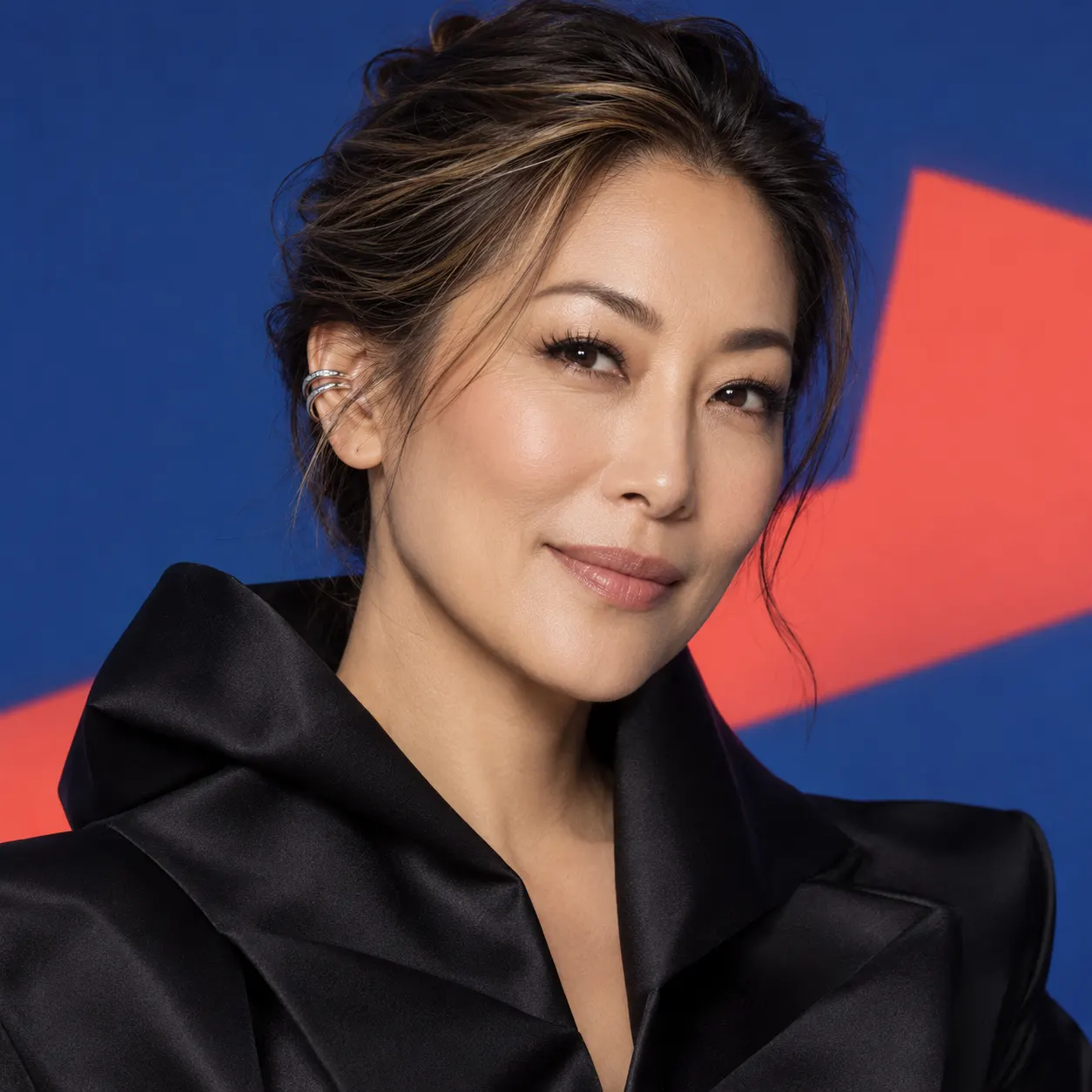
AI face swap has come a long way from the obvious paste-jobs of a few years ago. SnapVivid’s face swap uses modern image models to understand the geometry and lighting of your base photo, then re-renders the swapped face so it belongs in the frame. The result reads as a real photo — not a sticker dropped on top.

Start for Free
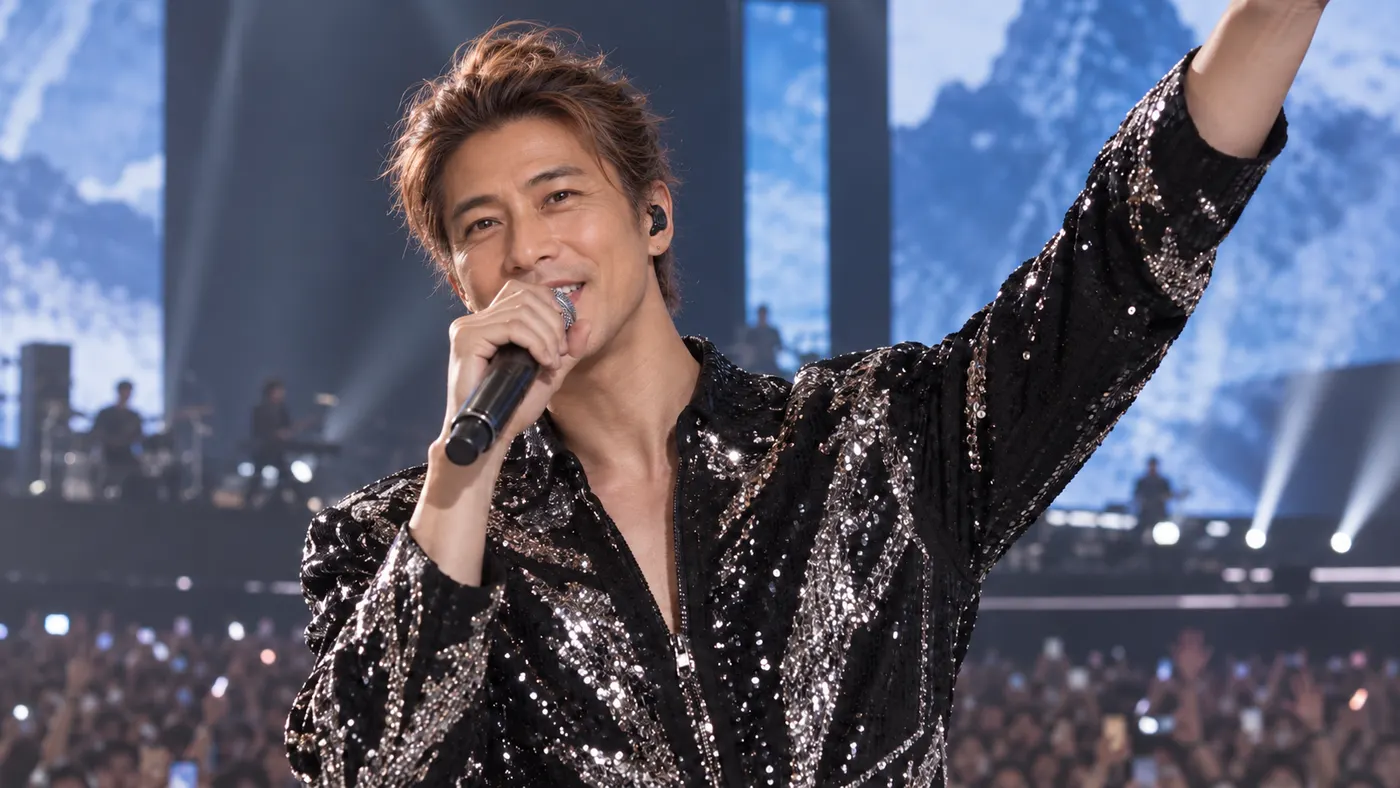
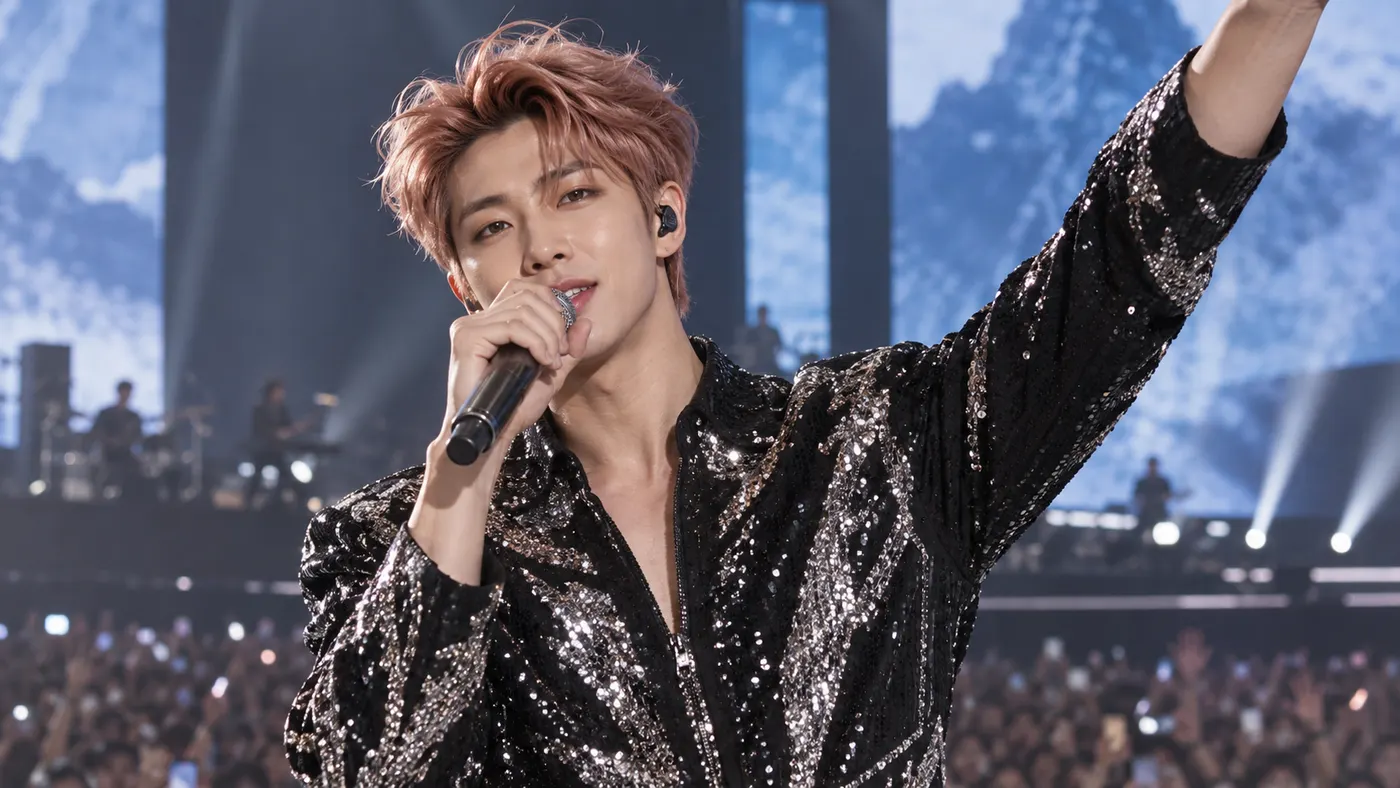
Face Swap — after
Face Swap — before
BeforeAfter

Prompt: Replace the person’s face in the base photo with the face from the face photo, producing a natural, realistic result with seamless skin tone, lighting, expression, and perspective matching.

Why creators use Face Swap

Everything face swap gives you in one place.

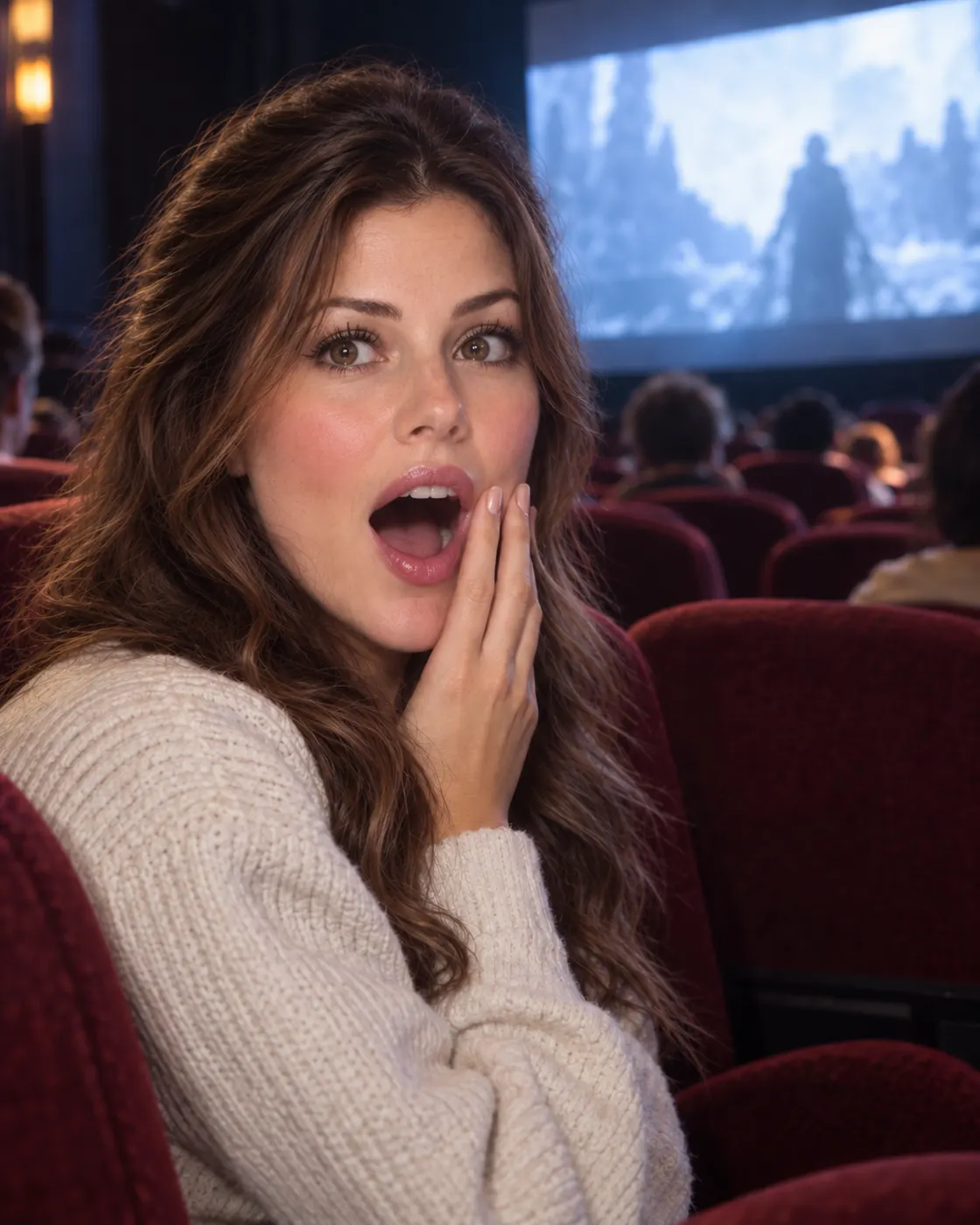
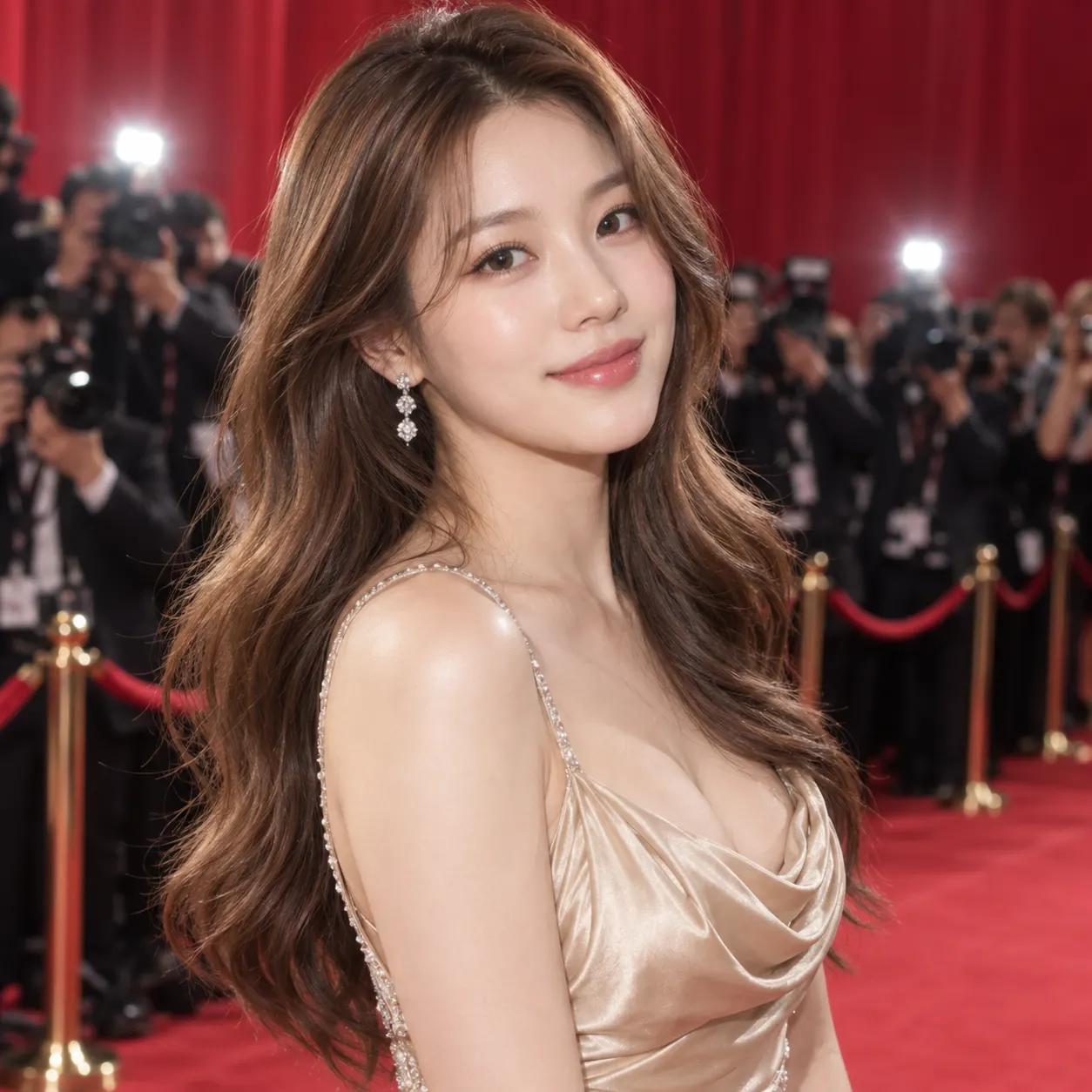
Faces that actually match the photo — Light and angle match — after
Faces that actually match the photo — Light and angle match — before
BeforeAfter
Prompt: Swap the face from the face photo onto the person in the base photo, creating a convincing candid portrait with accurate facial proportions, natural blending, and lighting consistent with the base photo.

Faces that actually match the photo

SnapVivid’s AI face swap does more than paste a face — it matches skin tone, lighting direction, and head angle so the swap sits naturally in the original scene. No hard edges, no waxy skin, no obvious cut-out.


Swap one face or pick from a group — Costume scene swap — after
Swap one face or pick from a group — Costume scene swap — before
BeforeAfter
Prompt: Place the face from the face photo onto the person in the base photo and make the result look like an authentic photograph, with aligned features, believable expression, and clean edges.

Swap one face or pick from a group

Upload a single portrait or a group photo and choose which face to replace. Great for putting yourself into a scene, refreshing a team photo, or trying a costume shot — all from your browser, no app install.

How it works

Three steps from upload to a finished, download-ready result.
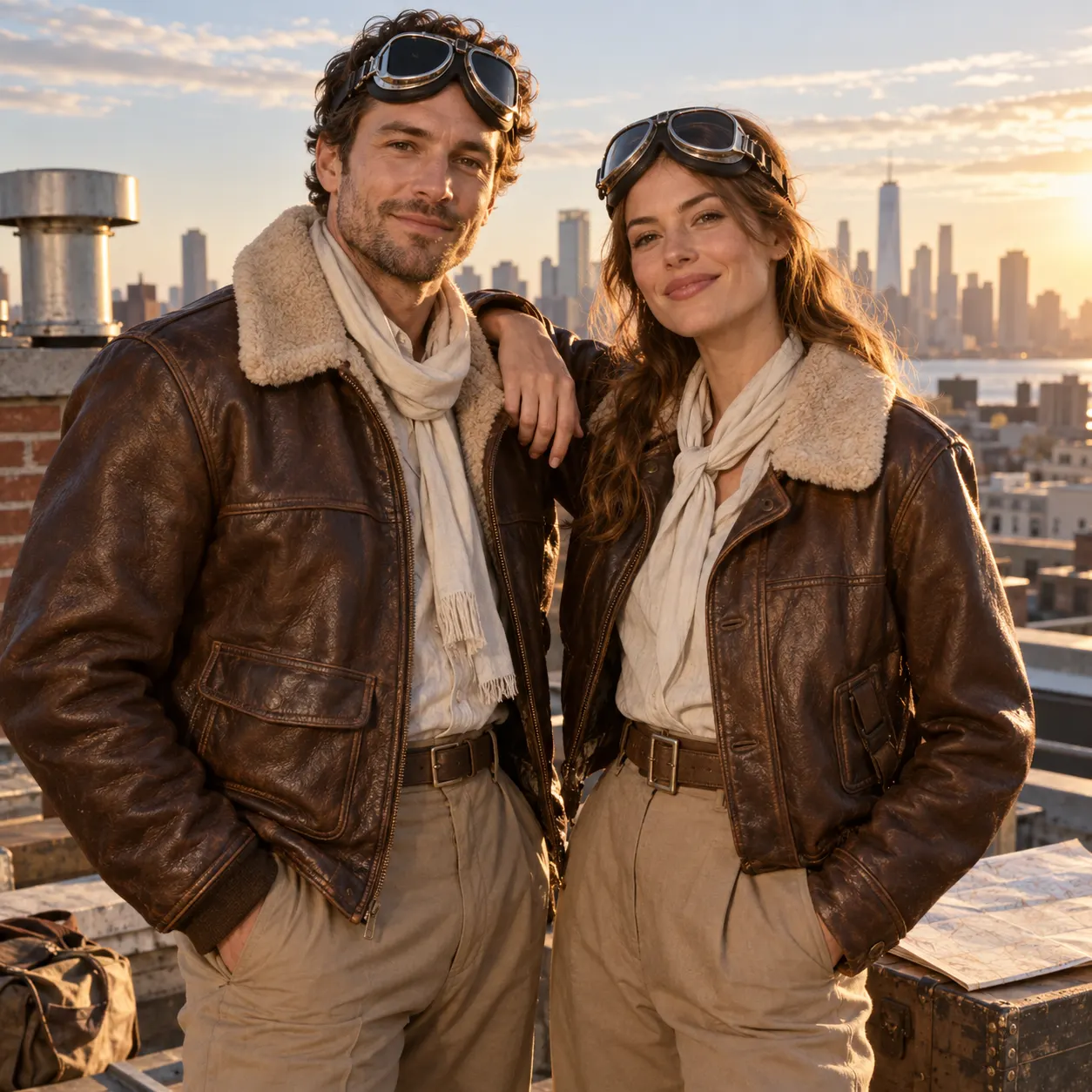
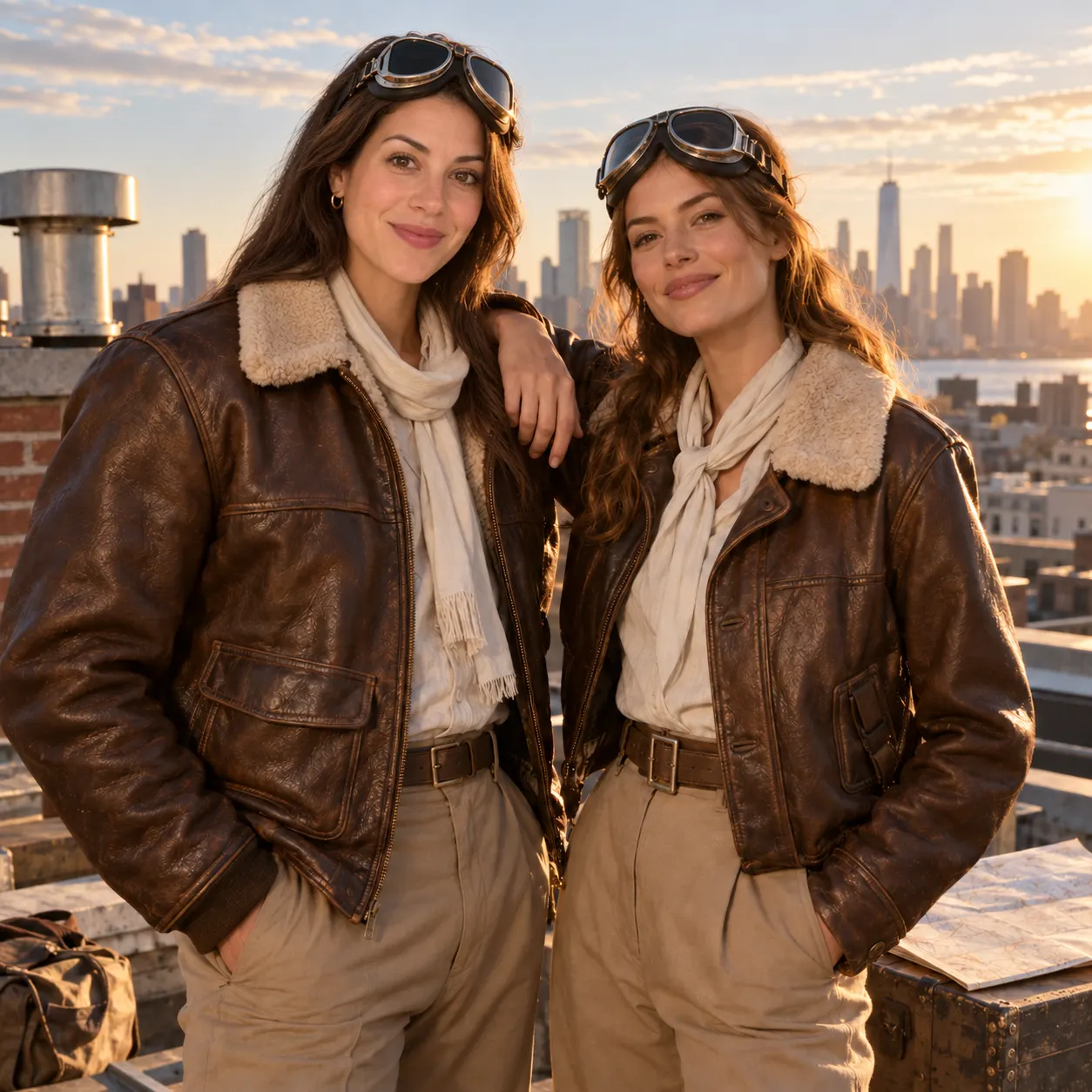
Step 1: the base photo, two people in aviator jackets on a sunlit rooftop

Upload two photos

Drop in the base photo, then the face you want to swap in. Both stay private to your session.
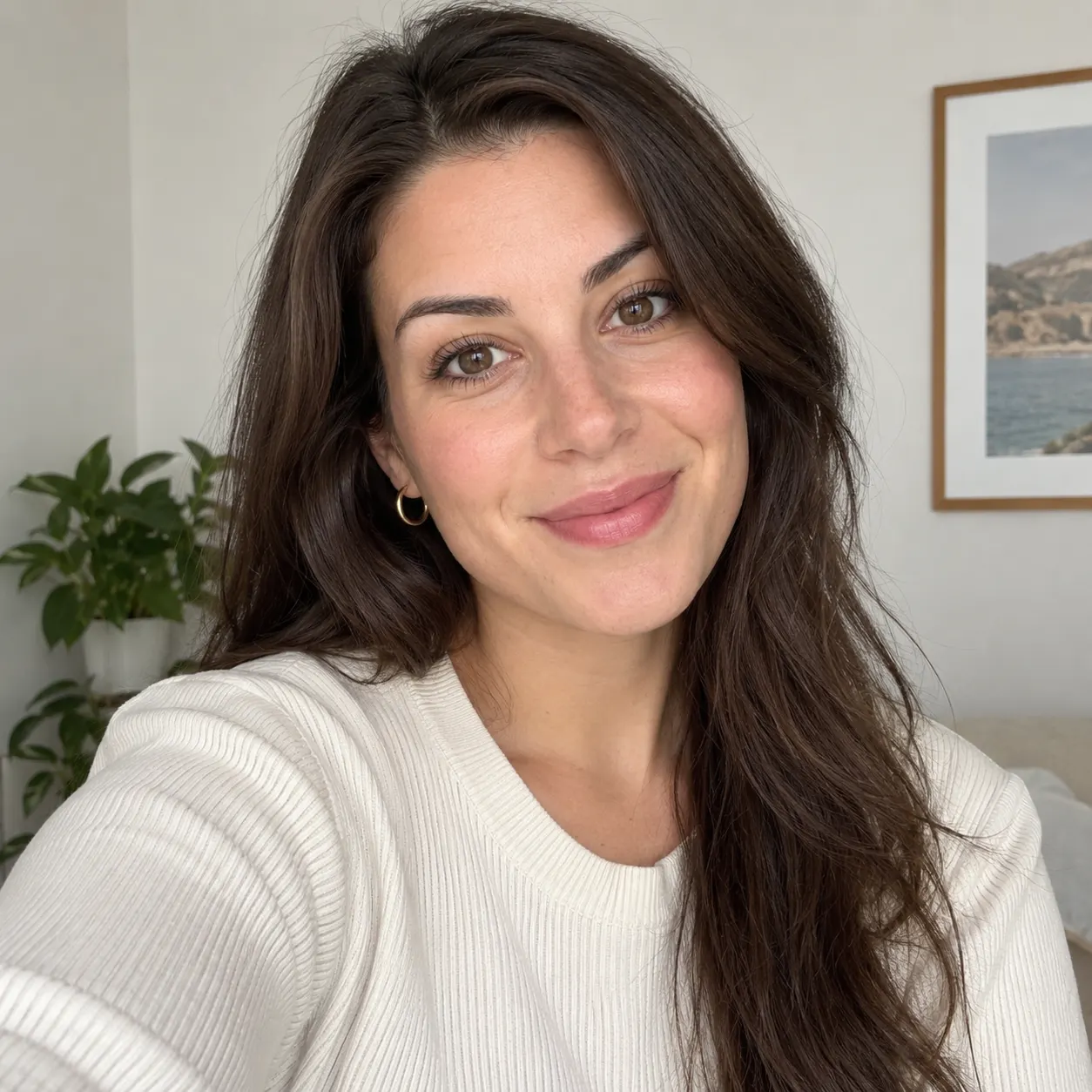
Step 2: the face source, a clear front-facing selfie of a smiling woman

Generate the swap

Pick a model (or leave it on Auto) and hit Generate. The face is blended to match tone and lighting.
Step 3: the swapped result, the same rooftop photo with the selfie face on the taller person

Download or refine

Preview the result, tweak the prompt for a closer match, and download your face-swapped photo.

Made with SnapVivid

Real results — face swap across styles and subjects.
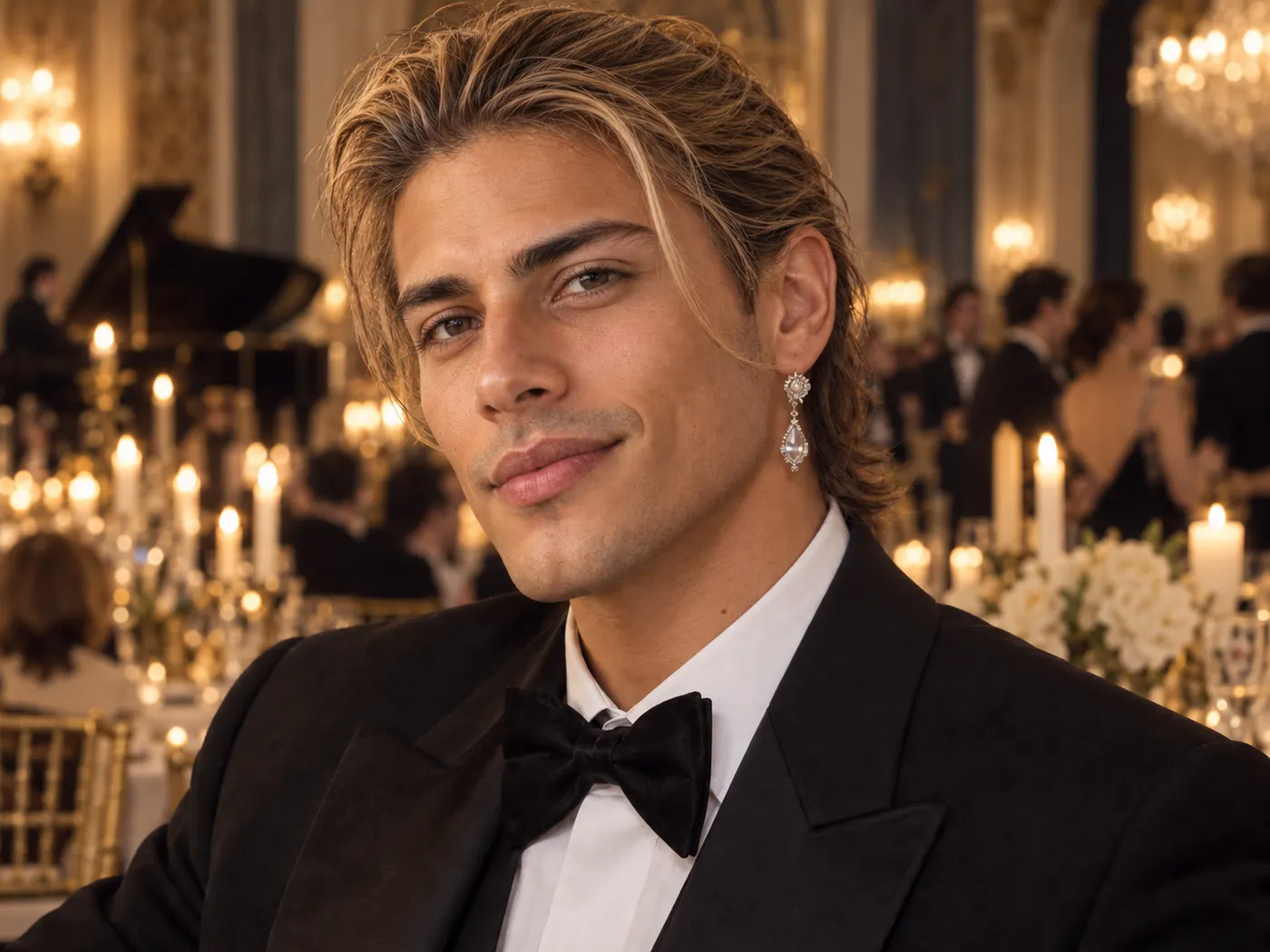
Identity-preserving face swaps in polished event photography. — after
Identity-preserving face swaps in polished event photography. — before
BeforeAfter
PromptUse the face from the face photo on the person in the base photo, with natural proportions, coherent gaze direction, realistic skin texture, and lighting integrated into the base photo.
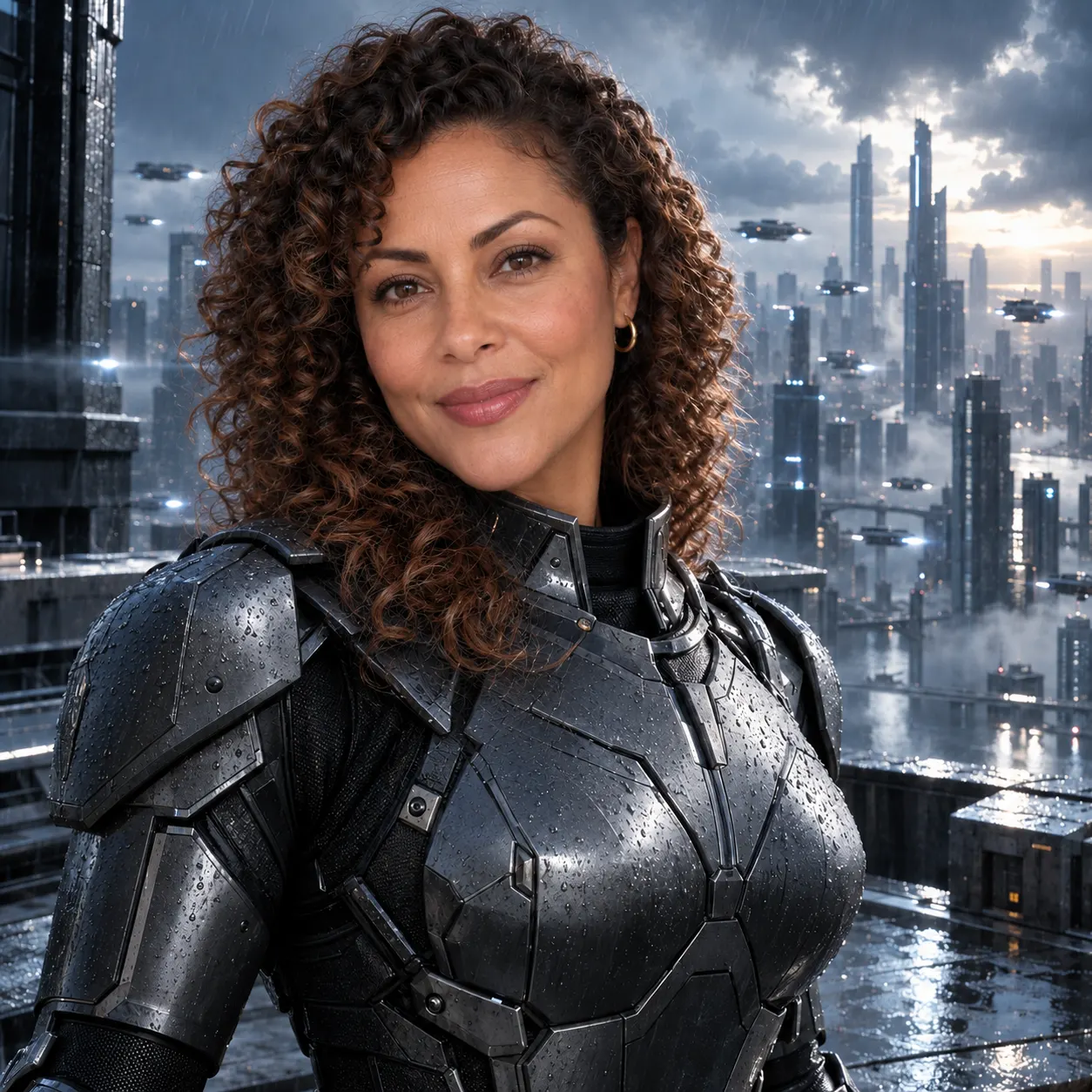
Cinematic costume and concept-scene swaps. — after
Cinematic costume and concept-scene swaps. — before
BeforeAfter
PromptCreate a highly realistic face swap by fitting the face from the face photo onto the person in the base photo, with smooth transitions around the hairline, jaw, ears, and neck.
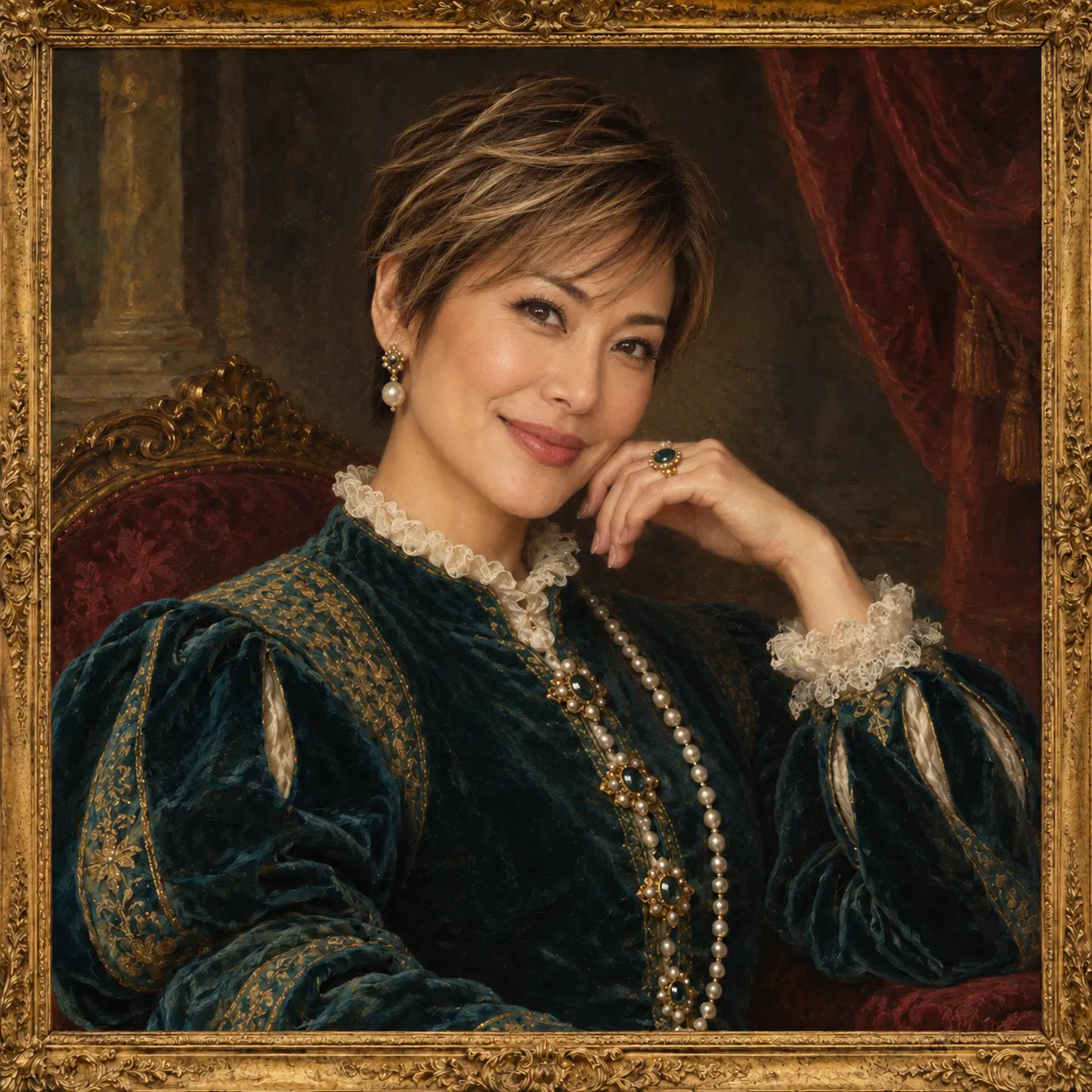
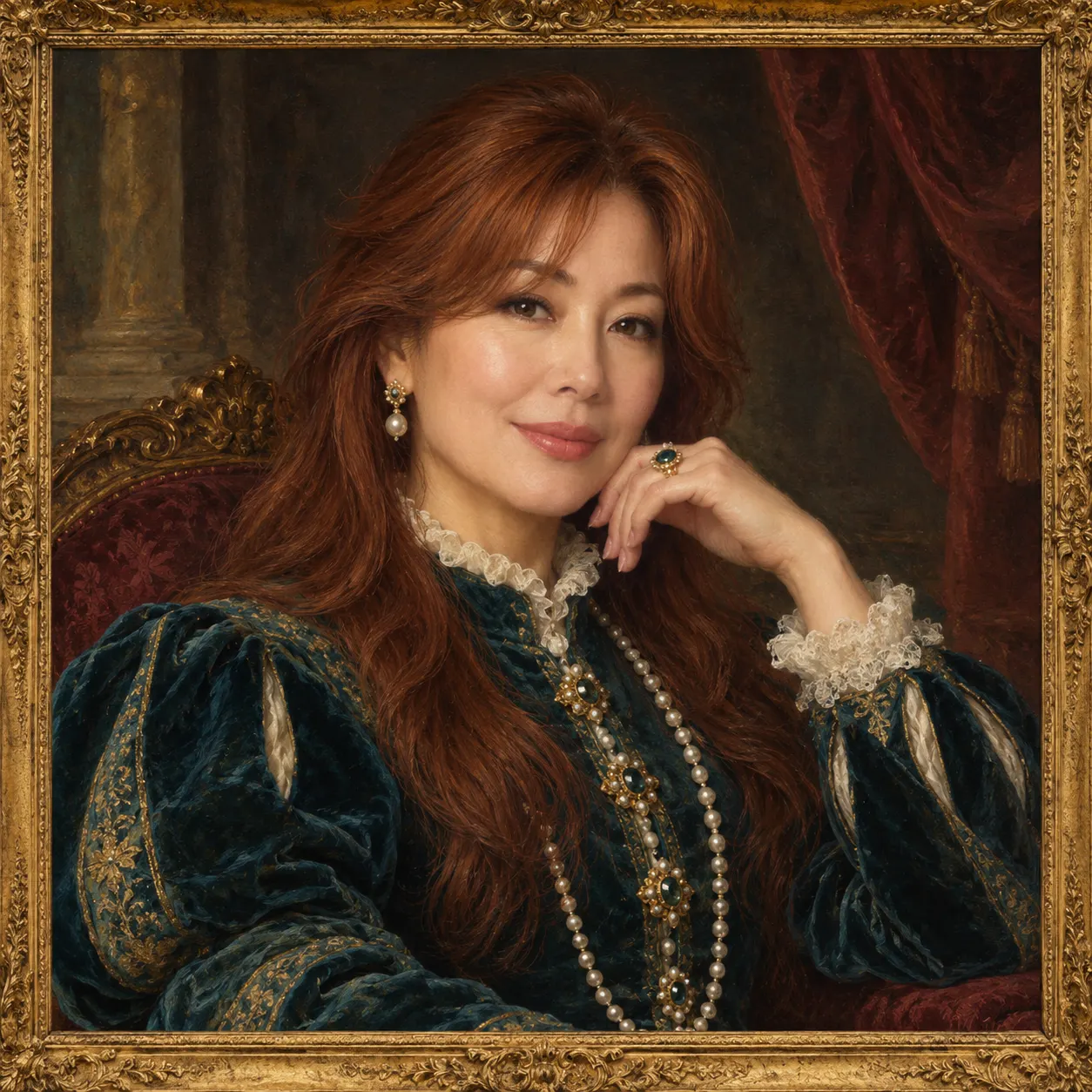
Costume and character transformations with natural facial integration. — after
Costume and character transformations with natural facial integration. — before
BeforeAfter
PromptChange the person’s identity in the base photo using the face photo, making the final image look professionally edited yet fully natural, with consistent focus, color, and illumination.
Editorial profile-photo and portrait refreshes. — after
Editorial profile-photo and portrait refreshes. — before
BeforeAfter
PromptApply the face from the face photo to the person in the base photo and produce a share-worthy portrait with a believable expression, accurate pose alignment, and seamless photographic integration.
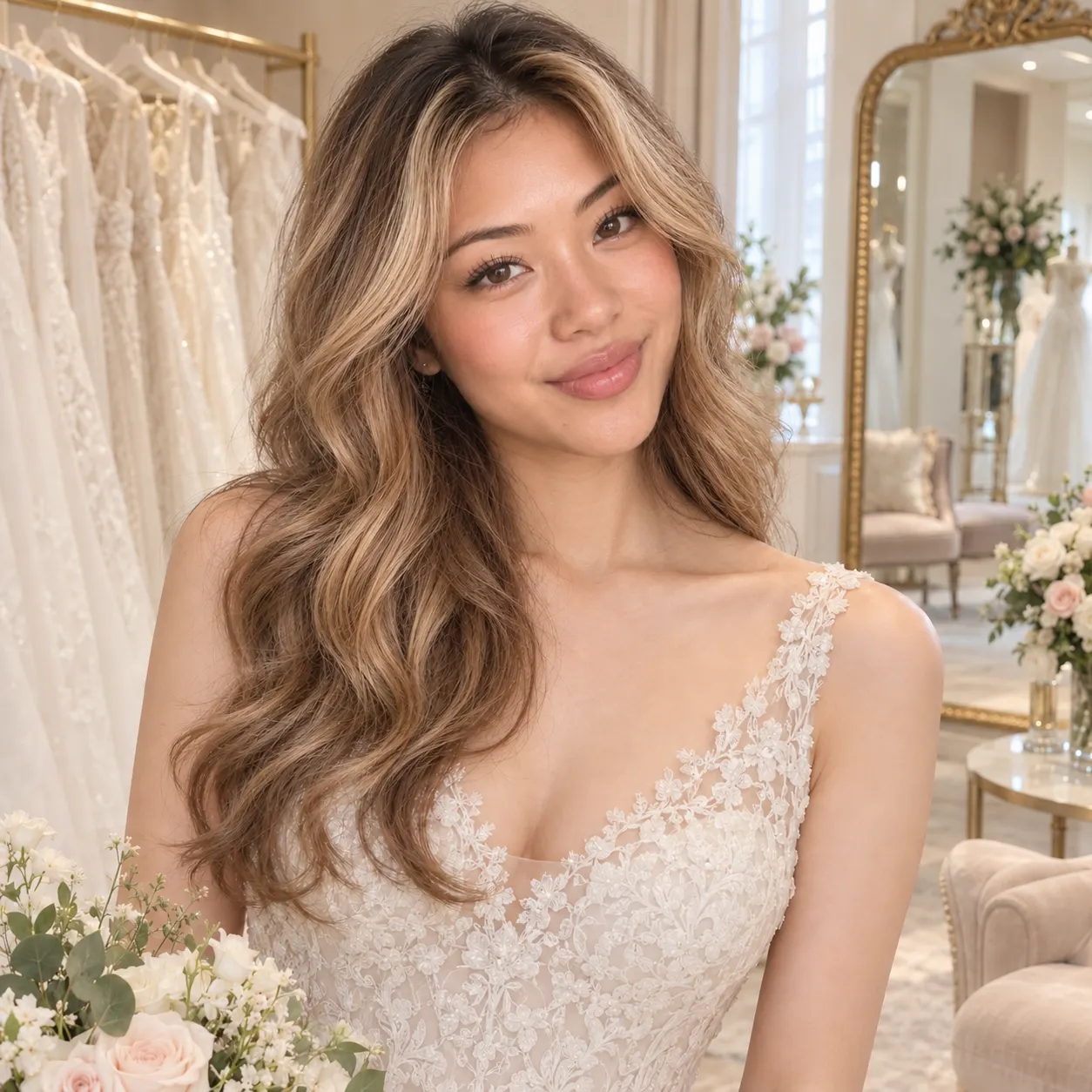
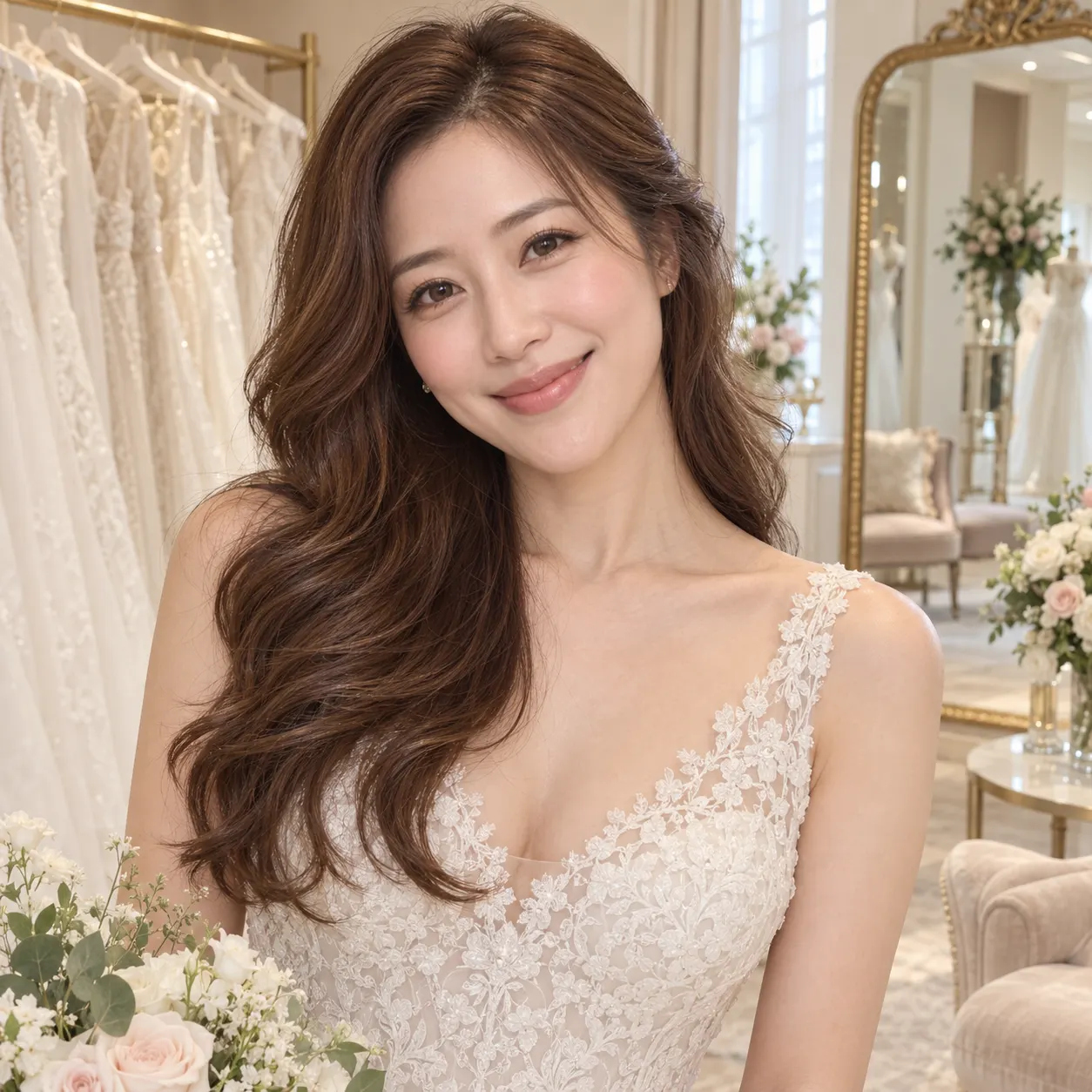
Wedding, fashion, and try-on concept swaps. — after
Wedding, fashion, and try-on concept swaps. — before
BeforeAfter
PromptReplace the face of the person in the base photo with the face from the face photo, matching head orientation, facial scale, light direction, and image quality for a convincing result.
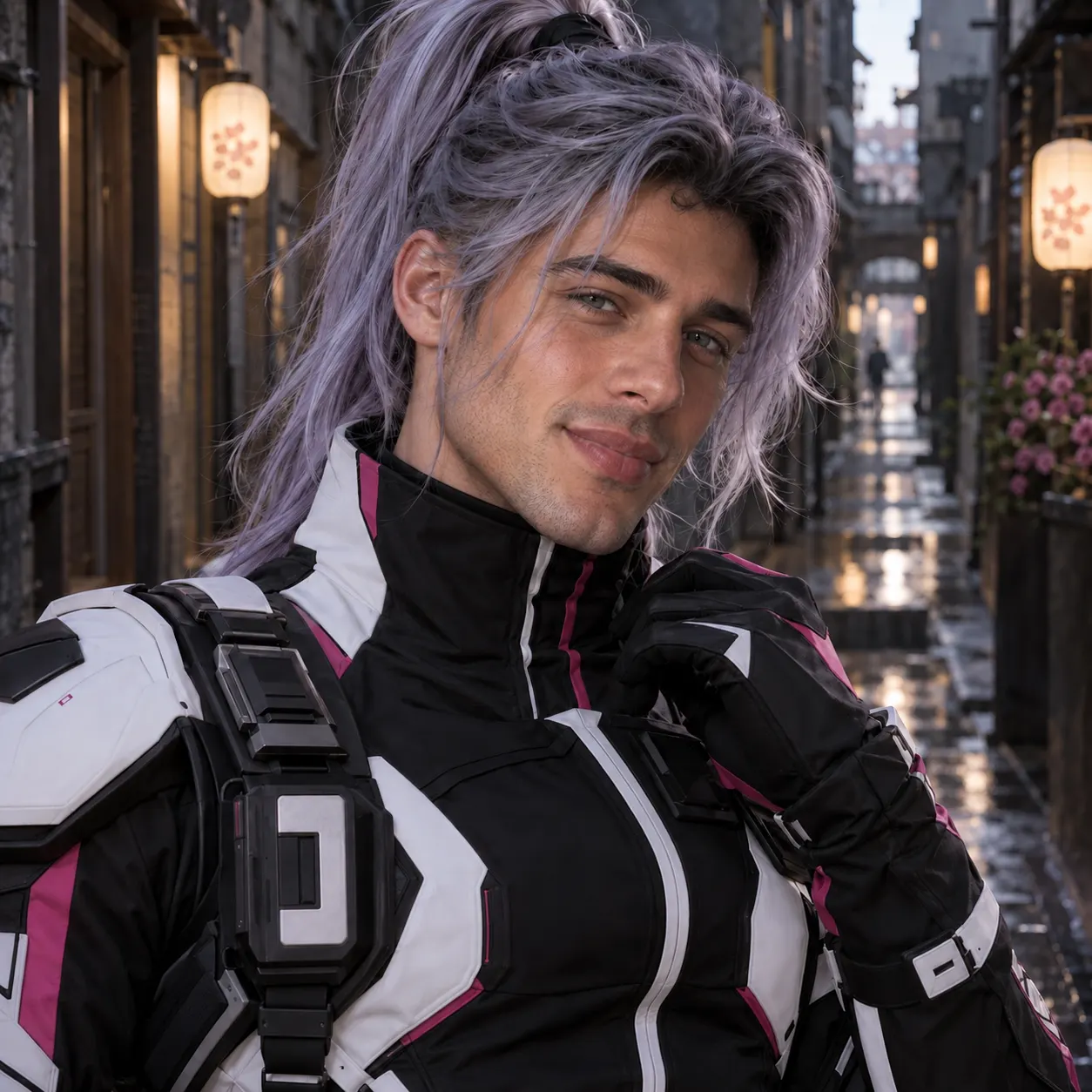
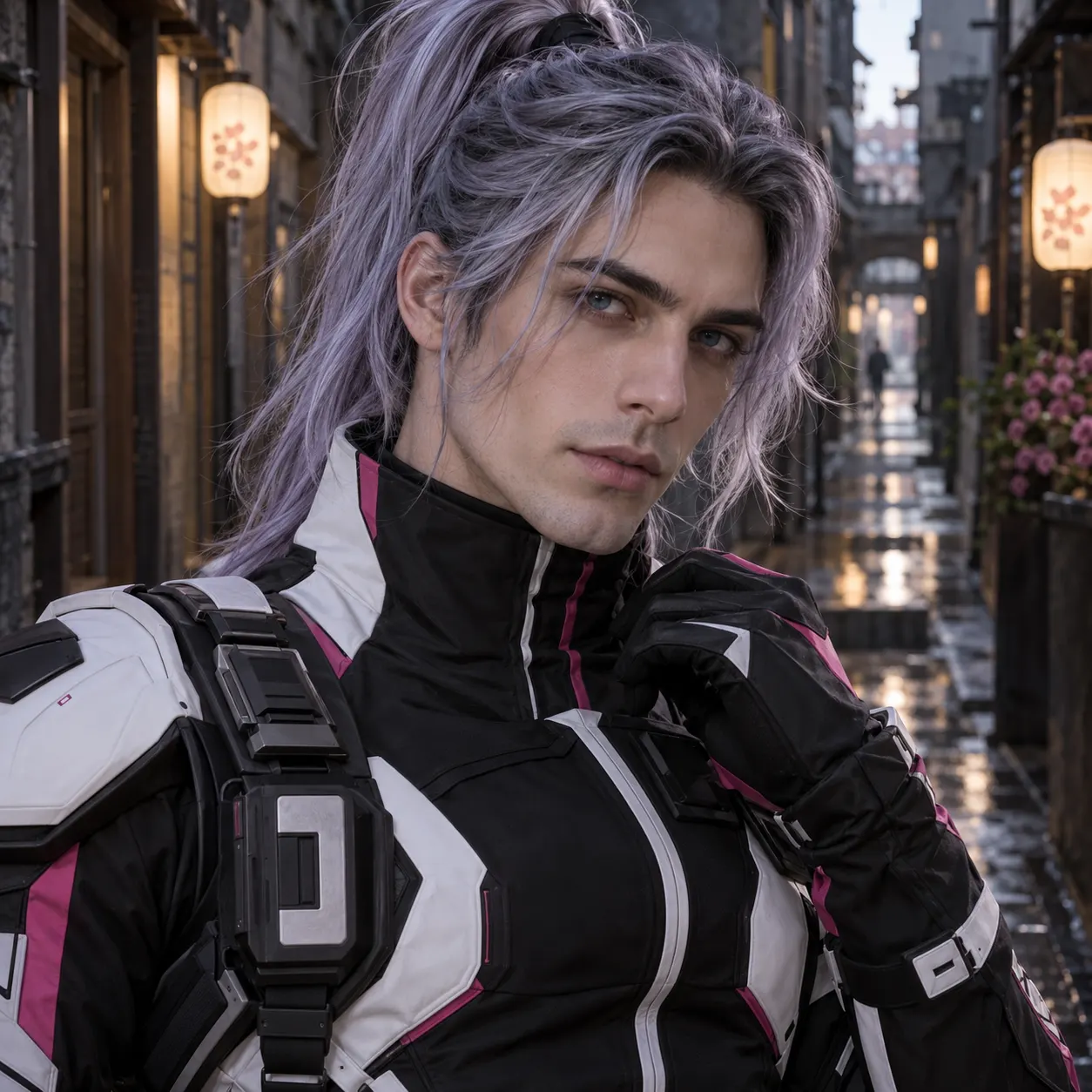
Fun costume and cosplay identity swaps. — after
Fun costume and cosplay identity swaps. — before
BeforeAfter
PromptBlend the face from the face photo onto the person in the base photo so the finished image appears naturally photographed, with realistic contours, skin detail, expression, and tonal balance.
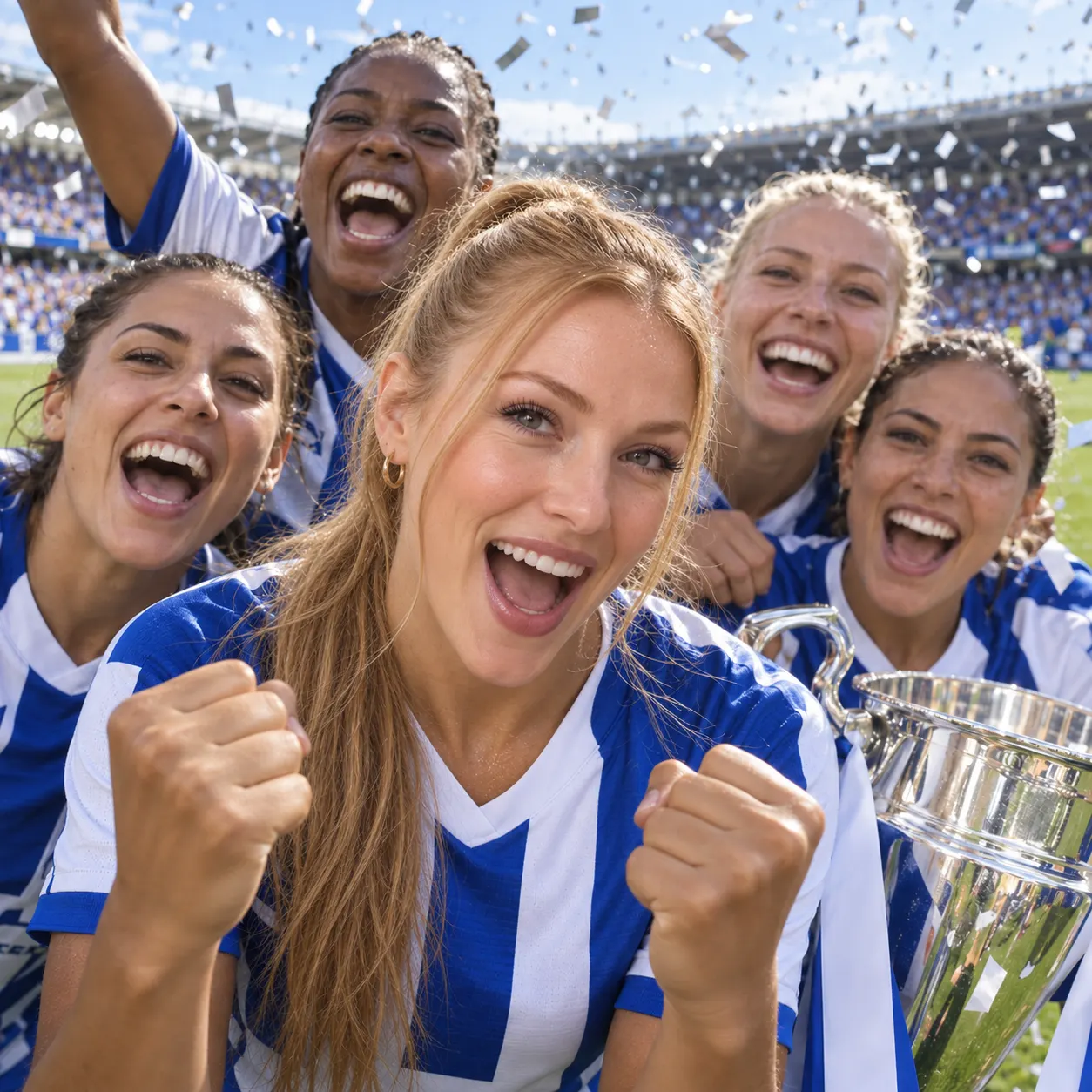
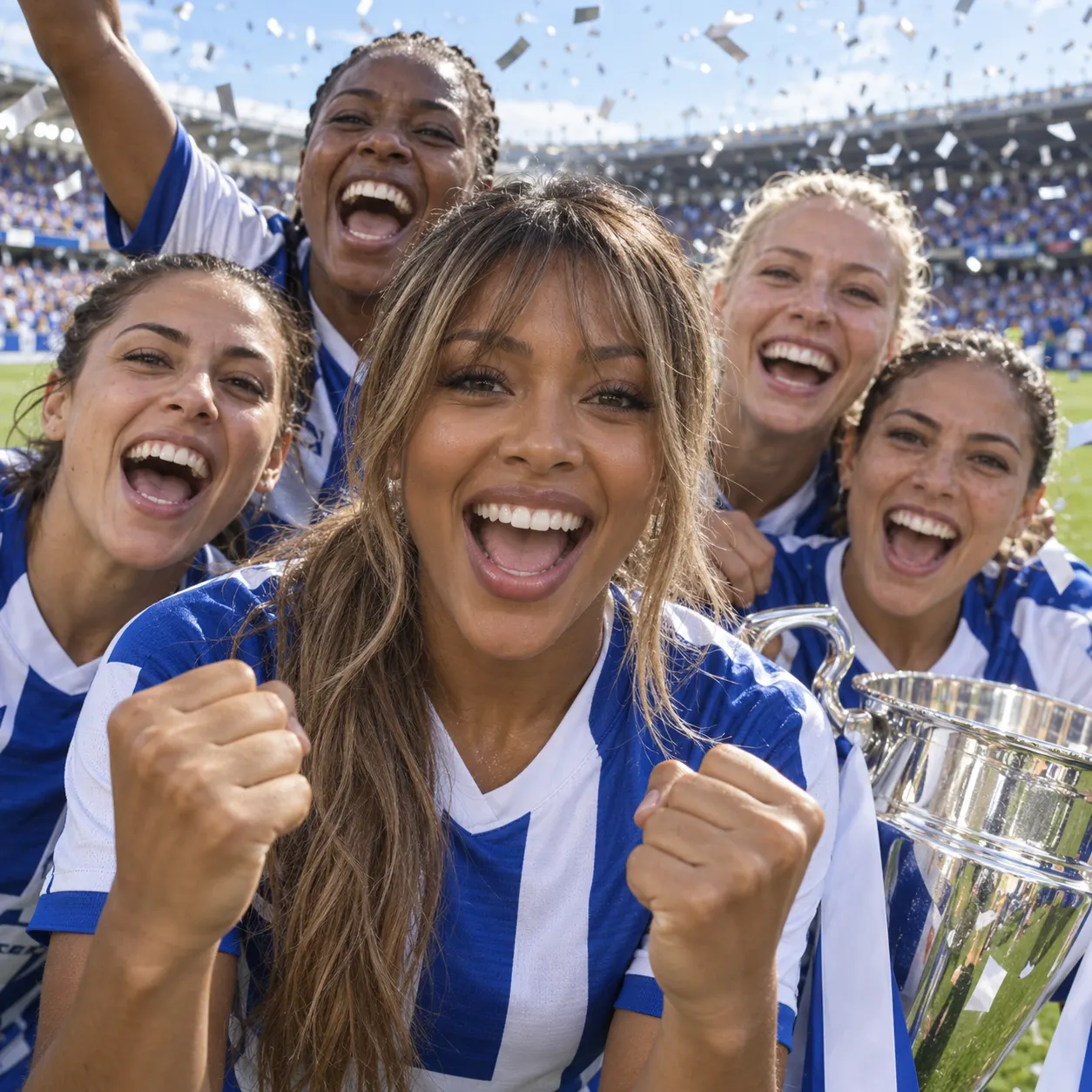
Team-photo refreshes and celebratory sports content. — after
Team-photo refreshes and celebratory sports content. — before
BeforeAfter
PromptSwap the face photo’s subject onto the person in the base photo, creating a clean, realistic transformation with facial features aligned naturally to the base photo’s pose and perspective.
Meme-ready artistic and vintage face swaps. — after
Meme-ready artistic and vintage face swaps. — before
BeforeAfter
PromptMake the person in the base photo appear with the face from the face photo, producing an authentic-looking image with seamless blending, natural shadows, and a confident, visually appealing finish.
PromptA striking AI-generated digital art portrait of a young woman with flowing iridescent hair, neon magenta and violet rim lighting, dark studio background, hyperdetailed, painterly cinematic style.
PromptProfessional corporate headshot of a smiling woman in a blazer, clean neutral gray backdrop, soft key light, sharp eyes, LinkedIn-quality studio portrait.
Sports and social moments;运动或反应片段仍保留原始动作和现场感 — after
Sports and social moments;运动或反应片段仍保留原始动作和现场感 — before
BeforeAfter
PromptReplace the person's face in the base photo with the identity from the face photo, preserving the original action, clothing, field, crowd, sideline, camera motion, lighting, and framing. Keep the replacement stable through running, jumping, and celebration, with natural perspective, facial expressions, motion tracking, and seamless integration across the clip.
 — after
 — before
BeforeAfter
PromptPlace the face from the face photo onto the GIF subject throughout the animation. Preserve the GIF’s original expression changes, movement, timing, framing, background, and looping rhythm so the result works as a recognizable reaction GIF.

Face Swap — free to start

1 lifetime image credit, no card required. Video runs on a paid plan from $29/month.

Start for Free

What you can do with it

Everyday ways to use a face swap, from refreshing a profile photo to building a costume shot.

Put yourself in the scene

Drop your face into a travel shot, movie poster, or fantasy scene for a fun, shareable image.

Refresh team & profile photos

Swap a face into an existing group or profile shot without reshooting the whole picture.

Costume & concept shots

Try a costumed body or a character look while keeping your own face front and center.

Meme & social content

Make quick, natural-looking face swaps for memes and posts that don’t scream “edited”.
Put yourself in the scene — Edge and light detail — after
Put yourself in the scene — Edge and light detail — before
BeforeAfter
Prompt: Transform the person in the base photo by applying the face from the face photo, matching the base photo’s camera angle, shadows, color, and facial expression for a polished realistic result.

More about Face Swap

Because the whole thing runs in one studio, you can go from a rough idea to a finished, download-ready image in under a minute. Upload the base photo, add the face you want, and generate. If the first result isn’t quite right, adjust the prompt — ask for a closer skin-tone match, softer lighting, or a specific expression — and try again. Every failed generation is free; you only spend credits on results you keep.

Face swap is one tool in SnapVivid’s wider creation family. Once you have a swapped image you love, animate it into short video with image-to-video, upscale it to print resolution, or generate a matching set with the image generator — all in the same place, with the same free-to-start 1 lifetime image credit.
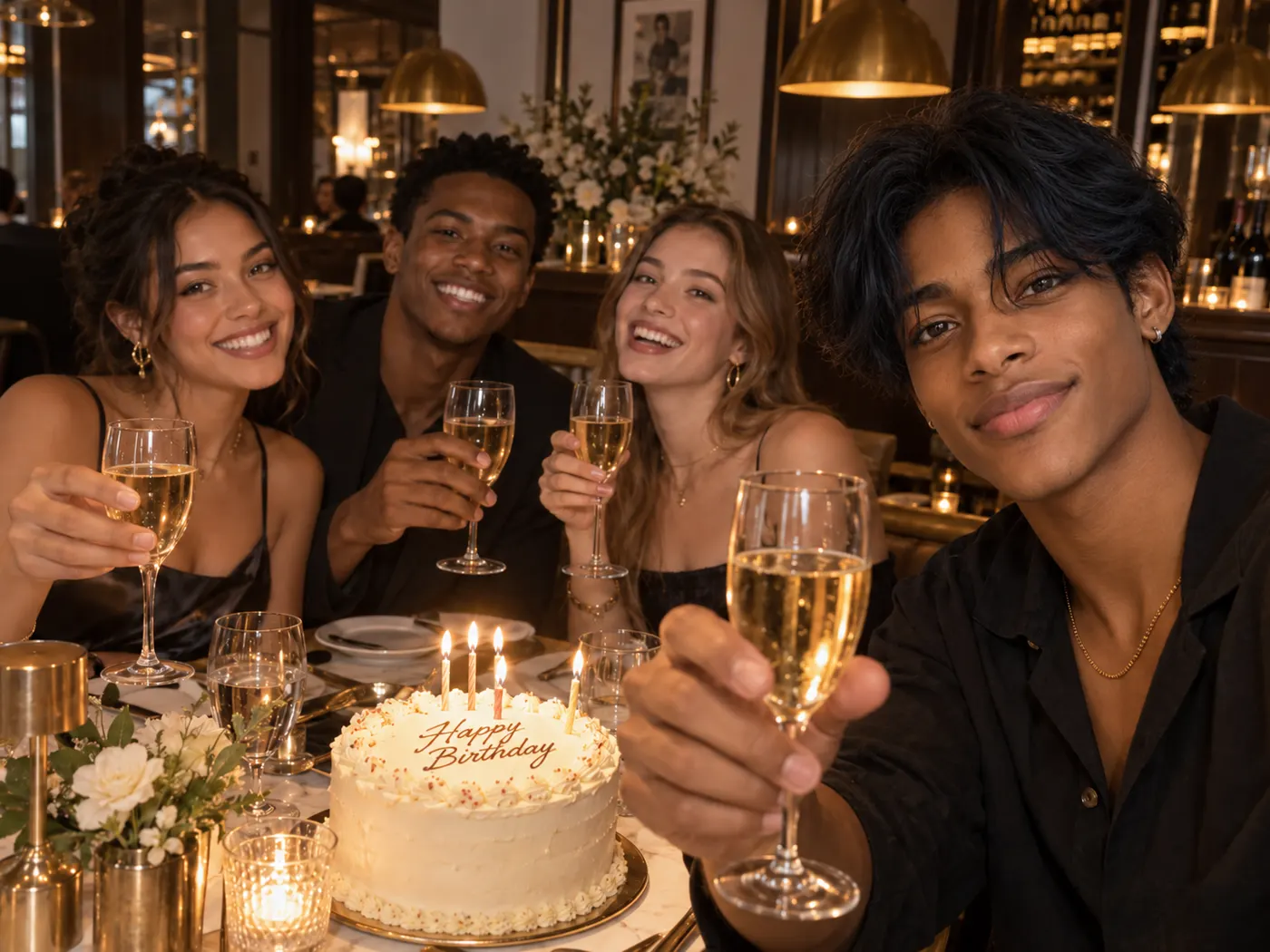
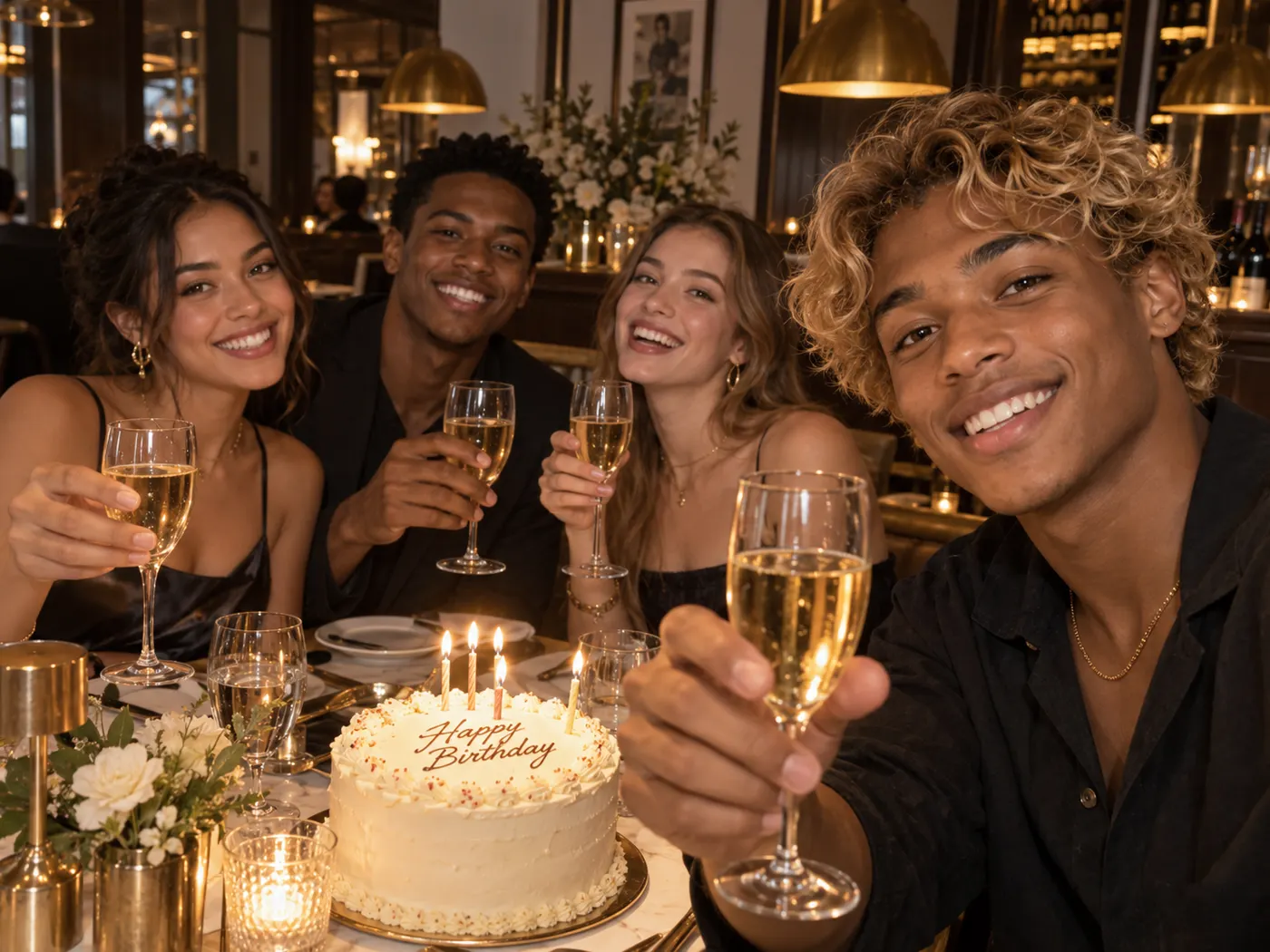
Face Swap — Playful scene detail — after
Face Swap — Playful scene detail — before
BeforeAfter

Related tools

More SnapVivid tools that pair with face swap.

AI Headshot Generator

AI Headshot Generator

Turn an everyday selfie into a professional, studio-quality headshot. Upload one clear photo, choose a look — corporate, LinkedIn, creative, or outdoor — and SnapVivid generates a polished portrait ready for your profile.
AI Image Upscaler

AI Image Upscaler

Enlarge and sharpen any image without the blur. SnapVivid’s AI upscaler adds real detail as it scales your photo 2× or 4× — cleaning up noise and softness so small or low-res pictures become crisp and print-ready.
AI Image Generator

AI Image Generator

Generate and edit images in any style.
Image & Text to Video

Image & Text to Video

Animate any photo or prompt into a cinematic clip.
AI Photo Restoration

AI Photo Restoration

Bring an old, damaged, or faded photo back to life. Upload a scratched print, a yellowed snapshot, or a soft black-and-white photo, and SnapVivid’s AI repairs the damage, corrects the color, and recovers detail — while keeping every face true to the original person, not a stranger who resembles them.
AI Video Face Swap

AI Video Face Swap

Turn a short clip into a video face swap with a steady, natural-looking result. Upload your video and the face to swap in, then let SnapVivid follow the motion, expressions, and lighting across the whole scene.
AI Photo Editor

AI Photo Editor

Edit any photo just by describing the change. Upload a picture, tell SnapVivid’s AI what to do — swap the background, remove an object, fix the lighting, or restyle the whole shot — and get a clean, download-ready result. When you need a focused edit, the specific tools are one click away.
GIF Face Swap — Face Swap GIF Maker and GIF Face Swapper

GIF Face Swap — Face Swap GIF Maker and GIF Face Swapper

Turn a reaction, dance, meme, or celebration loop into a personalized gif face swap. Upload the GIF first, add one clear face photo, and let SnapVivid follow the source motion, expressions, timing, and repeated movement. The result comes back as a share-ready GIF, so you can send it in a chat or post it without converting an MP4 yourself.

View all AI tools