AI Photo Restoration
Bring an old, damaged, or faded photo back to life. Upload a scratched print, a yellowed snapshot, or a soft black-and-white photo, and SnapVivid’s AI repairs the damage, corrects the color, and recovers detail — while keeping every face true to the original person, not a stranger who resembles them.
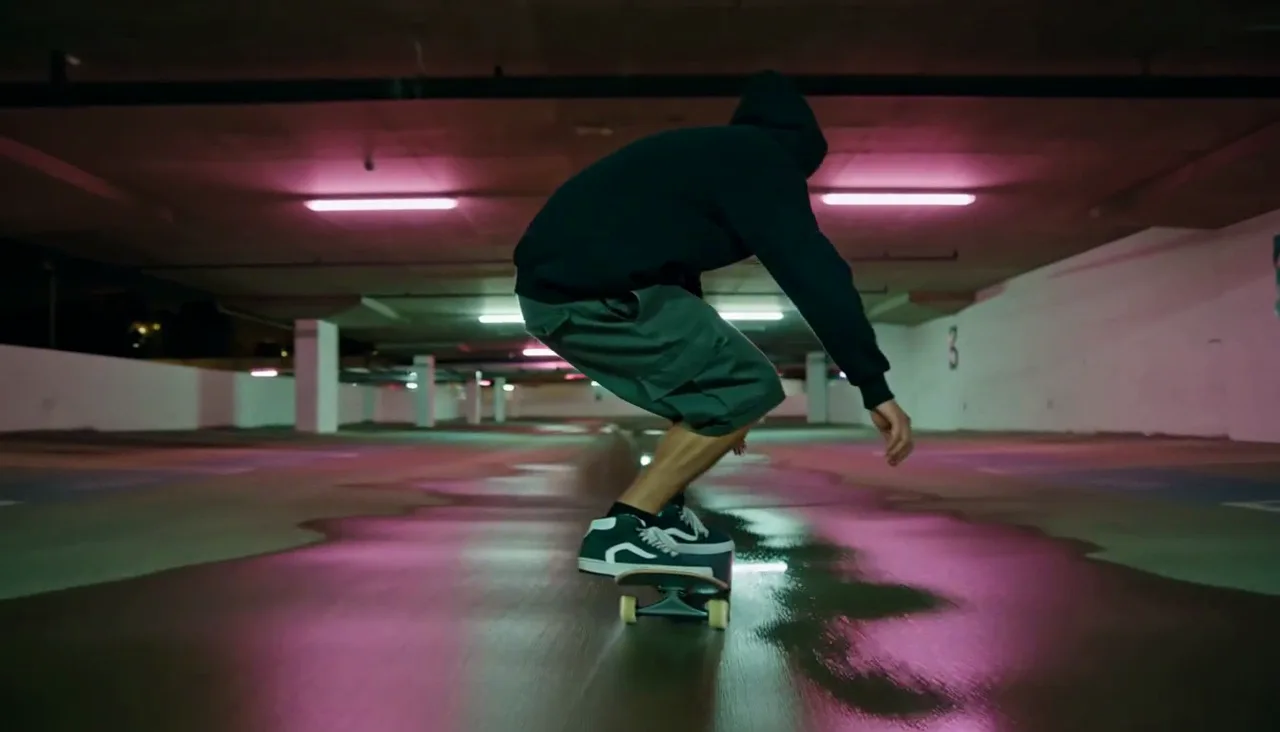
AI Photo Restoration — real results, in minutes
Old photographs don’t fail in one way — they fail in several at once. A print picks up scratches, creases, and torn corners; the dyes fade and drift toward yellow or magenta; contrast washes out; and the faces that matter most go soft. Traditional restoration means an expert in a photo editor cloning texture over damage, rebalancing color by hand, and rebuilding features pixel by pixel — slow, skilled, expensive work. SnapVivid’s AI photo restoration collapses that into a single upload: it reads the whole image, understands what damage is and what content should be, and repairs the print while keeping it recognizably the same photo.
Start for FreePrompt: Cinematic close-up of a young woman softly smiling and turning her head toward camera, loose hair gently moving in a breeze, warm golden-hour light, shallow depth of field, subtle natural motion.
Why creators use AI Photo Restoration
Everything ai photo restoration gives you in one place.
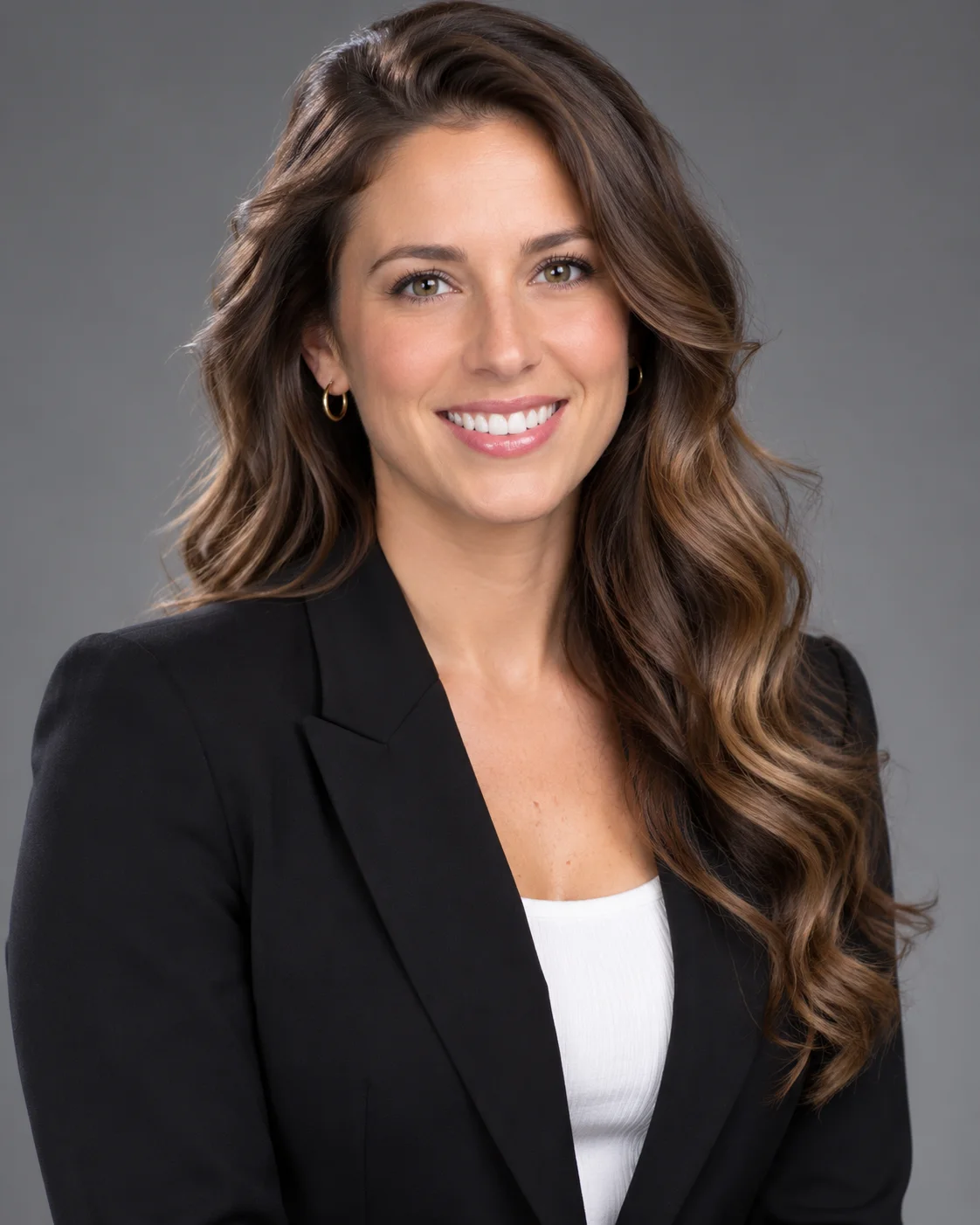
Fixes the damage and keeps the person
The whole point of restoring a photo is that it’s still the same photo afterwards — the same faces, the same moment. Weak tools redraw the frame and hand back a stranger who merely resembles Grandma. SnapVivid’s AI photo restoration repairs the scratches, tears, creases, and missing patches and rebuilds what was underneath, while holding identity, expression, and features true to the original — so when you restore an old photo it reads as a rescued original, not a re-imagining.
Damage, fading, and color — not just resolution
An upscaler makes a picture bigger; restoration makes a damaged one whole. This old photo restoration handles the things that actually age a print: physical damage, a yellow or magenta color cast, washed-out contrast, film grain, and soft, blurry faces. It cleans all of them in one pass and can gently recover detail in eyes, hair, and clothing — the difference between an image that’s merely larger and one that looks cared for.
Turn black-and-white into believable color
Restoring often means colorizing, and the failure mode is cartoonish, oversaturated color that gives the fake away. SnapVivid’s AI colorizes black-and-white photos with natural, period-plausible tones — accurate skin, sensible clothing and backgrounds, restrained saturation — so a colorized family portrait looks like it could have been shot in color, not filtered after the fact.
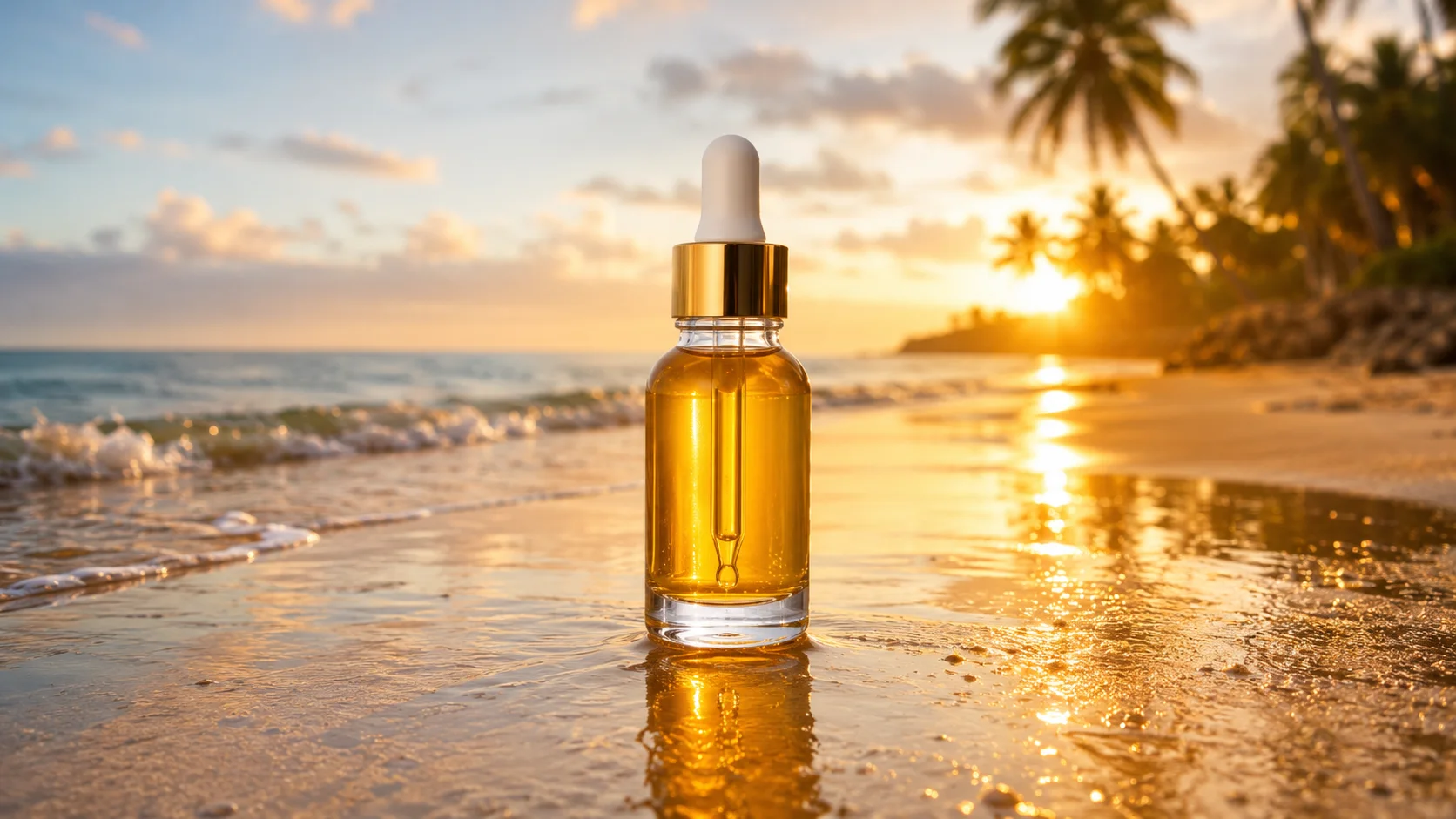
Handle precious photos safely
These are usually irreplaceable family photos, so how they’re handled matters. Your upload is processed for your generation and stays private to your session — no public gallery, nothing re-stamped. Restore on your 1 lifetime image credit, and failed runs never cost a credit. Previews carry no watermark and the result downloads at full quality.
How it works
Three steps from upload to a finished, download-ready result.
Upload the old photo
Drop in a scan or phone snapshot of the damaged, faded, or black-and-white photo. It stays private to your session — nothing is posted to a public gallery.
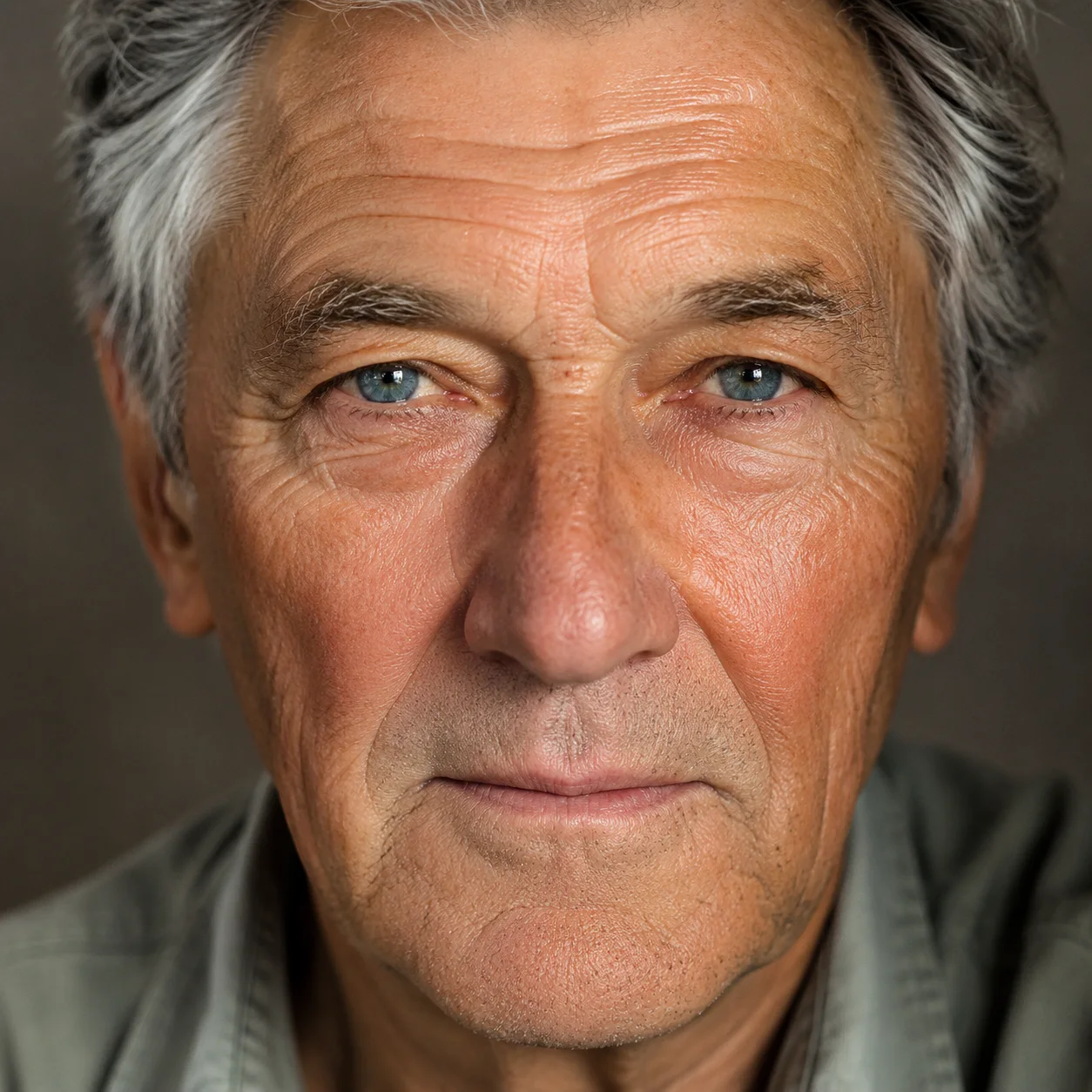
Restore it (or say what to fix)
Leave the preset on for a clean one-click restore, or add a short note — “colorize it,” “fix the yellow cast,” “repair the torn corner.” The AI repairs the damage and rebuilds what was underneath rather than blurring over it.
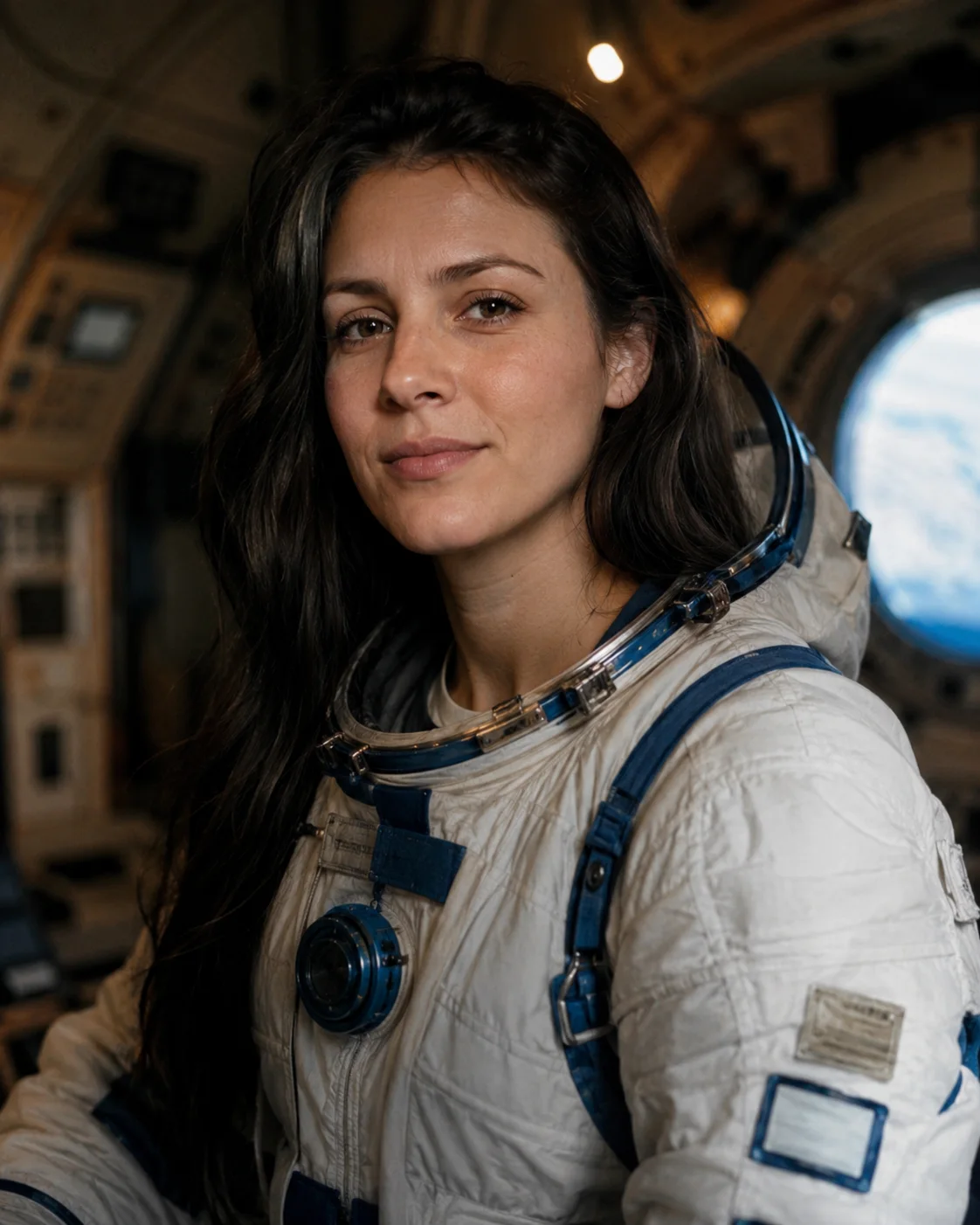
Compare & download
Preview the before and after, run it again if a scratch or a face isn’t right (failed runs are free), and download the restored photo at full quality with no watermark.
Made with SnapVivid
Real results — ai photo restoration across styles and subjects.
AI Photo Restoration — free to start
1 lifetime image credit, no card required. Video runs on a paid plan from $29/month.
Start for FreeWhat you can do with it
The kinds of old and damaged photos people bring to restoration.
Rescue damaged family prints
Repair scratched, torn, creased, or water-stained photos and rebuild the missing detail so a fragile heirloom is safe to reprint and share.
Colorize old black-and-white photos
Turn a black-and-white portrait into natural, believable color — accurate skin tones and period-correct surroundings — without the oversaturated, fake look.
Fix fading and color casts
Correct the yellowing, washed-out contrast, and color shift that age brings to old prints and slides, restoring true tone while keeping it natural.
Recover soft, blurry faces
Gently sharpen faded, out-of-focus faces in old snapshots and recover detail in eyes and hair, without an over-smoothed, plastic finish.
More about AI Photo Restoration
The line that separates real restoration from a gimmick is identity. It is easy to make a plausible-looking new picture; it is hard to fix a damaged one and still hand back the same person. A model that redraws the frame will quietly replace a grandparent’s face with a stranger’s that merely rhymes with it — technically sharper, emotionally worthless. SnapVivid is tuned the other way: to restore old photos by repairing the damage and reconstructing only what was lost, while holding faces, expressions, and features true to the original. That restraint is the entire value of a restore, and it is what this tool protects.
Because the work is prompt-guided, you decide how far it goes. Leave the preset on for a clean, conservative one-click restore, or tell it exactly what to do: “remove the scratches and the crease down the middle,” “colorize it with natural tones,” “fix the yellow cast and bring back contrast,” “sharpen the two faces at the front.” Each of those is a plain-language instruction, not a stack of masks and adjustment layers, and failed generations are never charged — you can run a second, gentler pass if the first one reaches too far. It behaves like a careful restorer you can direct, not a filter you apply and hope.
Restoration overlaps with — but is not the same as — a few neighboring tools, and knowing the difference gets you a better result. When the problem is purely size and softness on an otherwise intact image, the image upscaler is the right tool; when a print is physically damaged, faded, or needs color, restoration is. When you want to remove a specific overlay you own, the watermark remover targets that; when you want to change the content of a photo, the general AI photo editor does. Restoration sits among them as the tool for time damage: the print aged, and this brings it back.
Photo restoration is one tool in SnapVivid’s wider creation studio, and it hands off cleanly to the rest. Restore a damaged family photo here, then upscale it to print resolution for a large reprint, combine it with another picture, swap or refresh a face, or animate the restored still into a short, gentle clip with image-to-video. It is the same account, the same 1 lifetime image credit, and the same one-upload workflow — from a fragile, fading original to a clean, download-ready photo you can finally share.
Related tools
More SnapVivid tools that pair with ai photo restoration.
AI Image Upscaler
Enlarge and sharpen any image without the blur. SnapVivid’s AI upscaler adds real detail as it scales your photo 2× or 4× — cleaning up noise and softness so small or low-res pictures become crisp and print-ready.
AI Photo Editor
Edit any photo just by describing the change. Upload a picture, tell SnapVivid’s AI what to do — swap the background, remove an object, fix the lighting, or restyle the whole shot — and get a clean, download-ready result. When you need a focused edit, the specific tools are one click away.
AI Watermark Remover — Remove Watermark from Image
A watermark remover that actually rebuilds the photo. Upload an image you own, and SnapVivid’s AI watermark remover deletes the watermark, logo, or text overlay and reconstructs the detail underneath — so the result reads as a clean original, not a blurred-over patch.
Combine Images
Combine images into one natural, believable photo — no Photoshop layers, no masking. Upload two pictures (or more), describe how to merge them, and SnapVivid blends the photos together with matched lighting, scale, and perspective.
AI Image Generator
Generate and edit images in any style.
Face Swap
Swap a face into any photo in seconds. Upload a base picture and the face you want, and SnapVivid blends them naturally — matched skin tone, lighting, and angle, with realistic, download-ready results.
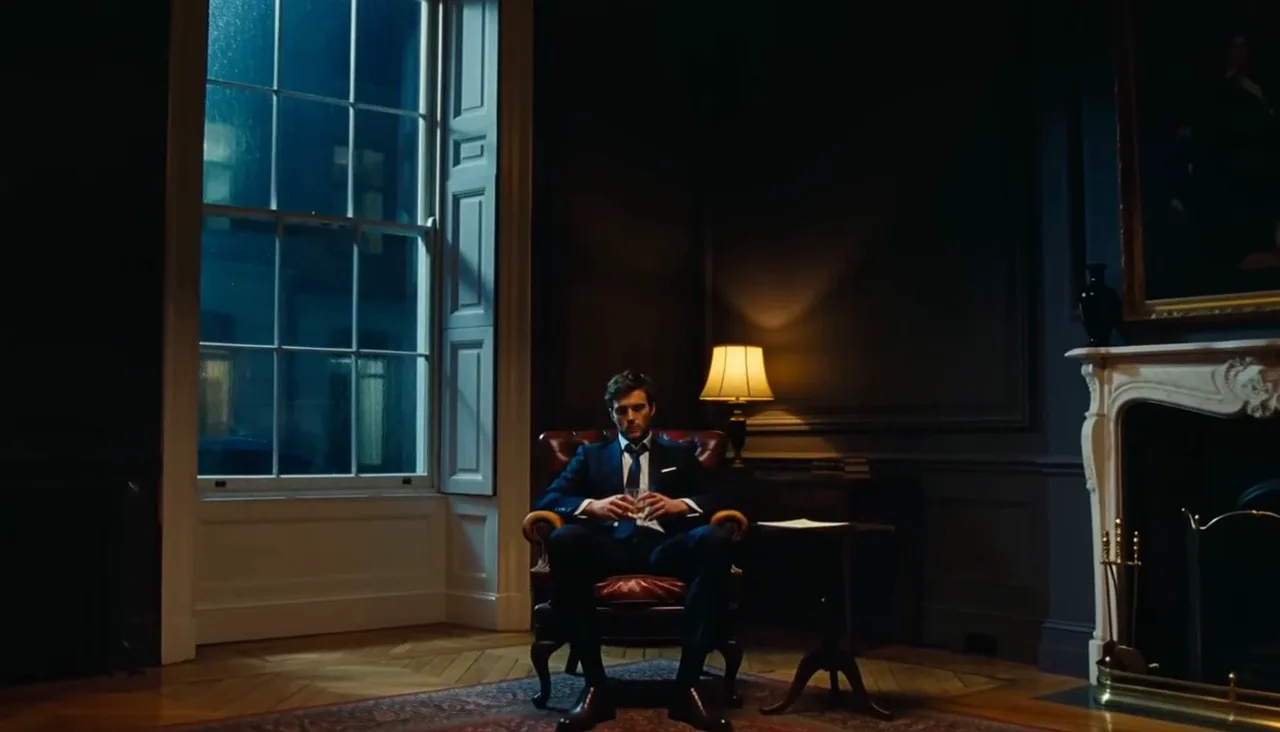
AI Headshot Generator
Turn an everyday selfie into a professional, studio-quality headshot. Upload one clear photo, choose a look — corporate, LinkedIn, creative, or outdoor — and SnapVivid generates a polished portrait ready for your profile.
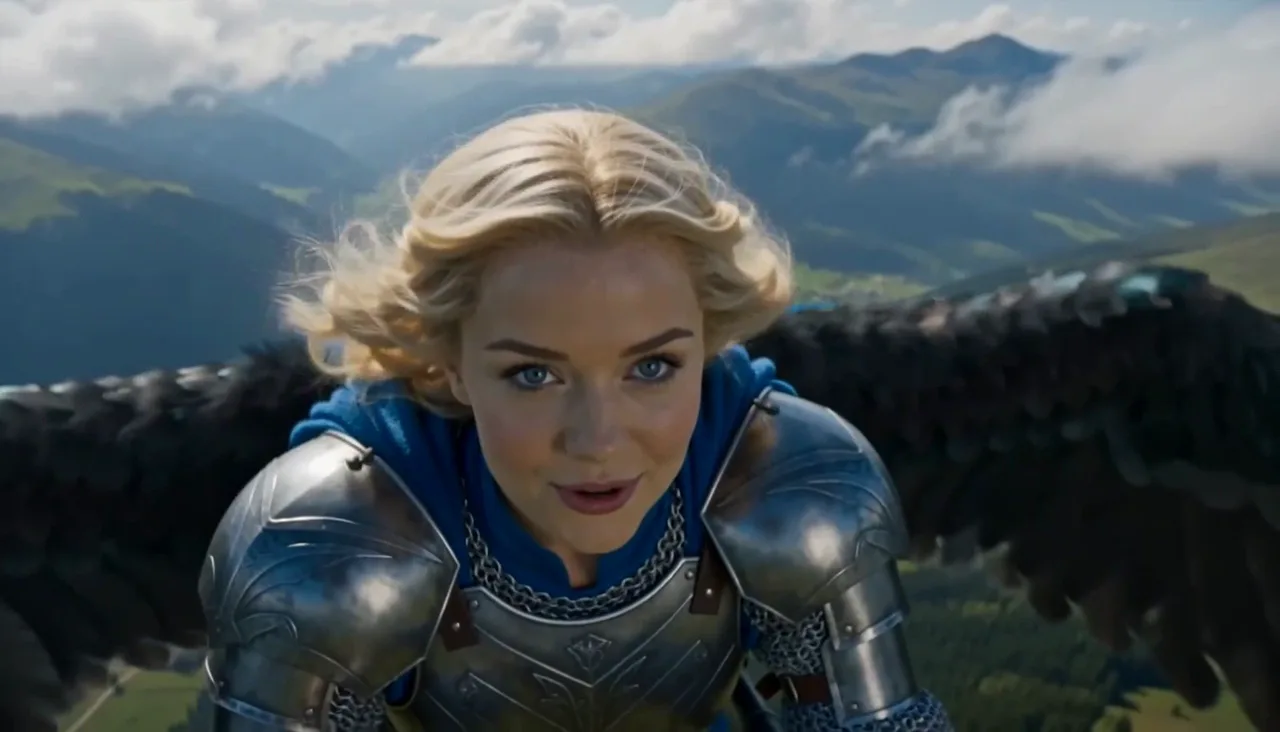
GIF Face Swap — Face Swap GIF Maker and GIF Face Swapper
Turn a reaction, dance, meme, or celebration loop into a personalized gif face swap. Upload the GIF first, add one clear face photo, and let SnapVivid follow the source motion, expressions, timing, and repeated movement. The result comes back as a share-ready GIF, so you can send it in a chat or post it without converting an MP4 yourself.