AI Anime Video Generator
Turn an anime illustration — or any photo styled into anime — into vivid, looping motion. Type a prompt or drop in an image, and SnapVivid’s image-to-video engine animates it in minutes.

Make anime come alive, from a single image
SnapVivid’s anime video generator pairs two real capabilities: an AI image generator that produces clean anime-style art from a prompt, and an image-to-video engine that animates any still into natural, looping motion. Bring your own anime frame or generate one here — then watch it move.
Animate your anime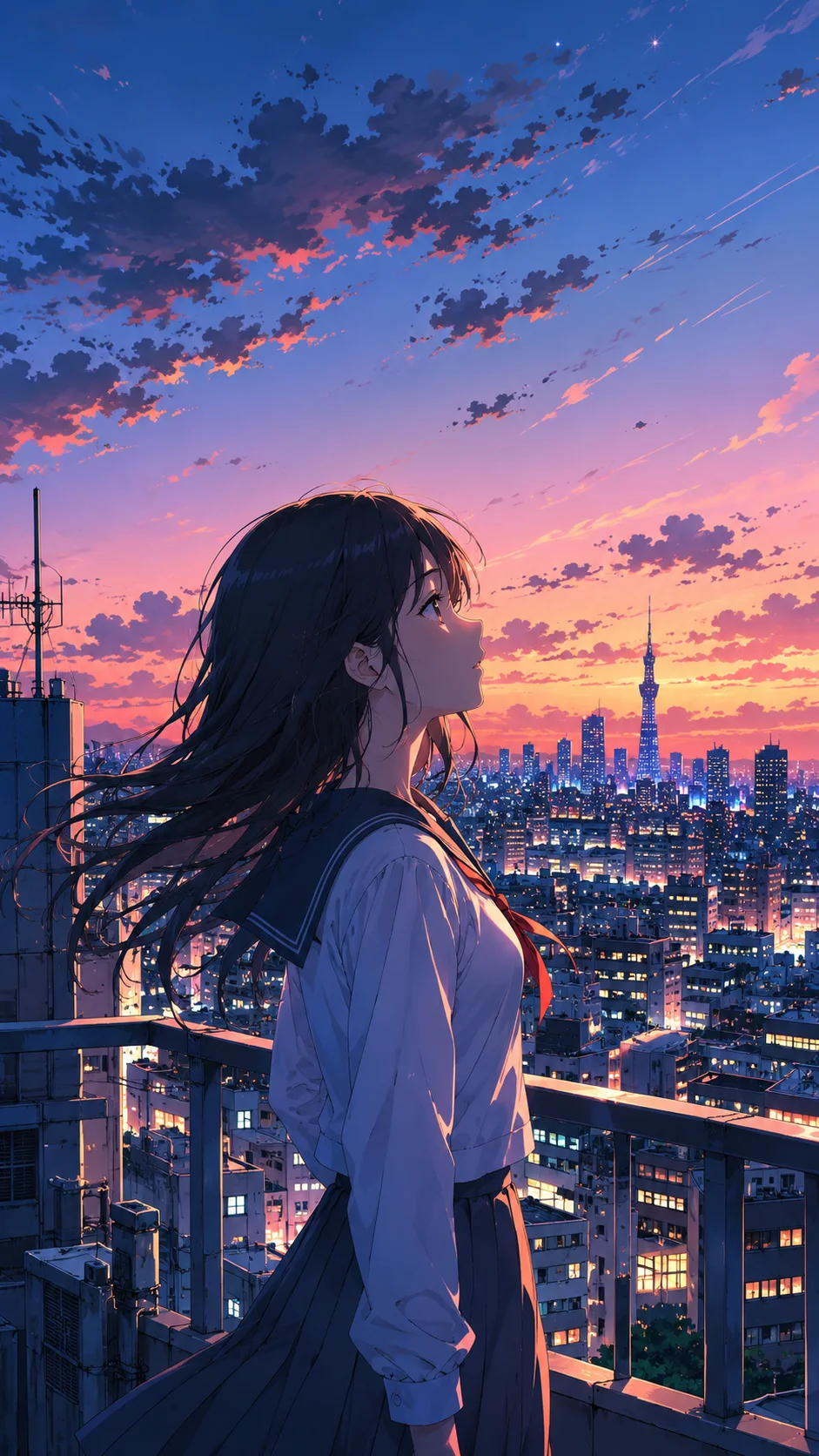
Generate anime art, or start from your own
Describe a scene and SnapVivid’s AI image generator renders it in a crisp, cel-shaded anime look — vibrant colors, clean linework, expressive lighting. Already have a character sheet, a fan-art piece, or a photo you want stylized? Upload it instead. The generator is a starting point, never a wall: whatever you bring becomes the first frame the motion engine animates.
Add lifelike motion in one click
The same image-to-video engine that powers the clip beside this text adds motion to your anime frame — drifting hair, a slow blink, a gentle camera push, a breeze through the scene. You stay in control of the shot with an optional motion prompt, and pick a 9:16, 1:1, or 16:9 aspect so the result drops straight onto TikTok, Reels, Shorts, or YouTube.
What the anime video generator gives you
A short, honest list of what SnapVivid actually does — no fabricated features.
Prompt-to-anime art
Generate clean anime-style stills from a text description, or upload your own illustration to animate. Iterate on variations until the frame is right.
One-click image-to-video
Turn any anime still into smooth, looping motion with the seedance-2 image-to-video model. Add an optional motion prompt to steer the movement.
Social-ready formats
Export vertical 9:16, square 1:1, or wide 16:9 so your clip fits Reels, TikTok, Shorts, and YouTube without recropping.
How to make an anime video
Three steps from a blank canvas to a looping clip with the anime video generator.
1 · Create or upload your anime frame
Type a scene prompt to generate anime art, or drop in your own illustration or a photo you want stylized. This still becomes frame one.
2 · Animate it
Send the frame to the image-to-video engine, add an optional motion prompt, pick an aspect ratio, and generate. SnapVivid renders natural motion in minutes.
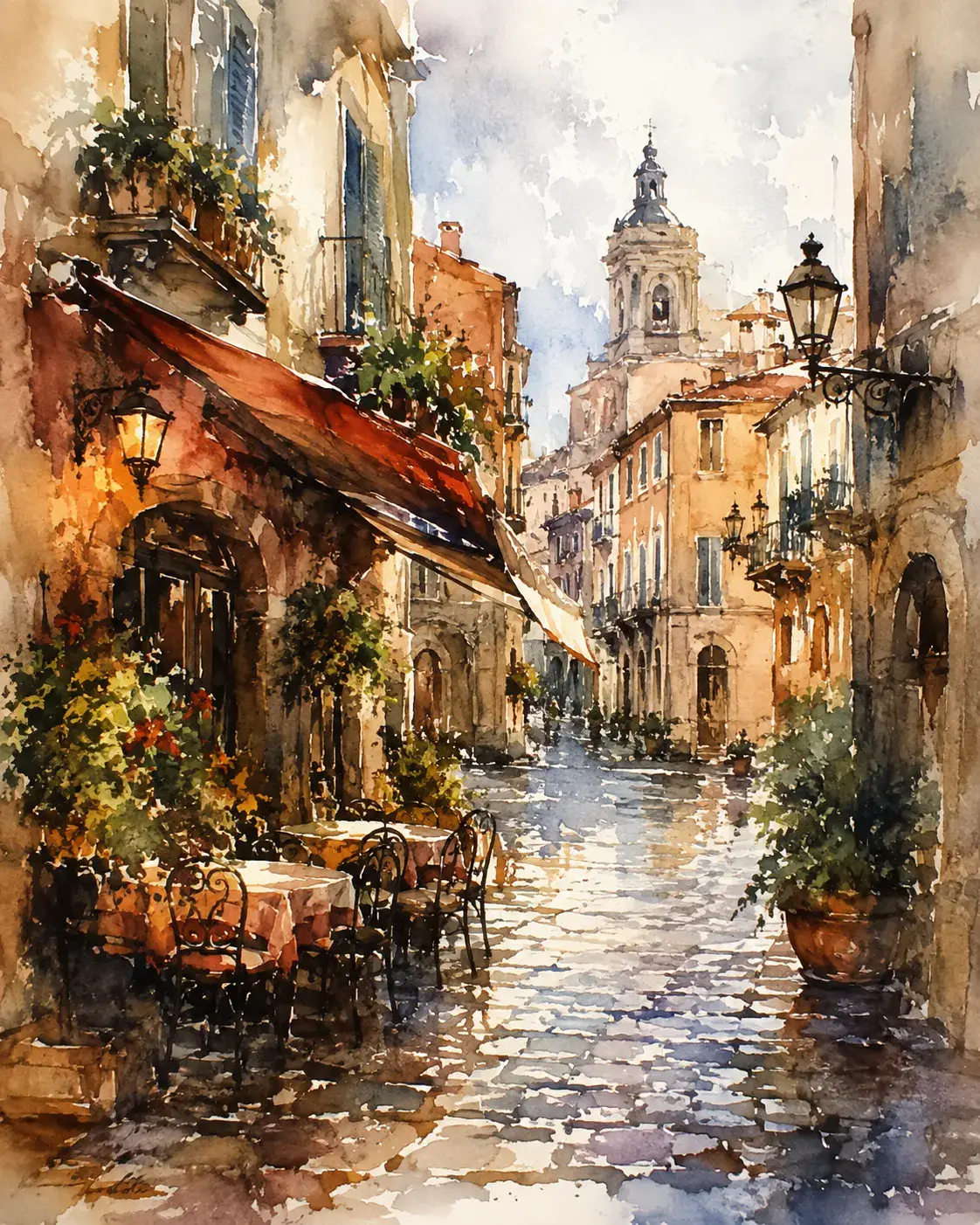
3 · Restyle and export
Prefer a different look? The style tools can shift the frame toward watercolor, painterly, or other styles before you animate. Then download your clip and post it.
From a Prompt or a Photo to Finished Art
AI images, face swaps, headshots, and restyles — every tile is a real SnapVivid output. Hover to see it move, or click to open the tool.
Good to know
Straight answers about how the anime video generator works — and where its honest limits are.
Is it really free?
You can generate anime-style images on the free plan, which includes 1 lifetime image credit. Animating a still into video is a paid feature — video runs use more compute, so they draw on a Starter, Pro, or Ultra plan rather than the free image allowance. Failed runs are never charged.
What kind of motion can I expect?
The image-to-video engine excels at natural, physical motion: hair and cloth moving, subtle facial motion, drifting particles, and slow camera moves. It is not a frame-by-frame animation studio and does not do lip-synced dialogue or full character choreography — so think “bring a still to life,” not “animate a full scene from scratch.”
Can I use my own character?
Yes. Upload your own illustration, character sheet, or a photo you have stylized, and animate that instead of a generated frame. SnapVivid does not ship a library of licensed or franchise characters, so bring your own art — that also keeps you clear of other people’s IP.
Anime video vs. anime art
If you only need a still, stop after the image step. If you want movement, the image-to-video studio is where the frame comes alive. The two share one canvas, so you can move between a static illustration and a looping clip without leaving SnapVivid.
Bring your anime to life
Generate a frame, animate it with the anime video generator, and export a looping clip — all in one place. Start with your prompt above.
Start creatingExplore the creation toolkit
The tools behind the anime workflow.
More ways to create
Other SnapVivid video use cases and guides.