AI Content Creators: Turn Photos Into Video
You already have the photos. SnapVivid turns them into motion — a portrait that breathes, a flat lay that comes alive, a landscape that drifts — so a week of content comes out of one shoot.
One shoot, a month of posts
The hard part of creating is not ideas — it is volume. SnapVivid’s image-to-video engine takes a single still you already shot and gives it believable motion, so one afternoon of photos becomes a feed’s worth of clips. Generate fresh images when you have no shot at all, then animate those too. That is what AI video for creators should mean: more posts from the shoot you already did, not a new production pipeline.
Animate your first photo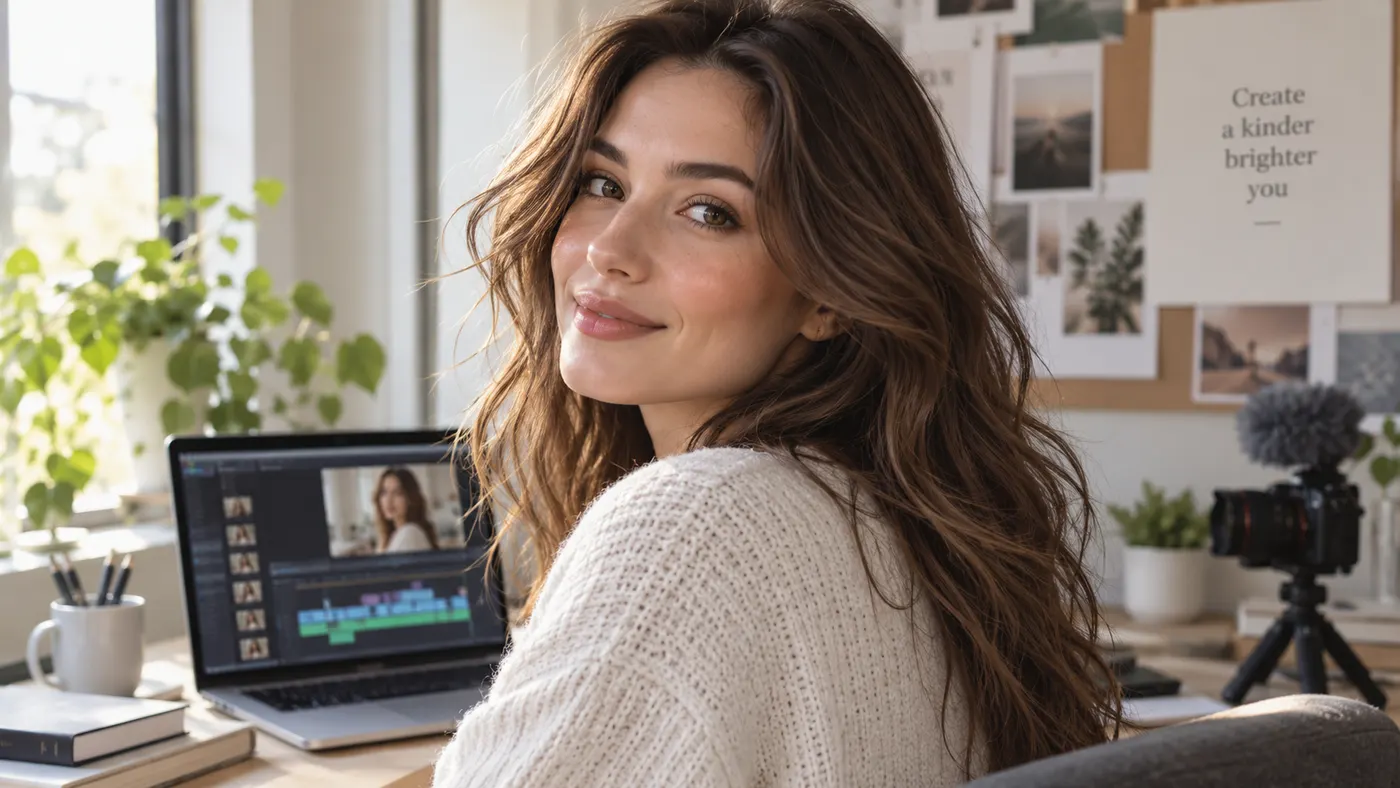
No shot? Generate the still first
When the photo does not exist yet, make it. The image studio generates and edits stills across styles — editorial, cinematic, illustrated — and every result drops straight into the video engine. Creating and animating happen on the same canvas, so you never export and re-upload.

Vertical-first, because that is where you post
Choose 9:16 before you generate and the clip is framed for Reels, TikTok and Shorts from the first frame — no cropping a landscape video and hoping the subject survives. 1:1 and 16:9 are one toggle away when a post needs them.

What creators actually get
The real capabilities behind AI video for creators on SnapVivid.
Photo to motion
Upload one still and get a short clip with natural movement — a turn of the head, drifting cloth, a slow push-in. Your face, your product, your frame.
Images on demand
Generate and edit stills in the image studio when you have nothing to shoot — then animate them without leaving the app.
Every format you post in
Pick 9:16, 1:1 or 16:9 before generating so the clip is composed for the platform instead of cropped for it.
How creators use SnapVivid
Three steps from a camera roll to a week of clips.
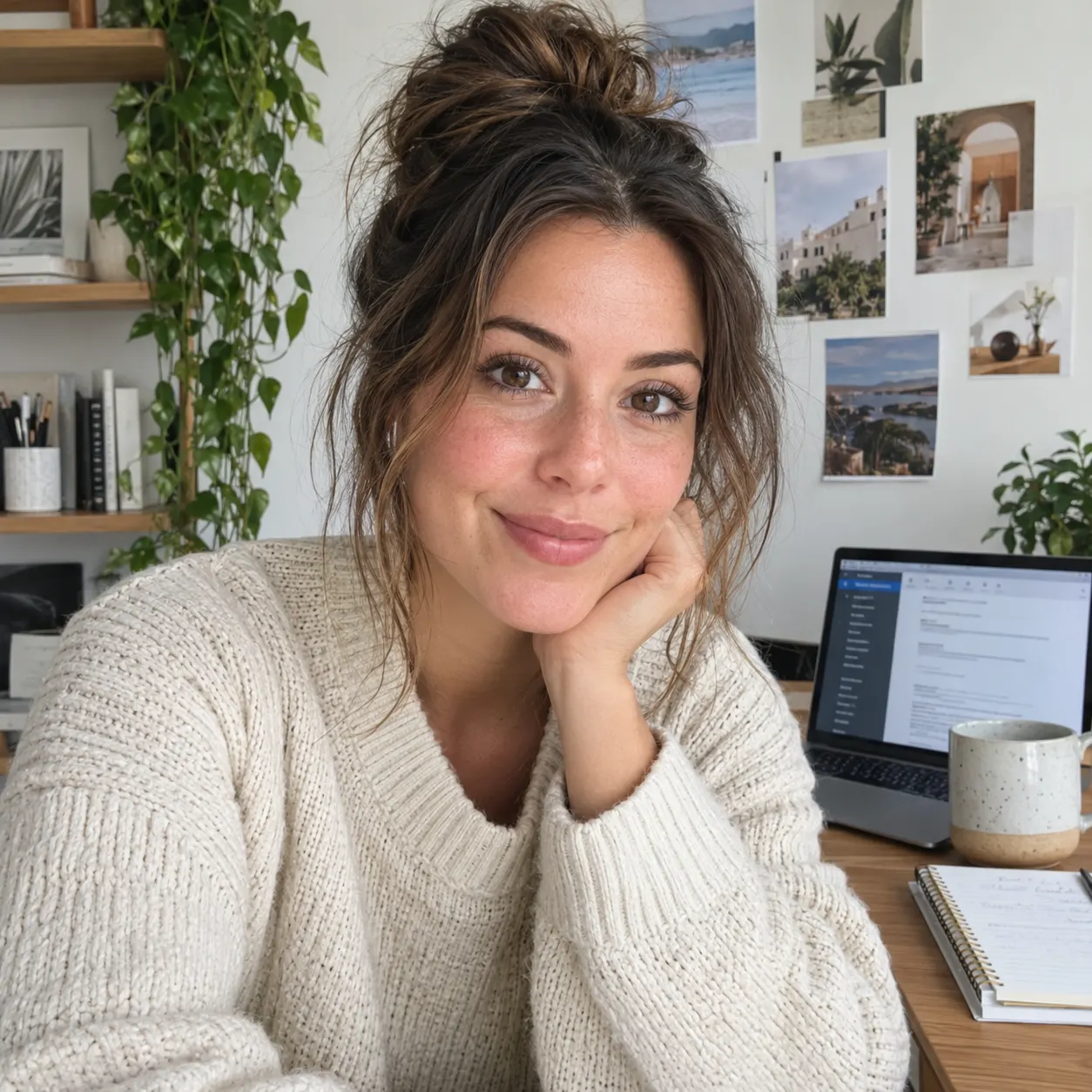
1 · Pick a photo
Any sharp, well-lit still works — a portrait, a flat lay, a location shot. Or generate one in the image studio if you are starting from nothing.
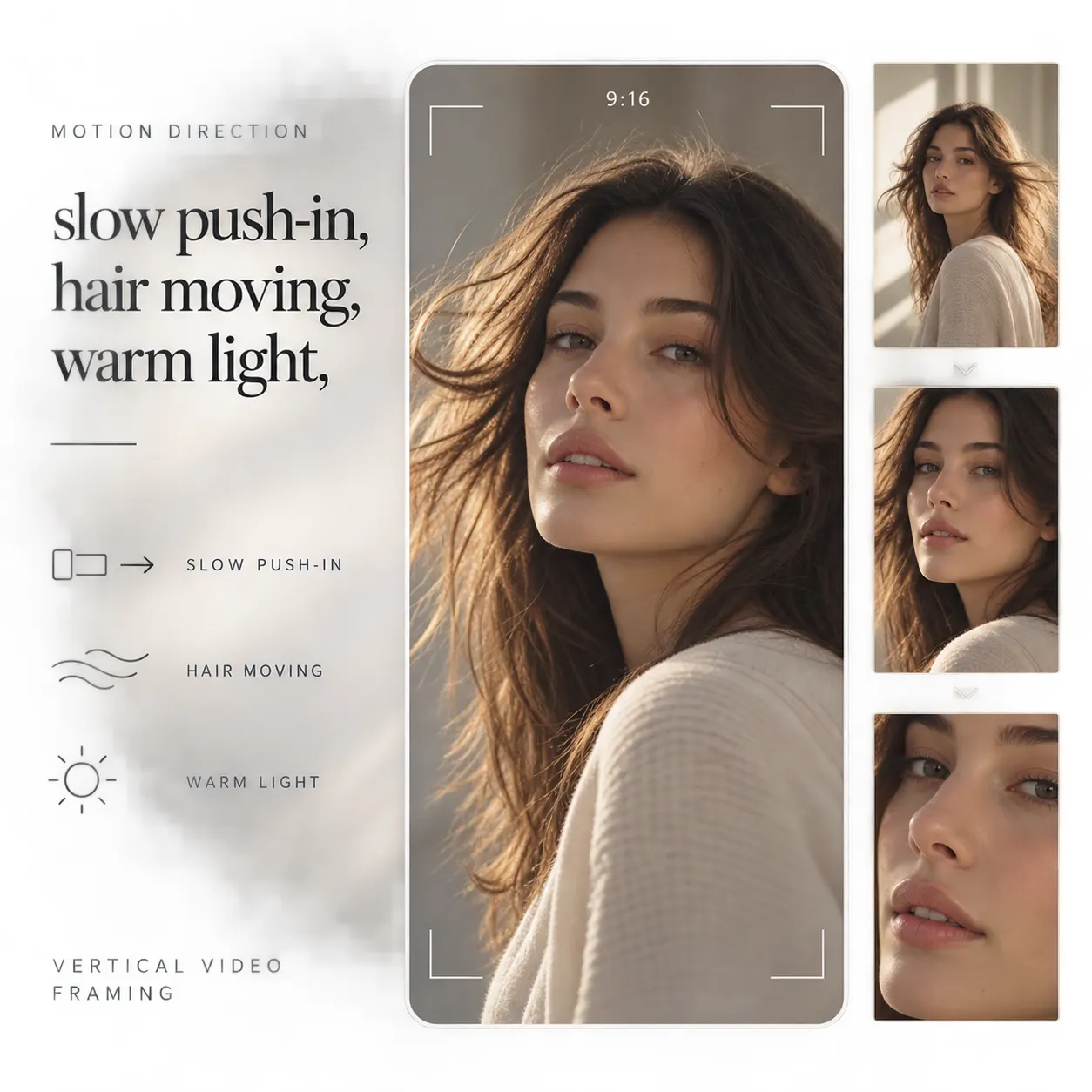
2 · Describe the motion
A short line is enough: “slow push-in, hair moving, warm light”. Choose your aspect ratio and generate.
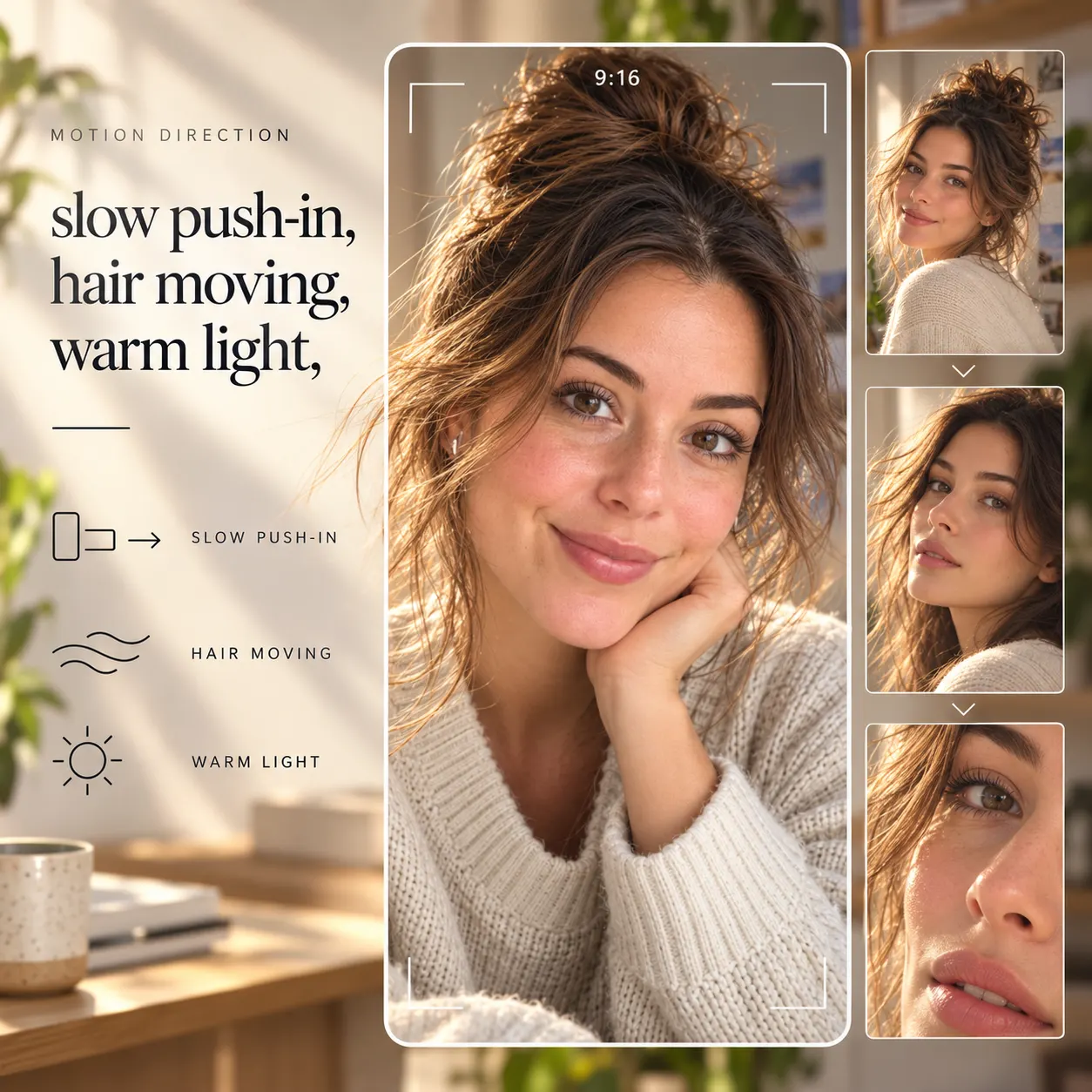
3 · Download and post
Export the clip and take it into your editor of choice for captions, cuts, and the voiceover or music you generated here. SnapVivid makes the parts; you keep the edit.
From a Prompt or a Photo to Finished Art
AI images, face swaps, headshots, and restyles — every tile is a real SnapVivid output. Hover to see it move, or click to open the tool.
Good to know
Honest answers before you build a workflow on this.
Does it write scripts, record voiceover, or add music?
It does not write your script or schedule a post, and it does not lay anything onto the clip for you — renders come back without an audio track and you finish them in whatever editor you already use. It can generate the sound: the AI Voiceover tool reads a script aloud and the AI Music Generator makes an original track, both as files you drop in yourself. We would rather be exact about that split than sell you a button that does not exist.
Will it still look like me?
The image-to-video engine animates around the still you upload rather than re-imagining it, so faces, outfits and framing stay recognizable. Start from a sharp, evenly-lit photo — the cleaner the input, the more stable the motion.
What does it cost to run this every week?
Image generation and editing run on the lifetime image credits, so ideation is free. Rendering video is a paid feature on Starter, Pro or Ultra because video costs real compute. Failed runs are never charged — you only pay for clips you actually receive.
Where should I start?
If you shoot yourself, start with the portrait video generator — it is the same engine tuned for faces. If you post product content, start from a pack shot instead.
Turn your camera roll into a content calendar
Pick one photo, add a line of motion, and see what AI video for creators looks like when it starts from your own shot. Start from the composer above.
Start creating freeTools creators reach for
The surfaces behind this workflow.
More ways to use SnapVivid
Other audiences and use cases.