AI Video Ads Maker
Turn one product or brand photo into video ad creative you can test this week. SnapVivid generates the visual — the motion, the framing, the variants — and hands you the file.
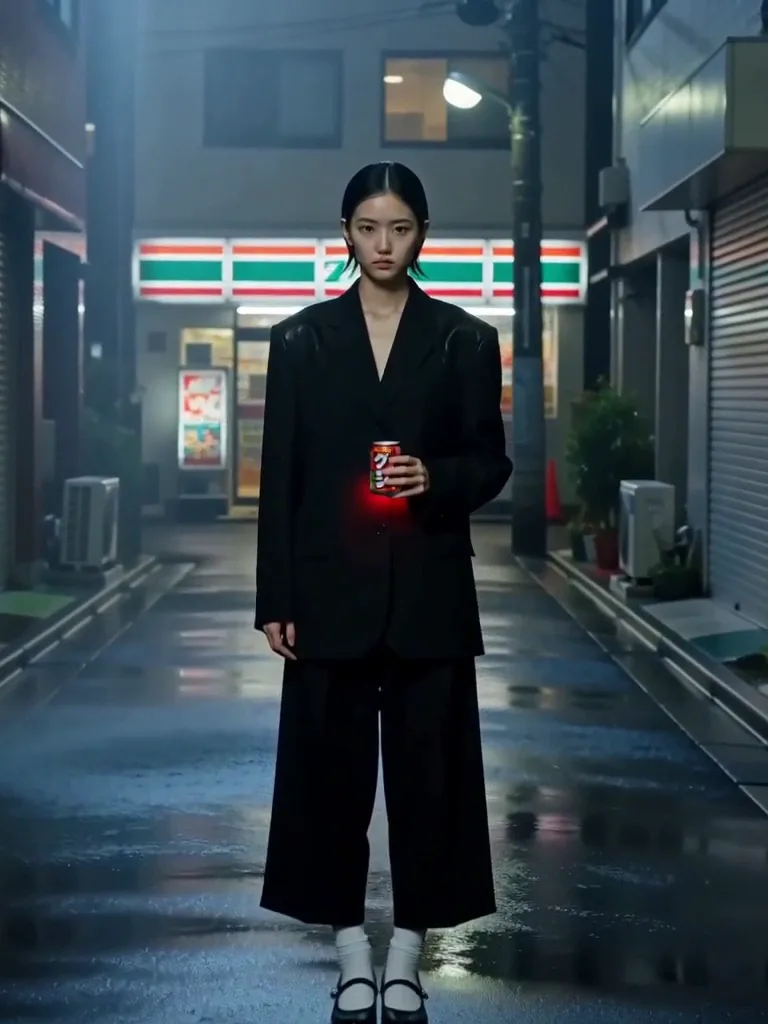
The ad creative, generated from one still
Most video ads die in production, not strategy. SnapVivid’s image-to-video engine takes an approved photo and produces the motion around it — a push-in, a reveal, a light sweep — so you get a testable ad visual in minutes instead of a shoot in three weeks. It makes the footage; the script and the media buy stay with you, and the voice comes from the separate AI Voiceover tool rather than being baked into the render.
Make an ad visual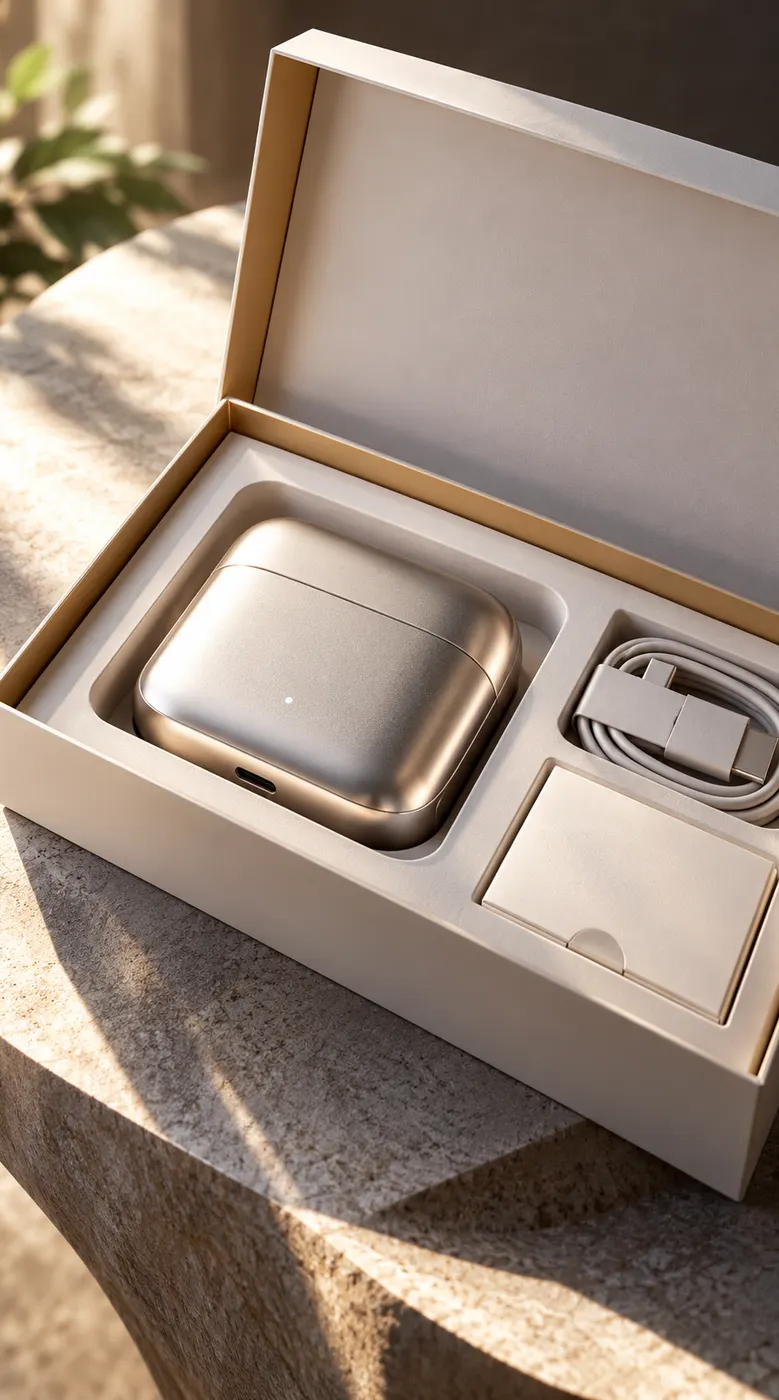
One photo in, a set of variants out
Change the motion prompt, re-run, and you have another concept: a hard push, a slow drift, a rotating hero. Because the video engine animates your uploaded asset rather than regenerating it, every variant stays on the same product and the same brand.
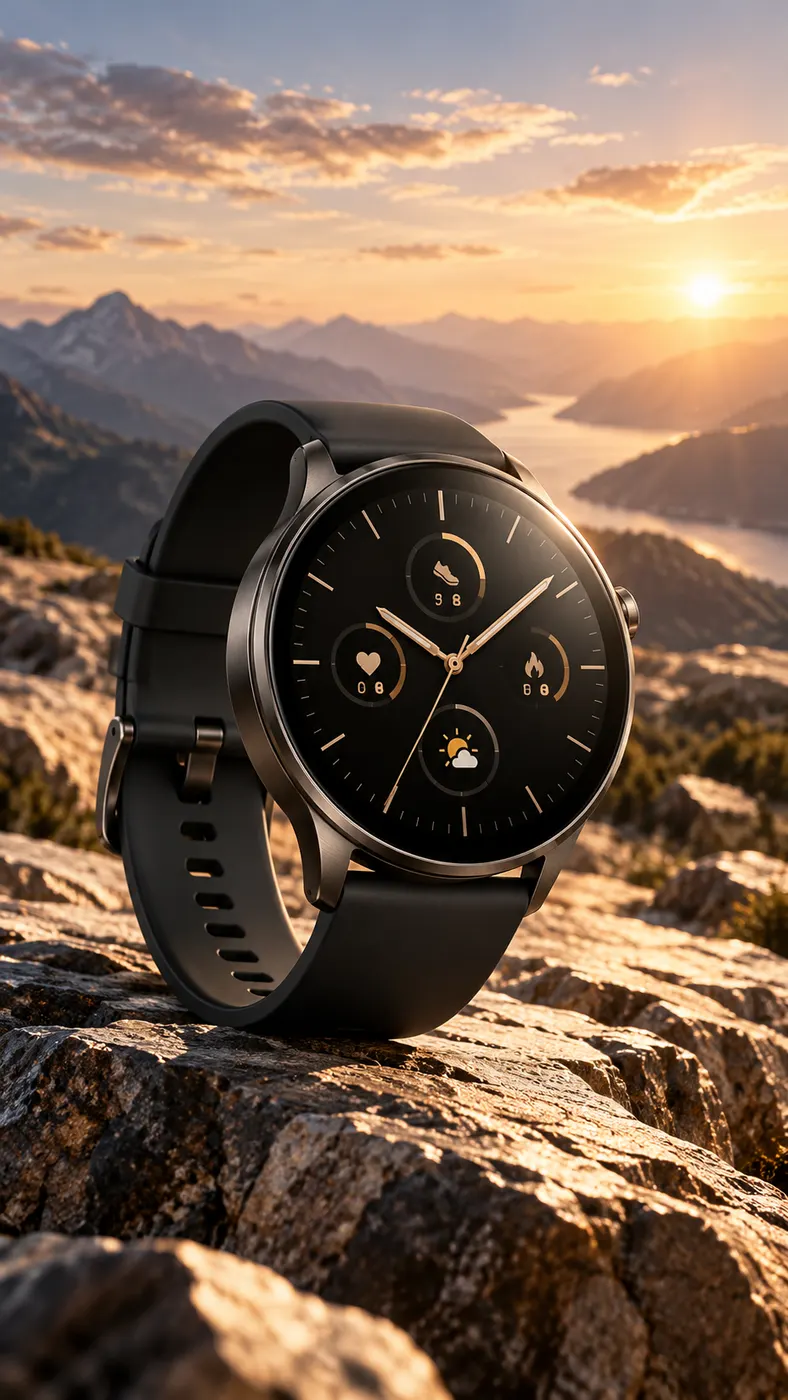
Built for the placement, not cropped into it
Pick 9:16 for Reels and TikTok, 1:1 for feed, or 16:9 for YouTube and display before you render. Each placement gets a frame composed for it, so the product is not sitting under a caption bar or sliced off at the edge.
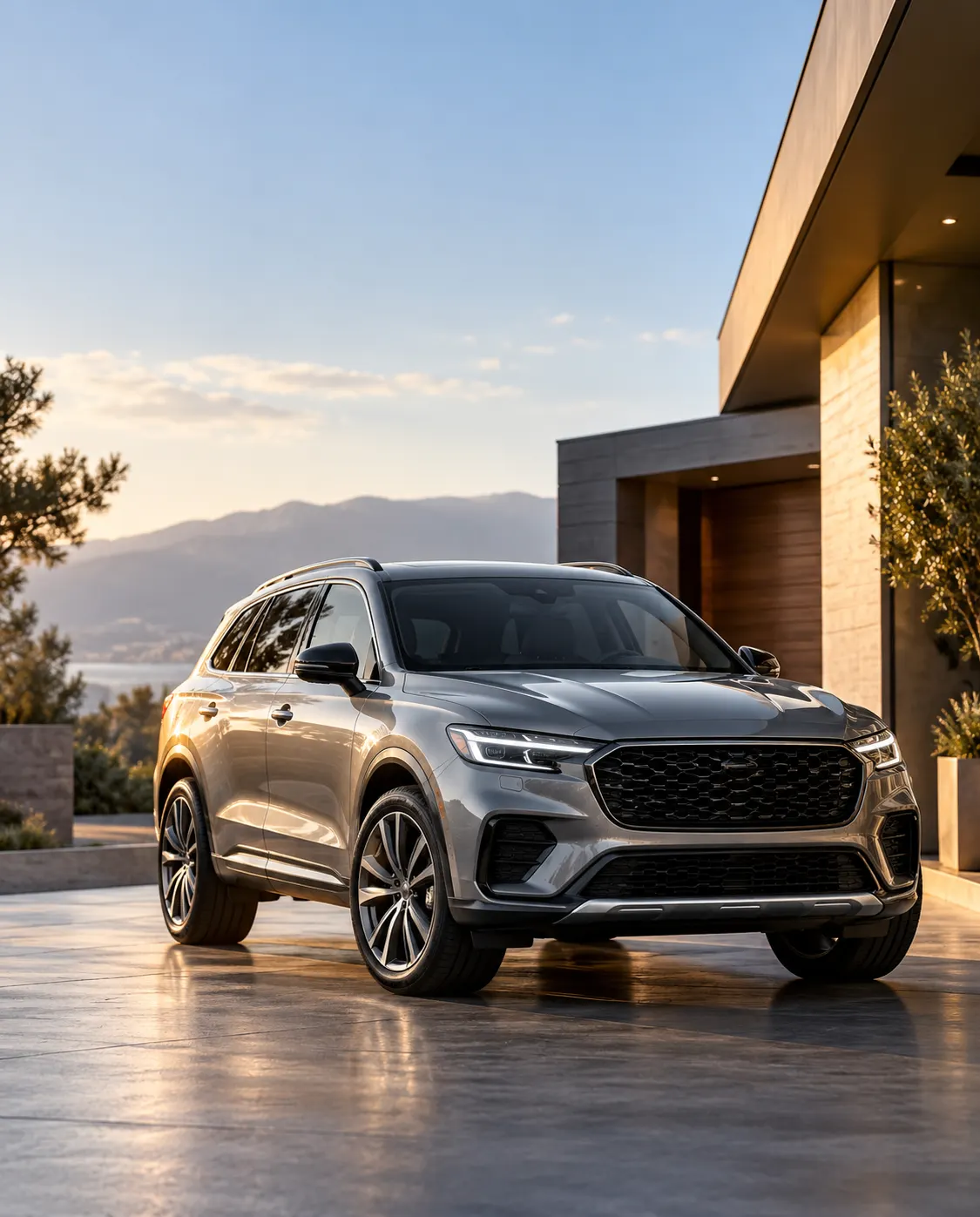
What the ad video maker gives you
The real capabilities — and only the real ones.
Photo to ad motion
A single still becomes a short, high-contrast clip with camera movement and lighting motion that reads as premium ad footage.
Fast variant testing
Re-run the same source with different motion directions to build a creative set for rotation, without another asset request.
Every ad placement size
Render 9:16, 4:5, 1:1 or 16:9 up front so each channel gets a native frame.
How to make an ad video
Three steps from an approved photo to a testable creative.
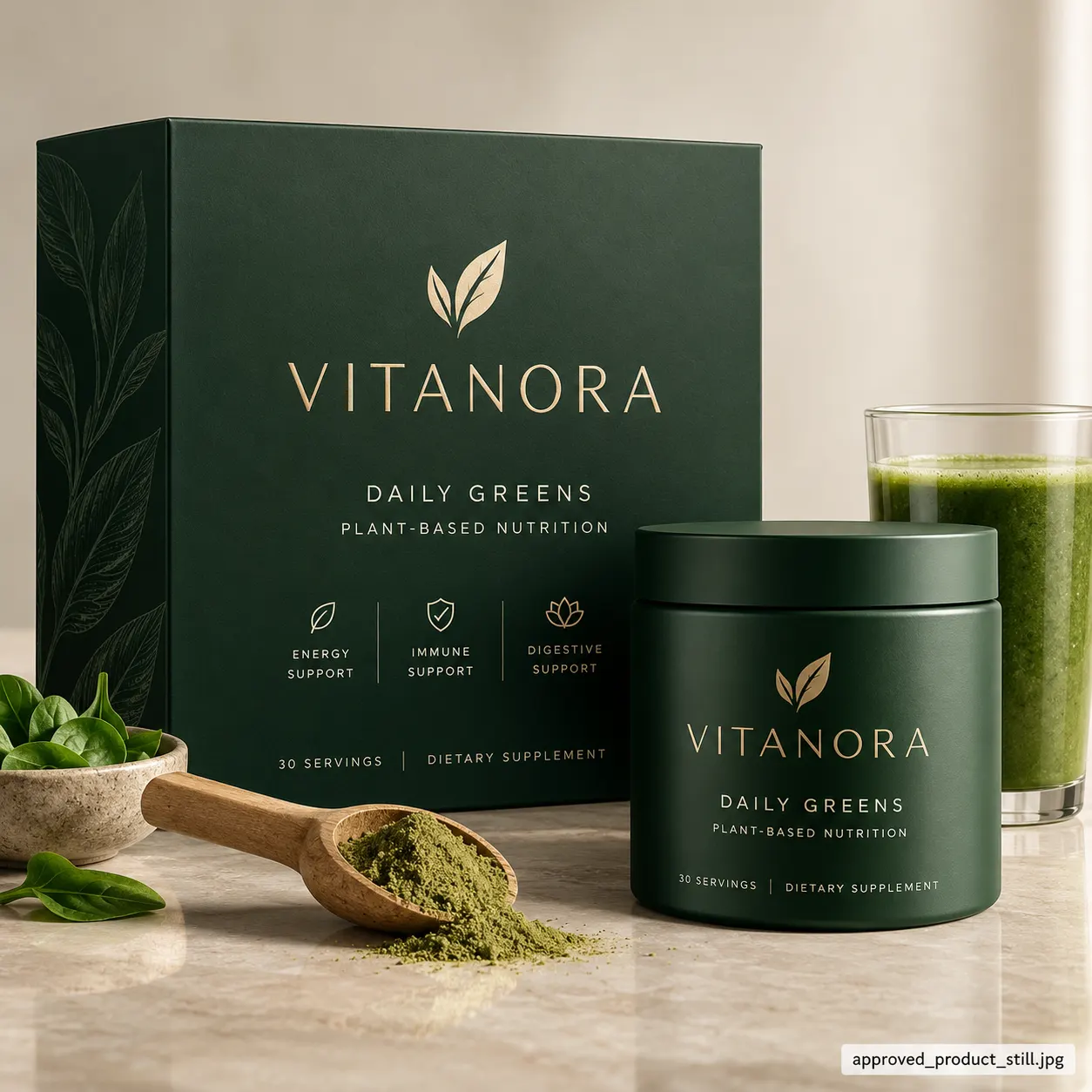
1 · Upload the hero photo
A pack shot, a lifestyle frame, a brand still — anything already cleared. Clean it up in the image tools first if needed.
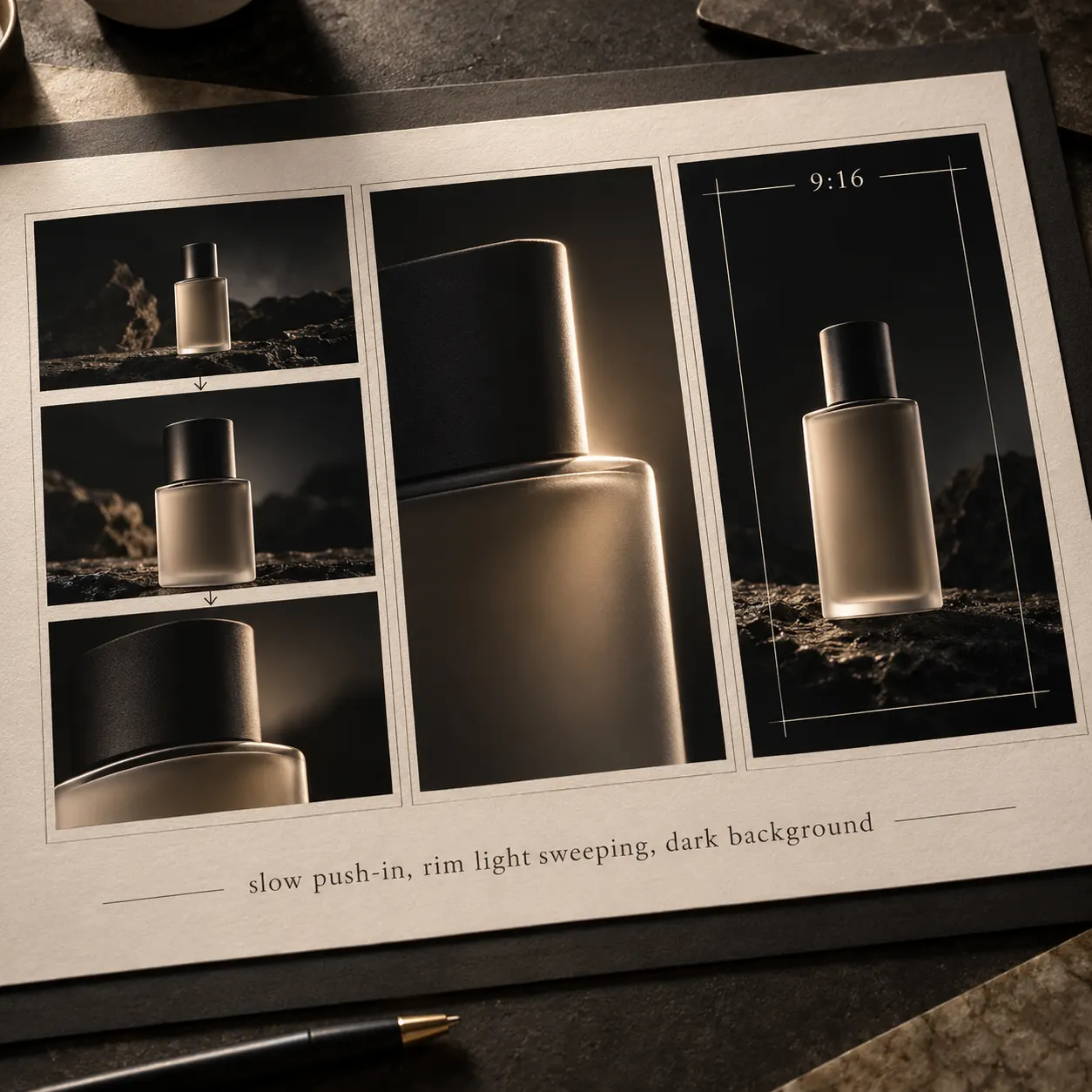
2 · Direct the motion
One line of direction and an aspect ratio: “slow push-in, rim light sweeping, dark background”. Render, then re-run for the next variant.
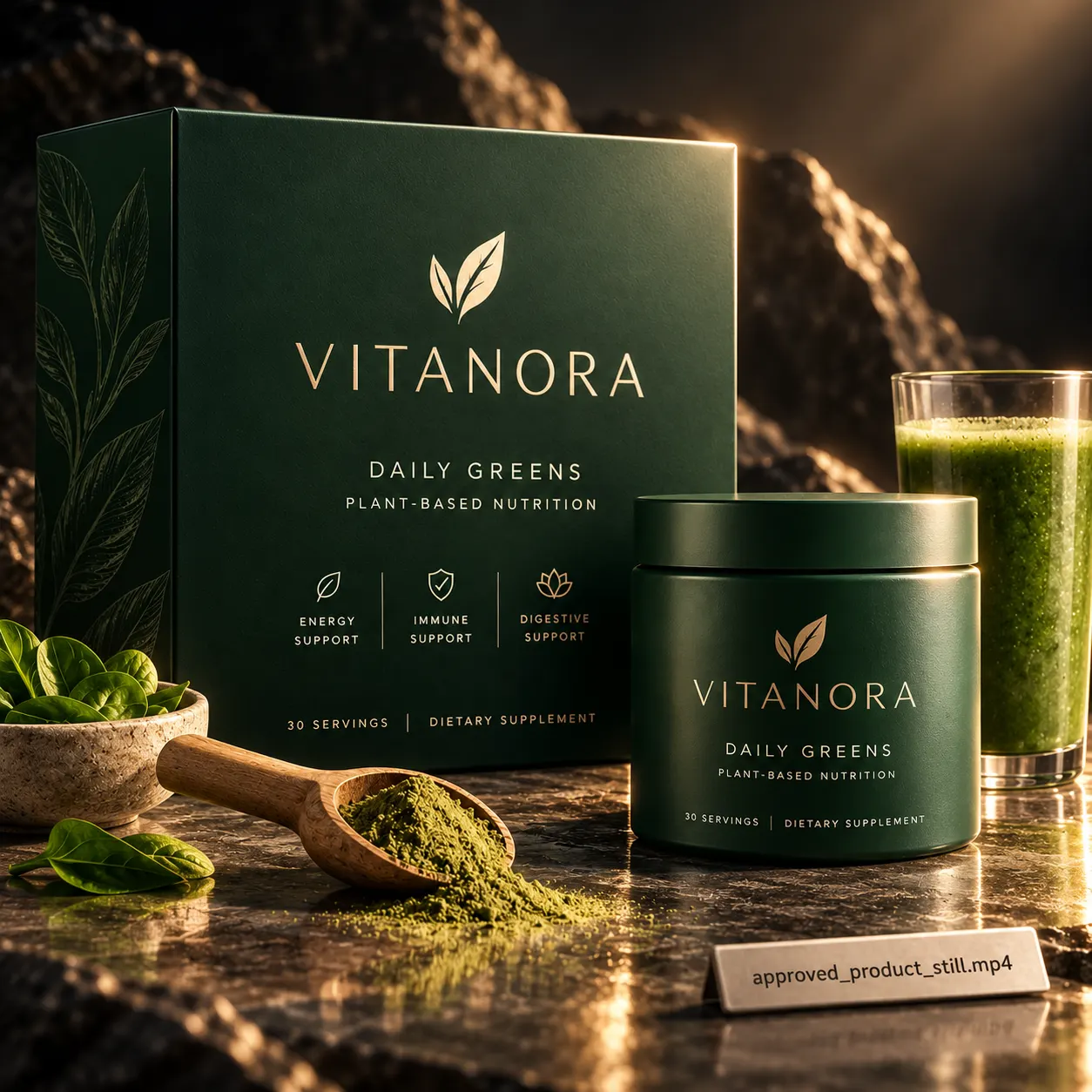
3 · Finish and launch
Download the clip — it renders without an audio track — then add your headline, captions and audio in your own editor and upload it to your ad account.
From a Prompt or a Photo to Finished Art
AI images, face swaps, headshots, and restyles — every tile is a real SnapVivid output. Hover to see it move, or click to open the tool.
Good to know
The boundaries of this tool, stated plainly.
Is this a full ad generator?
No — and it is worth being precise. SnapVivid produces the video visual from your photo. It does not write ad copy or a script, assemble a multi-scene storyboard, add captions, or push anything to Meta, TikTok or Google Ads. It does generate audio — voiceover, sound effects and music each on their own tool — but as separate files you lay in yourself, not mixed into the clip. If you need a script-to-finished-ad pipeline, this is one part of it, not the whole thing.
Does the clip have sound?
Not baked in — renders come back without an audio track, and the mix happens in your editing tool. The sound itself you can make here: the AI Voiceover, Sound Effects and AI Music Generator tools each return a downloadable file to lay under the clip.
Will my branding survive the render?
Largely, yes — motion is generated around the still you upload, so packaging, colorway and lockup stay recognizable rather than being re-invented. Small type and fine logo detail can soften in movement, so review each render before it goes live.
How is it billed?
Preparing and editing stills uses the lifetime image credits. Video rendering is a paid feature on Starter, Pro and Ultra — see pricing — and a failed render is never charged, so you only pay for creative you actually receive.
Get your next ad visual out of one photo
Upload an approved still, direct the motion, and download a testable creative. Start from the composer above.
Start creatingTools behind ad creative
The surfaces this workflow runs on.
Who uses it
Audience pages and comparisons.