Animate Images with AI: Portrait Video Generator
Bring a portrait to life. Upload a photo — or generate one — and SnapVivid’s image-to-video engine adds a natural smile, a slow head turn, a blink, and hair that moves in the light.
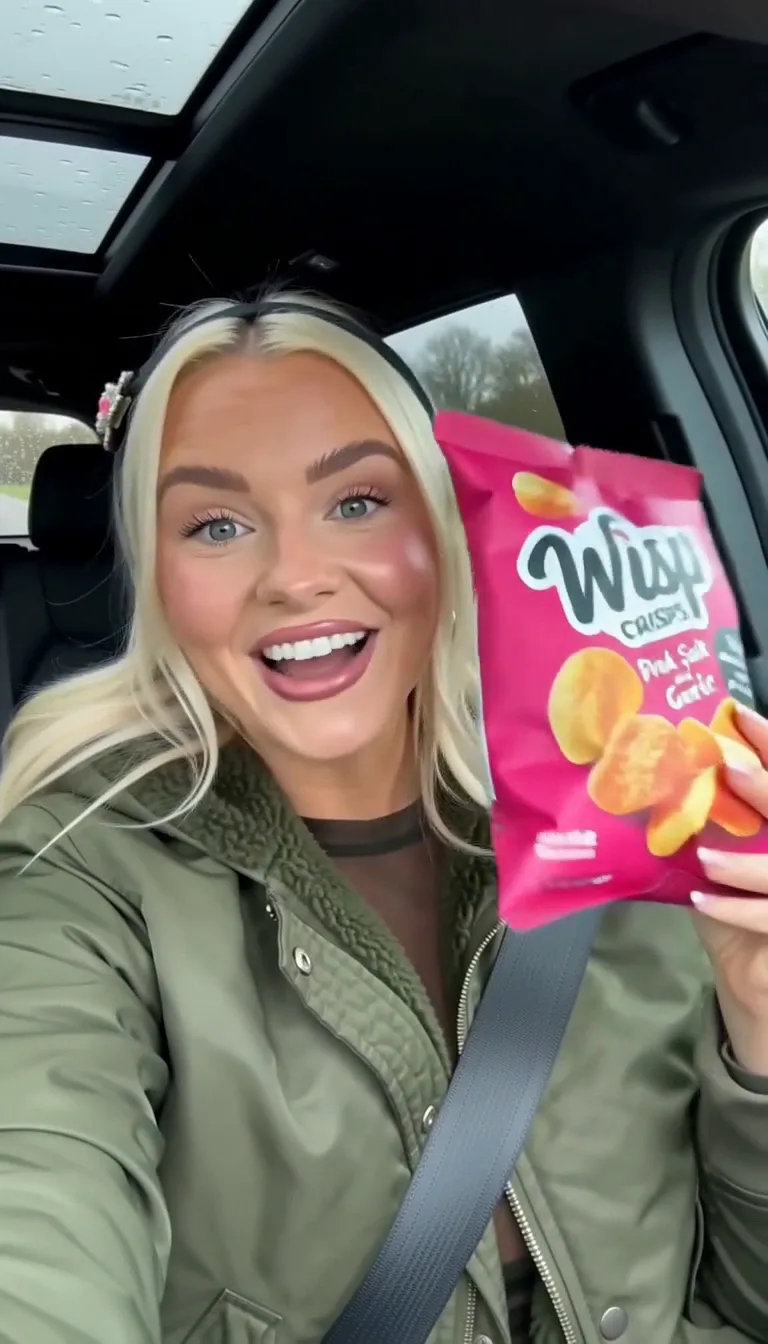
A still portrait, brought to life
SnapVivid’s portrait video generator animates the person in your photo with subtle, believable motion instead of a frozen frame. It is the same image-to-video engine that powers our cinematic showcase clips — pointed at portraits, where a small movement makes the shot feel alive.
Animate a portraitGenerate a portrait, or upload your own
Start from your own photo, or create one with the AI image generator — a stylized art portrait, a clean studio look, whatever the scene calls for. Need a polished professional shot? The AI headshot tool produces LinkedIn-ready portraits you can then set in motion.
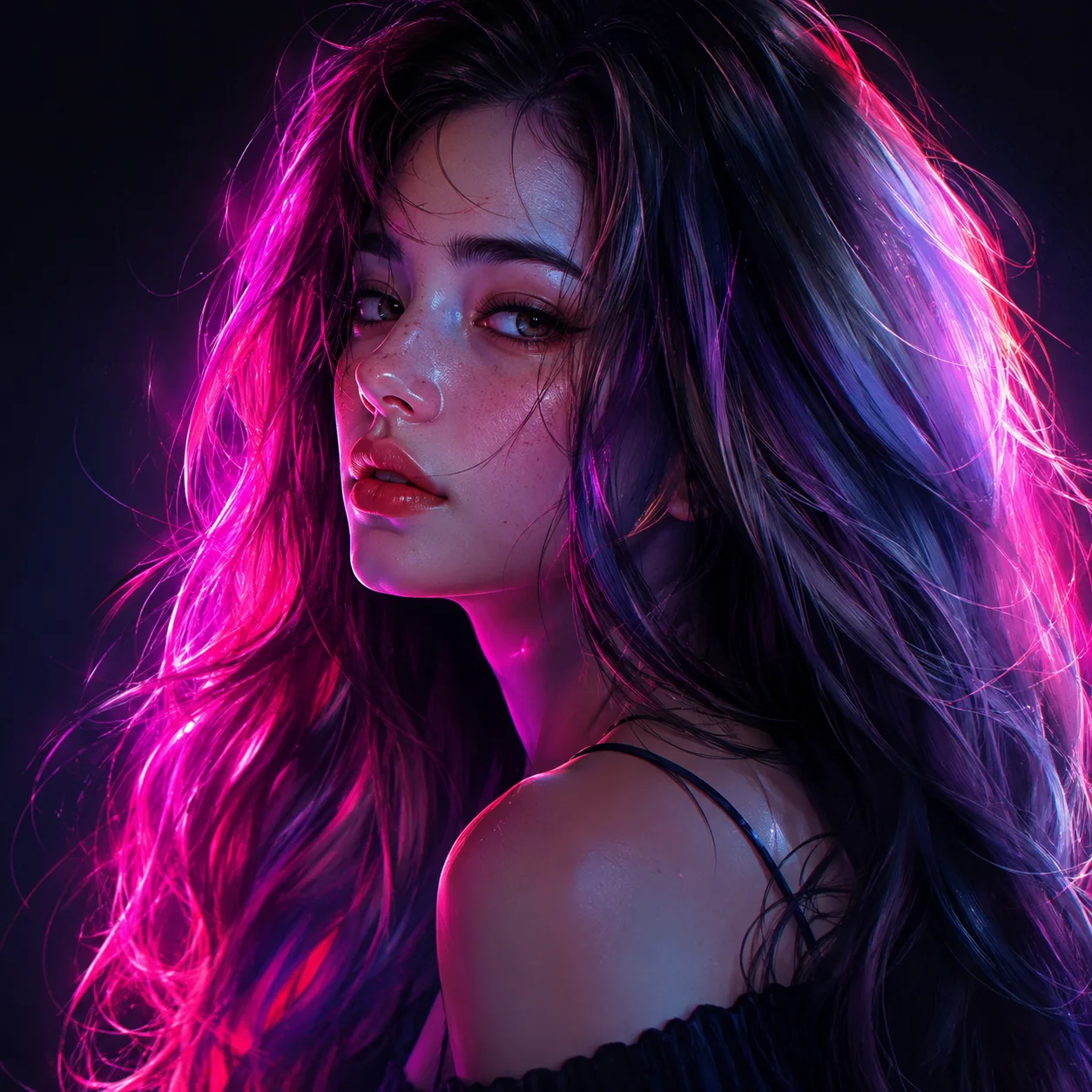
Cinematic motion, in your control
The image-to-video engine adds motion that reads as real — a head turn, a soft blink, drifting hair, a slow camera push. Guide it with an optional motion prompt and pick a 9:16, 1:1, or 16:9 frame so the clip is ready for Reels, TikTok, Shorts, or a site hero.
What the portrait video generator gives you
The real capabilities behind a SnapVivid portrait clip.
Natural facial motion
Add a soft smile, a blink, or a slow head turn to a portrait — subtle, physical motion from the seedance-2 image-to-video model, not an uncanny loop.
Generate or refine first
Create a portrait from a prompt, produce a studio-clean AI headshot, or upscale an old photo before you animate — the image tools feed the video engine.
Ready for every platform
Choose vertical, square, or wide before rendering so the finished clip fits the feed you are posting to without recropping.
How to make a portrait video
Three steps from a photo to a living portrait.
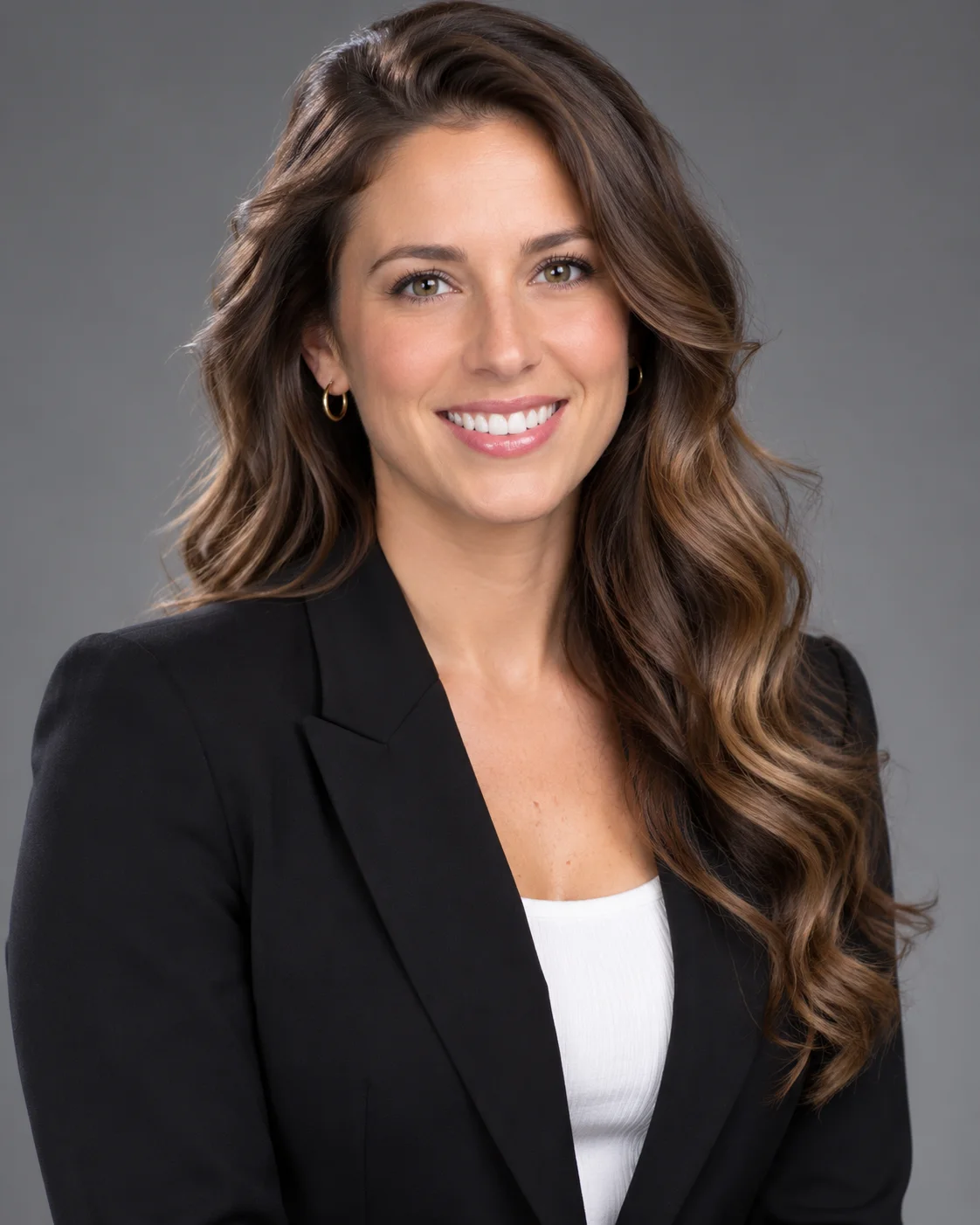
1 · Bring or make your portrait
Upload a portrait photo, or generate one — including a studio-quality AI headshot — right on the canvas. A sharp, well-lit face gives the cleanest motion.
2 · Add motion
Send the portrait to the image-to-video engine, add an optional motion prompt, pick an aspect ratio, and generate lifelike movement in minutes.
3 · Style and export
Try a more cinematic look, re-run for variations, then download your clip and post it — or use it as a moving header on your site.
From a Prompt or a Photo to Finished Art
AI images, face swaps, headshots, and restyles — every tile is a real SnapVivid output. Hover to see it move, or click to open the tool.
Good to know
Honest answers about how the portrait video generator works on SnapVivid.
Will it look like the person in my photo?
Yes — the engine animates your actual uploaded portrait, so the likeness is preserved rather than reinvented. The motion is subtle and physical: expression, a head turn, moving hair. For the best result, start from a clear, front-lit photo where the face is unobstructed.
Does it do talking avatars or lip-sync?
No. SnapVivid adds natural motion to a portrait; it does not lip-sync to an audio track or build a talking-head avatar. Speech can be generated separately on the AI Voiceover tool, but nothing is synced to a mouth and the portrait never appears to speak. If you need a still to move without saying anything, this is the right tool — we would rather be clear than over-promise.
Can I use a photo of someone else?
Only animate portraits you have the right to use — your own photos, or images you are licensed to edit. SnapVivid is built for creators animating their own or consenting subjects’ portraits, not for impersonation. Keeping to images you own also keeps your content safe to publish.
Portrait video vs. AI headshot
If you just want a crisp still, the AI headshot generator produces professional portraits on its own. When you want that portrait to move, bring it into the video studio — the two tools share one canvas.
Make a portrait move
Upload or generate a portrait and let the portrait video generator add lifelike motion in minutes. Start from the composer above.
Start creatingExplore the creation toolkit
The tools behind the portrait workflow.
More ways to create
Other SnapVivid video use cases and guides.