Vivago AI Alternative: Turn Any Photo into Vivid, Natural Motion
Looking for a Vivago alternative that focuses on bringing your photos to life rather than a broad generator and community feed? SnapVivid animates any still into natural, vivid motion — a blink, drifting hair, a slow push-in — with multiple models auto-matched and 1 lifetime image credit. Try it free.
What Is Vivago?
Vivago is a free AI generation tool and creator community. It covers text-to-image, image-to-image, text-to-video, and image-to-video by integrating leading models, and adds a 4K editing suite — expand, repaint, and enhance — alongside an active AIGC community where creators share work and can earn rewards. It is a strong fit when a generous free tier, community, and 4K editing all matter. The question for most creators is simpler: do you want a broad generator plus a feed, or do you just want your photo to move — naturally — in a minute? That is where an alternative to Vivago like SnapVivid fits, turning any photo or prompt into vivid motion. Try the AI image to video generator to see the difference.
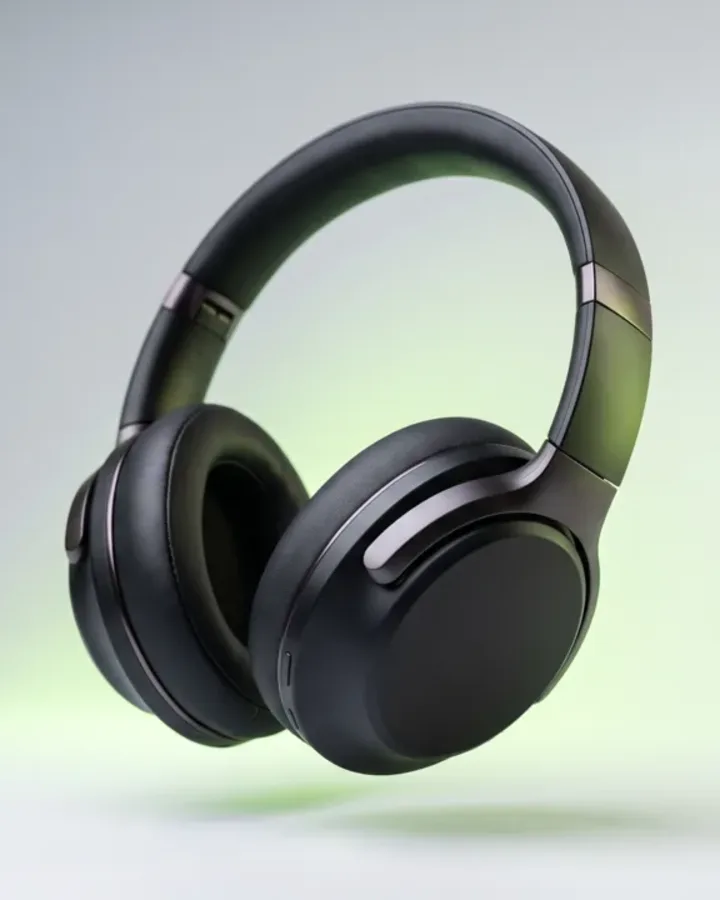
SnapVivid vs. Vivago: Where Each One Wins
Quick verdict: Vivago is a free all-round generator with a creator community and 4K editing. SnapVivid is focused on turning any photo into natural, vivid motion, fast. Both do image-to-video — pick by the surrounding job.
| Comparison item | SnapVivid | Vivago |
|---|---|---|
| Core focus | Turning any photo or prompt into natural, vivid motion you can use anywhere. | Free all-round AI image and video generation, plus an active creator community. |
| What ends up on screen | Your actual photo, brought to life — subtle motion that keeps the subject recognizable. | Generated images and videos across a wide range of styles. |
| How the video is made | Image-to-video: upload a still, pick a model, and it animates into a short clip. | Text- and image-to-video with leading models, alongside image generation. |
| Inputs it takes | A photo, a text prompt, or start and end frames. | Text or image prompts. |
| Aspect formats | Renders 16:9, 9:16, and 1:1 for YouTube, Reels/TikTok, and Feed. | Multiple ratios, with 4K image editing. |
| Image editing suite | Focused: upscaling plus the tool matrix (face-swap, headshots, frames-to-video). | Core strength: 4K editing — expand, repaint, and enhance. |
| Creator community | No public feed or rewards program in this version. | A genuine strength: an active AIGC community with sharing and rewards. |
| Model choice | Multiple models auto-matched (Seedance 2, Nano Banana, and more), or pick one. | Integrates several leading generation models. |
| What one plan covers | Image and video generation, editing tools, and the tool matrix on one credit wallet. | Free basics, with credits or Pro unlocking more (sound, longer durations). |
| Free access | Free 1 lifetime image credit; video uses paid credits. | A strong free tier — earn or buy credits; Pro adds sound and all durations. |
The two tools overlap on image-to-video, and both are worth trying free — so the choice is about the surrounding job. Vivago gives you a broad generator, 4K editing, and a community feed. As a Vivago competitor, SnapVivid narrows in: it brings your photo to life and renders it for the placement, so an upload becomes a clip you can post in minutes. If your goal is quick, natural motion at volume, start with the AI image to video generator and compare a brought-to-life still against a broad-generator workflow on the same photo.
Should You Choose Vivago or SnapVivid?
Choose Vivago when a strong free tier, 4K editing, and a creator community matter. Choose SnapVivid when you want any photo brought to life naturally, fast, across many clips.
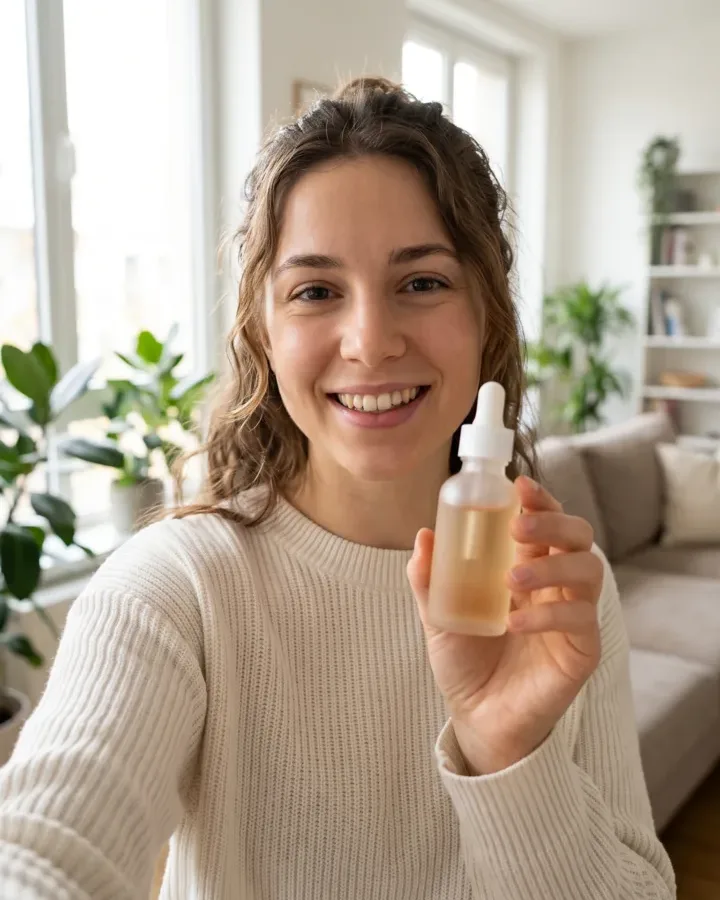
Choose Vivago if...
- You want a strong free tier for both image and video generation.
- You want an active creator community to share work and earn rewards.
- You need 4K image editing — expand, repaint, enhance — alongside generation.
- You like browsing a public feed for inspiration and prompts.
Choose SnapVivid if...
Recommended- You mainly want your actual photo brought to life naturally — not a broad generator plus a feed.
- You need 16:9, 9:16, and 1:1 clips sized natively for YouTube, Reels, TikTok, and Feed.
- You want multiple models auto-matched so you skip picking the right one each time.
- You want a single, clear credit wallet across image, video, and tools.
Vivago and SnapVivid overlap on image-to-video, and both are worth trying free. Reach for Vivago when the community and 4K editing matter; reach for SnapVivid when the job is fast, natural photo-to-motion you can post right away.
Where a Vivago Alternative Actually Helps
Not all Vivago alternatives do the same job — portrait motion, product clips, and quick social video are where bringing a real photo to life beats a broad generator and feed.
Portraits & Headshots in Motion
A heavily generated look can drift from the real face. SnapVivid keeps the subject recognizable — a blink, a breath, drifting hair — so a portrait feels alive without becoming a different person. Send the same photo to the AI headshot tool for the still versions.
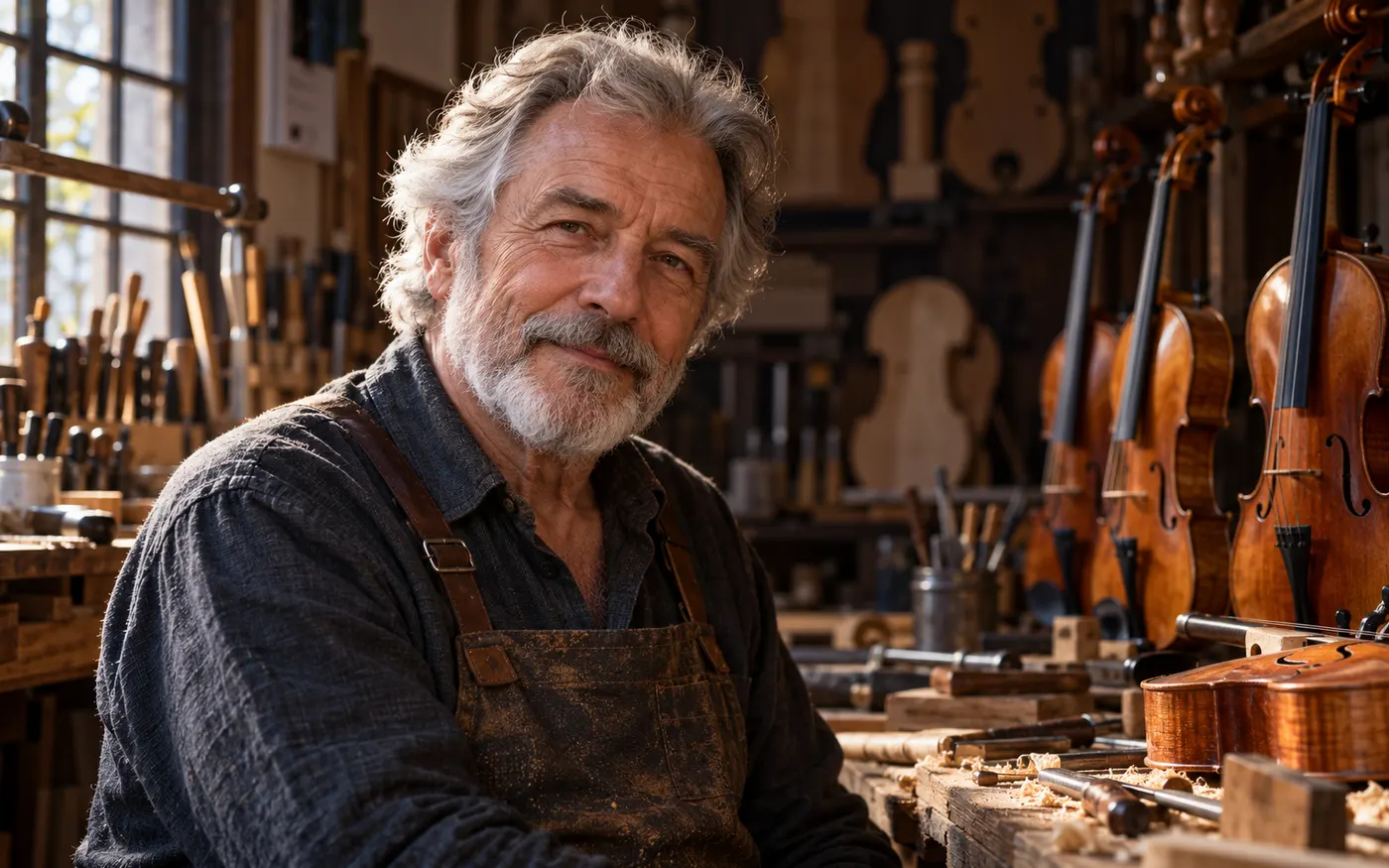
Product & Scene Clips
A restyle can pull a product away from your brand. SnapVivid anchors the clip to your photo, so the object stays clear and on-brand through the whole shot. Turn a set of stills into a sequence with the frames to video tool.

Quick Social Video at Volume
When you need many clips, not one showcase piece for the feed, SnapVivid’s image to video generator brings any photo to life in a minute, so you can fill a week of posts from a folder of stills — no browsing or restyling per clip.
How to Switch from Vivago to SnapVivid
Turn any photo into a finished clip in three steps — no feed to browse, no restyle pass to set up.
Step 1: Add your photo or prompt
Open the image to video generator, then upload a photo or paste a prompt. Have a start and end frame? Add both.

Step 2: Pick the format and generate
Choose 16:9 for YouTube, 9:16 for Reels and TikTok, or 1:1 for Feed, and set the length. SnapVivid auto-matches a model and animates your still — you preview before any video credits are spent.
Step 3: Batch variations and post
One photo can be animated again and again, so you can test looks and swap in fresh motion when a clip tires out. Download the finished video and post it straight to YouTube, TikTok, or Reels.
From a Prompt or a Photo to Finished Art
AI images, face swaps, headshots, and restyles — every tile is a real SnapVivid output. Hover to see it move, or click to open the tool.
How SnapVivid and Vivago Actually Differ
A plain-English look at where each tool wins, so you can pick the Vivago alternative that matches the job in front of you.
Which alternative fits the job
The honest answer to “which is the best Vivago alternative” is that it depends on the job. Vivago is a strong choice when you want a free all-round generator with a creator community and 4K editing. For everyday photo-to-motion where the subject should stay natural and recognizable, SnapVivid is a closer fit: it animates any photo into vivid motion sized for YouTube, Reels, and Feed, with multiple models auto-matched and no feed to browse.
A broad generator vs. a focused path
SnapVivid is not a feature-for-feature clone of Vivago, and it is fair to say so. Vivago is built around breadth and community — wide generation, 4K editing, and a public feed with rewards. SnapVivid is built around one thing: natural, vivid photo-to-motion. It keeps your actual photo in frame, reads the still, animates it with subtle, believable motion, and renders it in the format the placement needs. One tool gives you a generator and a community; the other brings a photo to life. If you came to Vivago mainly to animate your own photos, SnapVivid is the Vivago alternative that fits that goal.
Vivago vs. Runway vs. SnapVivid
The same logic sorts out a three-way comparison like Vivago vs. Runway vs. SnapVivid. Vivago pairs broad free generation with a community, and Runway offers deep, art-directable video controls — both genuinely strong in their lane. SnapVivid takes a different route by keeping your real photo on screen with natural motion. So pick Vivago for free all-round generation and community, Runway for crafted cinematic shots, and SnapVivid for quick, natural photo-to-motion at volume. To feel the gap directly, run the same photo through the AI image to video generator and compare a brought-to-life still against a broad-generator workflow.
What You Can Make, and What It Costs to Try
The formats SnapVivid renders, the things it does not do in this version, and how 1 lifetime image credit work.
The things it will not do
One thing to be clear about up front: SnapVivid does not offer Vivago’s public creator community and rewards, and it does not include Vivago’s 4K expand/repaint editing suite in this version — those are squarely Vivago’s strengths. SnapVivid focuses on natural photo-to-motion, plus tools like face-swap, AI headshots, frames-to-video, and upscaling, where your real image is the subject. Community browsing and 4K repaint work are on the Vivago side, and it is better to say that plainly than to imply parity that does not exist.
Every format, natively rendered
For the motion work it does cover, SnapVivid renders every placement: 16:9 for YouTube and in-stream, 9:16 for Reels, TikTok, and Shorts, and 1:1 for Feed. Because each format is composed from the start, you are not cropping a landscape clip into a vertical frame and losing the subject — the clip is built for the placement instead of trimmed to fit it. That makes it a practical way to produce the social video most creators actually need day to day.
Free to try, one credit wallet
There is a free way to try this Vivago alternative before spending anything. You get 1 lifetime image credit, and you can preview a video start frame before committing. Rendering the finished video uses paid credits, since video costs more to produce than a still, but one credit wallet covers image, video, and the tool matrix — there is no separate subscription per format. So you can shape the look, preview the frame, and only spend on the renders you actually want.
Your clips, ready to post
Finally, the clips are yours to use. Anything you generate on SnapVivid is cleared to post on YouTube, TikTok, Reels, and your own site. Because a single photo can be re-run with a new prompt or style, you can test looks against each other and swap in fresh motion the moment a clip starts to feel stale — the workflow social creators need, without an editor in the loop.
Try the Vivago Alternative Built for Photo-to-Motion
Upload a photo or describe a scene and let SnapVivid bring it to life — natural, vivid motion in minutes. Preview the start frame free; only spend credits on the renders worth running.
Start for FreeTry SnapVivid
The tools this comparison is about — all live on one account.