Wan 3.0 AI Video Generator
Run Alibaba’s Wan 3.0 — SnapVivid’s elite video model. Animate any image with state-of-the-art physics, natural physical movements, and steady camera pans. Pick Wan 3.0 by name in the model menu, generate, and download a clean, watermark-free result — no waitlist, no complex setup.
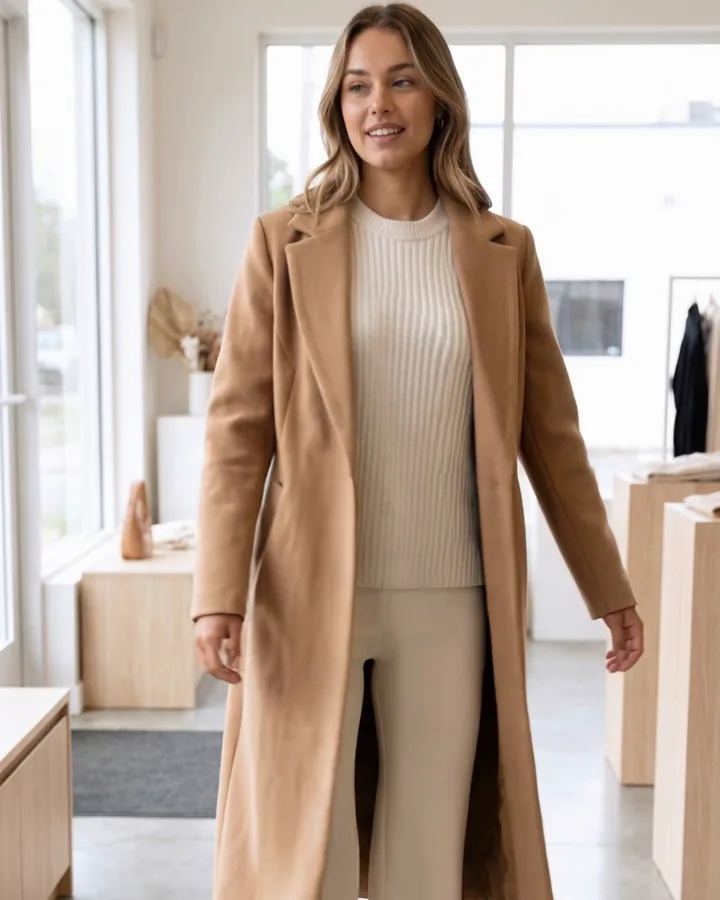
Wan 3.0 AI Video Generator — real results, in minutes
Alibaba’s Wan 3.0 represents a monumental leap forward in open-source AI video generation, and SnapVivid is thrilled to integrate it directly into our streamlined workspace. Creators seek out Wan 3.0 by name because it provides a level of temporal consistency and realistic motion that previous generations simply couldn’t touch. Instead of wrestling with complex local setups or expensive paywalls, you can run the official Wan 3.0 model online in a unified interface designed for professional creators.
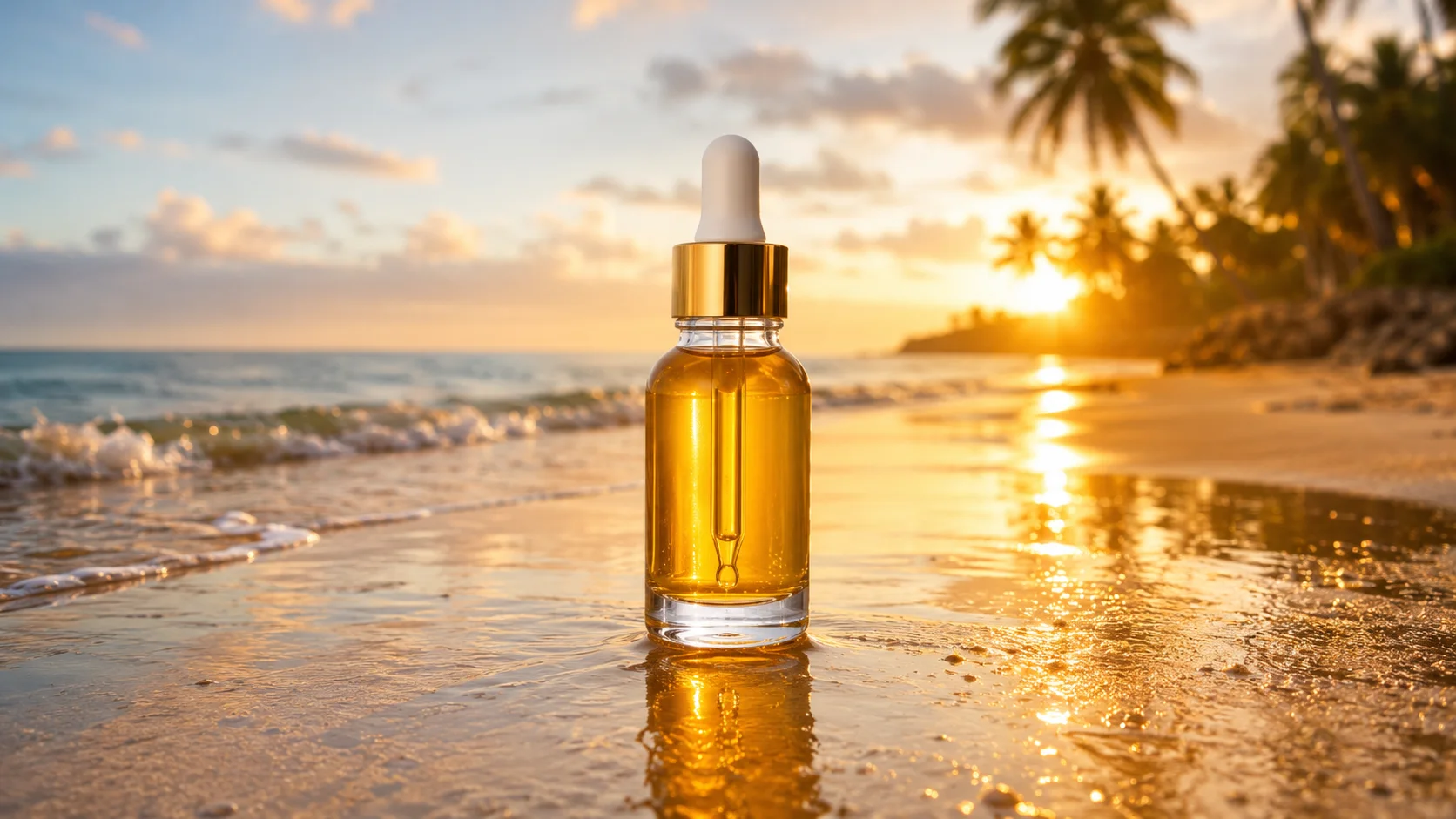
Get StartedPrompt: Timelapse-feel of ocean waves rolling onto a golden beach at sunset, gentle foam, drifting clouds, warm orange sky, serene cinematic motion.
Why creators use Wan 3.0 AI Video Generator
Everything wan 3.0 ai video generator gives you in one place.
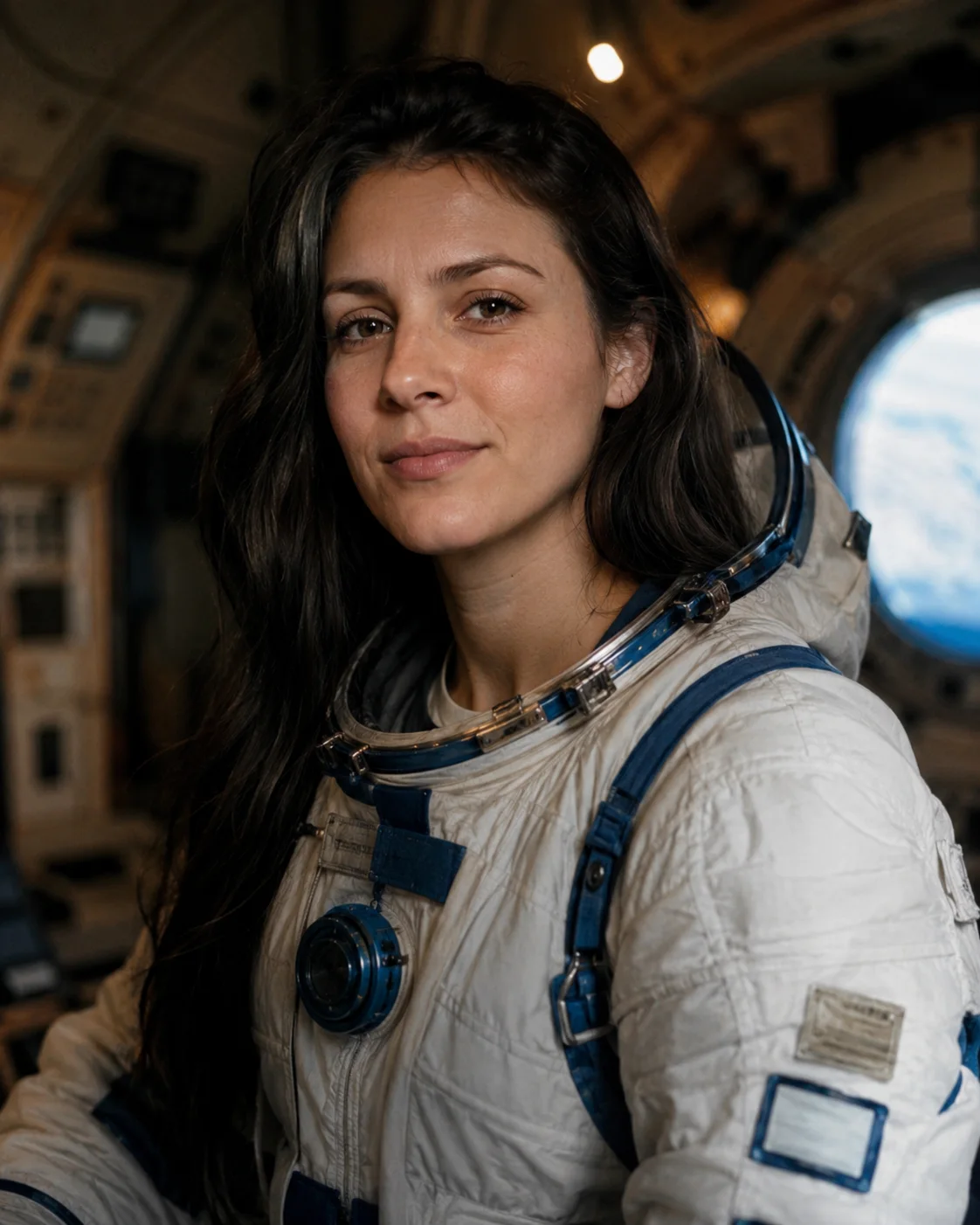
True-to-life physics and stunning motion control
The breakthrough with Alibaba’s Wan 3.0 video generator is its exceptional understanding of real-world physics. It handles complex clothing wrinkles, flowing hair, and fluid eye-movements with unprecedented stability. On SnapVivid, you can draft your concepts using a lighter engine first, then flip to Wan 3.0 to render a masterpiece when you are ready.

See the cost before you generate, download in high quality
Experiment with Wan 3.0 directly through your credit balance. Failed takes don’t cost you credits, and you see the credit cost of each clip before you generate it. High-quality renders contain no watermarks and download immediately in 1080p when you pick it.

Animate a photo or write the scene from scratch
The Image-to-Video tab takes a still you upload — a portrait, a product shot, a character — and sets it in motion. Skip the upload and switch to Text-to-Video to build the whole shot from your prompt alone. Both tabs share the same controls, so you can switch approach without starting over.
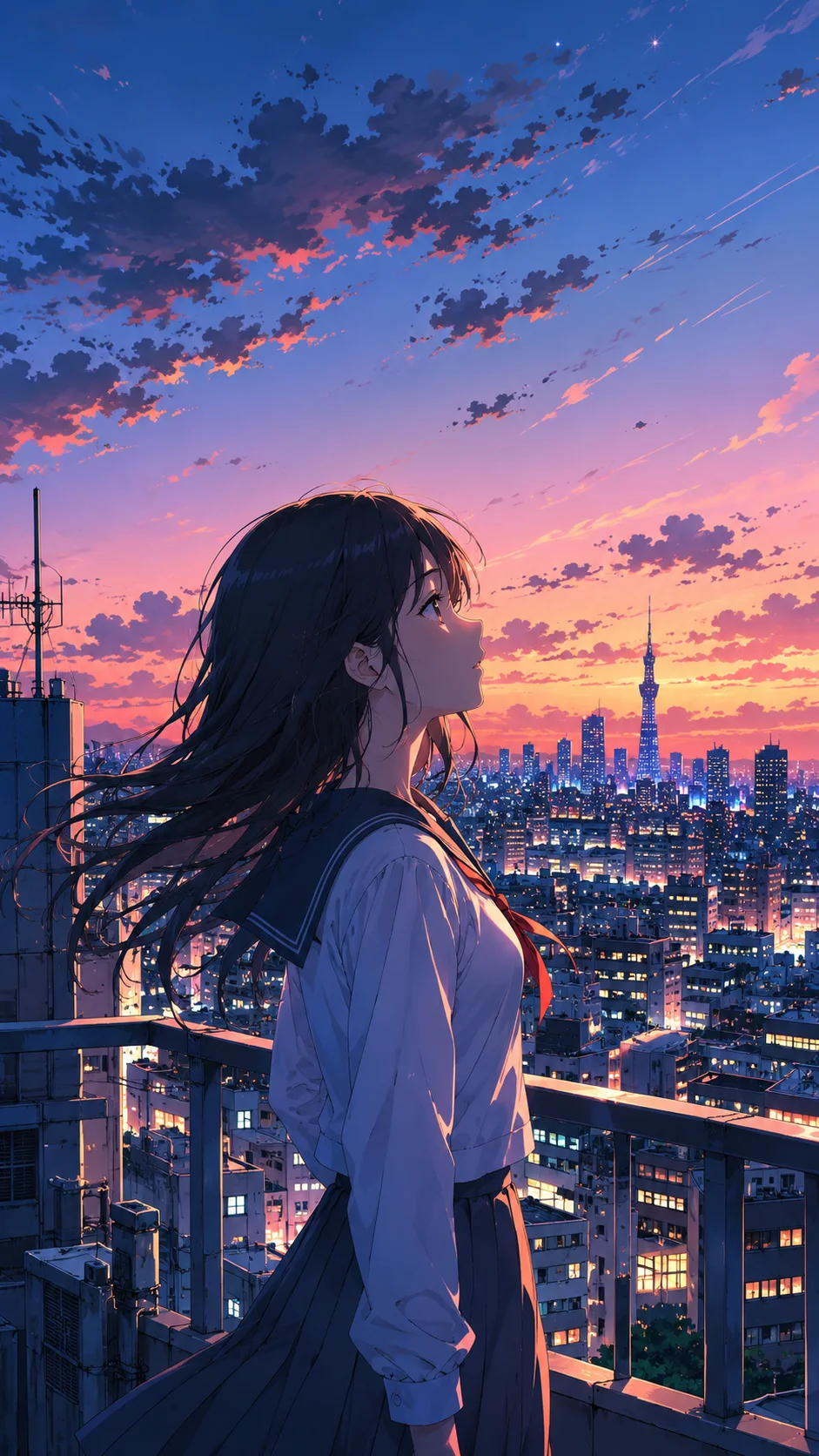
Choose clip length, shape, and resolution
Pick a clip from 5 seconds up to 30 in 16:9, 9:16, or 1:1, so the same idea can become a landing-page loop or a vertical reel. Rough out the motion at 480p or 720p first, then render the final at 1080p. The Generate button shows the credit cost up front, and a failed run refunds its credits.
Wan 3.0 AI Video Generator — specs
What Wan 3.0 AI Video Generator runs on and what you get.
| Model | Alibaba Wan 3.0 (wan3.0-video) |
|---|---|
| Type | Image-to-video + text-to-video |
| Input | Upload a starting photo, or write a descriptive text prompt |
| Clip length | 5s, 10s (selectable) |
| Aspect ratios | 16:9, 9:16, 1:1 |
| Signature strength | True-to-life physics, hair and clothing movement, temporal consistency |
| Output | Watermark-free MP4, clean high-fidelity download |
| Access | Paid video plan; credit cost shown before you generate |
How it works
Three steps from upload to a finished, download-ready result.

Choose Image → Video or Text → Video
Select Image → Video to upload a reference image to animate, or select Text → Video to generate a cinematic clip from a text description.
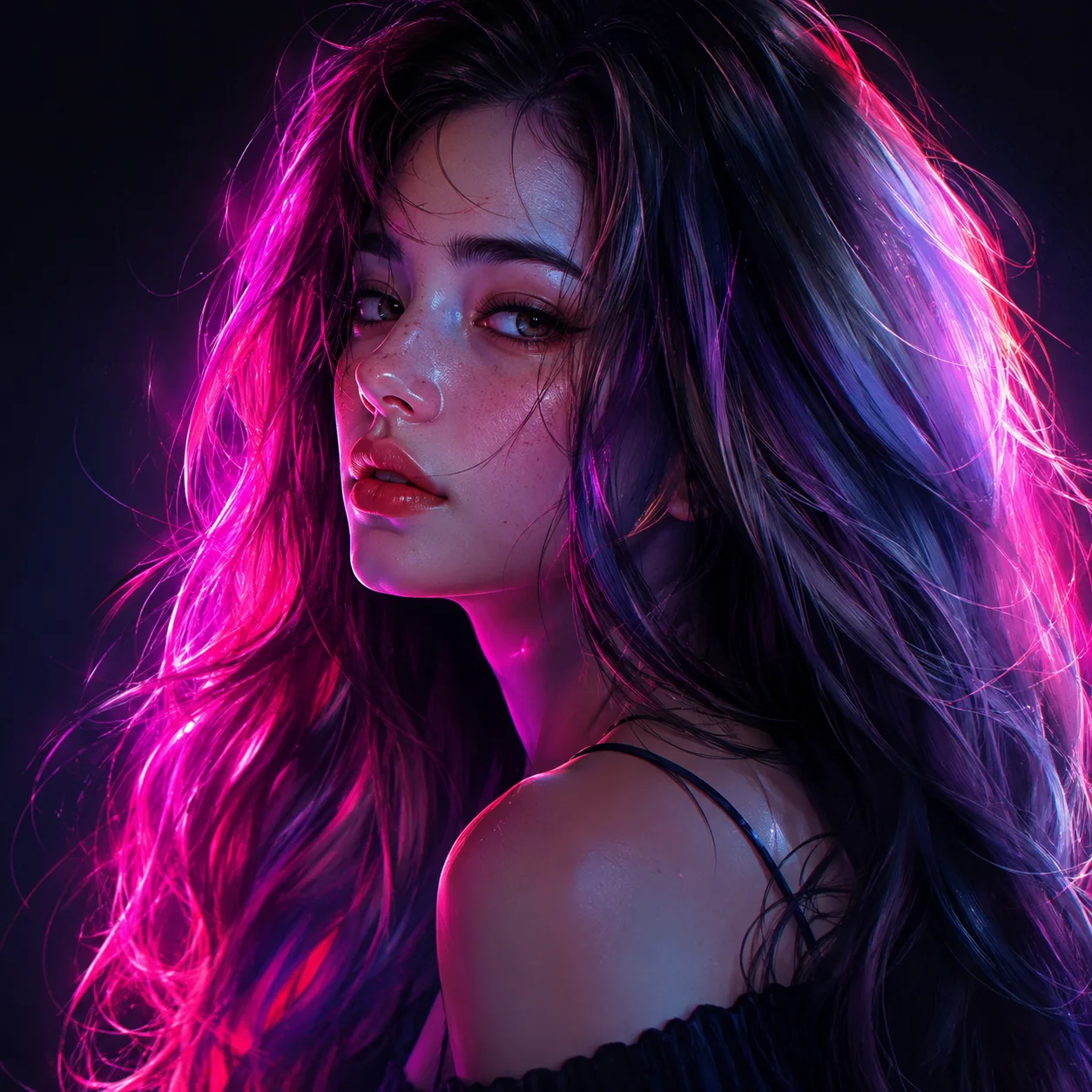
Write your motion prompt
Describe what happens in natural language — “slow orbital pan, soft backlight, wind blowing through hair.” Choose your aspect ratio and leave the menu on Wan 3.0.
Generate & download
Review the credit cost and generate your draft. If the motion is exactly as you wanted, render the high-fidelity watermark-free final output and download.
Made with SnapVivid
Real results — wan 3.0 ai video generator across styles and subjects.
Wan 3.0 AI Video Generator — start in your browser
1 lifetime image credit, no card required. Video runs on a paid plan from $29/month.
Get StartedWhat you can do with it
What people use Wan 3.0 for on SnapVivid, from animated portraits to camera-path tests.
Animate portraits with Wan 3.0
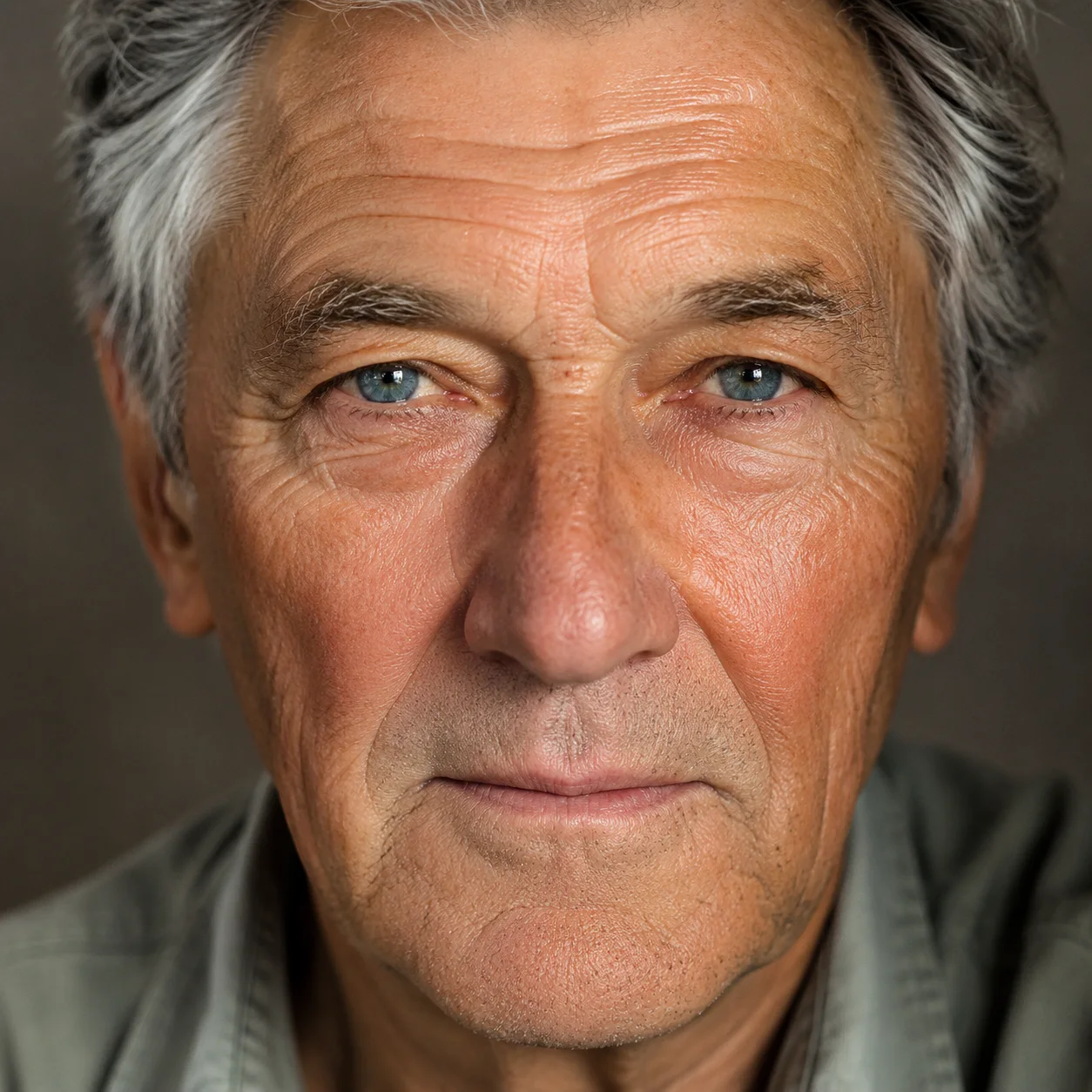
Turn static character portraits or photos into lively clips. Wan 3.0 is exceptionally strong at animating realistic eyes, facial expressions, and clothing physics.
Create dramatic camera paths from text
Describe landscapes, sci-fi scenes, or commercial sets, and let the model establish sweeping camera tracks and realistic environmental physics from scratch.
Produce high-fidelity promotional clips
Format your generated clips as 16:9 for landing page heros, or 9:16 for vertical TikTok/Reels marketing video ads with zero watermarks.
Test camera directions at a lower resolution first
Draft at 480p, which uses fewer credits per second than 720p, to test different prompts and camera moves. Once you have the motion dialled, render the final take at a higher resolution.
More about Wan 3.0 AI Video Generator
Unlike generic platforms that hide their underlying technology, SnapVivid is committed to complete transparency. You select the exact model you want to run from our routing menu. When you choose Wan 3.0, you are calling the actual model studio API, ensuring your prompt benefits from its full 30s capability, high-fidelity physics, and precise compliance. This is video generation without compromise, exposed through a responsive web-app.
The workspace is split into two powerful lanes. Image → Video allows you to upload any reference photo — a product packshot, a digital character, or a portrait — and animate it with professional camera orbits or character movement. Text → Video lets you paint with words, creating whole fantasy environments or cinematic scenes by simply describing them. Both lanes let you configure key output dimensions like aspect ratio and resolution.
Our credit-management model makes experimentation totally friction-free. We believe you shouldn’t pay for the learning curve of writing the perfect prompt. On SnapVivid, failed takes never cost a credit, and each clip shows its credit cost before you generate. Once you are happy with the draft, you only spend credits to render the final 1080p MP4.
Integration is the heart of SnapVivid. You can start by creating a high-resolution base image with our GPT Image 2.5 generator, upscale it, edit specific details, and then move it directly into the Wan 3.0 workspace with a single click. By unifying the entire creative loop under a single dashboard, we enable creators to go from concept to finished moving video faster than ever before.
Related tools
More SnapVivid tools that pair with wan 3.0 ai video generator.

Kling 3.0 AI Video Generator
Run Kuaishou’s Kling 3.0 — SnapVivid’s model-branded video lane. Animate a photo into rich motion, or generate a high-fidelity video clip straight from text. Select Kling 3.0 in the model menu, write your prompt, and preview fluid motion and realistic physics — online, no waitlist.

Seedance AI Video Generator
Make video with Seedance 2.0 — the ByteDance model that powers SnapVivid’s default video engine. Animate a photo into motion or generate a clip from a text prompt, choose a length and aspect ratio, and download a clean, watermark-free result. No region gates, no scattered access — the fastest path to a Seedance clip.
Frames to Video
Turn still frames into a moving clip — with real control over where the motion starts and ends. Drop in a first frame, add an optional last frame, and SnapVivid’s AI generates the in-between motion into a short, download-ready video. Not a slot-machine single-image animate: you direct both ends of the shot.
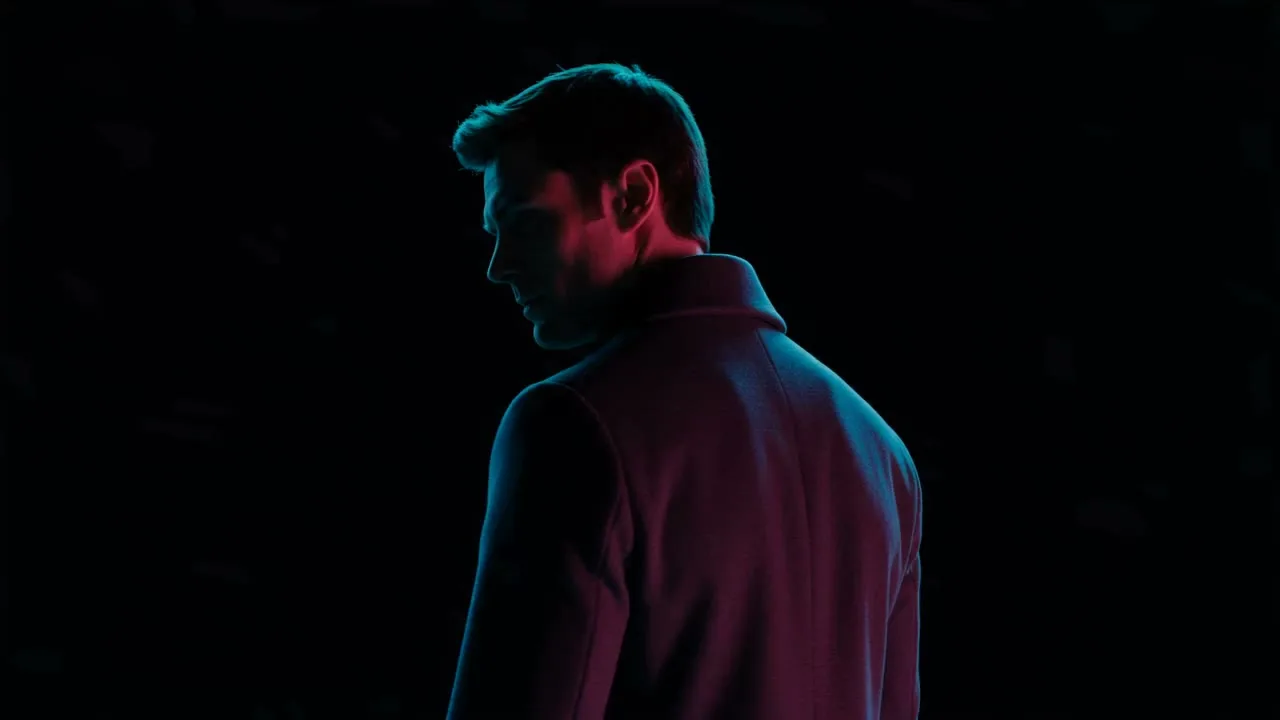
Image & Text to Video
Animate any photo or prompt into a cinematic clip.
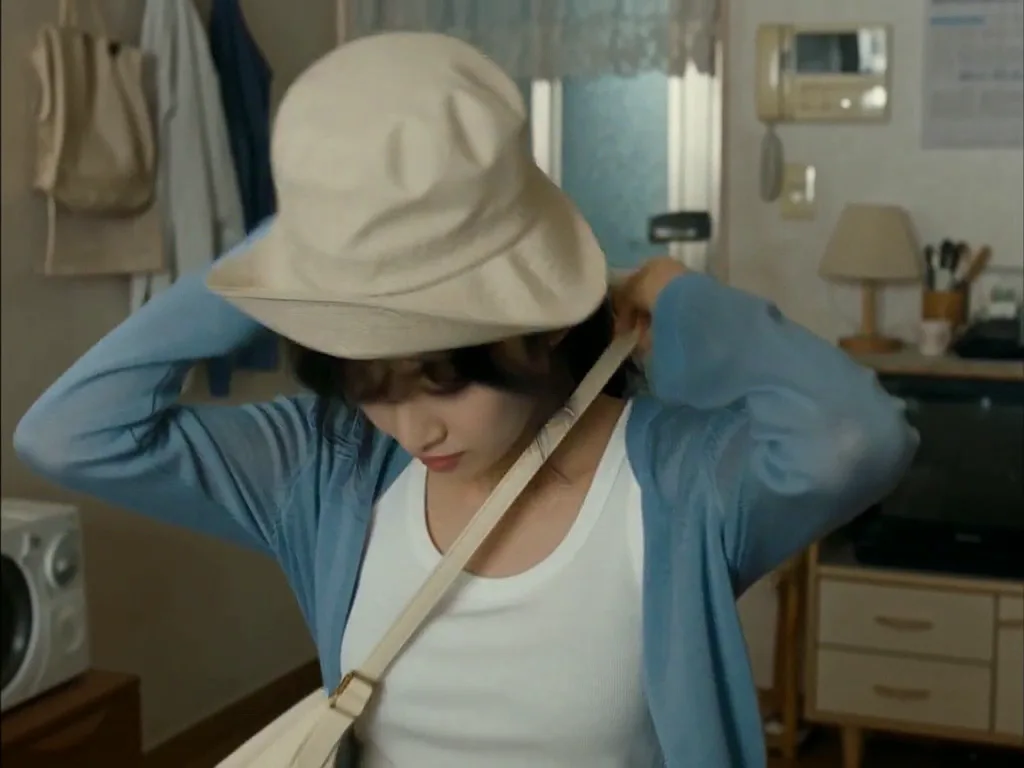
Face Swap
Swap a face into any photo in seconds. Upload a base picture and the face you want, and SnapVivid blends them naturally — matched skin tone, lighting, and angle, with realistic, download-ready results.
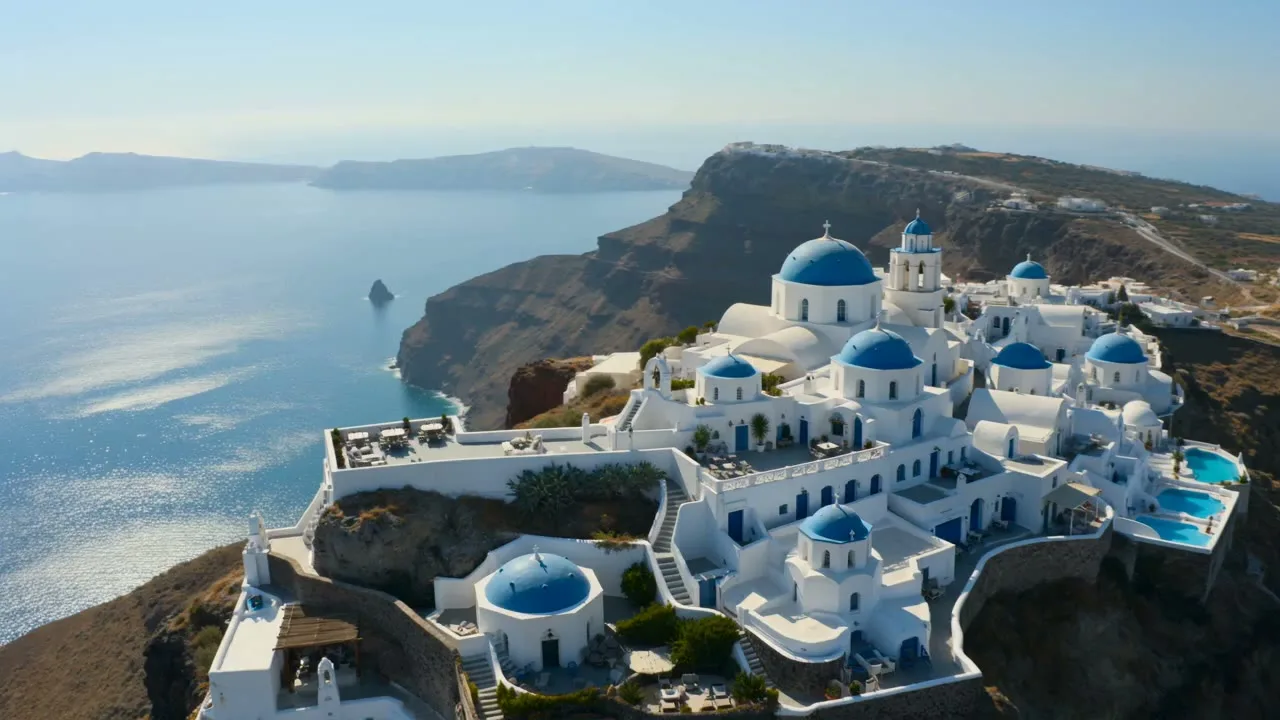
AI Video Promo Maker
Turn your product photos or text prompts into stunning promotional videos in seconds. Generate high-quality promo clips with cinematic camera moves and realistic motion — all online, no watermark to preview.
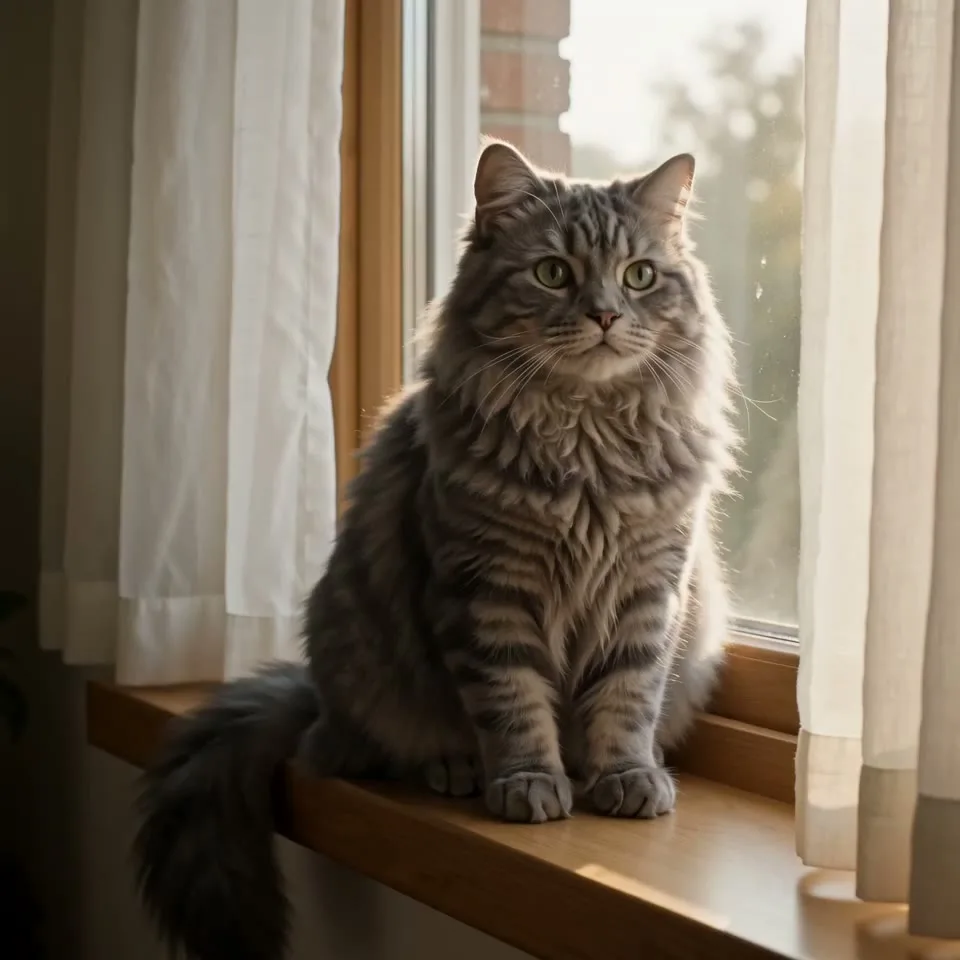
AI Image Generator
Generate and edit images in any style.

AI Video Face Swap
Turn a short clip into a video face swap with a steady, natural-looking result. Upload your video and the face to swap in, then let SnapVivid follow the motion, expressions, and lighting across the whole scene.